

Stringiness on 3D prints is caused by molten filament leaking from the nozzle during travel moves, leaving behind thin, spiderweb-like strands. This occurs when the plastic becomes too fluid due to heat or residual pressure, allowing it to drip across open spaces. It is one of the most frequent quality issues in FDM (Fused Deposition Modeling) printers, where the mechanics of melting and extruding thermoplastics make them naturally prone to oozing.
The article will deconstruct what causes stringiness on 3d prints, how to correct it within minutes without problem-solving, material behavior, and how alternative technologies like resin printing can make the issue disappear completely.
Why Does Stringiness Happen in the First Place?
There are mechanical and thermal origins of stringing. The causes tend to accumulate, and that is why correcting just one setting can hardly resolve the problem.
Heat Makes Filament Runny
The largest contributor to stringing is temperature. The viscosity of the filament becomes greatly reduced when heated beyond the range of optimum printing. Simply put, it gets too runny. Gravity and internal pressure cause even melted plastic that is not extruded to drip out of the nozzle.
Indicatively, there is a general tendency of PLA to print well at 190-205 degC, though when pushed to 215-220 °C, it will cause excessive stringing. PETG and TPU are even more prone to this fact, being sticky in a molten form. A 5 °C decrease is enough to visibly decrease stringiness.
Residual Pressure Causes Oozing
The molten filament within the hotend is pressurized even after it is no longer being extruded, and that pressure is not released immediately. This residual pressure results in oozing when travelling moves, blobs in seams, and fine strings between features.
To counter this pressure, retraction is used, but the retraction rate or distance may not be sufficient to remove all the pressure. Higher flow rates, bigger nozzle diameter, and flexible filament are even further causing higher residual pressure and a higher likelihood of stringing.
Movement Pulls Melt into Threads
The nozzle leaks filament unless the pressure is in the right way, even with no extrusion being intended. Stringing. This molten material is stretched into thin strands when the nozzle travels, resulting in visible strings. Still, movements and longer travel paths and models which contain sharp edges, or are isolated pillars, textings, or consist of more caused separate features, making stringing more apparent.
What Is the Fastest Way to Fix Stringiness without Guessing?
The controlled and step-by-step method is the fastest method of fixing stringing by removing the root causes in the right sequence.
Dry Filament Before Tuning
Humidity greatly contributes to stringing problems. A high number of filaments, particularly PETG, TPU, Nylon, and PC, absorb air moisture, leading to uncontrolled oozing during heating. When setting up tuning, always ensure that the filament is thoroughly dry, and then, should you adjust any settings with regard to temperature or retraction, since tuning with wet material gives wrong results.
Tune Temperature Before Retraction
Optimization of the temperature must be done initially before tweezing retraction parameters. The decrease in nozzle temperature enhances the viscosity of melts and decreases passive oozing, and enhances the effect of retraction. A temperature tower experiment is used to determine the lowest temperature at which the layers remain well bonded, but this experiment is normally set in 5 degC steps until the quality of the extrusion starts to decline.
Test Retraction with One Change
After optimization of temperature, retraction settings can be adjusted to minimize stringing. The main parameters are retraction distance and speed that should be adjusted separately with the help of a special stringing test model. Over-retraction may lead to heat creep, nozzle blockage, and under-extrusion; proper balance is vital for reliable results.
Optimize Travel After Stability
The travel settings should not be adjusted until the temperature and retraction become constant. Comb mode, perimeter-crossing avoidance, limited Z-hop, and higher travel speed are some features that are useful in reducing string formation by shortening oozing time. Nonetheless, overly fast traveling speed can add ringing or skipped steps, so it is worth modifying.
Check Flow and Hardware Last
The last step in solving stringing problems should be hardware and flow calibration. Uncontrolled extrusion may be caused by a variety of issues, including worn or oversized nozzles, carbon deposition, leaky heat breaks, non-aligned filament routes, and so on. Flow rate must not exceed about 100% because excessive extrusion raises pressure, causing more stringing despite the proper retraction controls.
What Does Stringiness Look Like and When Does It Happen?
Visual patterns of the stringing allow one to recognize its cause more speedily.
Hairs Form Between Separated Features
This widespread shape of the stringing takes the shape of thin strands of spider-webs between the separated features, like towers, holes, or text. It occurs when the molten filament splurts out of the nozzle during travel moves and gets drawn into threads, which is usually caused by excessive temperature, lack of retraction, or water within the filament.
Oozing Appears at Pauses and Seams
The oozing at pauses and seams presents in the form of tiny dots or wisps where the printer pauses or switches layers. It is due to residual pressure in the nozzle and misplaced retraction, which regularly results in visible seam marks and uneven restarts of extrusion.
Travel Moves Trigger Most Strings
In instances where stringing dominates in travel moves, a cause of retraction, nozzle temperature, or travel optimization problems is identified. In such motions,the leaked molten filament is drawn in a fine thread, and the action of the printer will at once make the reason plain.
Which Materials Help Reduce Stringing?
Stringing behavior is largely influenced by material choice. There are natural forgiving materials, and there are those with tough environmental and parameter control.
PLA Strings Less
PLA is the simplest to print and generates the minimal level of stringing under standard circumstances. PLA is usually the most forgiving filament for stringing, but blends can behave differently, check this PLA vs PLA+: A Complete Guide explains what changes in flow, toughness, and tuning windows.Filament strands do not stretch but snap due to their low elasticity and low printing temperature, which allows solidification to occur quickly. This causes PLA to be particularly beginner-friendly, since any fine strings that do form are thin and can be removed easily.
PETG and TPU String More
PETG and TPU are likely to be strangled by their material characteristics. PETG is sticky at high temperatures, and it needs more heat to melt, whereas TPU's flexibility and elasticity do not allow easy clean breaking and aggravate oozing. It is important to use dry filament, controlled temperatures, and tuned retraction settings to actually print these materials successfully.
Nylon and PC String Easily When Damp
Nylon polycarbonate is very hygroscopic, and it takes moisture easily out of the air. Even small exposures result in the serious stringing, surface bubbling, and failure of mechanical properties. They must be dried before printing or printed in a dry environment to ensure the quality of the print.
Resin Avoids Nozzle Stringing for Fine Details
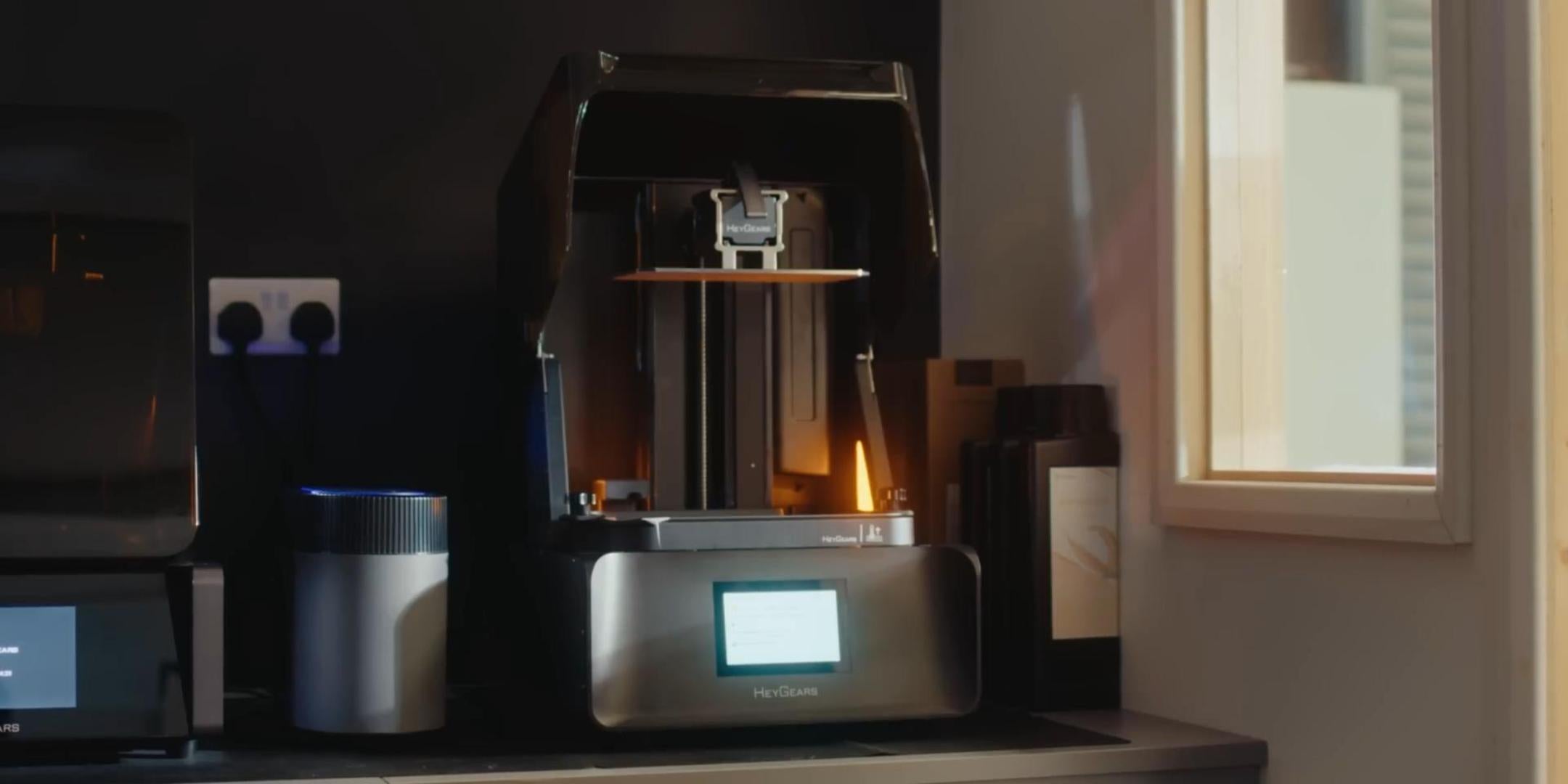
Unlike FDM printing, resin printing does not have a molten spare material flowing out of a nozzle or requiring stringing up and moving anywhere. There is no nozzle extrusion and hence no nozzle retraction tuning is needed, thus enabling ultra-fine details to be made without stringing artifacts. One might point out UltraPrint-Production PAP10 Precise Detail Resin, which is used with miniatures and delicate parts.
Key Advantages:
-
Diameters of pillars as small as 0.1 mm.
-
Dark contours and sharp edges.
-
Value out of range in +-0.05 mm.
-
No fine-structure string between tight features.

This resin offers a dependable substitute to models in which stringing would cause detail to be lost, e.g., miniatures, lattice patterns, and micro-features.
FAQ
How Close to Zero Can Stringing Get?
Almost zero, often to the point you won’t see it, but not reliably true zero on FDM for travel-heavy prints. That’s because a tiny amount of melt can still ooze during non-print moves. If you need string-free results by design, consider resins.
Is It Stringing or Bridging Wisps?
Bridging wisps are where the distance between the filaments is very slight on unsupported distances. Stringing comes about as a result of non-extrusion travel moves. When there are strings between distinct segments, then it is stringing--not bridging.
Why Does Stringing Worsen in Humid Weather or Storage?
Moisture absorbs filament moisture. When the filament is moist, the filament oozes and expands when heated, and as a result, stringing is extremely difficult even with the same settings as before.
Why Is Stringing Worse on Multi-part Prints?
Multi-part prints involve increased travel moves. The more you travel, the more you have a chance to oozing and form threads and stringing, which is made more visible.
Why Does Stringing Increase When the Nozzle is Worn or Dirty?
A carbon-coated or worn nozzle will produce an uneven flow with molten plastic being trapped at the tip. This augments the creation of droplets and exacerbates the stringing.
Conclusion
Then what causes stringiness on 3D prints? Nothing is ever that simple. The outcome of the nozzle interaction between temperature, pressure, material default, moisture, and motion is called stringing. To repair it, one will need to repair it based on the following sequence: dry filament, temperature, and retraction, followed by motion optimization. Tuning can significantly decrease stringing with FDM printing. However, where the gray lines are ultra-clean and the print cannot be compromised, resin printing eliminates the issue. If you’re debating whether to switch, see resin vs filament 3D printer.
Share:
How Much Is a 3D Printer in 2026
3D Printed Toys: 15 Best Creative Ideas and Step Guide