

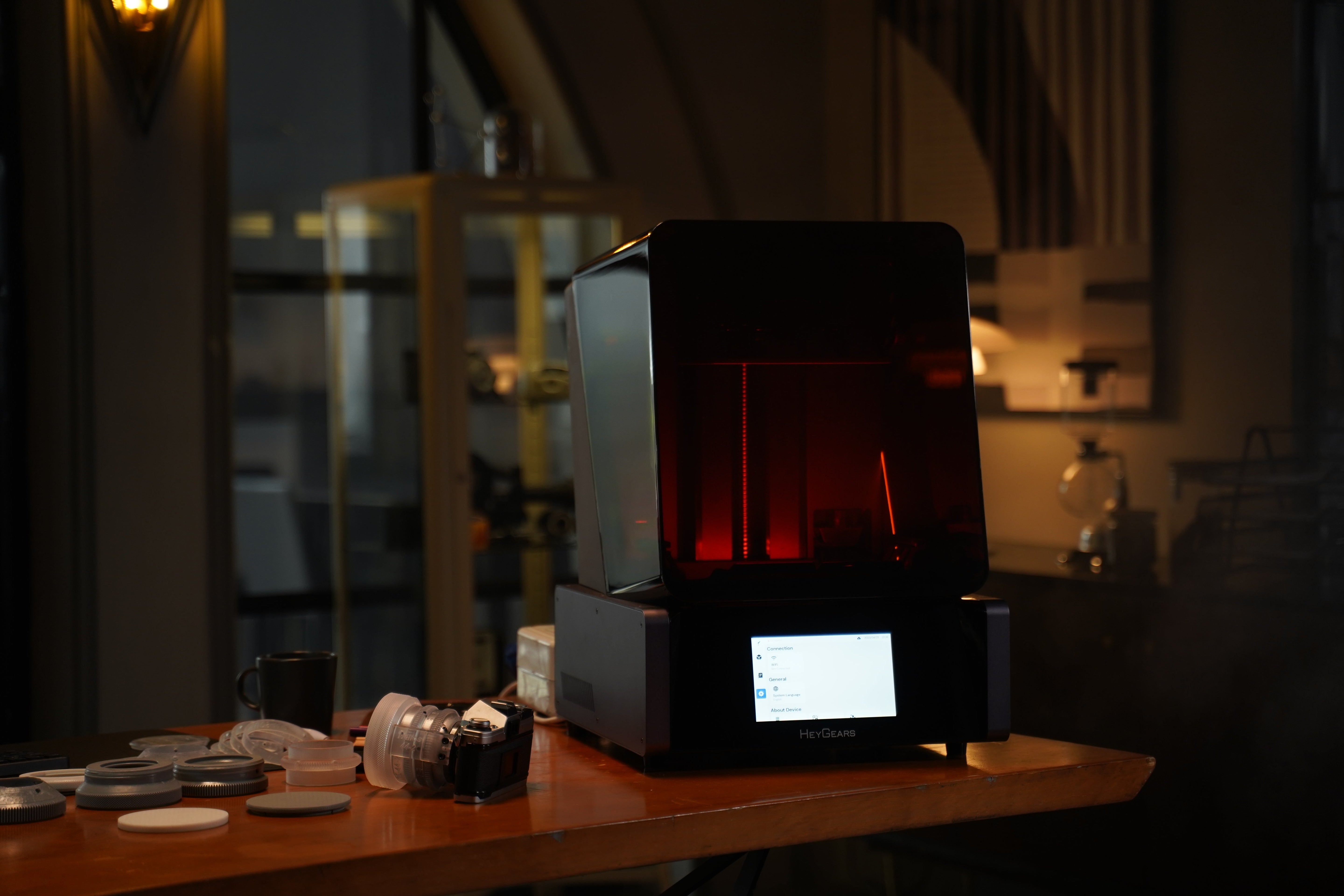
The decision between SLA vs. SLS 3D Printing can be confusing when two technologies are offered in widespread use by professional prototyping and production. SLA and SLS have very dissimilar ways of operating and provide various surface qualities, as well as having different user demographics.
This guide explains both SLA and SLS, puts them one against the other, and gives workable options to those who wish to achieve professional outcomes without industrial complexity.
What Is SLA 3D Printing?
SLA (Stereolithography) 3D printing is a process that uses a UV light source to cure liquid photopolymer resin into solid layers. While the term "SLA" originally referred only to laser-based systems, it now encompasses two primary technologies: Traditional Laser SLA and MSLA.
Traditional SLA: These machines use a high-precision, focused laser beam to cure resin on a point-to-point basis, "drawing" each layer scan-line by scan-line.
MSLA (Masked Stereolithography): This is a modern variant that uses an LCD mask to block light from an LED array, allowing it to treat a complete layer at once.
Comparison of SLA (Traditional) vs. MSLA (LCD-based)
|
Attribute |
Traditional SLA (Laser-based) |
MSLA (LCD-based) |
|
Light Source |
High-precision Laser Beam: Directed by a galvanometer system to scan the resin surface. |
LED Array: A uniform UV light source located at the base. |
|
Curing Mechanism |
Point-to-point: The laser "draws" each layer scan-line by scan-line. |
Complete layer at once: An LCD screen acts as a mask (masking) to cure the entire layer in one flash. |
|
Printing Speed |
Slow: Build time increases with the number of parts and the total surface area to be scanned. |
Fast: Build time is independent of the number of parts; it is determined solely by the number of layers. |
|
Surface Finish |
Superior: Continuous laser paths create smooth curves with no visible pixelation. |
Good: Surfaces may show slight pixelation (voxel lines) depending on the LCD resolution (e.g., 4K/8K). |
|
Core Limitation |
Low Efficiency: Highly inefficient for large batches or parts with massive cross-sections. |
Consumable Hardware: The LCD screen is a consumable part with a limited lifespan (approx. 1000-2000 hours). |
|
Main Application |
Industrial prototypes require maximum smoothness and mechanical precision. |
Mass-market dental models, miniatures, and rapid functional prototypes. |
Choose Traditional SLA if you prioritize surface perfection and industrial-grade reliability, as its point-to-point laser is unbeatable for flawless finishes.
Choose MSLA if you prioritize efficiency and ROI. Its "layer-at-once" mechanism overcomes the slow scanning bottleneck, making it the practical winner for 90% of modern batch applications.
What Is SLS 3D Printing?
SLS, also known as Selective Laser Sintering, is a powder-based 3D printing process that is usually applied in industry and the production sphere.
It involves the fusion of powdered materials (usually nylon) in layers with a high-powered laser. The area of the unfixed powder aids the part in the printing process, and this removes the necessity of support structures. After printing, the unused powder is removed and reused.
Advantages of SLS include:
-
It forms tough, strong components exhibiting great mechanical qualities.
-
They do not need any support structures and can have complex geometries.
-
It suits batch production and end-use components very well.
Limitations of SLS include:
-
Machines are costly and expensive for hobbyists.
-
Handling and maintenance of powder is more complicated.
-
Surface finish is grainy compared to SLA and often requires post-processing.
SLA vs. SLS 3D Printing: Key Differences
The two technologies are highly regarded, although they fulfil very different purposes.
Surface Finish and Detail Quality
SLA provides a better finish on surfaces and fine details, and is used in visual prototypes, miniatures, and medical models. The SLS surfaces are rough and can be used as functional and industrial components.
Support Structure Requirements
SLA needs overhang and complex shape support structures, which are taken away post-printing. SLS requires no support since the powder bed forms an automatic support for the part.
Material Properties and Durability
SLS components are normally tougher and have a higher impact resistance. The parts of SLA may be brittle except when engineered resins are applied, and it has a highly accurate and smooth finish.
Cost and Equipment Threshold
SLA printers come in a variety of low-cost desktop printers, all the way to professional systems. SLS printers are much more costly and are common in the industrial world.
Production Efficiency and Batch Printing
SLS can be used very effectively in batch production, as a number of parts can be layered in the powder bed. SLA is more effective in small-batch or high-detailed work.
Typical Application Scenarios
Some of the common uses of SLA include how to make resin 3D printed jewelry, creating stunning architectural models, and crafting lifelike animals. SLS excels in functional prototypes, mechanical components, and low-volume production.
Comparison Table
SLA vs. SLS 3D Printing is simply a question of precision and durability. SLA is superior in detail, surface quality, and SLS is superior in strength and scalability in production.
|
Feature |
SLA 3D Printing |
SLS 3D Printing |
|
Printing Method |
Uses liquid resin cured by light (laser, LCD, or DLP) |
Uses laser to fuse powdered material |
|
Surface Finish |
Very smooth with high detail |
Slightly rough, grainy texture |
|
Support Structures |
Required for most overhangs |
Not required due to powder support |
|
Material Strength |
High accuracy but can be brittle without engineering resins |
Strong, durable, and impact-resistant |
|
Post-Processing |
Washing and UV curing are needed |
Powder removal and cleaning are required |
|
Production Volume |
Best for prototypes and small batches |
Ideal for batch production |
|
Equipment Cost |
Desktop-friendly and more affordable |
Expensive, mostly industrial |
|
Typical Use Cases |
Miniatures, dental, jewelry, visual prototypes |
Functional parts, enclosures, production components |
SLA vs. SLS 3D Printer: How to Choose the Right One?
The decision between these technologies lies in what you want to accomplish and not in which one is better.
Define Your Primary Use Case
SLA is preferable if your job needs fine details and visual quality. In case strength and functionality are more important, SLS would be a good investment.
Evaluate Required Mechanical Performance
In the case of load-bearing or snap-fit parts, SLS is stronger. Functional components can still be functionalized using SLA with tough or engineering resin.
Consider Part Geometry and Design Complexity
The support-free printing facilitates the production of relatively difficult internal geometries through SLS. SLA needs orientation and support planning.
Assess Production Volume and Scalability
SLS is production-friendly. SLA is optimal in prototyping and small batches. SLS also encourages high density nesting with a large quantity of parts being printed together without structures. SLA is optimally scaled when accuracy in detail and high design iteration are priorities as opposed to raw output volume.
Review Budget and Operating Constraints
SLA systems are much easier to access by individuals and small businesses. SLS is associated with increased equipment, maintenance costs, and material costs.
Account for Post-Processing and Workflow
SLA involves washing and drying, and SLS involves letting go of the powder and cleaning it off. Workflows are different in both.
Match Industry Requirements and Standards
The dental, medical, and design sectors tend to use SLA in the pursuit of superior accuracy, whereas manufacturing tends to use SLS.
Alternative 3D Printing Solutions for Makers
The sweet spot for many users is professional SLA-style results without industrial complexity.
The Reflex RS 3D Printer is a desktop LCD/MSLA resin 3D printer that is speedy, precise, and effortless to use. It features a 29.7 μm XY native pixel size, optional smart resin heating and temperature control, and faster printing enabled by Dynamic Motion Algorithm 3.0, delivering SLA-level detail while remaining beginner-friendly. It is suitable for miniatures, jewelry, dental study models for prototype verification, and detailed prototypes.
The Reflex 2 Pro 3D Printer is focused on production-level consumers. It suits batch production and high-performance applications like 3D printed shoes due to its increased build volume, 1032-zone OptiZone light engine, and 6,000+ hour Amber Screen Pro. It promises consistency and reliability and closes the gap that exists between desktop SLA and industrial systems.

Top Tips When Using 3D Printers
Regardless of what type of technology you use, knowing how to set up the technology correctly, manage materials effectively, and follow best practices of the workflow will make you get more consistent results, fewer failures, and increase the life of the printer.
SLA 3D Printing Usage and Operation Tips
SLA printing encourages both accuracy and consistency, hence an effectively managed working flow translates to a noticeable change in the quality of print and reliability of parts.
-
Ensure proper ventilation and wear protective gloves when handling liquid resin to maintain a safe working environment.
-
Calibrate the build platform regularly to avoid layer shifting and adhesion issues during long prints.
-
Always use manufacturer-recommended resin profiles to achieve accurate exposure times and dimensional accuracy.
-
Perform thorough post-curing under UV light to improve part strength, stability, and long-term durability.
SLS 3D Printing Usage and Operation Tips
SLS printing is aimed at managing the materials and process control when working with repeated or large batch operations.
-
Monitor powder condition closely and refresh used powder as needed to maintain consistent mechanical properties.
-
Check and maintain laser calibration to ensure uniform sintering across the entire build area.
-
Plan efficient part nesting to maximize build volume usage and reduce powder waste.
-
Allow parts to cool gradually inside the powder bed to prevent warping and internal stress.
FAQ
Does SLS Use Infill?
No. SLS has solid component printing, and strength is controlled by shape, not infill patterns. The infill structures are often not necessary since the part is supported by the surrounding powder during printing.
Is SLA Resin Toxic?
Uncured resin can be irritating. Proper handling, use of gloves, and ventilation are suggested. When totally cured after post-processing, SLA resin components are usually harmless in most situations.
What Software Do You Need for SLA and SLS Printing?
Both usually use dedicated slicers. SLA often supports third-party slicers, while SLS relies more on exclusive software.
Are SLA Prints Waterproof and UV Stable?
They can be waterproof, although exposure to UV in the long run may lead to yellowing unless resists that are resistant to UV are employed.
Which Has Higher Printing Accuracy, SLA or SLS?
SLA normally provides more accuracy and detail. It’s laser or masked light curing process enables layers to be resolved more finely, and offers a finer surface finish than SLS, particularly on small and complex features.
Why Does SLA Printing Require Support Structures?
Since liquid resin cannot support overhangs during printing, it requires supports to ensure a high level of accuracy in shape.
Conclusion
Comparing SLA vs. SLS 3D Printing, the correct decision depends on the priorities. SLA has unmatched surface quality and accuracy, whereas SLS has strength and efficiency in production. To most makers, resin 3D printers provide the most reasonable compromise since they can achieve a level of professional SLA quality but are not as expensive and complex as industrial SLS printers. The best decision will always be achieved by understanding the use case, budget, and workflow.
Share:
How to Get Resin off Hands? Effective Methods You Need to Know
How to Clean 3D Printer Nozzles: Ways and Steps