

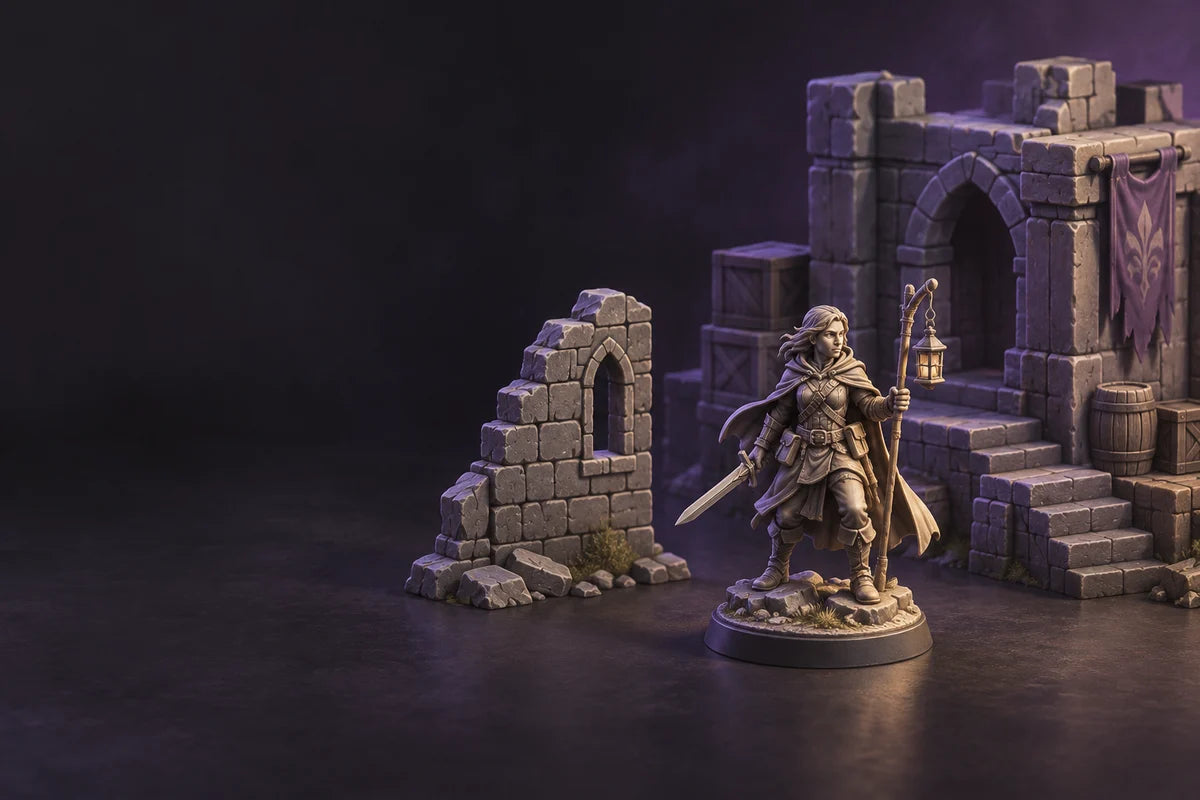
 AI-generated concept illustration; these objects are not photographs or test prints from either process.
For tabletop miniatures, resin is often the stronger candidate when the file’s value depends on tiny sculpted details, while FDM can be a better fit for larger terrain and models where a filament workflow suits the job. But “resin vs FDM” is most useful when you compare the same miniature file at its intended scale, inspect its supports and fragile features, and account for the finishing work you can actually do.
That file-level comparison helps avoid a common mismatch: choosing a printer from a general technology ranking, then discovering that a particular pose, weapon, base, or cleanup requirement changes the answer. Use the process below to decide which parts belong on which machine—and when a mixed tabletop setup makes sense.
 The callouts identify features to inspect in your own scaled model; they do not prescribe a universal support layout.
1. Pick one file and define what “good” means
Start with a model you have permission to print and a scale you would use on the table. Check the model’s license and file notes first; scale changes can make fine lines disappear or thin parts harder to handle. Write down the parts of the model that matter most: a face, armor pattern, small emblem, staff, sword, banner, cloak edge, base, or the ability to stand up to repeated handling.
Separate visual priorities from practical ones. A display figure judged close-up may need clear small features and a surface you can paint without losing detail. A rank-and-file figure viewed at arm’s length may not need every sculpted groove to remain visible. A terrain piece may instead be valued for its overall shape, footprint, assembly, or how many sections you can make for a table.
Make those priorities explicit before comparing machines. “Better detail” is not a decision unless you know which details you need to see on the finished model.
2. Inspect the same STL through each process’s constraints
An FDM 3D printer builds parts by depositing lines of softened filament. Its ability to reproduce small features depends in part on nozzle size, the selected profile, orientation, and the model’s geometry. A resin 3D printer cures photopolymer in layers; small sculpted features may be a better fit for resin, but the result still depends on the specific printer, material, preparation, and finishing. These are general process differences, not guarantees about every machine. A manufacturer’s FDM-versus-SLA comparison explains the broad mechanisms, but its specific sample parts and SLA hardware should not be treated as RS Turbo test data.
In the slicer or preparation tool for each candidate, use the same scale and inspect the features you named:
- Face and engraved detail: Zoom to the intended viewing scale. Check whether lines, recesses, and small raised features remain distinct in the sliced preview; where available, compare a sample produced with a stated printer, material, and profile.
- Thin weapons, fingers, and banners: Check whether the part is represented as printable geometry at the chosen scale and whether handling or support removal could damage it. A slicer preview cannot prove a part’s strength.
- Cloaks, arms, and undersides: Look for areas with no material beneath them in the chosen orientation. FDM tools can flag overhangs and generate supports; resin support placement also needs review. Rotate the model and inspect the preview rather than relying on one “best angle.”
- Base and assembly: See whether the base fits the available area, whether the design should be split, and whether support contact or cleanup will affect the visible rim or attachment points.
The Prusa Knowledge Base explains that unsupported overhangs may sag or fail in its FDM workflow, and that changing orientation or splitting a model can reduce overhangs and supports. Its support settings and model-specific examples apply to PrusaSlicer and supported Prusa systems, so use the corresponding documentation for other slicers. For either process, treat support placement as a tradeoff: supports can make a geometry printable, while their contact surfaces can need cleanup.
3. Compare support marks where the eye will notice them
On a miniature, the important question is not simply how many supports a slicer creates. Ask where those contacts land. A support scar on the back of a cloak may be easier to hide than one across a face, shield emblem, or smooth visible edge. A surface can also need support without being a good place to leave a mark.
Make a small “protect / acceptable / hidden” map on the model preview. Mark the face, focal symbols, and other must-preserve surfaces as protected; identify undersides and hidden assembly faces as possible contact areas; leave anything uncertain for a closer preview. Then inspect where each slicer places supports and whether the orientation moves contacts toward less visible areas without creating unsupported regions elsewhere.
FDM supports can leave roughness on the surfaces they touch, and removal can require trimming or sanding. Resin supports can also leave contact marks and may require careful removal. Formlabs’ miniature guidance discusses support marks and finishing for its own SLA process; its low-force support behavior and workflows should not be generalized to every resin machine. For more detail, see the vendor’s miniature printing and support guidance and Prusa’s support-material documentation.
If either preview puts contacts across a critical feature, test another orientation or split the model if its design and assembly allow it. Do not treat an automatically generated support layout as a final quality check.
4. Include cleanup and finishing in the comparison
The two routes ask for different work after printing. FDM prints do not need liquid-resin washing, but supports, brims, seams, or visible layer texture may need trimming and surface preparation. Resin prints require the material-specific wash, drying, and any required post-cure steps; supports and contact points also need careful handling. Follow the chosen resin’s current SDS/TDS and printer/material instructions. Do not copy wash solvents, times, cure settings, or support-removal order from another resin system.
Before deciding, ask yourself:
- Do I have a suitable area and materials-handling routine for resin, including the PPE and ventilation stated by the selected material’s documentation?
- Am I willing to wash and finish every resin part, even when the print itself looks clean?
- Would FDM’s support cleanup or surface preparation be acceptable on this sculpt at the scale I intend to use?
- Will the model be handled often enough that the selected material’s stated mechanical properties matter? Check the exact filament or resin data; “resin” and “plastic” each cover materials with different properties.
Formlabs’ SLA post-processing overview describes washing, drying, curing, and support removal for Formlabs SLA systems; it is useful background for the resin workflow but does not establish settings or sequence for other manufacturers’ materials.
5. Decide model by model, then plan the tabletop set
Use this practical comparison for the file you reviewed:
| If the file’s priority is… | First route to evaluate | What to verify before choosing |
|---|---|---|
| Fine facial features, engraved armor, or small sculpted texture | Resin | Comparable detail at the intended scale, support-contact placement, material-specific finishing, and safe workspace |
| A large wall, broad base, modular terrain, or many bulky pieces | FDM | Build area, orientation, overhang supports, seams, and surface preparation at the planned scale |
| A thin weapon, delicate banner, or protruding part | Either process; compare the actual file | Printable geometry, orientation, supports, and whether the material/profile suits handling |
| A mixed table of close-up figures and large terrain | Potentially both | Whether two processes and their separate materials, software, and cleanup workflows are practical for you |
This table is a shortlist, not a universal technology ranking. File geometry, printer model, resin or filament, profile, and finishing can change the outcome. Where the result matters, print or obtain a legitimate sample of a representative model and inspect it at the distance and finish you care about. If the samples use different files or undisclosed settings, treat them as examples—not a controlled comparison.
For a complete tabletop set of 3D printed miniatures and terrain pieces, divide the workload by the object rather than forcing every part through one process. Fine character figures may justify resin’s extra material-handling steps; a large terrain system may be more practical in FDM; some pieces can go either way after a same-file preview. If using two processes adds more setup and cleanup than you want, simplify the set around the workflow you can maintain.
Where the RS Turbo fits
If your comparison points toward resin for high-detail miniatures, the HeyGears RS Turbo is one candidate to assess against the same file and workflow checks. Its current product page lists LCD (MSLA) technology, a 29.7 μm native XY pixel size, floating-screen auto leveling, and automatic resin refill. The page also lists Open Material Mode for compatible third-party UV-curable resins, which requires selecting and validating the material settings. Automatic heating requires the separately purchased RS Heated & Pulsing Release Resin Tank. These are manufacturer-listed features and conditions, not evidence of a side-by-side print result for your STL.
For broader detail, model-type, workspace, and cost tradeoffs, see HeyGears’ resin-versus-FDM tabletop miniatures guide.
A decision you can defend
For each important STL, compare what the preview can show, what a representative sample can confirm, and what your finishing area can support. Choose resin when its detail potential is valuable enough to justify its wash-and-cure workflow; choose FDM when its fit for the larger or simpler model and its cleanup tradeoffs better match the job. Use both when the table genuinely contains different workloads and maintaining two processes is practical.
That is a more useful answer to “resin vs FDM for miniatures” than a blanket winner: choose the process that preserves the features you care about, supports the model’s geometry, and fits the making routine you can sustain.
Share:
Best Resin 3D Printer for Miniatures: What Makes a Printer Stand Out in 2026?