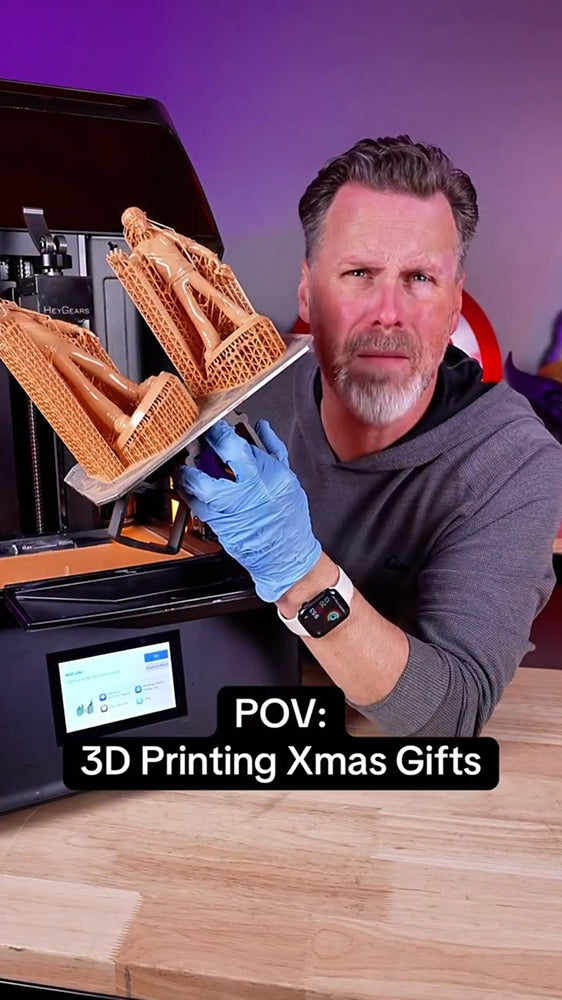
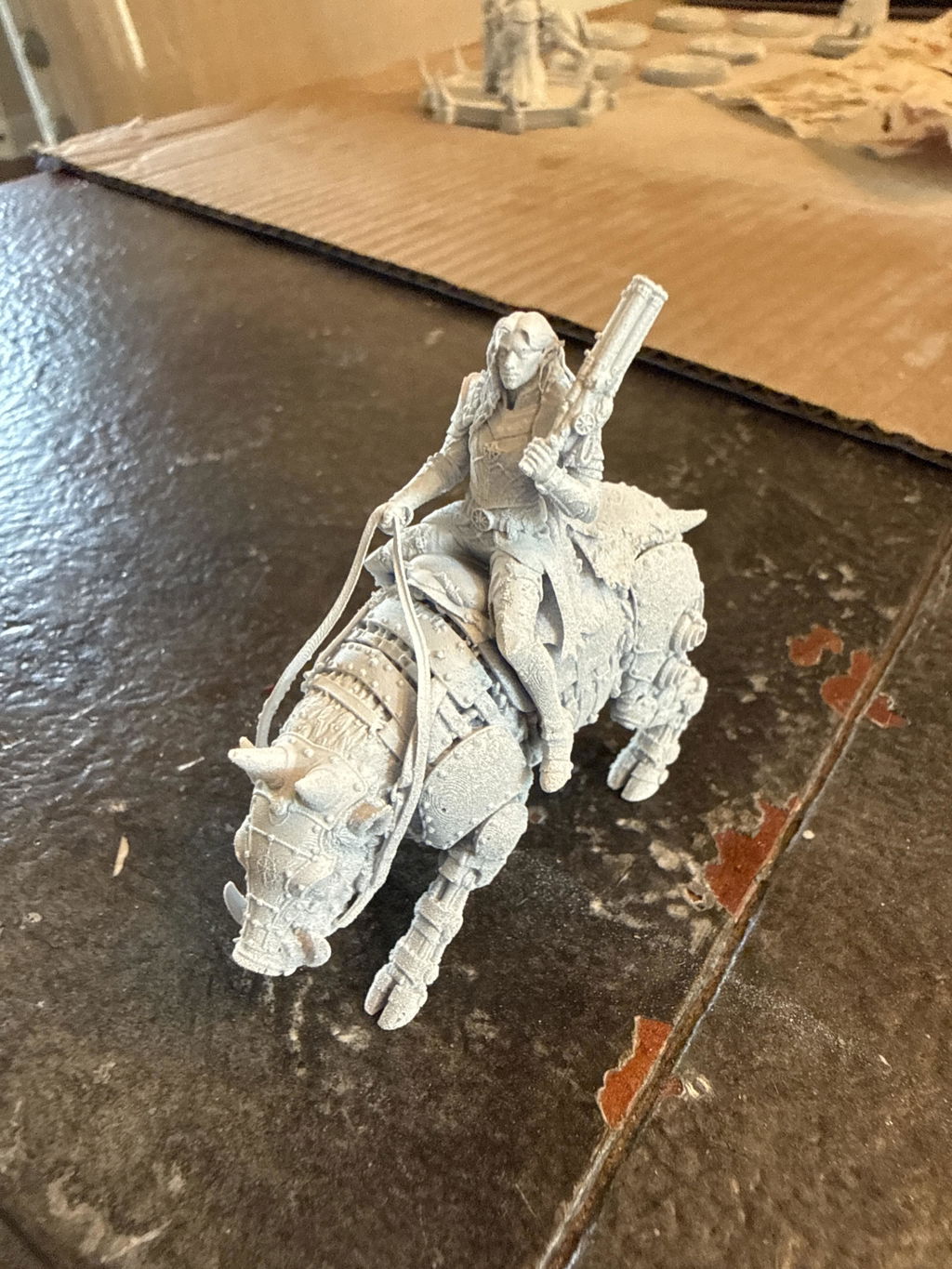
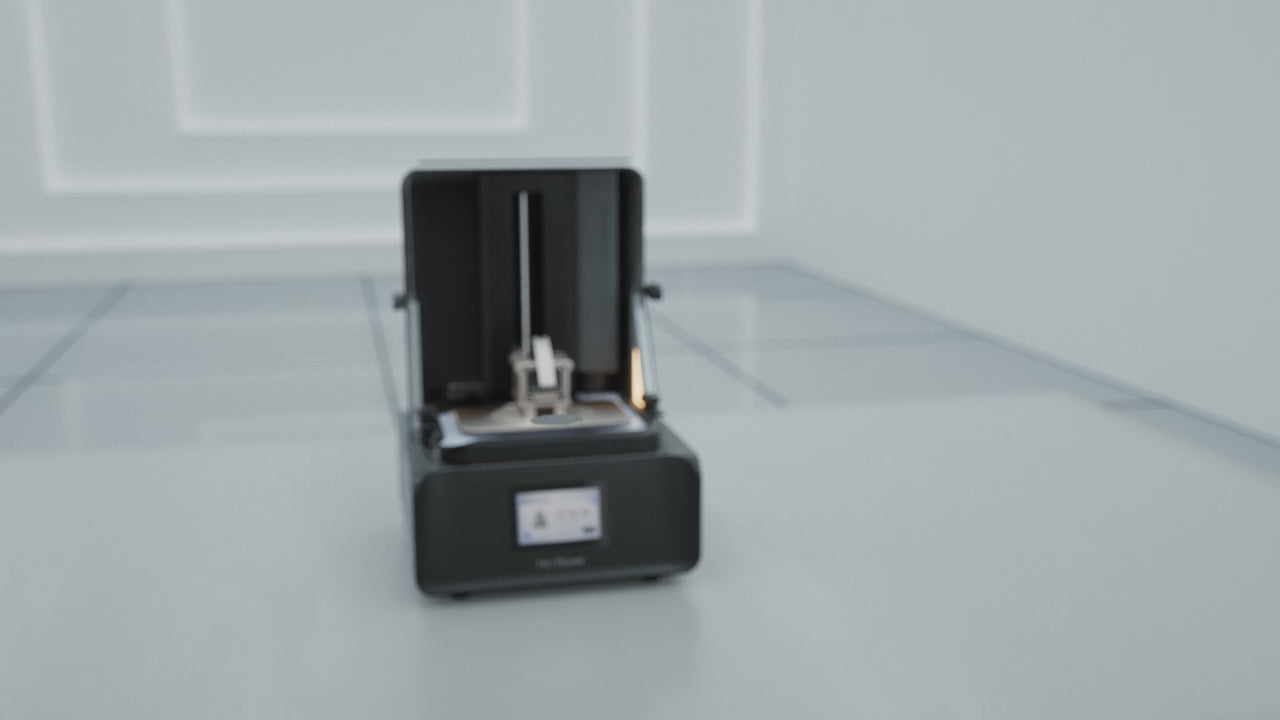
Model by Black Forge Game, printed with PAF10 Gray resin on the RS Turbo. Check out the stunning details come to life in this quick video!

@HeyGears


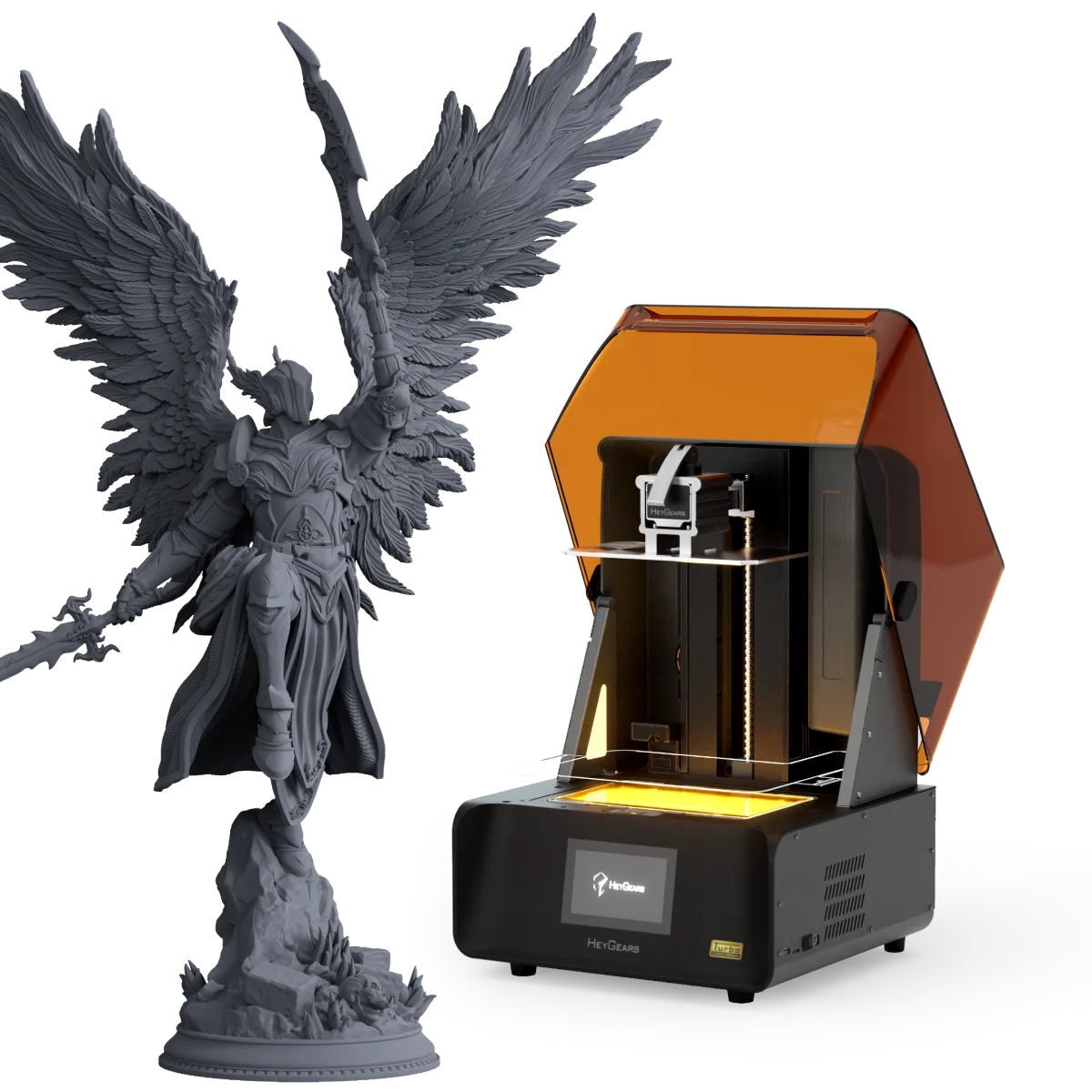
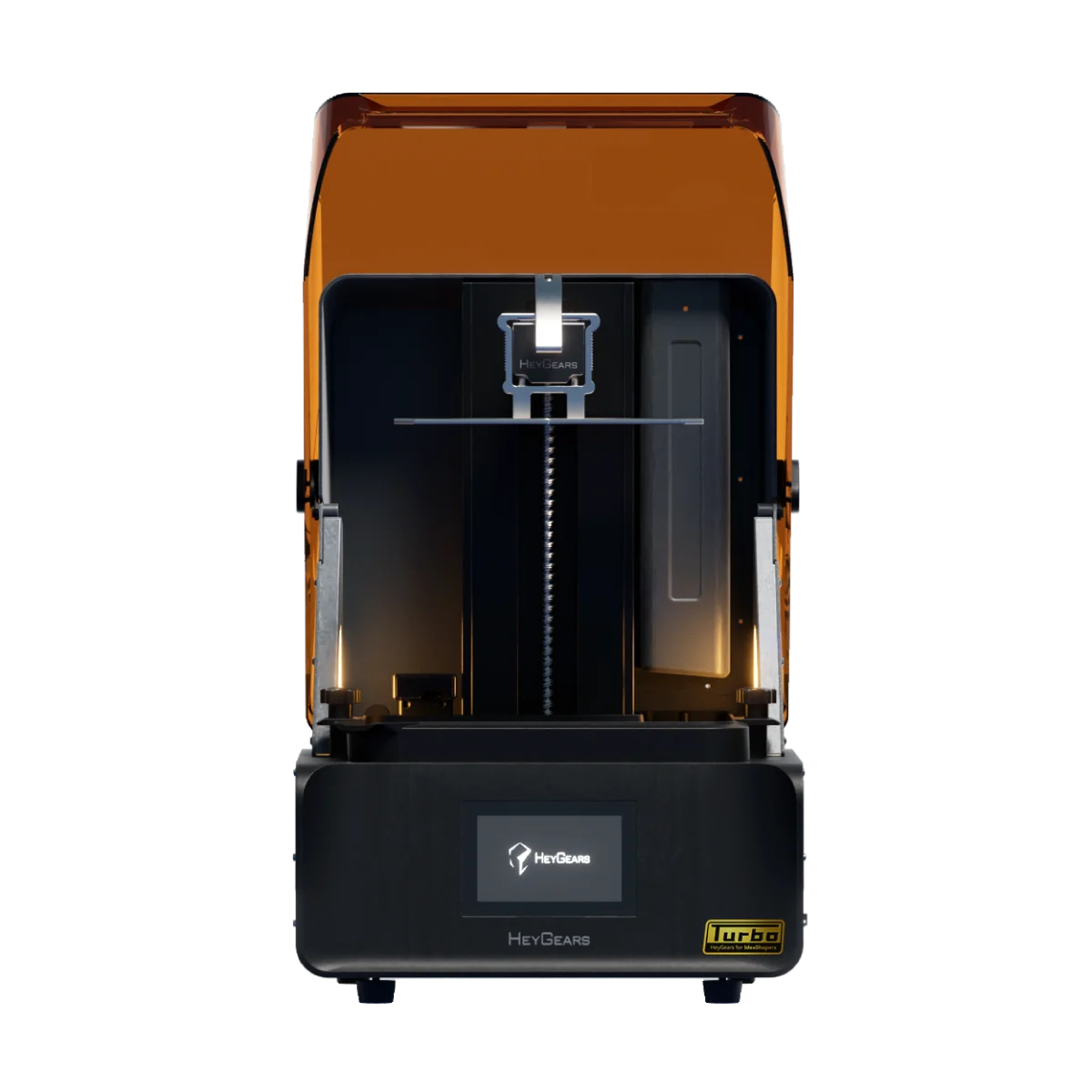
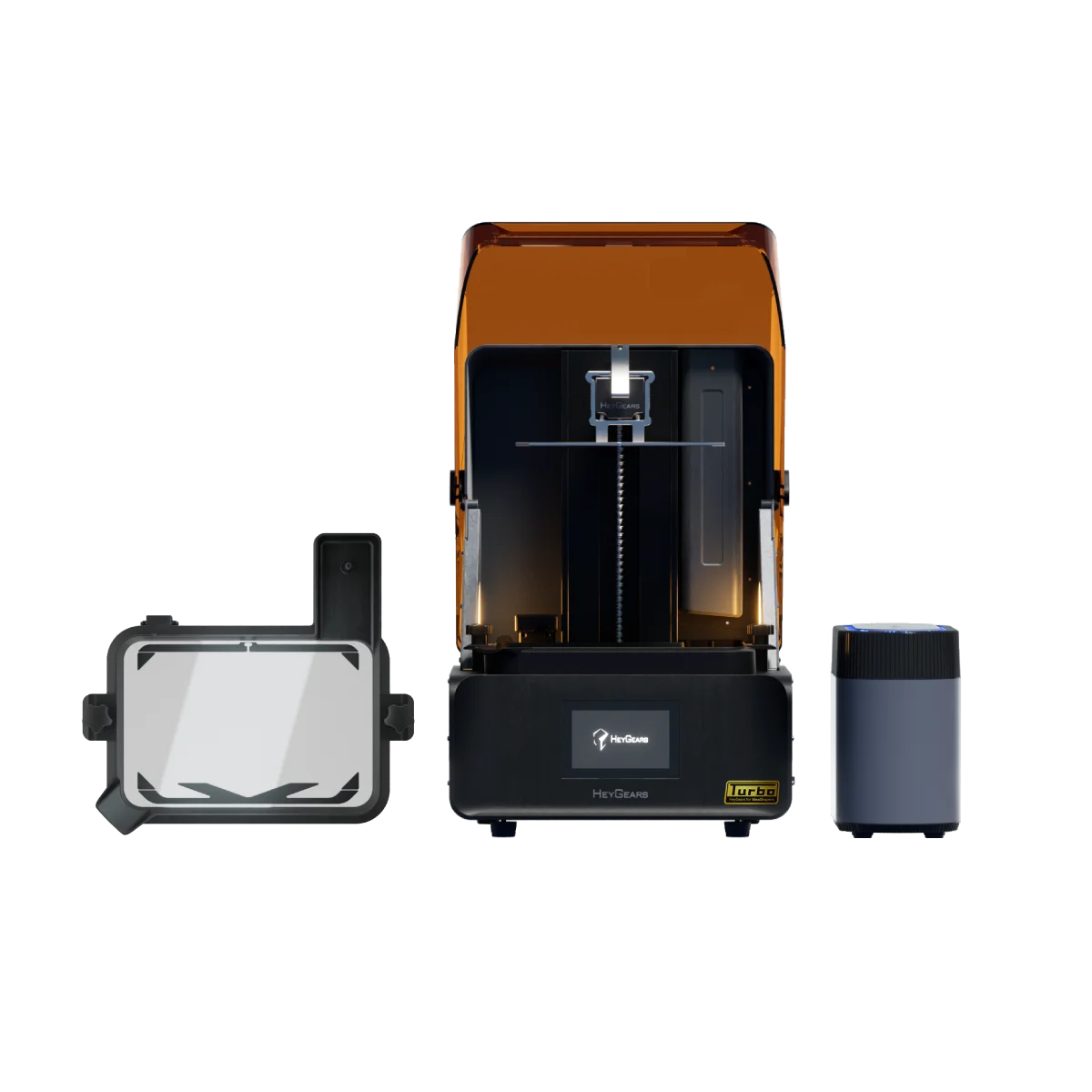
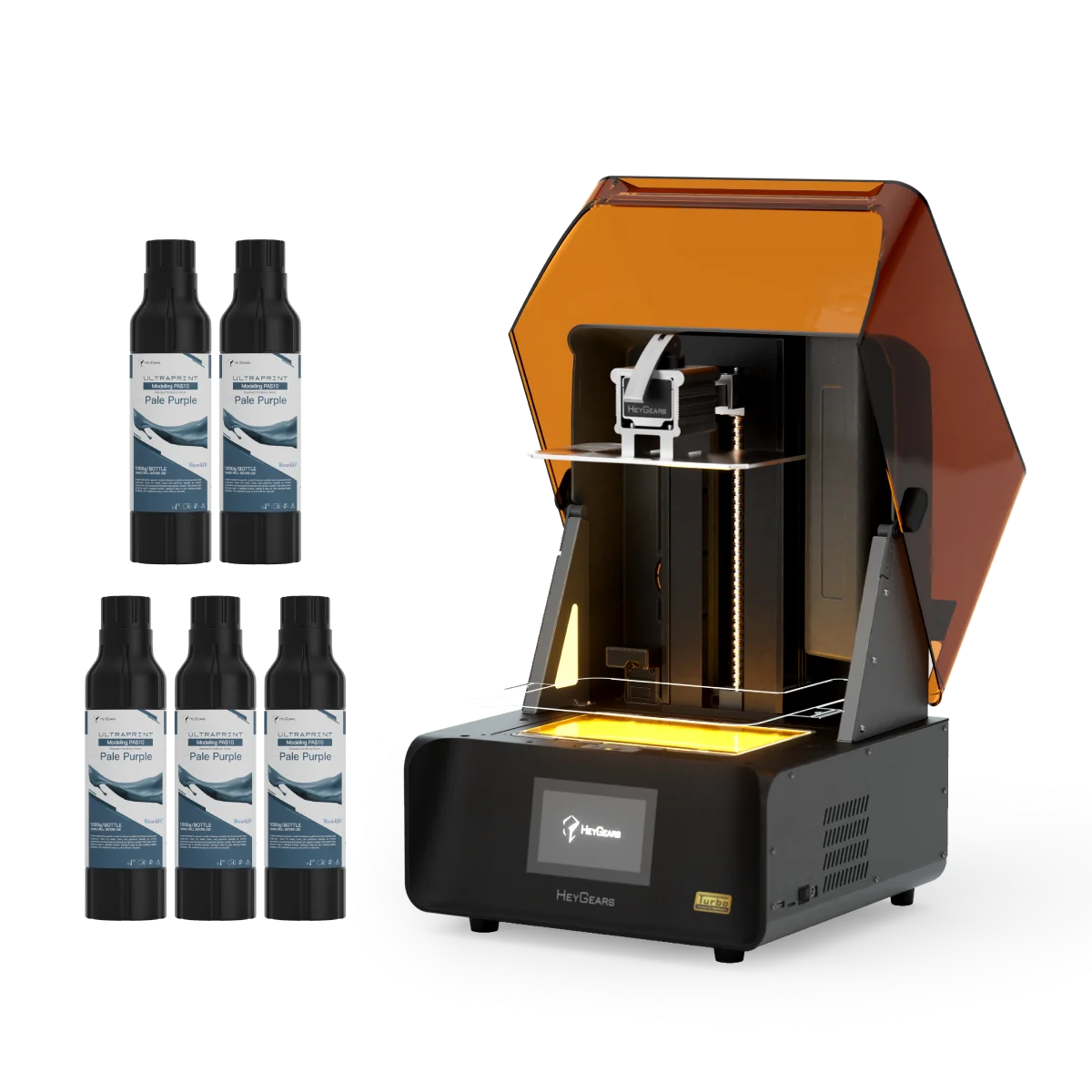
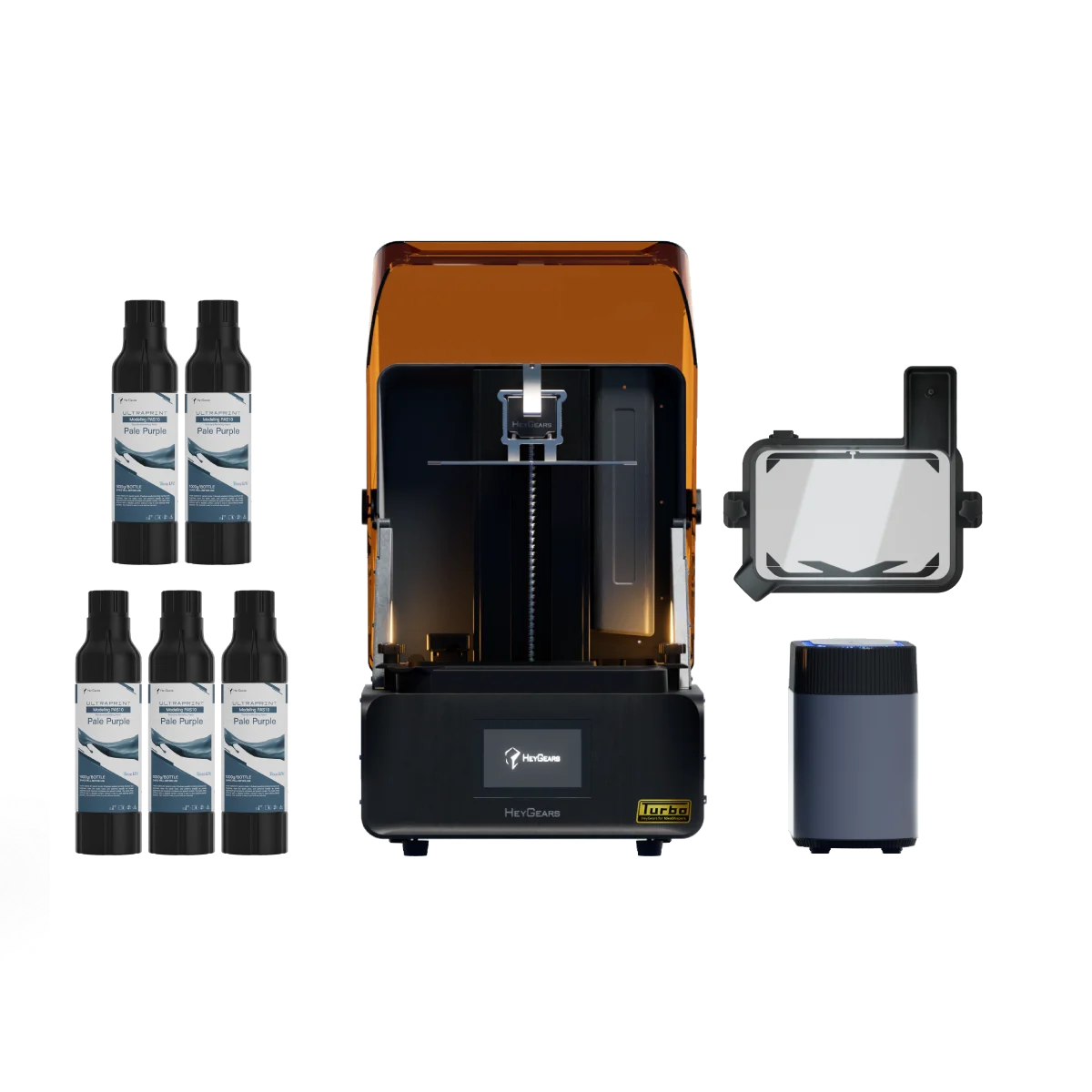
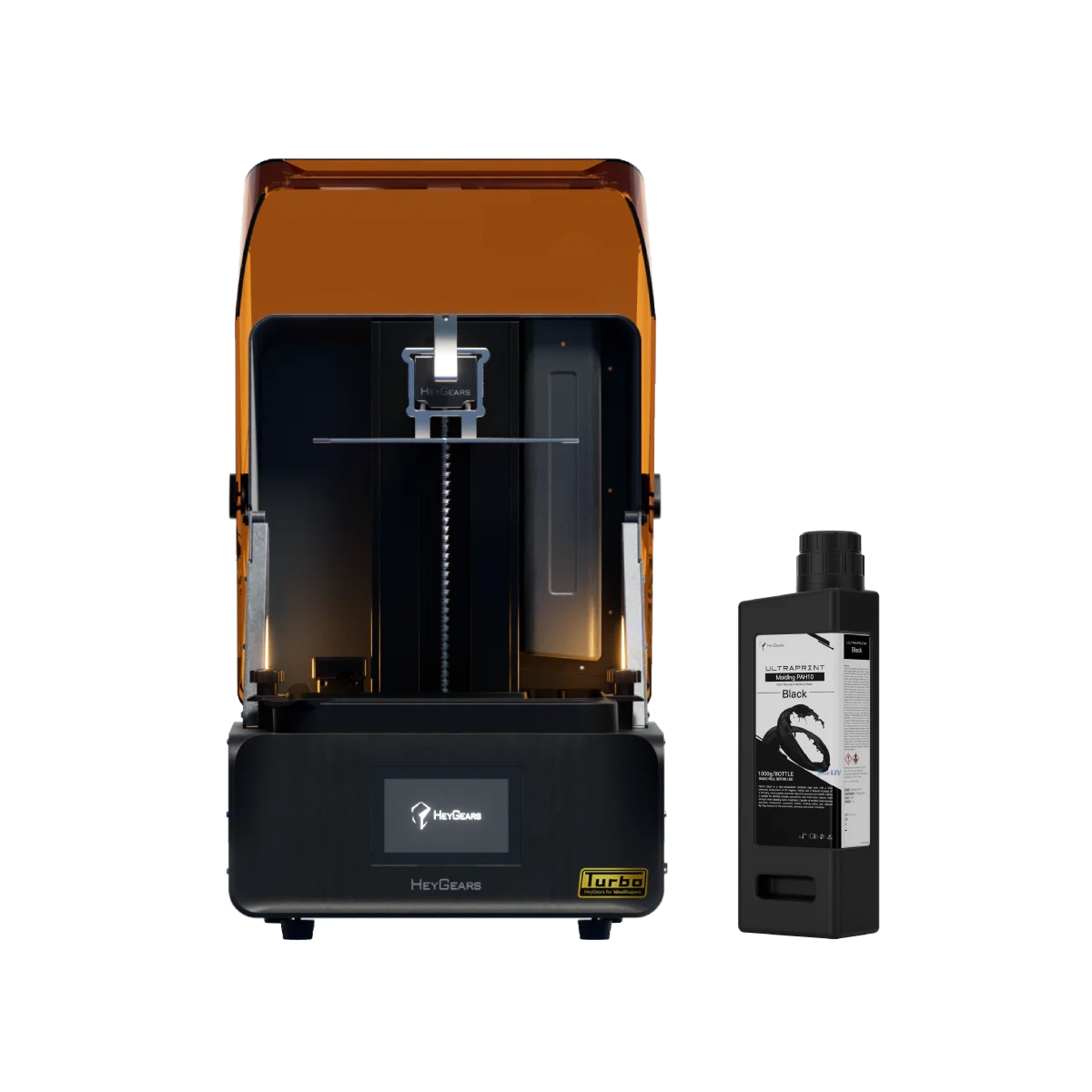
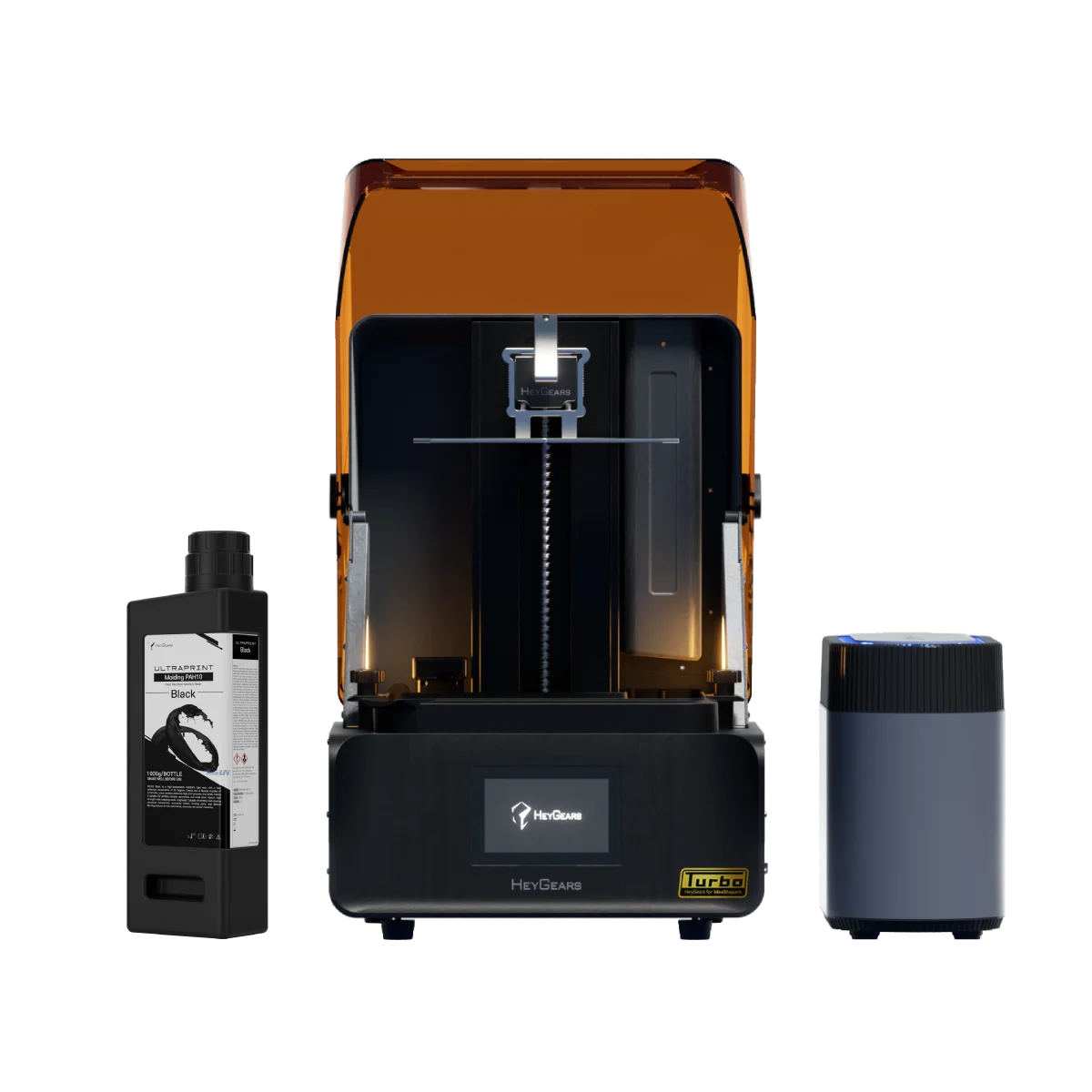
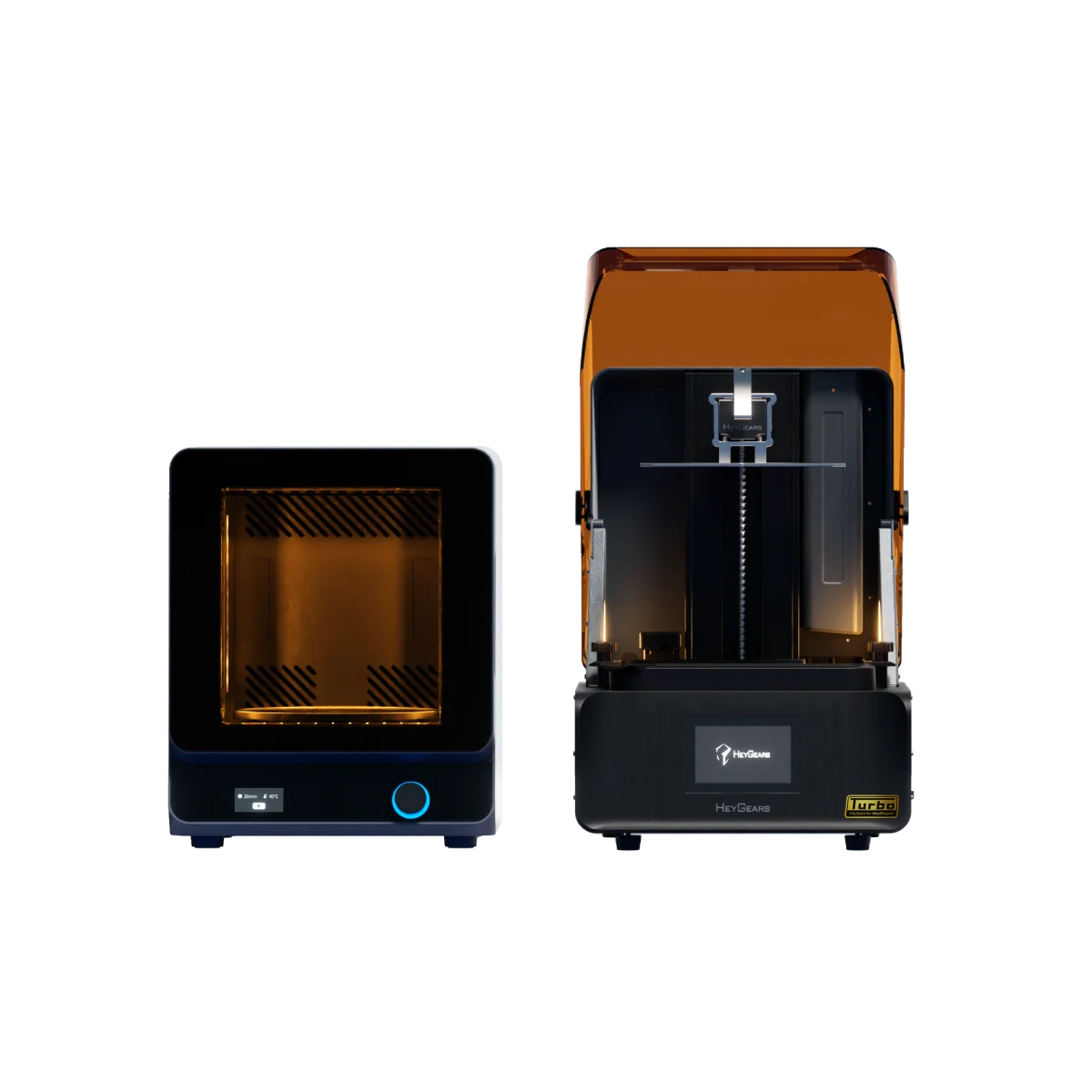
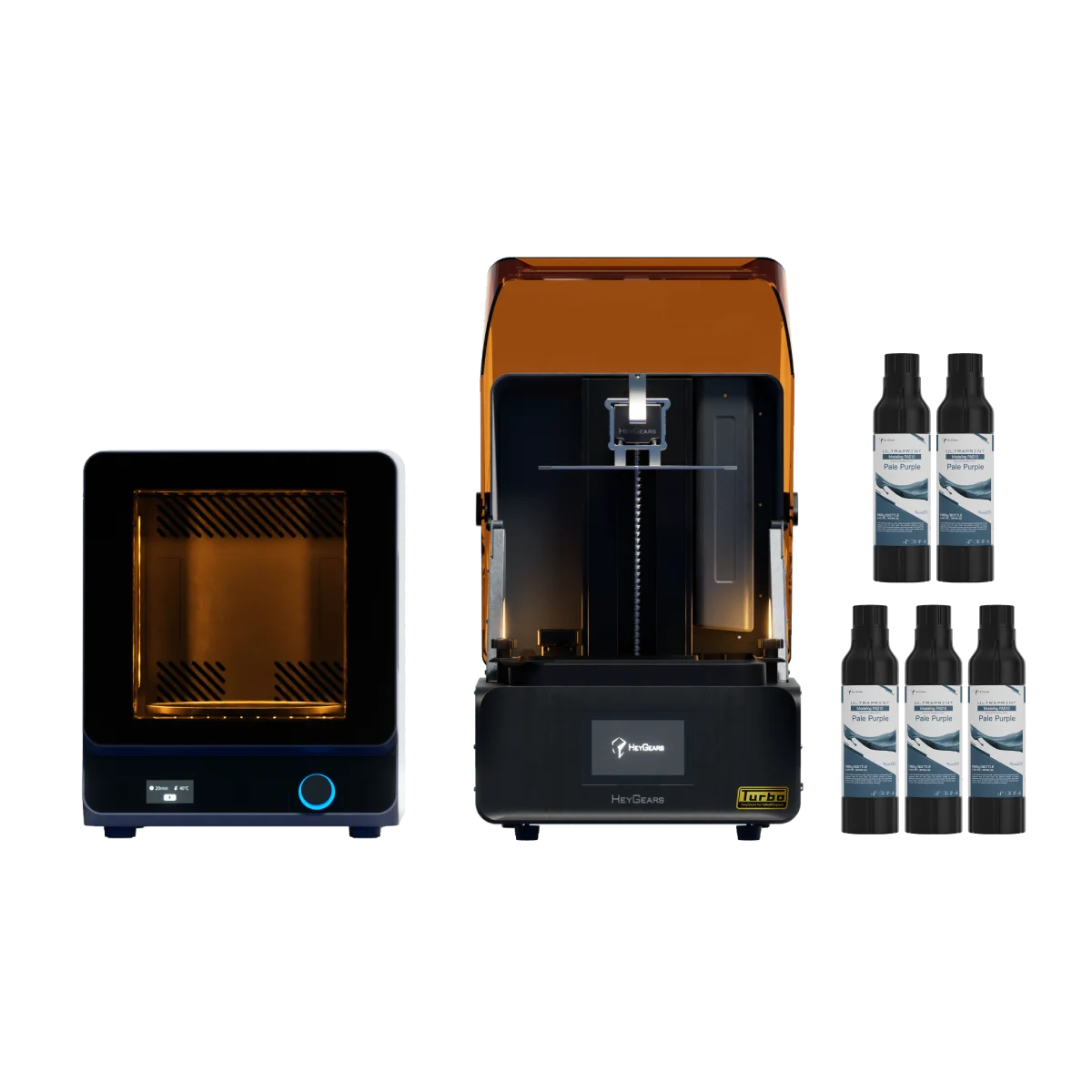
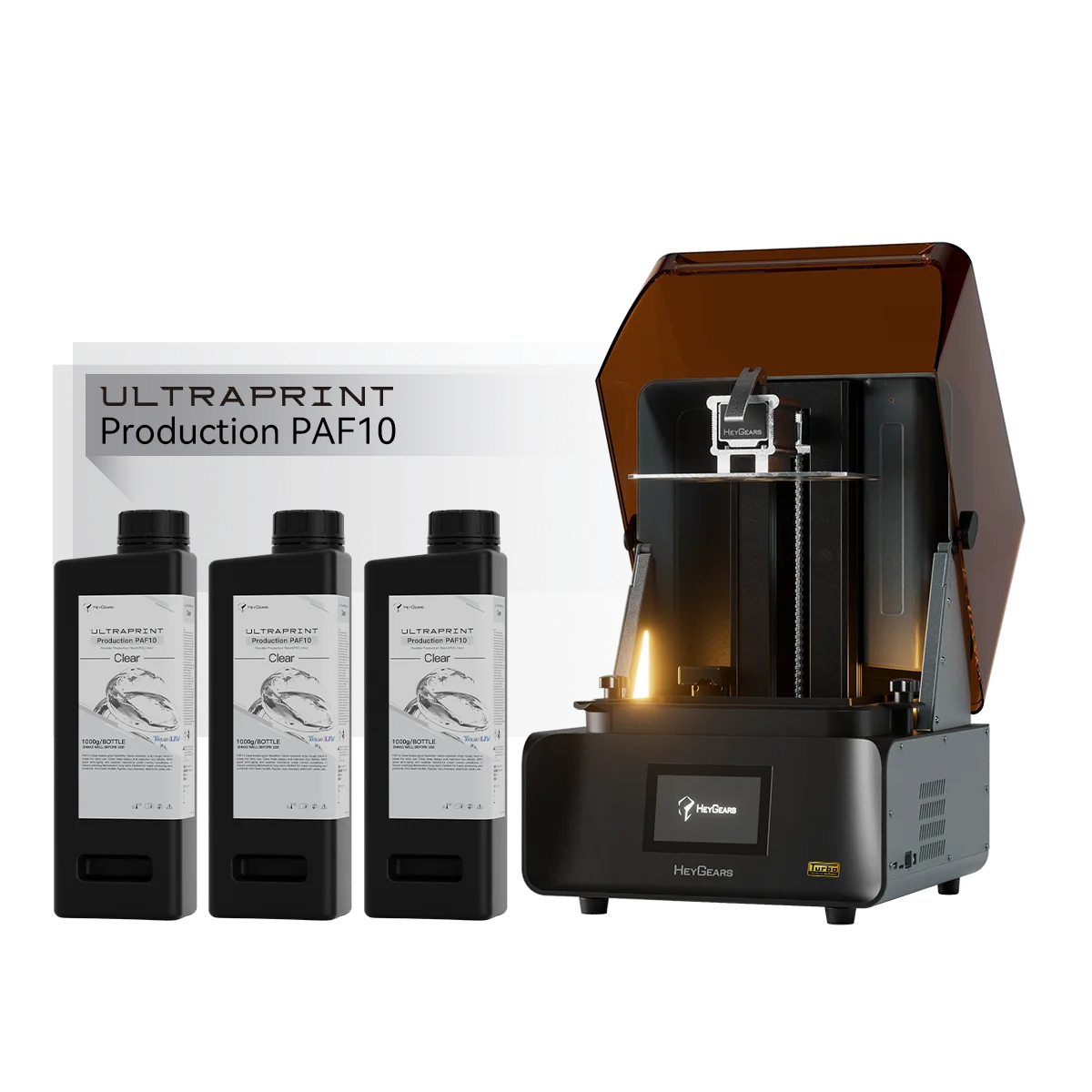
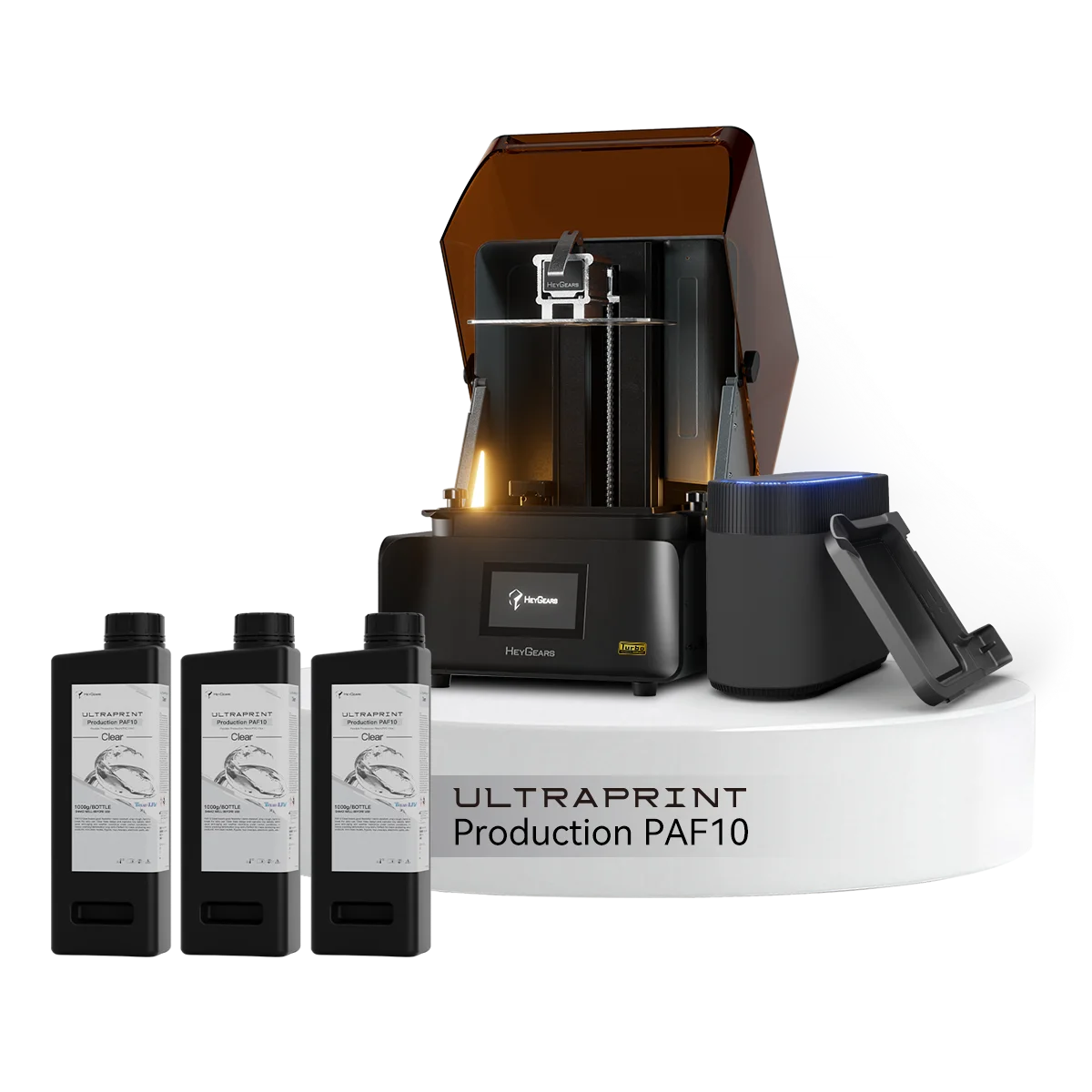
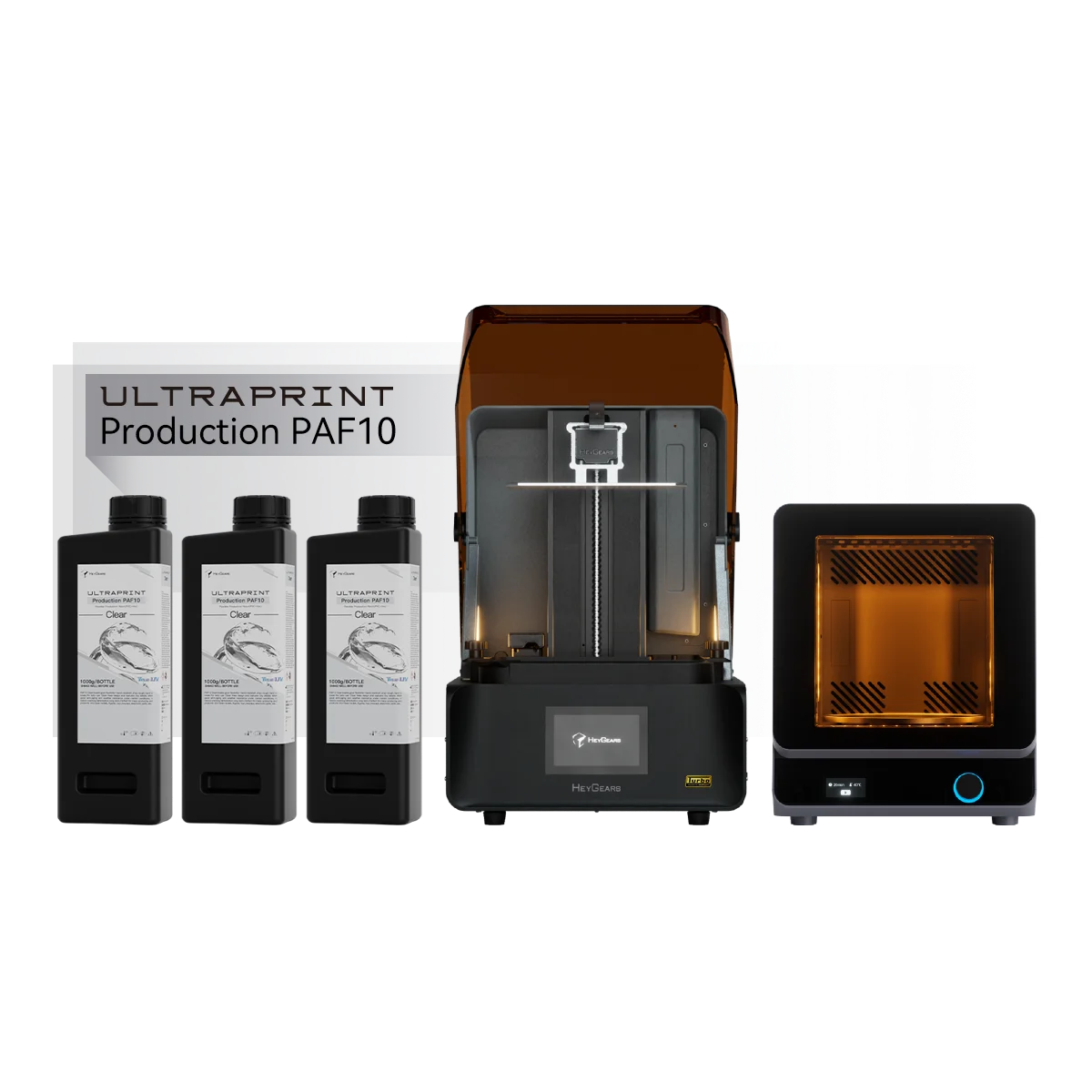
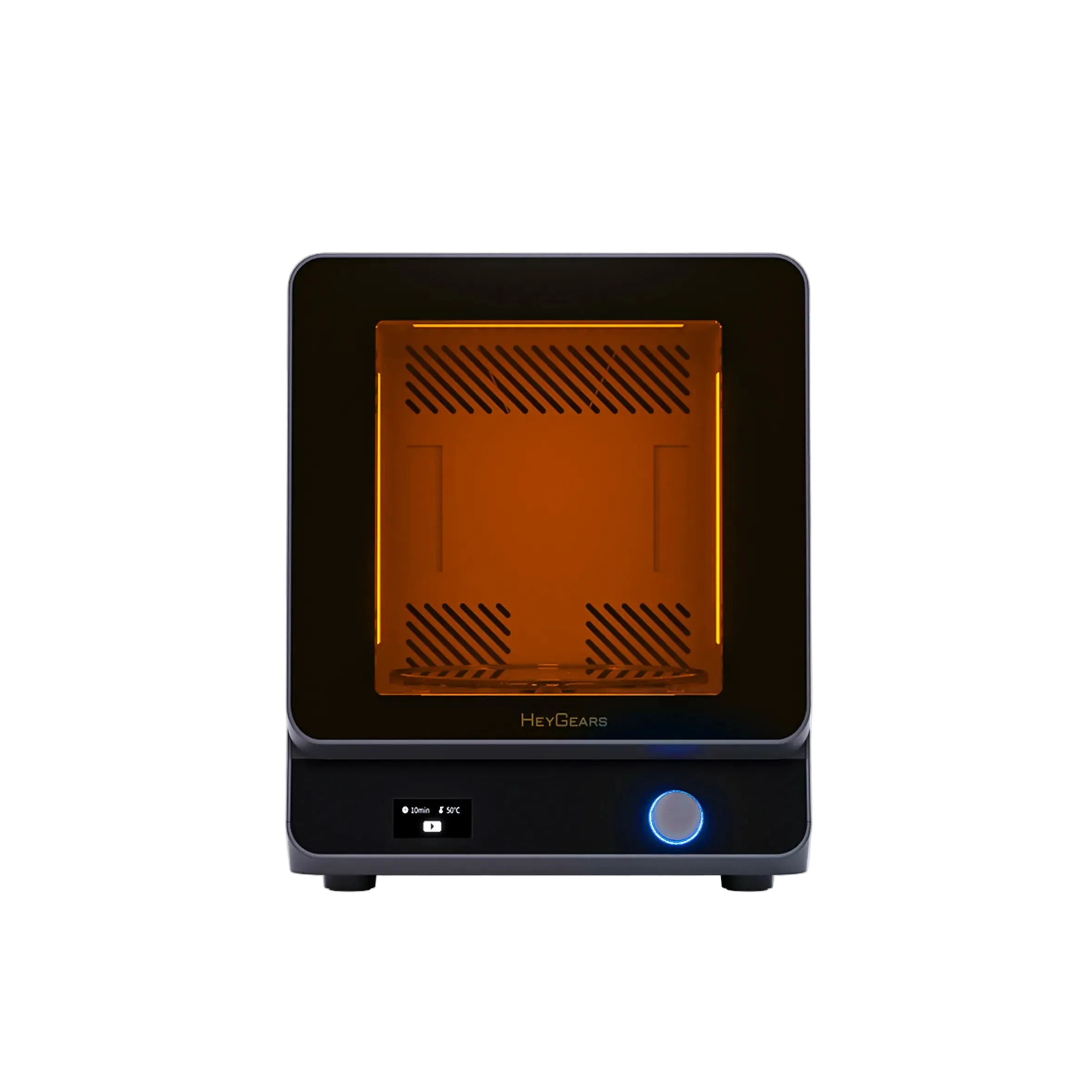
The HeyGears Reflex RS Turbo is a high-precision resin 3D printer designed for miniatures, action figures, collectibles, and detailed prototypes. Its high-contrast Amber Screen, precision Z-axis, and automated workflow deliver sharp details and consistent print quality.
Adjustable print settings for broader resin options, giving experienced users more freedom to fine-tune and customize printing possibilities on Reflex RS and RS Turbo.
PAF10 Clear offers high transparency, excellent printability, andreliable performance for figures, consumerelectronics, and industrial prototypes.
Resin Highlights
RS Turbo Compatible Resins:
PAS10, PAF10, PAP10, PARP10, PAWR10, PAU11, PAWW10, PAWW20.
🛒 You can [click here] to browse all resins for RS Turbo printers.If you're not sure which resin to choose, here are our top picks for the RS Turbo:
*Data sourced from HeyGears Lab, utilizing PAWW10 water-washable resin, compared to conventional motion control 3D printing. The exact speed increase may vary based on model.
** with RS Heated & Pulsing Release Resin Tank (purchased separately)
Reflex RS Turbo:
UltraCraft Reflex RS Turbo 3D Printer x1
Reflex RS Turbo with Pulsing Release Module :
UltraCraft Reflex RS Turbo 3D Printer x1
UltraCraft Pulsing Release Module x1
UltraCraft Reflex RS Turbo Heated & Pulsing Release Resin Tank x1
Pairs well with
Reflex RS Turbo 3D Printer
We're committed to providing you with the best service. Please don't hesitate to reach out if you have any questions.
Shipping Information
Free shipping on orders over $399. Click here for more shipping details.
Customer Support
Need assistance? We are here to help!
WhatsApp:
+1 949-283-2998(US)
Mon-Fri, 9AM-5PM PST
Email Support:
contact@heygears.com
Technical Support:
customersupport@heygears.com
Get Started
Getting Started with Your HeyGears 3D Printer
FAQ’s
Please read our FAQs page to find out more.


Model by Black Forge Game, printed with PAF10 Gray resin on the RS Turbo. Check out the stunning details come to life in this quick video!
@HeyGears
Epic 3D Printed Chess with PAF10 Clear resin on RS Turbo.
@HeyGears
Customize an interesting keycap for yourself

@Uncle Jessy
Fresh 3D print incoming! 🔥 This time with Freki, fully resin printed by the amazing crew at

@blackforge_games
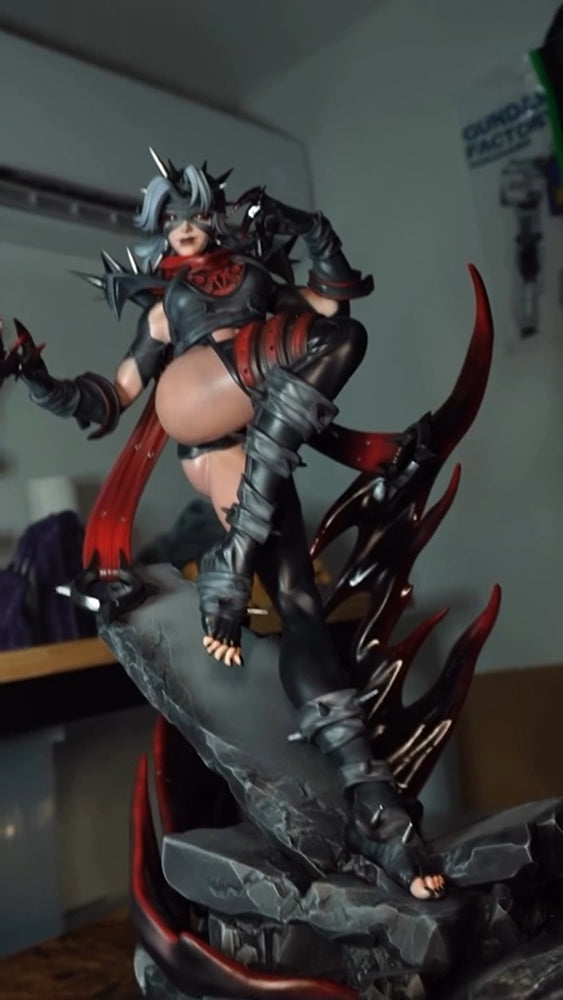
I brought this 19-inch Malice statue to life—from resin print to hand-painted finish.

@bunnygirlfactory
This helmet model by Abyss Art Studio, printed with RS Turbo and PAP10
@HeyGears
This helmet model by Abyss Art Studio, printed with RS Turbo and PAP10
@HeyGears


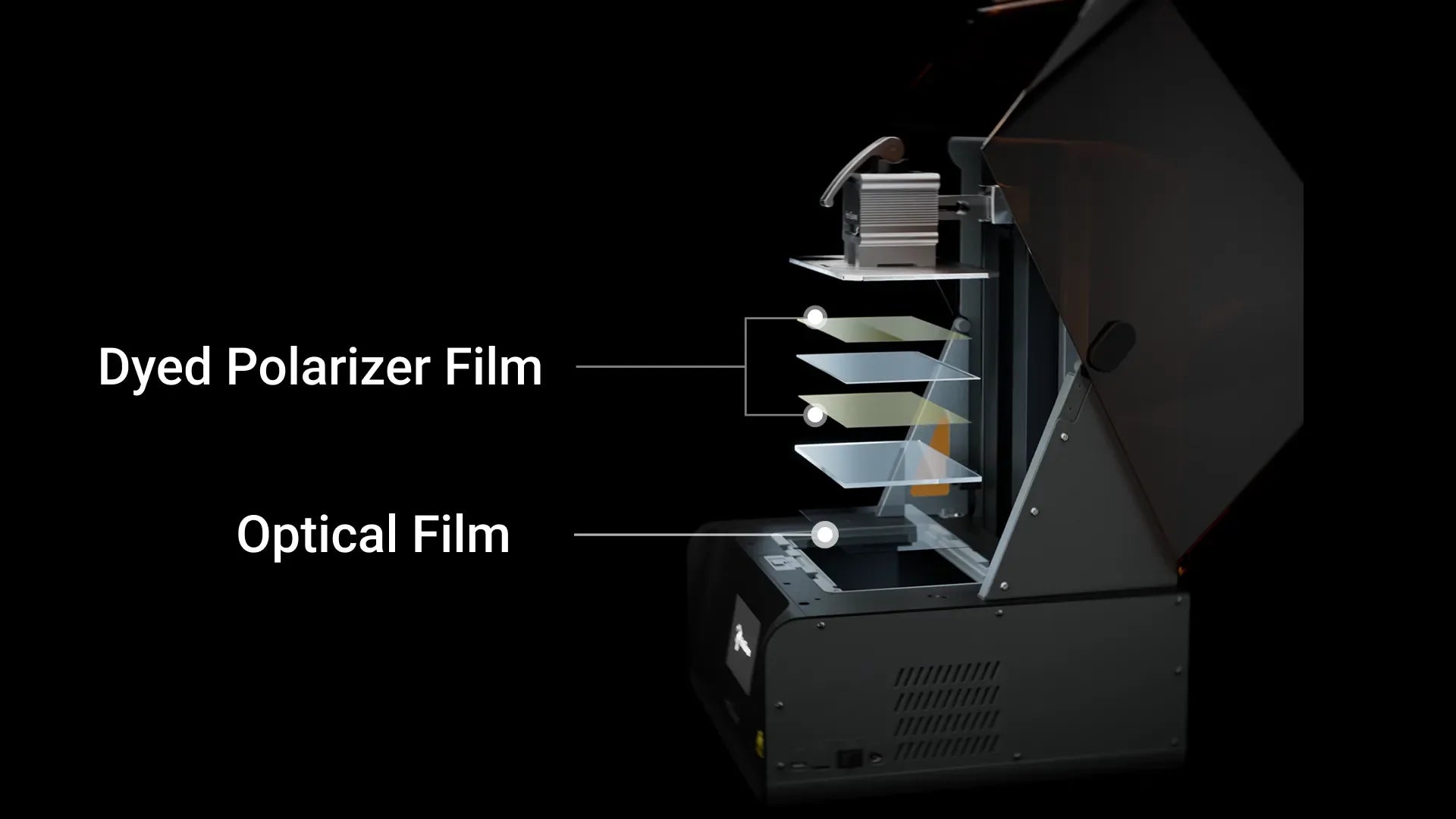
The Amber Screen features a custom composite design with dyed polarizer and optical films, boosting the contrast ratio to 566:1 — nearly a 60% increase over the previous generation.
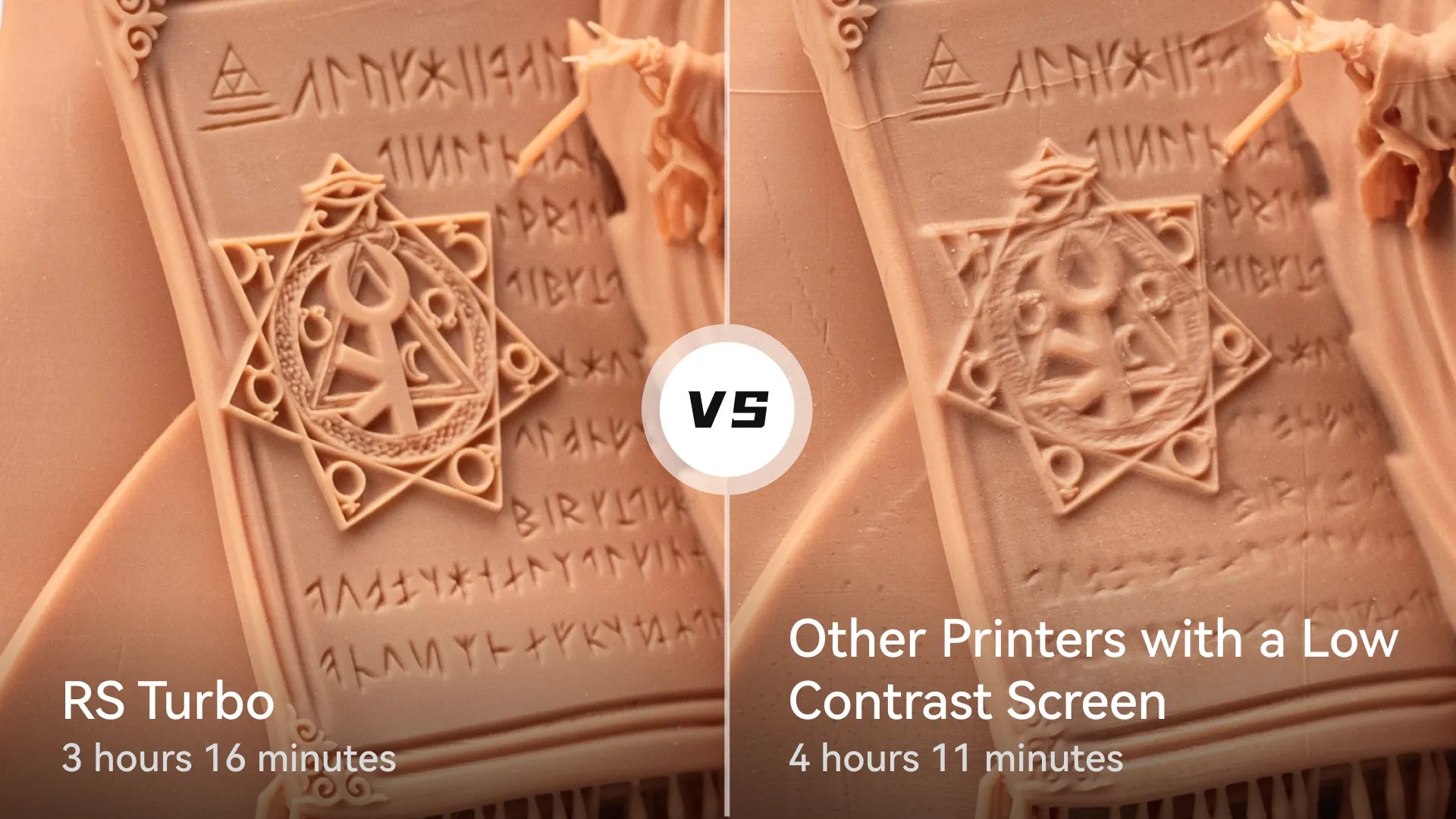
The dyed polarizer film layer utilizes dye macromolecules, allowing for better control of light transmittance. This reduces overexposure or underexposure, ensuring sharp details for 3D prints.
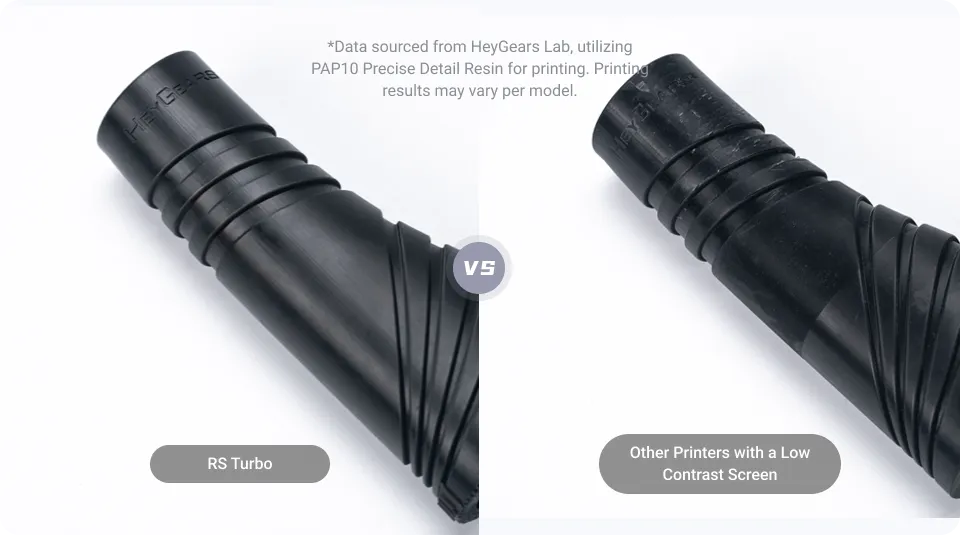
The Amber Screen features an optical film layer engineered to transmit light at 90° optimal angles, reducing stray light reaching the curing layer and ensuring residue-free surface smoothness.
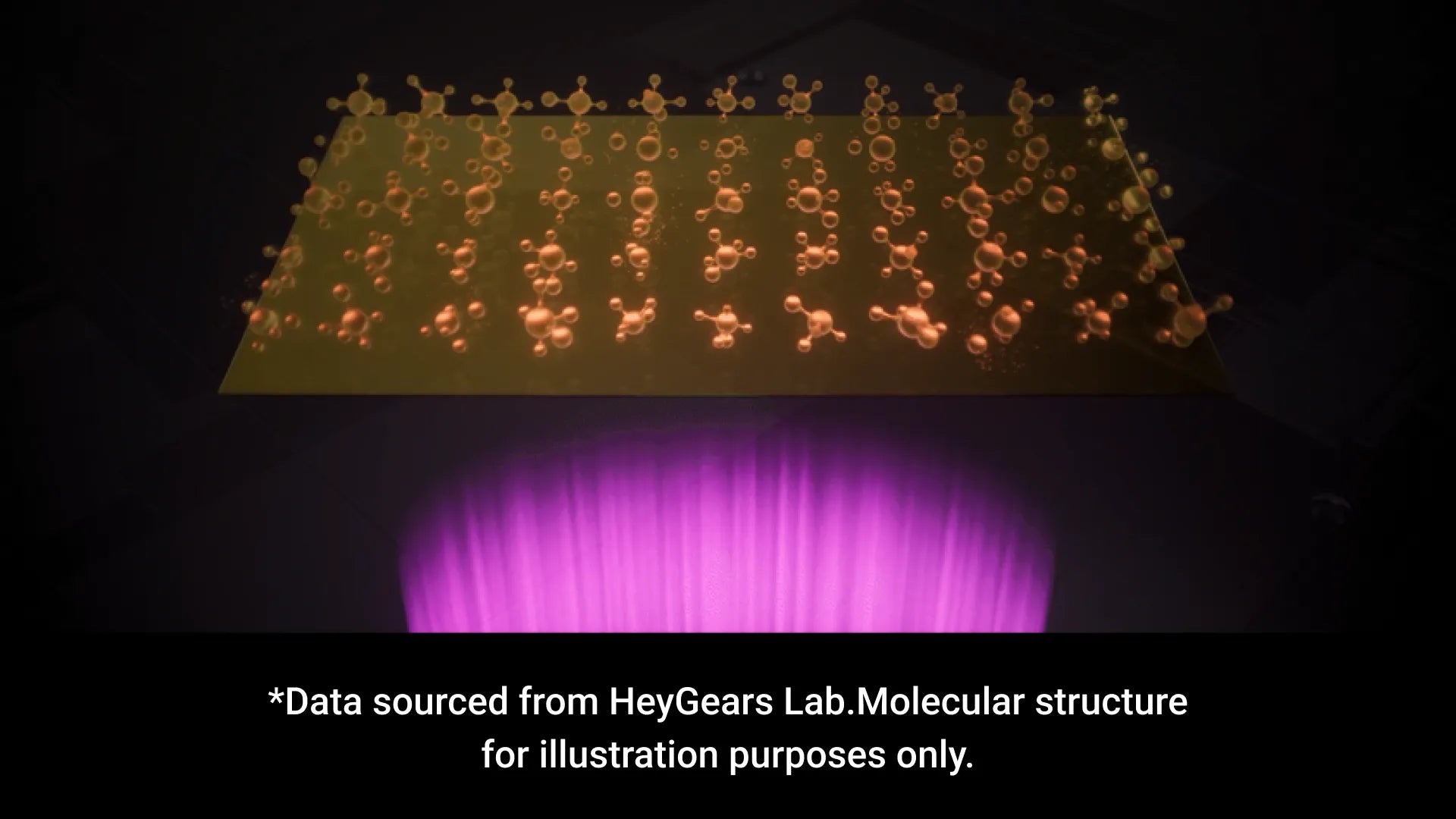
The dyed polarizer film features dye macromolecules with UV resistance and thermal stability to minimize degradation and reduce contrast decay. This helps maintain reliable light projection over long printing cycles, delivering a screen lifespan up to 2× longer than conventional LCD screens.
*Data sourced from HeyGears Lab. Molecular structure for illustration purposes only.
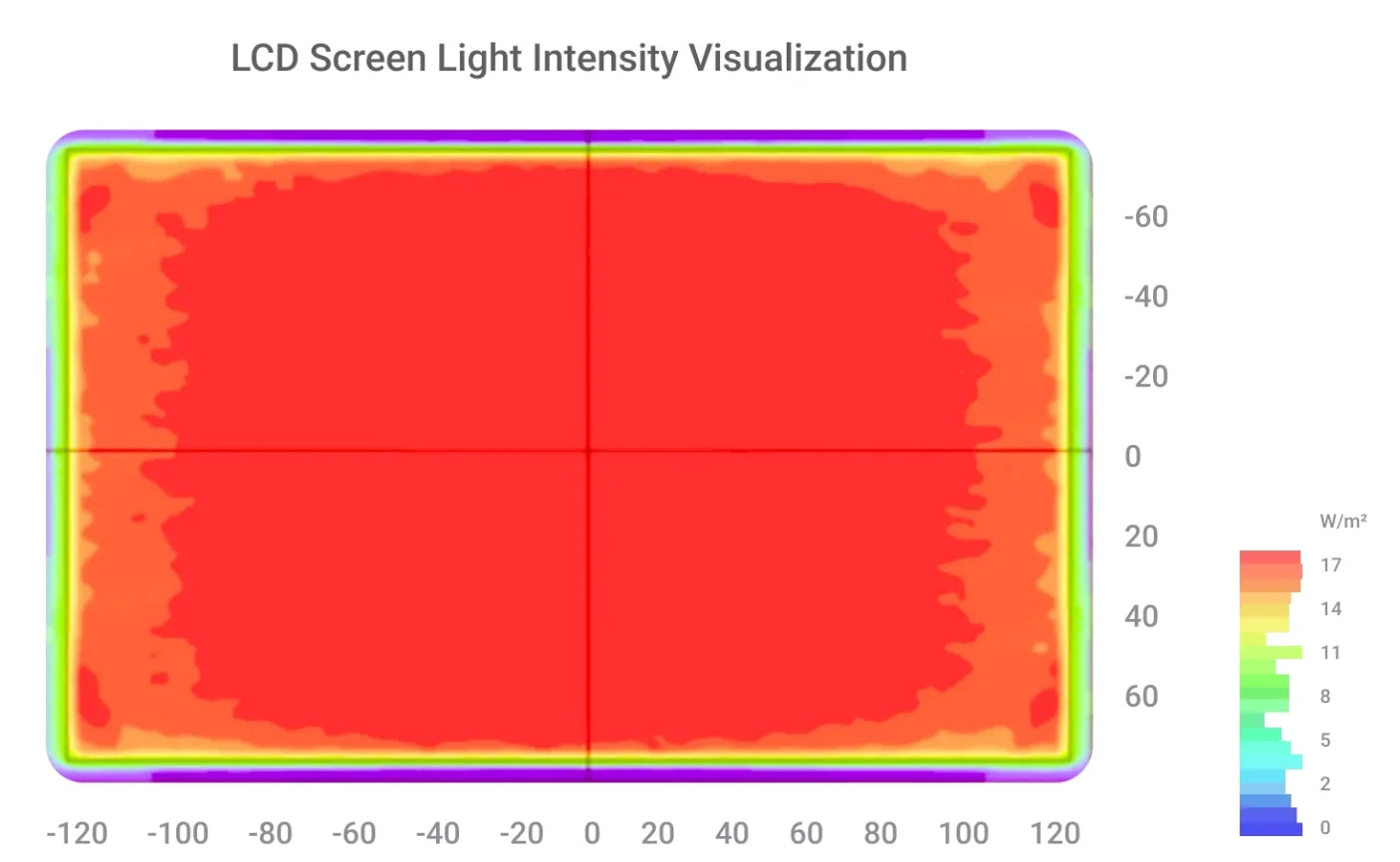
For accurate and reliable 3D printing, the LCD screen is divided into 60 calibrated zones. Full-screen calibration keeps light intensity variation within ±3%*, helping achieve a printing tolerance of <0.05 mm.
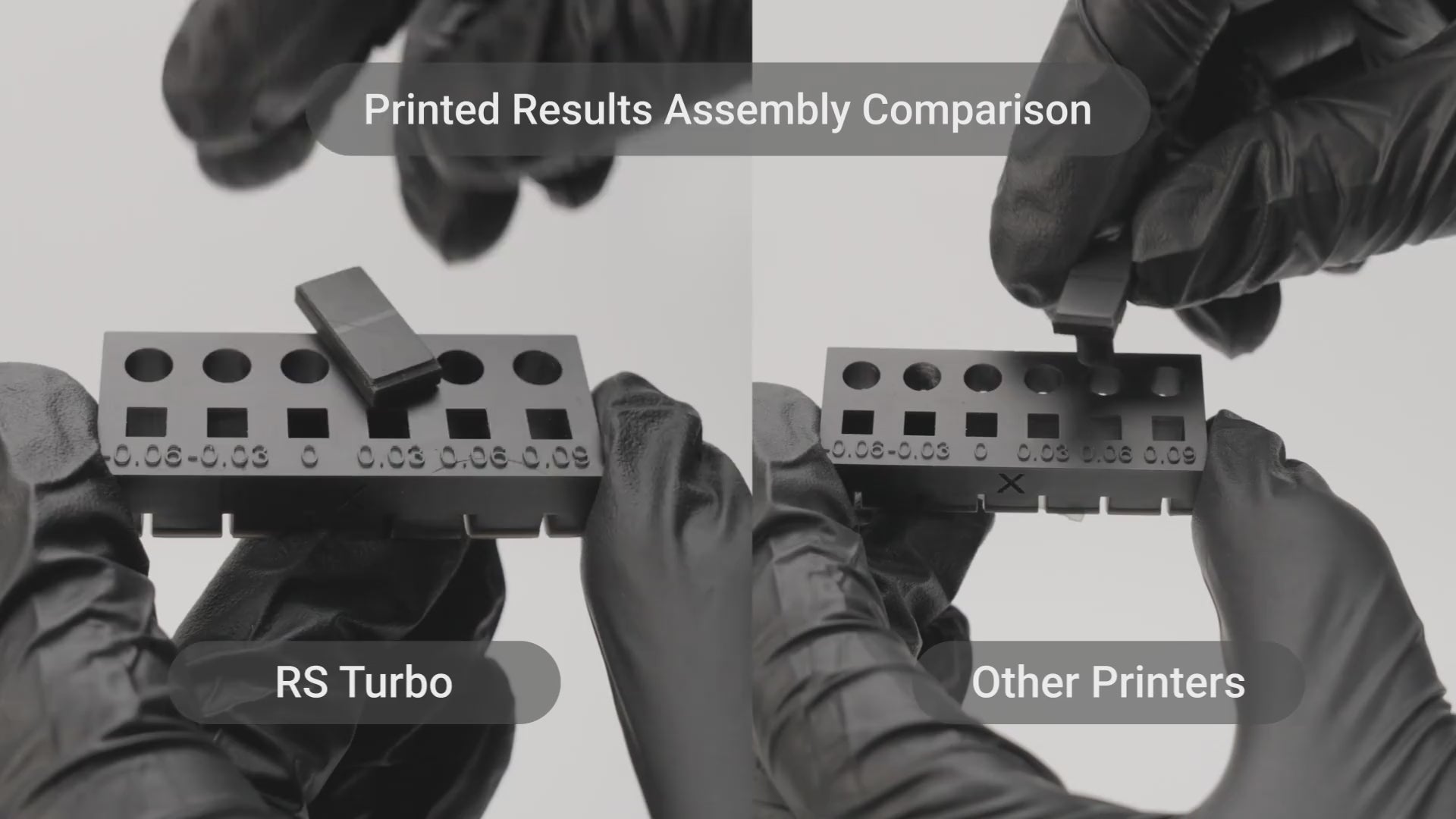
The RS Turbo automatically calibrates the screen using NFC data, keeping light intensity differences within 5%* and reducing variations in light intensity to ensure printing precision after screen replacement.
*Data sourced from HeyGears Lab
High repeat positioning accuracy ensures layer positioning errors are no more than 2 μm*. Tested with a 50 kg load across ten thousand runs.

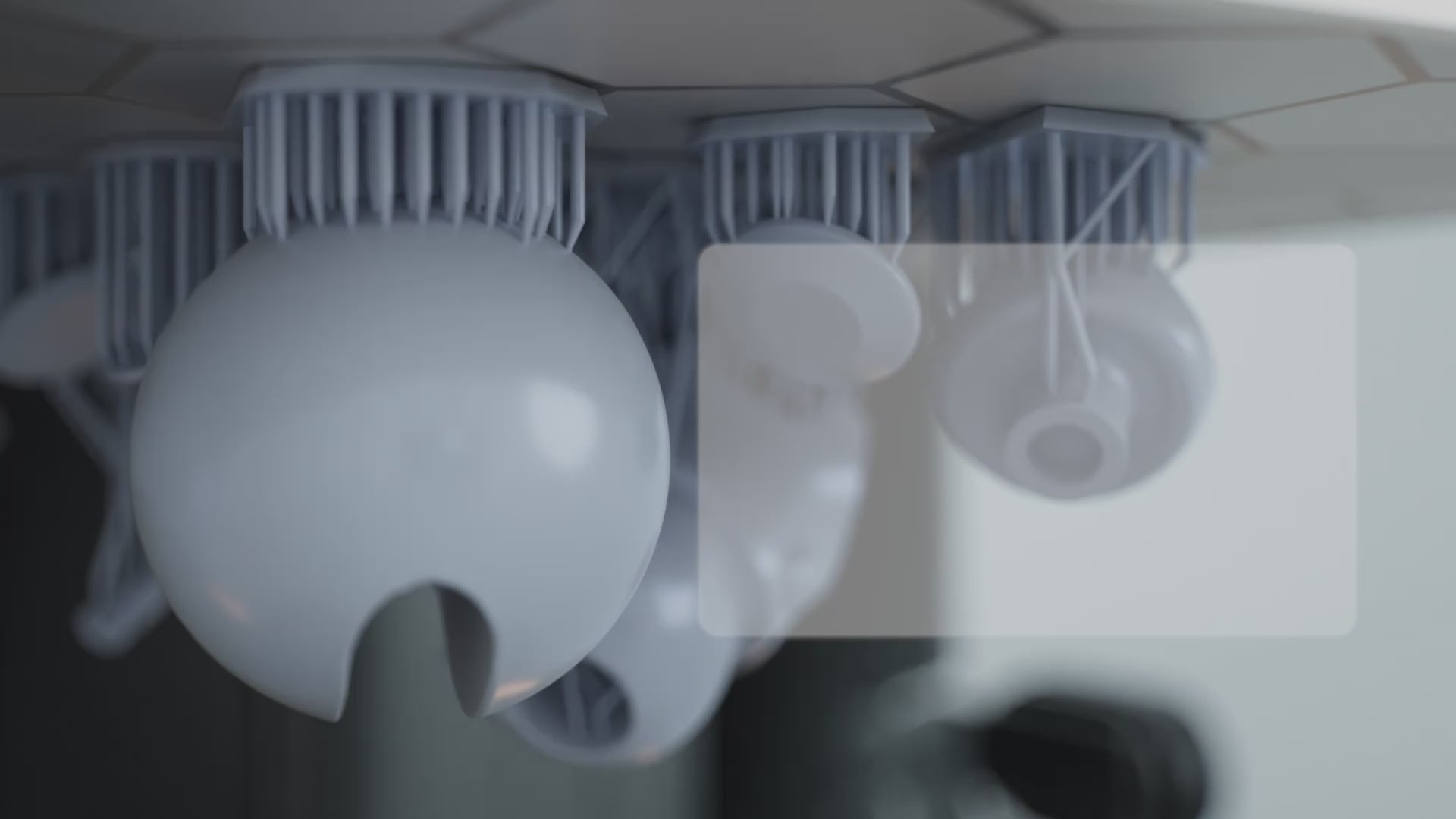
The adaptive process packages allows the RS Turbo printer to adjust the Z-axis compensation adaptively for each resin, to support up to 180 combinations of different angles, hole sizes, and edge types.
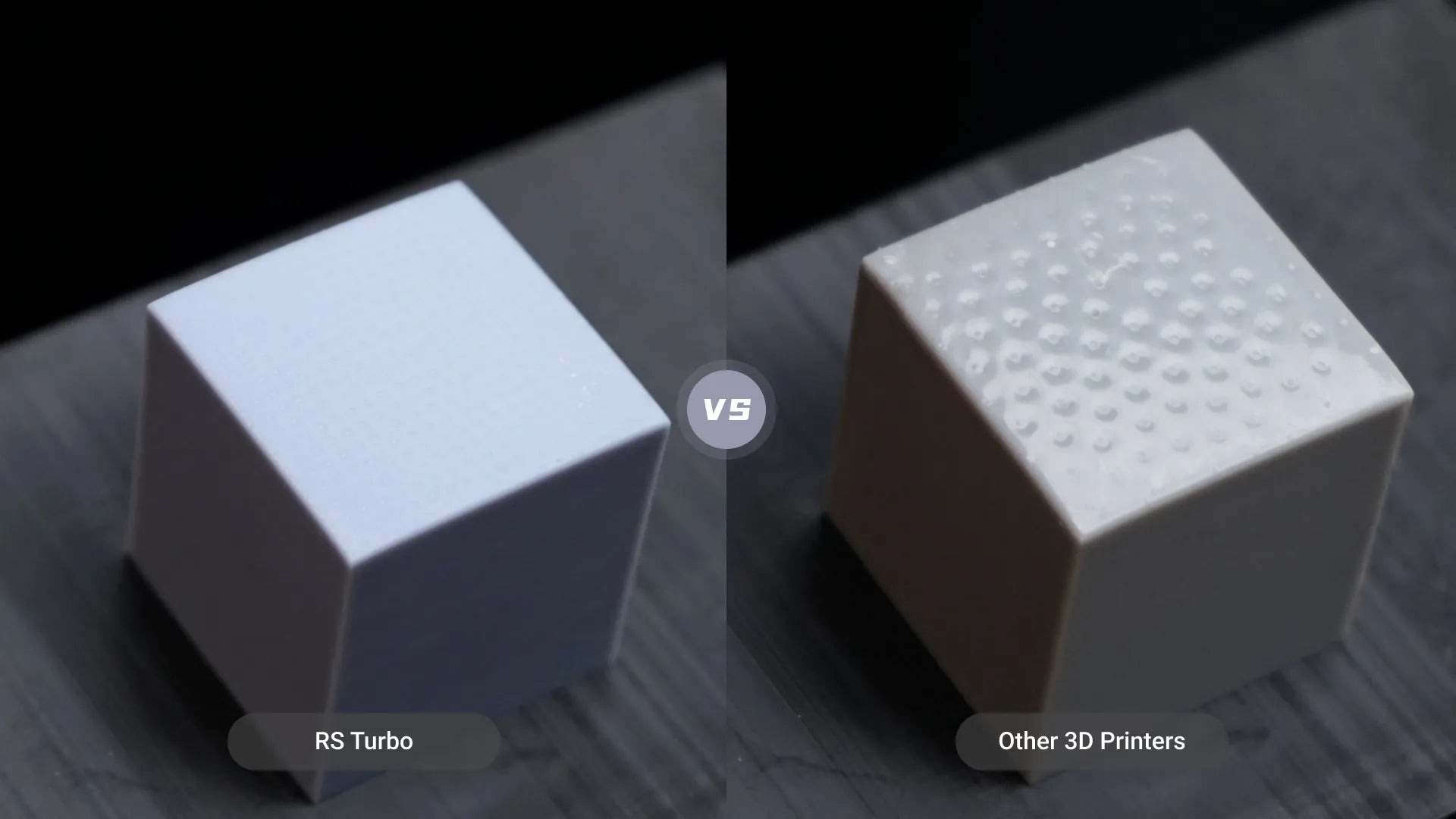
This approach minimizes deformation and resin buildup on support surfaces, and reduces post-processing time compared to using just a single z-axis compensation parameter.


Start Easy. Print Like a Pro.
Easy to use and ready right out of the box, RS Turbo delivers a smooth experience with intuitive slicer software, fast setup, minimal hassle,and impressive 3D print quality-even for beginners.

Start Easy. Print Like a Pro.
Pre-Tuned Profiles for HeyGears resins simplify challenging prints, from miniatures and figures to props, with sharp detail, high surface quality, and reliable durability. For needs beyond the presets, Open Material Mode offers broader resin compatibility and custom parameter control.
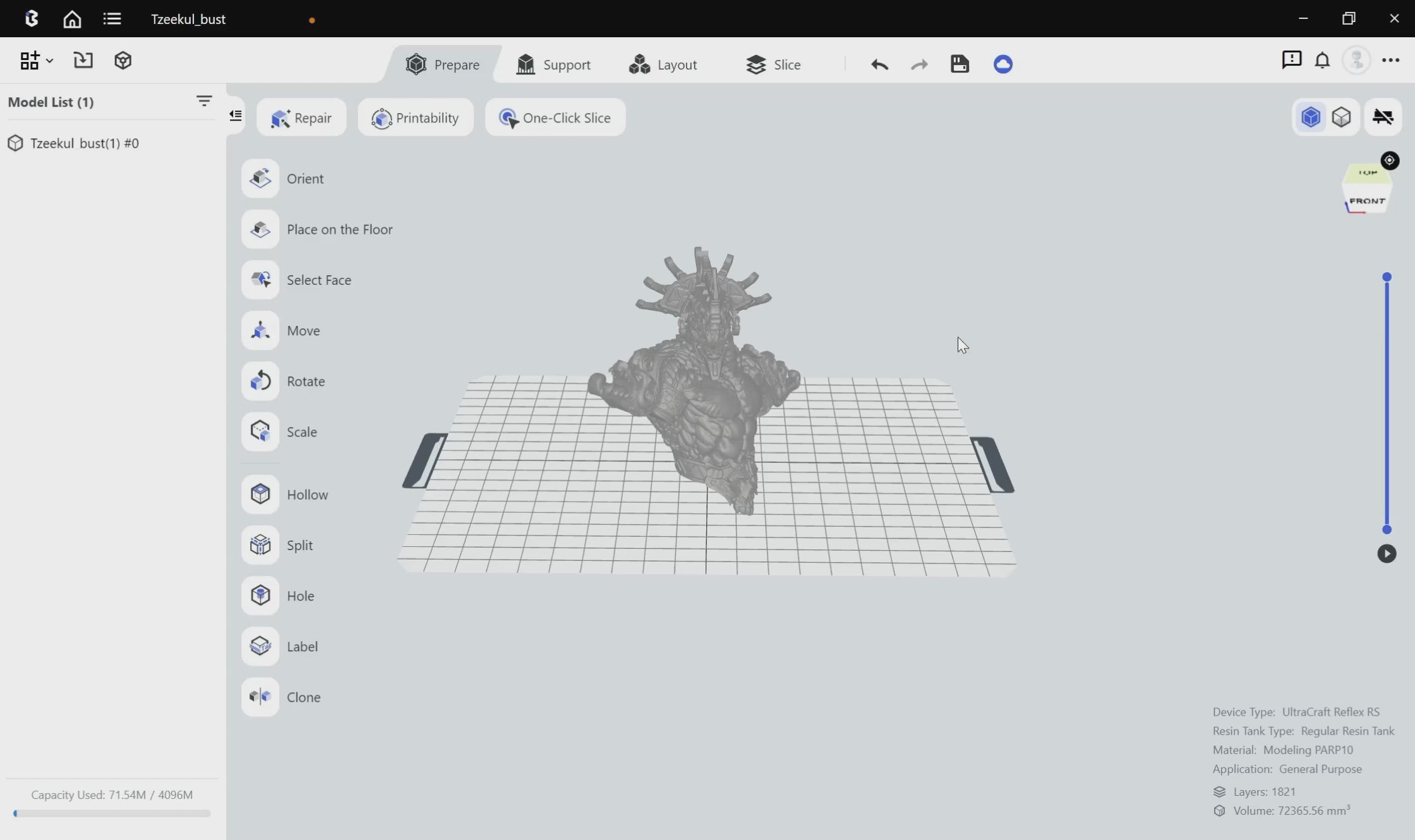
Start Easy. Print Like a Pro.
One-click slicing without manual adjustment.
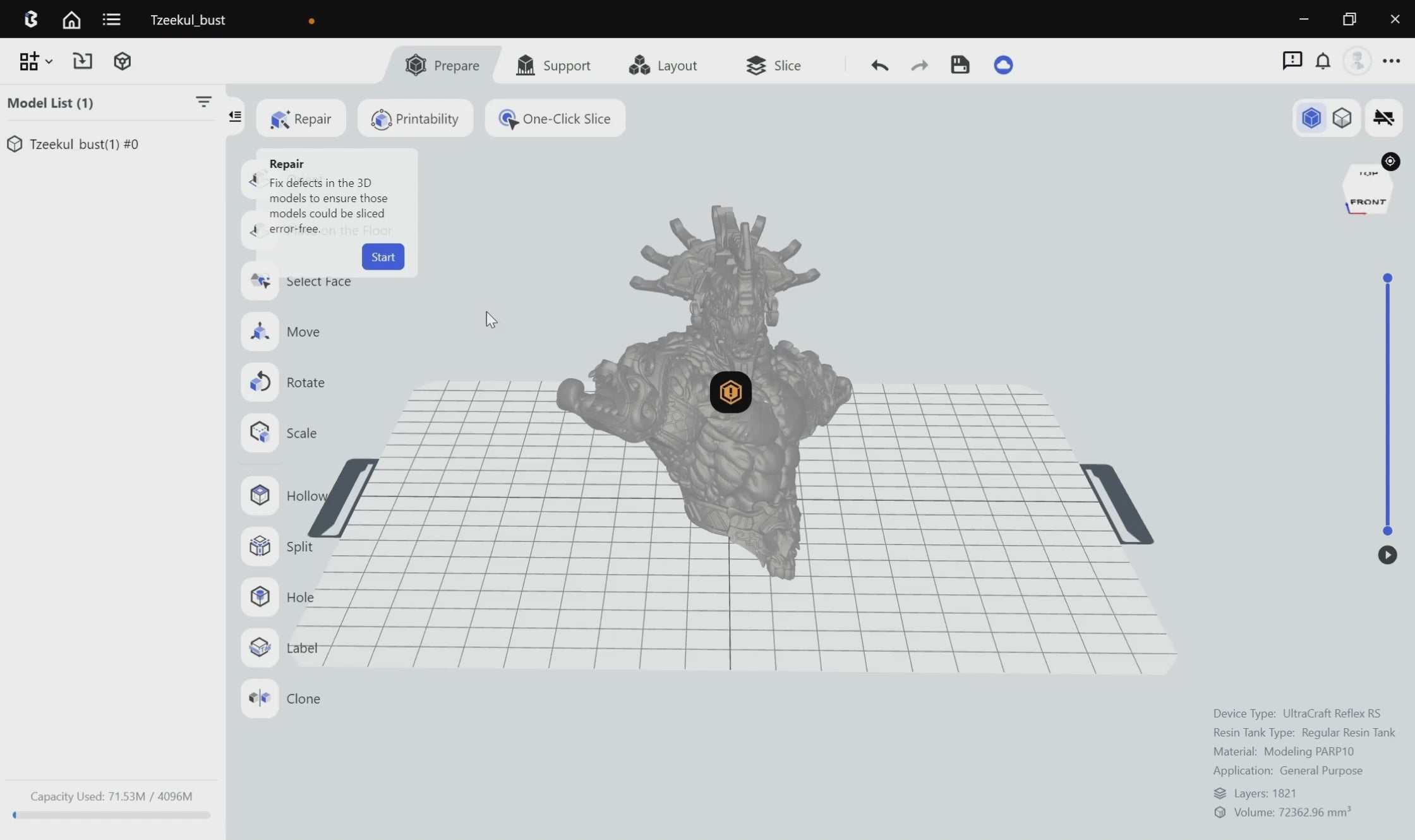
Automatic Pre-processing
Automatically detects and repairs model defects such as inverse normals, holes, and intersecting shells.
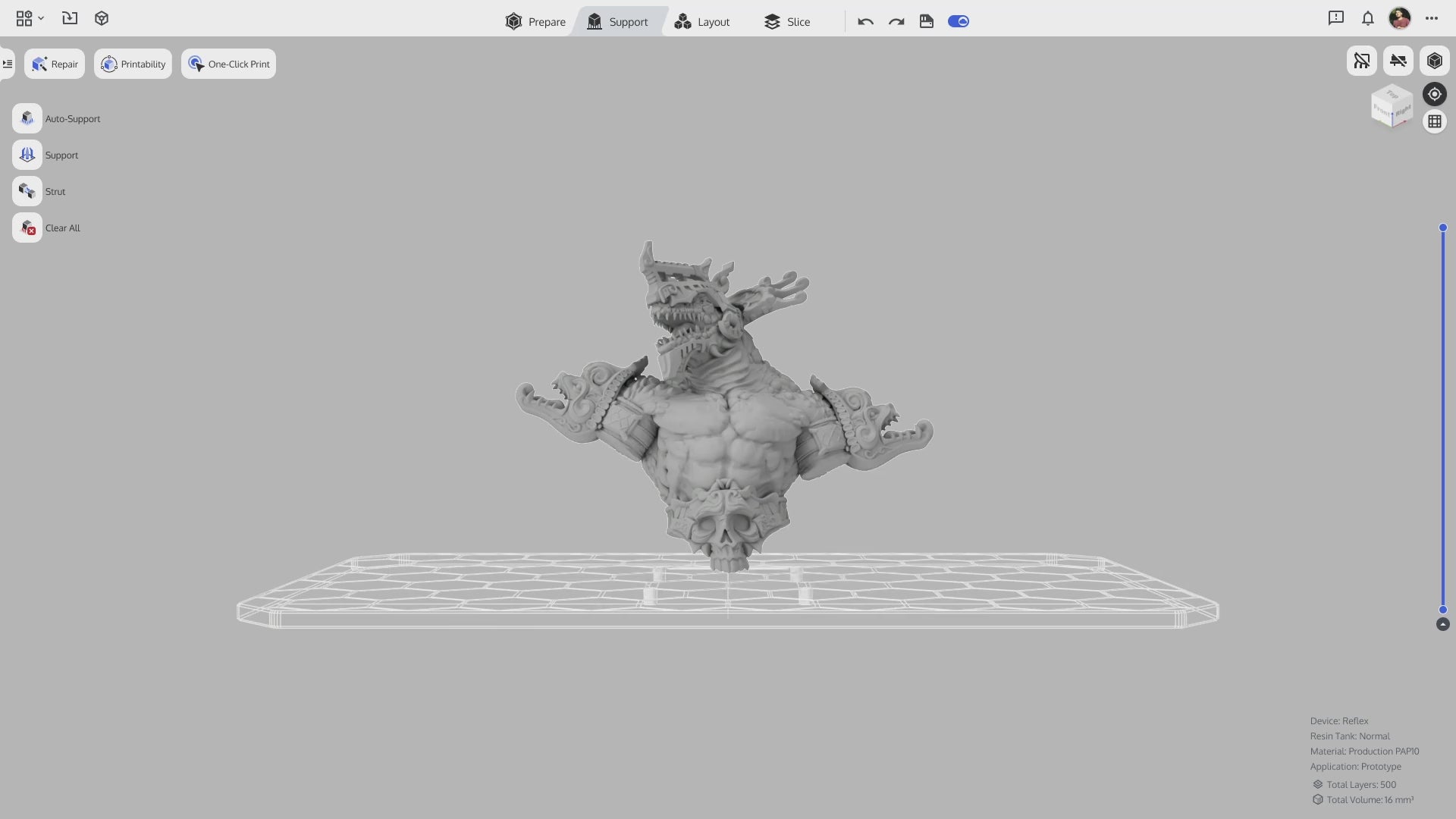
Intelligent Auto-Supports
Intelligently configured scaffold supports result in reduced detachments and a higher printing success rate.
Self-check before every print
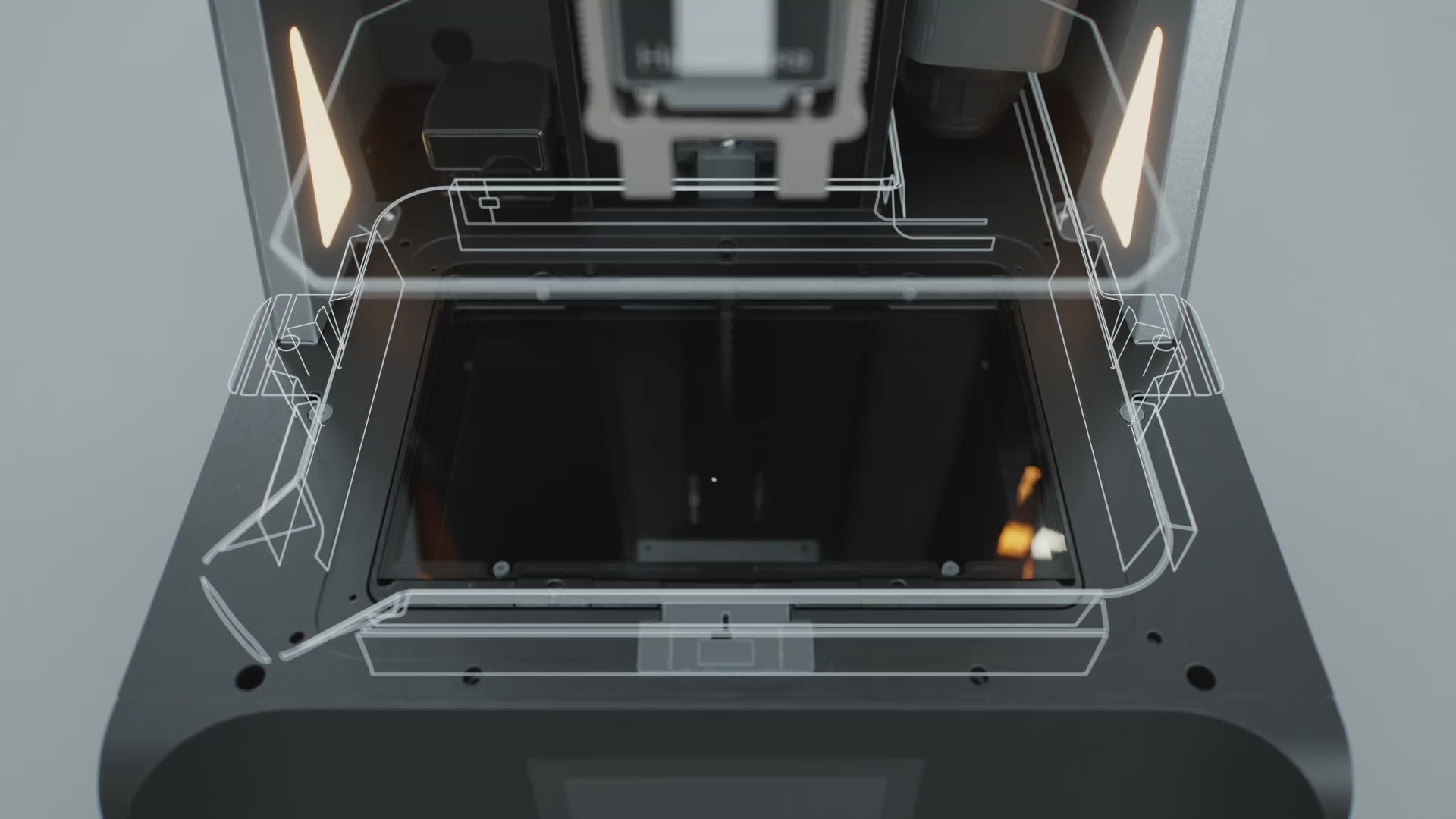
Force sensors with a sensitivity of 0.1 N can detect resin residue as small as 0.2 mm and can auto-stop upon detection or print failure.
Self-check before every print
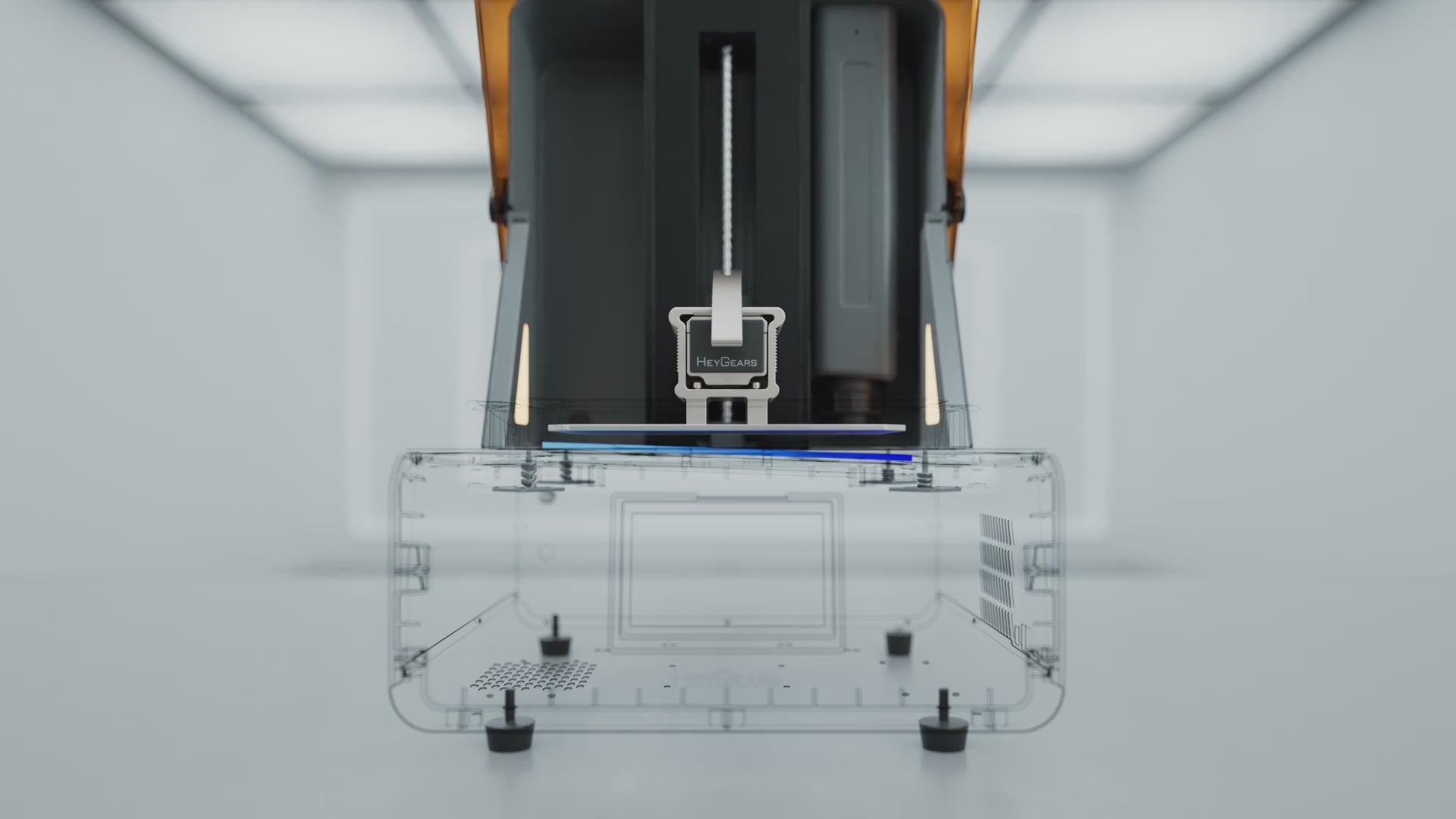
A floating screen system with a deviation of 0.15° eliminates gaps of up to 240 µm* for automatic leveling.
Self-check before every print
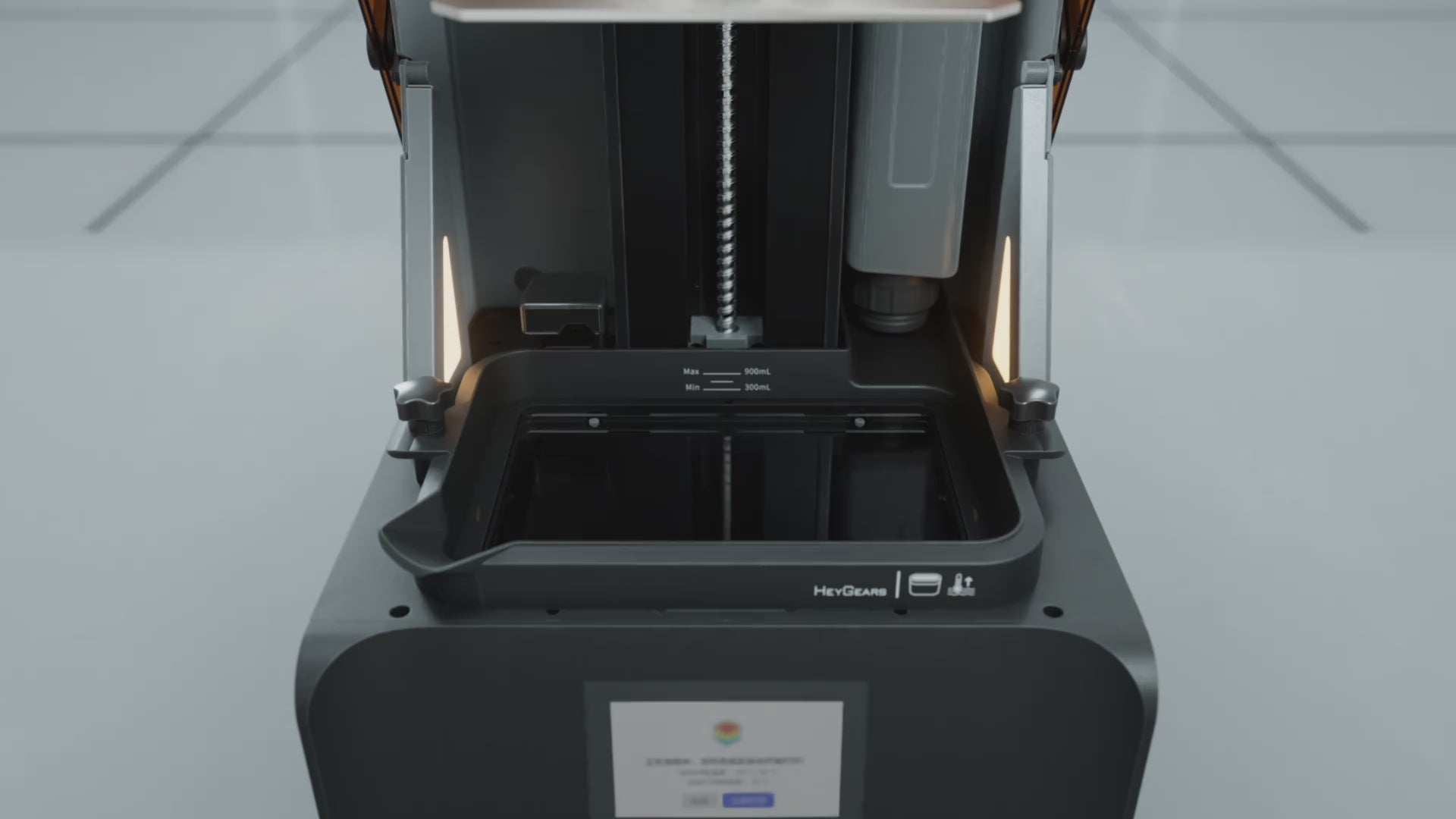
The optional RS Turbo heated resin tank* uses an integrated heater for higher efficiency. It can elevate resin temperature from 50 °F (10 °C) to an optimal 73 °F (22 °C) in 20 minutes*, auto heating maintains this temperature throughout the printing process for optimal results.
*Requires a separate purchase of the RS Heated & Pulsing Release Resin Tank*Data sourced from HeyGears Lab
Self-check before every print
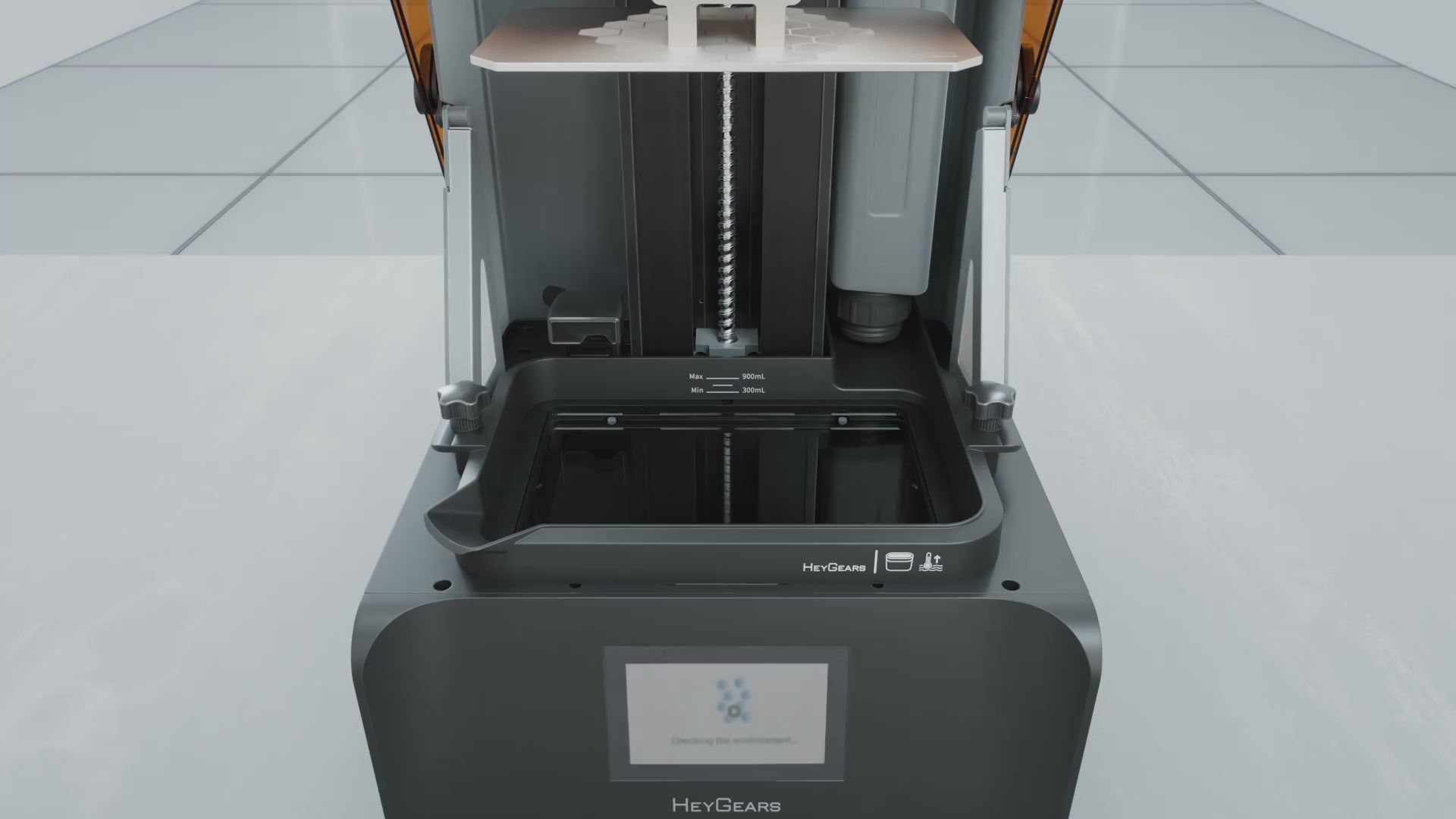
Automatic resin refill before and during printing.
Self-check before every print
This algorithm assesses printing difficulty for each layer using factors like cross-sections, part spacing, and quantity, selecting from 18 optimized motion control parameters to ensure quality while enhancing speed.

LCD (MSLA)
10.3-inch 8K Amber Screen
405 nm
C5 Grade Accuracy
222*122*228 mm
29.7 μm
±15 μm
30-100 μm
20 kg
180 W
100-240 V~50/60 Hz
380*360*584 mm
USB/WIFI
English, Simplified Chinese, Japanese
PARP10、PAS10、PAWW10、PAP10、PAWR10、PAF10、PAWW20
Included in the Box

Printer

Power Cord

Part Removal Tool

Resin Tank

Build Platform

Allen Wrench

Scraper

Please read our FAQs page to find out more.
The HeyGears Reflex RS Turbo combines high-speed resin printing with precision components designed for detailed and reliable results. It features an upgraded Amber Screen with a 566:1 contrast ratio, a C5-grade Z-axis module with ±2 μm motion accuracy, and Dynamic Motion Algorithm 3.0 for up to 33% faster printing. Together, these technologies help deliver sharp details, precise edges, and consistent print quality at higher speeds.
The upgraded Amber Screen provides a high 566:1 contrast ratio for more precise light control during exposure. By reducing unwanted light bleeding and stray UV exposure, it helps produce sharper edges, finer details, and smoother surfaces. The screen also offers improved UV resistance and thermal stability for consistent printing performance over time.
Yes. The Reflex RS Turbo can use compatible third-party UV-curable resins with Open Material Mode. Designed for experienced users, Open Material Mode provides adjustable print settings that allow greater freedom to fine-tune and customize printing parameters for different resins and applications.For optimized printing performance, HeyGears also offers compatible RS Turbo resins, including PAS10, PAF10, PAP10, PARP10, PAWR10, PAB10, and PAWW20. These resins are designed for applications such as miniatures, figurines, prototypes, functional parts, and detailed models.
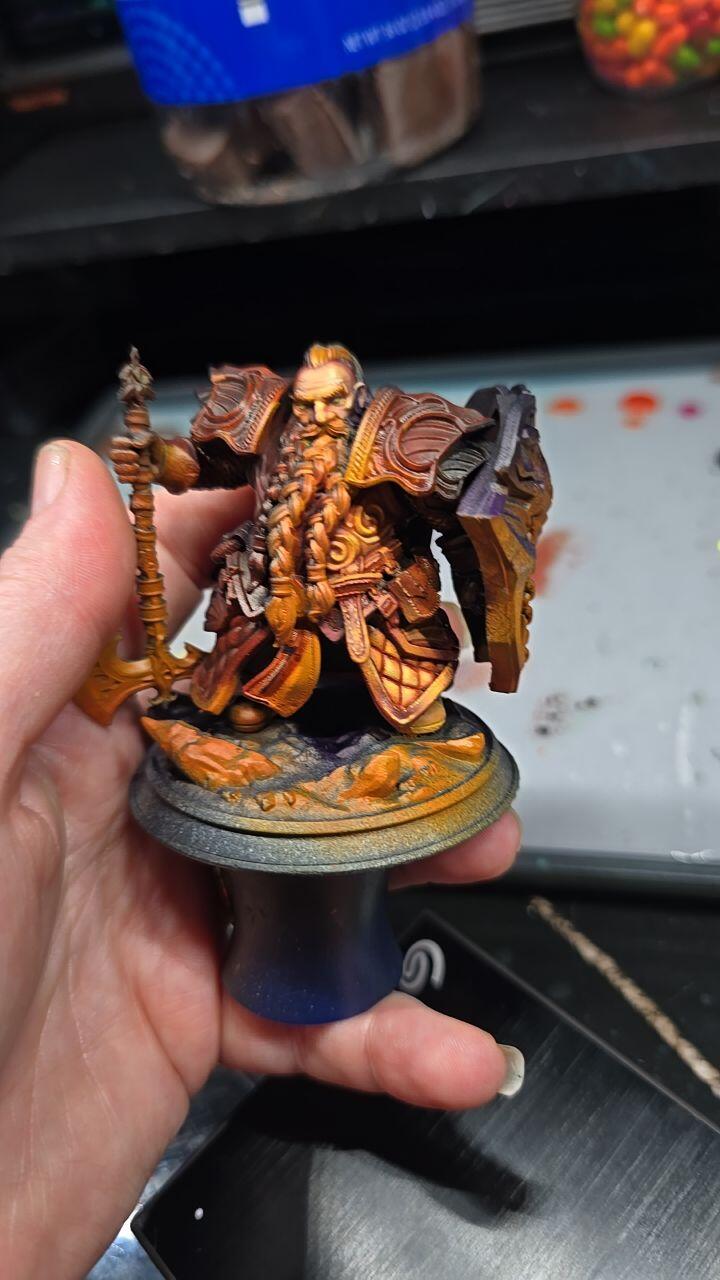
Yes. The Reflex RS Turbo is designed for high-detail resin printing and is particularly well suited to miniatures. Its high-contrast Amber Screen, precise Z-axis motion, and optimized printing workflow help reproduce fine textures, facial features, sharp edges, and other small details.
The Reflex RS Turbo is designed for high-detail resin printing across a wide range of applications, including miniatures, action figures, figurines, collectibles, tabletop models, jewelry prototypes, molds, engineering prototypes, functional parts, and product housings. Its high-resolution printing capabilities deliver sharp edges, fine textures, small features, and consistent detail on complex geometries, making it especially well suited for models and prototypes that require both precision and reliable results.
The Reflex RS Turbo is designed for a streamlined maintenance routine. Its modular structure, robust Z-axis system, and durable Amber Screen help reduce the need for frequent calibration. Regular cleaning, resin handling, and routine inspection are still recommended to maintain consistent print quality and long-term performance.
Yes. The Reflex RS Turbo is well suited for detailed action figures, character models, collectibles, and display pieces. Its high-resolution resin printing helps reproduce complex shapes, facial features, clothing textures, and other fine details while maintaining consistent print quality across intricate models.
The Reflex RS Turbo is ideal for miniature makers, tabletop gamers, collectors, hobbyists, designers, and creators who want faster resin printing with sharp details and reliable results. It is also a strong upgrade option for users moving beyond entry-level resin 3D printers.
The Reflex RS Turbo uses Dynamic Motion Algorithm 3.0 to enable printing speeds up to 33% faster than the previous generation. Its high-speed workflow is designed to maintain precise details and consistent print quality while reducing overall printing time.
The Reflex RS Turbo can be used as a high-performance home 3D printer for hobbyists, miniature makers, collectors, and creators who need detailed resin prints. Its streamlined workflow makes it easier to manage resin printing while maintaining professional-level performance.
The Reflex RS Turbo is optimized for HeyGears’ advanced resin lineup, including PAP10 Precise Detail Resin and PAWW10 water-washable resin. It can also work with a variety of UV-curable resins depending on your specific application, whether you're printing miniatures and figurines, engineering parts, or display-ready prototypes.
While the RS Turbo is designed with professional-grade components, it also features a user-friendly interface and streamlined printing process. It is especially well-suited for intermediate users who are upgrading from entry-level machines and want better speed, stability, and detail accuracy without a steep learning curve.
This printer excels in printing high-detail and application-specific models, such as:It can adapt to complex geometric shapes and can easily produce miniature models and armor parts.Figure statue table chess, movable models, electronic products, and outdoor equipment.Engineering-grade parts for testing or presentation.Detailed models such as jewelry prototypes, molds and figurines.Various end products and industrial uses, such as parts and housings.