

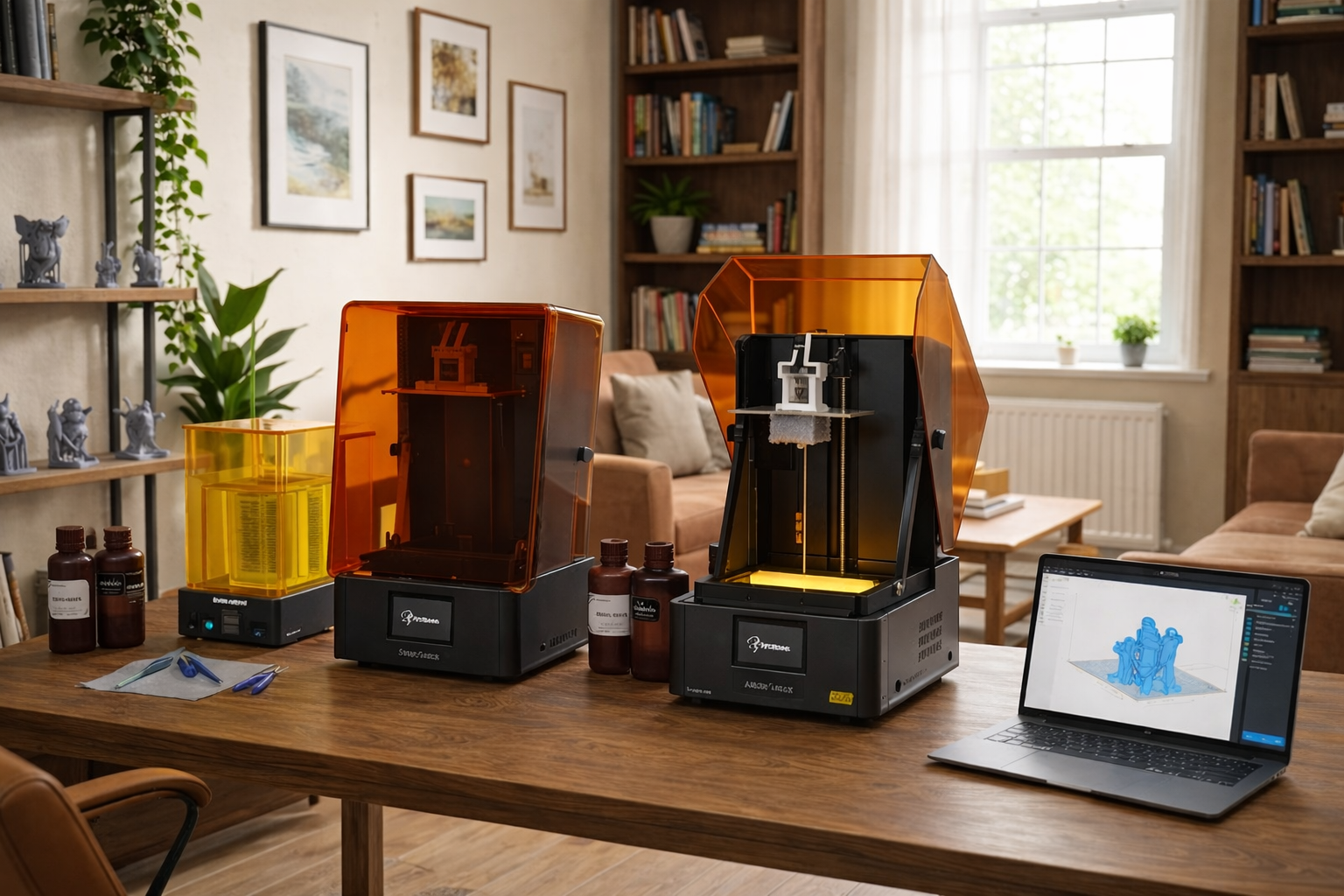
3D printing has now become a reality and an accessible tool for home use. In 2026, the best home 3D printer will be aimed at anyone, not only hobbyists and professionals. They provide credible performance, an efficient work process, and consistent performance in normal environments.
Regardless of designing prototypes, producing domestic appliances, or simply coming up with artistic illustrations, it is very important to choose an appropriate printer. This guide discusses the most suitable; five of them stand out as best covered by usability, print quality, and long-term value.
Resin vs. FDM: Which Technology Fits Your Home?
FDM ( Fused Deposition Modeling) and resin (SLA/DLP) are the two most used 3D printers at home. Determining whether [Resin or Filament is Better for 3D Printing often depends on the specific projects you plan to print. They both have their advantages and disadvantages, particularly at home. It will be determined by the projects you will print, the degree of detail you will require, and the amount of time you will be spending on post-processing and maintenance.
Print Quality
The resolution of resin printers is finer, and the surface finishes are more refined. They are masters of miniature size, fine jewelry, and small machined components that have virtually no layer lines. Nevertheless, the resin prints often require washing followed by curing, and this takes time before you can use the end product.
FDM printers are suitable for functional analyses and bigger printing. They are capable of making tough and sturdy items with materials such as PLA, PETG, and ABS. Although the application of layer lines is more visible in resin than in FDM, FDM is simpler to work with in daily home applications and does not need as much post-processing.
Workflow and Cleanup
FDM workflows are simpler. The majority of the process consists of cutting the model, printing, and taking away the complete part. Cleanup primarily incorporates the removal of supports and sometimes service to the nozzle.
Resin printing involves additional processes: print, wash, remove supports, and cure. It is not too complex, yet it requires specific space and equipment. In case you want a faster and easier-to-use 3D printer, FDM is likely more suited to the domestic market.
Safety at Home
Home 3D printing safety issues. The substances used in resin printing are also considered hazardous to human health as they may cause skin irritation and fumes. It requires proper ventilation, gloves, and a controlled work area. Most resin printers have enclosures and filtration in place to minimize exposure, but they still need to be handled with care.
Interior FDM printing is less hazardous. Although it may produce minor quantities of fumes, particularly when using high temperature filaments, it is generally less toxic than resin. Anyway, put the printer somewhere where a favorable breeze blows and do not expose oneself to fumes for too long.
FDM vs. Resin 3D Printers Comparison Table
Here is a quick comparison of the key differences:
|
Feature |
FDM |
Resin |
|
Print Quality |
Functional and sturdy with visible layer lines |
Fine resolution with smooth finish |
|
Workflow |
Simple. Slice, print, remove |
Complex. Requires washing and curing |
|
Safety |
Less hazardous with minor fumes |
Hazardous materials, needs ventilation |
|
Best Use |
Functional parts and large items |
Miniatures, jewelry and figurines |
Top 5 Home 3D Printers of 2026
Here are the five best home 3D printers that are trustworthy, convenient, and designed towards a similar output. Both models have their advantages, which apply to various users, including beginners and sophisticated hobbyists.
1. Reflex RS 3D Printer
It's a Beginner-Friendly Starter. The Reflex RS 3D Printer is a home-friendly machine with an entry-level and hassle free set up in addition to quality printing. It is also user-friendly, easy to learn, and performs well. The printer has a user-friendly interface, smart auto leveling, and a stable build plate, which helps to avoid typical problems, such as detachment and curing errors.
Its robust construction will provide constant performance even after several sessions of prints and it can be used with a variety of resin types. This allows one to play with other materials without having strong technical expertise.
-
Best for: Beginners seeking plug-and-play Resin experience
-
Price: ~ $699
-
Application: High-detail miniatures, smooth surface prototypes, and artistic figures.
-
Operating procedure: Automated Resin System (Features auto-leveling and easier resin handling, but still requires washing and curing).
-
Recommendation: ★★★★★

2. Reflex RS Turbo
It's quite subtle and acute as the Reflex RS Turbo is based on the regular Reflex RS and is aimed at customers wishing to print faster and finer details. It is particularly appropriate for high-end amateur users, teachers, and small-scale designers who appreciate speed and accuracy. The turbo model is designed with complex prints that have high accuracy and make it dependable on complex models and prototypes.
It does this by having better motion control, exposure optimization, and a stable frame that minimizes vibrations. The effect is less printing wastage, more precisely cut edges, and smoother surfaces. RS Turbo is also home user friendly since people can achieve professional results without industrial complications.
-
Best for: Professionals and Speed-focused Users
-
Price: ~$849
-
Application: Rapid production of detailed batches, dentistry, or engineering prototypes requiring high precision.
-
Operating procedure: High-Speed Resin (Faster layer curing times, optimized for quick turnover).
-
Recommendation: ★★★★★

3. Photon Mono 2
Photon Mono 2 is a resin printer that provides outstanding detail and a level finish. It is the best one to use when fine accuracy is important to the user, e.g., miniature collectors, jewelry designers, and figurine hobbyists. The printer is sound and functional at all times. In the case of home users, it is the most accessible solution, compromising detail and convenience, and hence makes it a favorite among resin amateurs.
-
Best for: Budget Resin Starters
-
Price: ~$209
-
Application: Entry-level miniatures, jewelry casting patterns, and small figurines.
-
Operating procedure: Standard Resin (Manual leveling often required, standard wash & cure process).
-
Recommendation: ★★★★☆
4. V3 SE
The V3 SE is a multipurpose home printer. It balances the quality of printing and use, which can be said to fit both novice and expert users. V3 SE has a reputation for being durable and stable when it comes to performance, particularly with bigger models.
Its volume of build is competitive among printers used by homes to ensure that they can print useful materials such as tools, fixtures, and other accessories used around the home. The V3 SE can also accept other kinds of filaments, and hence one can be flexible in whichever material to work with.
-
Best for: Budget DIY and Functional Prints
-
Price: ~$179
-
Application: Household repairs, large cosplay props, and structural parts (PLA/PETG).
-
Operating procedure: Standard FDM (Filament-based, auto-leveling, easy cleanup).
-
Recommendation: ★★★★☆
5. Centauri Carbon
The Centauri Carbon is a home premium printer that offers high performance and precision to users. It is applicable to sophisticated users who desire to get the professional level results without having to use industrial tools. The Centauri Carbon has superior motion control, superior thermal, and high-quality parts.
-
Best for: Professionals and Engineering Enthusiasts
-
Price: ~$1,299 (Premium Tier)
-
Application: Functional engineering parts (Nylon/CF), high-temp prototypes, and large-scale architectural models.
-
Operating procedure: Advanced FDM (Enclosed CoreXY system, high-speed printing, supports high-temp materials).
-
Recommendation: ★★★★★
Comparison Table
Let’s summarize their comparison in the following table.
|
Printer Model |
Technology |
Best For |
Key Strength |
|
Reflex RS 3D Printer |
Resin |
Beginners |
Easy setup, smart auto-leveling |
|
Reflex RS Turbo |
Resin |
Advanced hobbyists |
Fast curing speed, sharp detail |
|
Photon Mono 2 |
Resin |
High detail models |
Smooth finish, high value |
|
V3 SE |
FDM |
Versatile home use |
Auto-leveling, low maintenance |
|
Centauri Carbon |
FDM |
Professional-level home prints |
High speed, CoreXY stability |
Key Factors to Consider When Choosing the Best Home 3D Printer
The selection of the most suitable 3D printer for home does not only involve specifications. It must suit your objectives, financial means, and residence. These are the main elements that will enable you to select the appropriate printer in 2026.
Ease of Use
A 3D at-home should be simple to install and operate. They include searching the interface, a safe bed-leveling solution, and simplified configuration instructions. Beginners can usually have difficulties calibrating and troubleshooting, which means that a printer with good support in the community and documentation is required. To the typical domestic user, less is more.
Build Volume
The biggest thing you can print is known as the build volume. An intermediate amount of build volume tends to take care of daily tasks. Printers that have more build area are more suitable for printing furniture accessories or useful tools. It depends on your workspace size and the nature of the projects you intend to attempt.
Cost to Own
The cost excludes only the purchase price. Continuous cost is filament/resin, spares, and electricity. Other models require a lot of servicing or costly proprietary consumables. Consider long-term cost-effectiveness and the universality of the use of compatible materials. Low initial prices may mean a high overall price when the consumables are expensive.
Mistakes to Avoid When Choosing a Home 3D Printer
Choosing an inappropriate printer will result in frustration and loss of money. These are pitfalls that need to be avoided to ensure that your printer fits your environment and requirements.
Buying by Specs
Most individuals are preoccupied with features like resolution or how long 3d printing takes, whilst forgetting the practical aspect of reliability. A printer that is of high specification might be difficult to calibrate or unreliable. Prefer user experience and excellent performance to glittery generalities. Look at reviews and what other people are saying about the printer to ensure that it is as it claims to be.
Ignoring Ongoing Costs
One of the common mistakes is the neglect of the costs of materials and maintenance. Other printers involve the use of costly proprietary filaments or resins. Nozzles, belts, and build plates are other components that increase with time. You must make a long-term cost calculation that you must dedicate to.
Skipping Ventilation Planning
The 3D printers (resin models in particular) need to be ventilated. Fumes of the resin can be unpleasant and even toxic when in contact with it for an extended time. Even fDM printers produce minor fumes, particularly when utilizing worthless high-temperature filaments. Arrange a well-ventilated area and remember to place an air filter.
FAQ
Do 3D Printers Use a Lot of Electricity?
The electricity consumed by 3D printers is moderate, like other small domestic equipment. The typical power is 50 to 250 watts for the FDM printers, depending on the temperature of the magnet and the bed. Resin printers consume less energy, but have a higher operating duration. The total cost is determined by the duration of printing.
How Much Build Volume Do You Need?
You need to select a build volume to suit your project objectives rather than choosing the biggest build volume. Miniatures, toys, and small household tools can be packed in small quantities. A larger build volume is recommended in case you have to print large functional parts, prototypes, or lots of items simultaneously.
Is It Safe to Sit in a Room with a 3D Printer?
You can be safe if you take caution. FDM printers release fine particles and fumes, particularly those of ABS or nylon. Resin printers emit volatile substances and can only be handled with care. The printer should never be left unattended in a poorly ventilated location, and it should never be left unattended for an extended duration. To minimize the odor and particles, it should be vertically openly circulated with the help of air filtering.
Do I Need a Wash and Cure Station for Resin Printing?
A wash and cure station is also strongly suggested to get uniform resin prints. Once the parts have been printed, clean them under cold water to get rid of uncured resin and leave them to stand to cure. Unwashed and uncured prints may remain sticky, unstable, and even distorted. A dedicated station enhances quality, minimizes resin exposure, and simplifies the working process. It is often cited as a key item in any essential 3D printing tools guide for beginners.
What is the Difference between Manual and Automatic Bed Leveling?
Manual leveling involves adjusting the build plate (often using knobs or screws) with calibration papers. It may be time-consuming and prone to errors. The automatic leveling involves the use of sensors that map the bed surface and maximize irregularities automatically. This enhances first-level binding and reduces unsuccessful imprints. Automatic leveling is time-saving, improves reliability, and is of particular benefit to a beginner or busy user.
Conclusion
The 2026 selection of the best home 3D printer requires compromising on printing quality, workflow, safety, and cost over time. The five models under this guide are the most realistic and useful models used by the home user, whether a novice or an advanced hobbyist. In general, the optimal home 3D printer is the one that should be in line with your ambitions and lifestyle.
Share:
How to Clean Resin Prints with Alcohol and Water
3D Printed Dragon: The Ultimate Step-by-Step Guide and Making Tips