

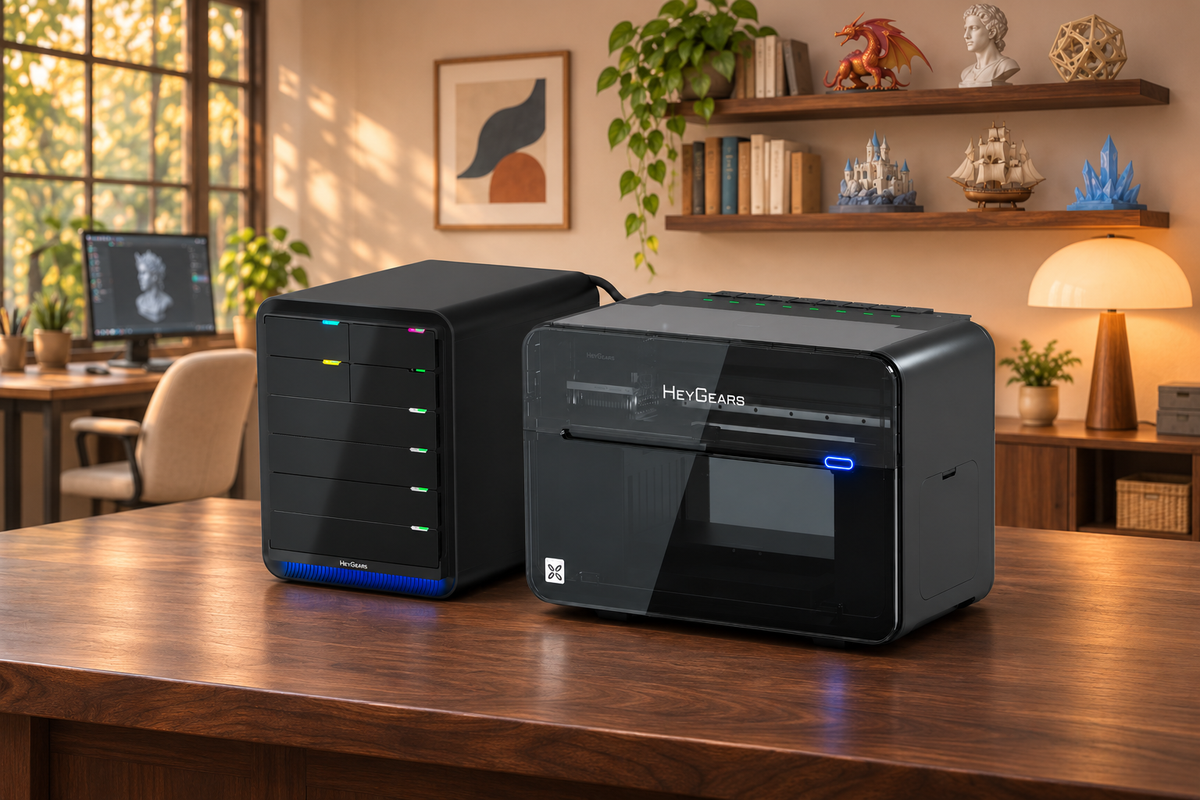
G1X brings full-color 3D printing, UV printing, and Fabric printing together in one machine. Behind these capabilities is a versatile ink system designed to support different printing processes and ensure consistent ink delivery. We have continued to test and refine the system throughout development, using each round to improve how its different functions work together.
In this update, we’ll walk you through G1X’s latest ink system improvements, focusing on three areas:
- Ink Supply Stability
- Flexible Ink Path Configuration
- Easier Cleaning & Maintenance
Ink Supply Stability
Printhead Heating
Changes in ambient temperature can affect ink viscosity and flow. The latest G1X printhead adds optimized ink sacs and preheating to help maintain consistent ink conditions.
Its printhead heating provides more even heating and higher heating efficiency, supporting steady ink delivery during printing.
White Ink Stirring + Active Circulation
White ink pigments can settle over time. G1X combines regular white ink stirring with active circulation between the sub-tank and the printhead’s ink sac.
Together, they help reduce sediment buildup in the ink path and support stable ink delivery for more consistent print results.
Flexible Ink Path Configuration
Different print modes call for different supply setups. For full-color 3D printing, G1X uses an industrial-grade negative-pressure supply system paired with a new resin supply station. This configuration supports extended print runs and batch production.

For UV printing, you can choose an ink setup based on your priorities. For finer detail and a richer color range, choose CMYK with Light Cyan and Light Magenta. For faster printing, choose dual White and dual Varnish. We also plan to introduce more spot-color ink sets in the future. These flexible configurations allow G1X to support different UV printing requirements, from detailed color reproduction to faster production workflows.
To switch between 3D, UV, and Fabric printing, You can simply swap the Relay Ink & Resin Hub. This modular setup allows G1X to support different printing applications, from full-color 3D printing and UV printing to printing on fabric.

Within the UV setup, You can switch ink combinations by replacing the individual cartridges.

Easier Cleaning & Maintenance
Efficient Cleaning
Deep cleaning is mainly needed in two situations: when switching between the UV/Fabric ink setup and the full-color 3D resin setup, or when changing ink in a single channel, such as switching spot colors.
To reduce cleaning fluid use and make cleaning more efficient, we will use a dedicated cleaning tool for ink-system changes and a targeted cleaning process for individual channels.
When switching between the UV/Fabric ink setup and the full-color 3D resin setup, first replace the Relay Ink & Resin Hub, then connect the dedicated cleaning fixture to flush the shared printhead assembly. We will show the dedicated cleaning fixture in the future, which is match our printhead.

When switching spot colors, only the affected channel needs to be cleaned. Replace that channel’s ink cartridge with a cleaning-fluid cartridge. This reduces ink use and avoids unnecessary waste.
And our latest G1X uses real-time pump monitoring to check the flushing operation, and Blueprint Studio can alert users when the system detects an issue.
Nozzle Moisture Care
We’ve also upgraded printhead moisturizing. For water-based inks, the printer automatically dispenses moisturizing fluid onto the capping pad while on standby, and seals the nozzle area to keep it moist and reduce clogs.
Also, regardless of the printer version, if it will be powered off for more than a week, flush the printhead with the dedicated cleaning tool, then seal the nozzles with moisturizing fluid to keep them moist and help prevent clogs.
Together, these updates support stable ink delivery and consistent print quality across G1X’s full-color 3D, UV, and Fabric modes. We’ll continue testing and refining the system to help these different capabilities work together reliably in one machine.
Teilen:
Lohnt sich ein teurerer 3D-Drucker? Wert jenseits des Preises verstehen
Welcher 3D-Drucker liefert die besten reproduzierbaren Ergebnisse?