








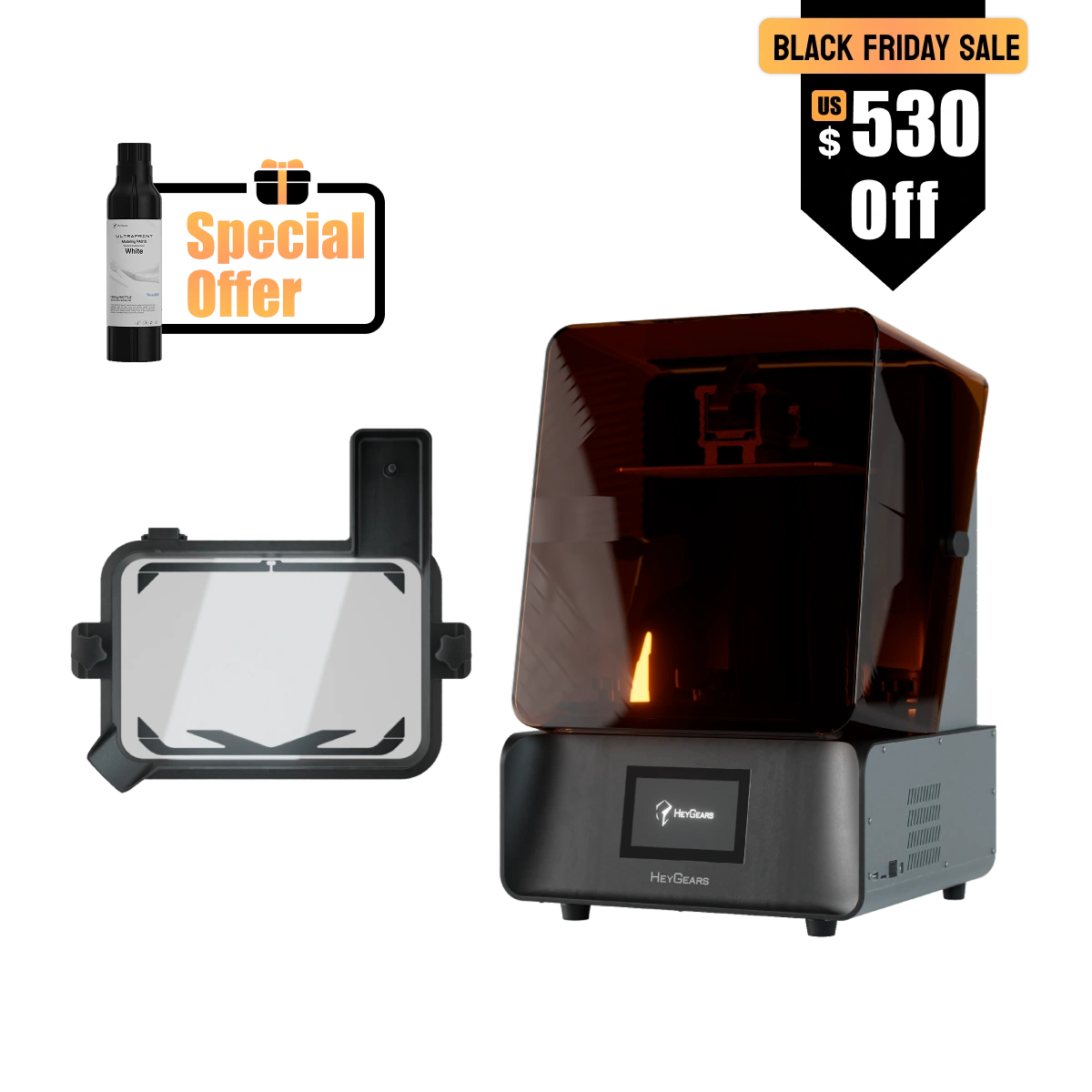

Mit dem Reflex RS wird 3D-Drucken zum Kinderspiel: In wenigen Minuten eingerichtet, mit einem Klick slicen und von Anfang an zuverlässige Ergebnisse genießen.

Zusätzlicher Rabatt von 50 $ mit dem Code: HG50NEW
Neu bei HeyGears? Sichern Sie sich 50 $ Rabatt auf 3D-Drucker – Code: HG50NEW
(Nur für Neukunden. Gültig für 3D-Drucker.)
Extra 30 $ Rabattcode: EASTER
Nur 100 Codes verfügbar, um 30 $ zu sparen
Jetzt kaufen und kostenlosen PAS10 Harz genießen! (Nur 50)
Produkt-Highlights
- C5-Qualitäts-Z-Achsenmodul für stabile Schichthöhe und klare Details
- Vollbildschirmkalibrierung für gleichbleibend hohe Genauigkeit
- Dynamic Motion Algorithm 3.0 für Geschwindigkeitssteigerungen von bis zu 33 %*
- Auto Assistiertes Drucken:
- Automatische Nivellierung des schwebenden Bildschirms
- Automatische Harznachfüllung
- Automatische Harzheizung**
*Daten stammen aus dem HeyGears-Labor und basieren auf der Verwendung von PAWW10 wasserwaschbarem Harz im Vergleich zum herkömmlichen Motion-Control-3D-Druck. Die genaue Geschwindigkeitssteigerung kann je nach Modell variieren.
** mit RS beheiztem und pulsierendem Release-Harzbehälter (separat erhältlich)
Paket beinhaltet
Reflex RS:
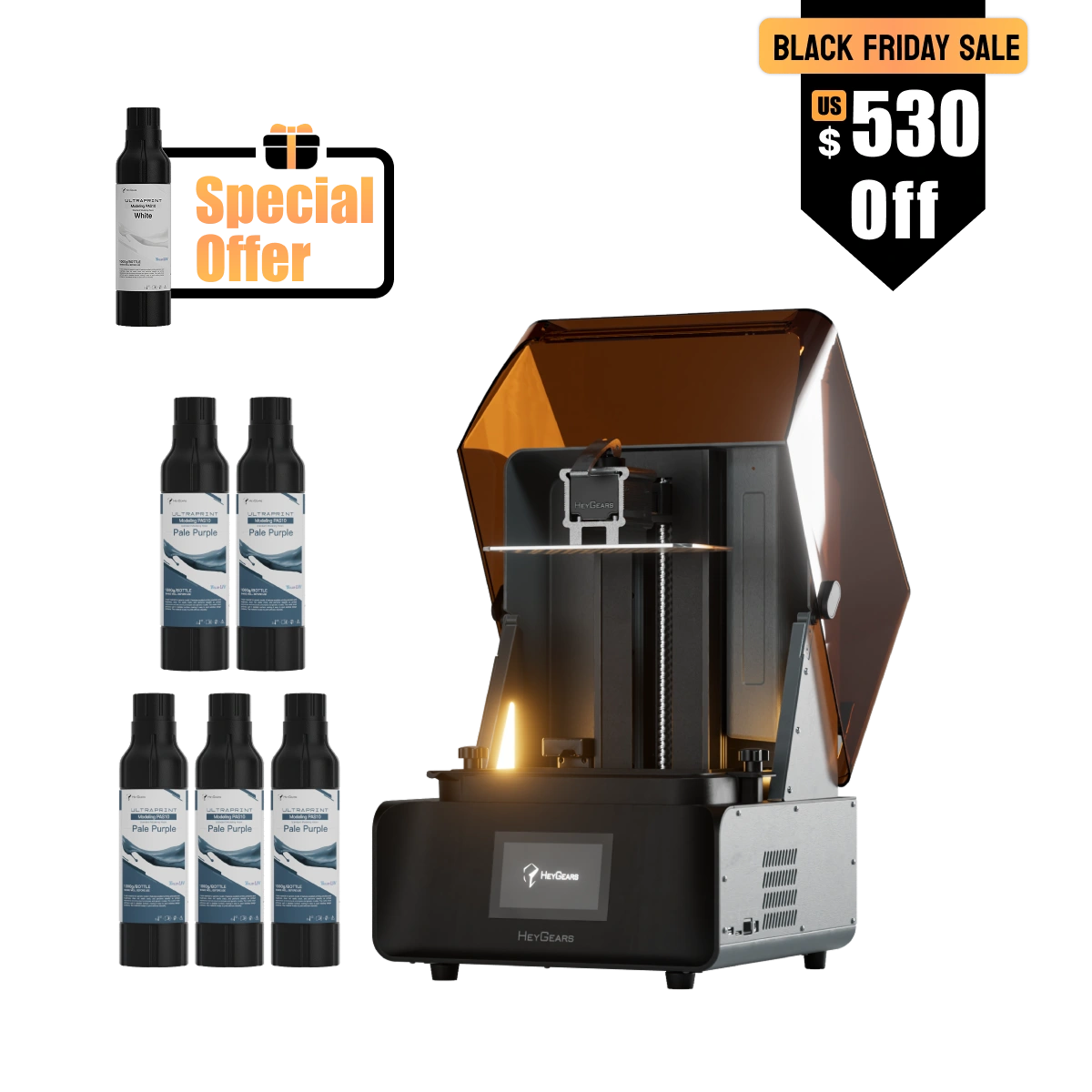
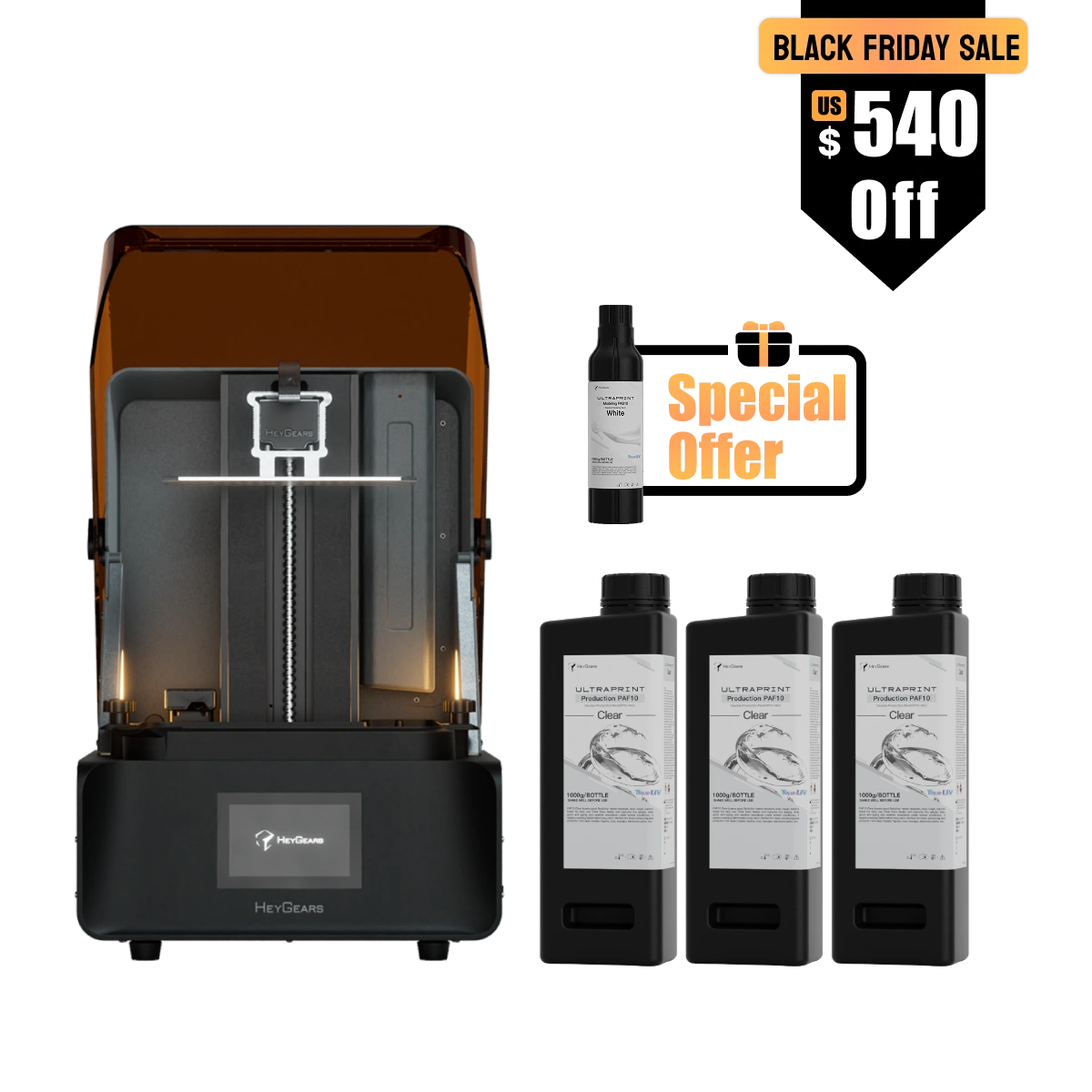
UltraCraft Reflex RS 3D-Drucker x1
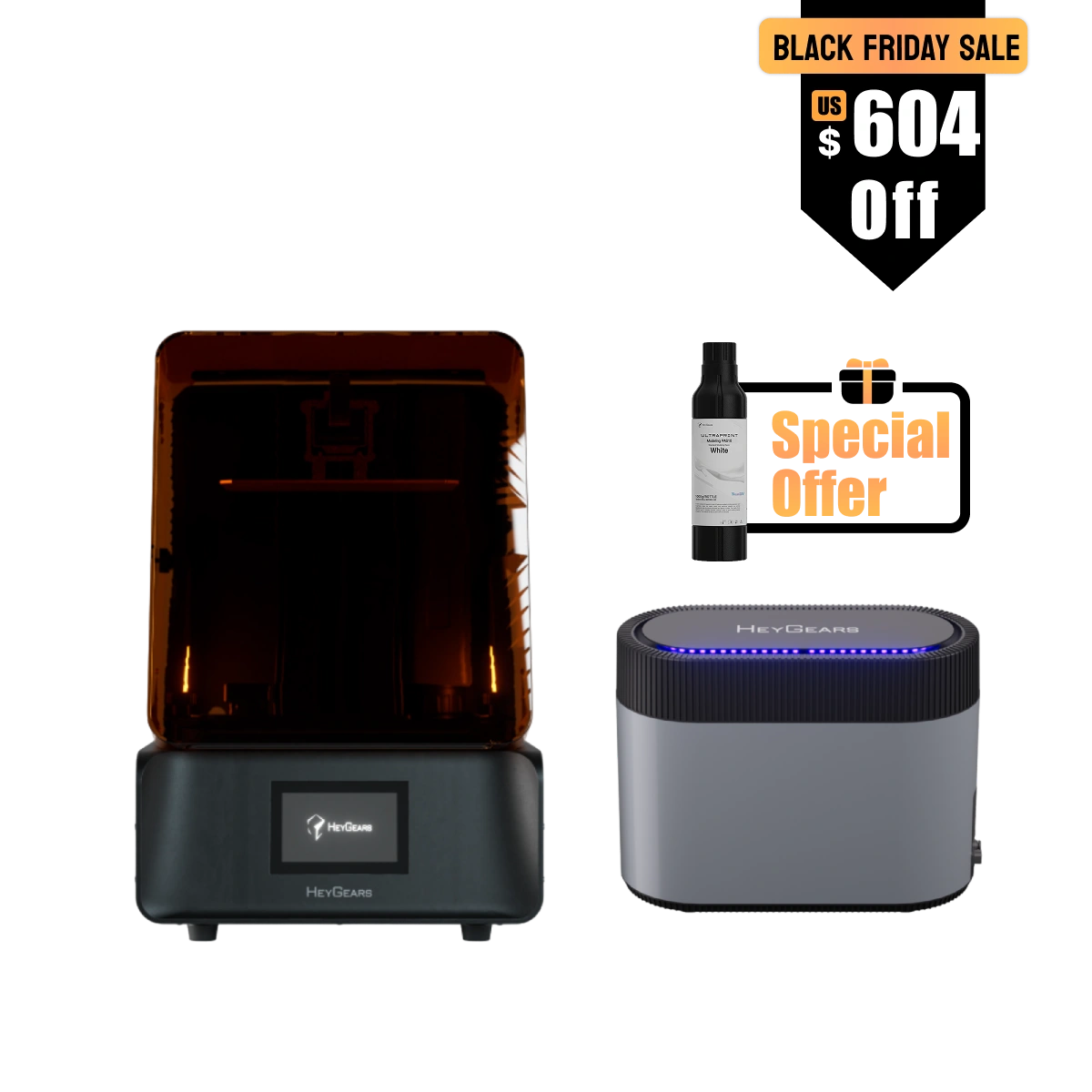
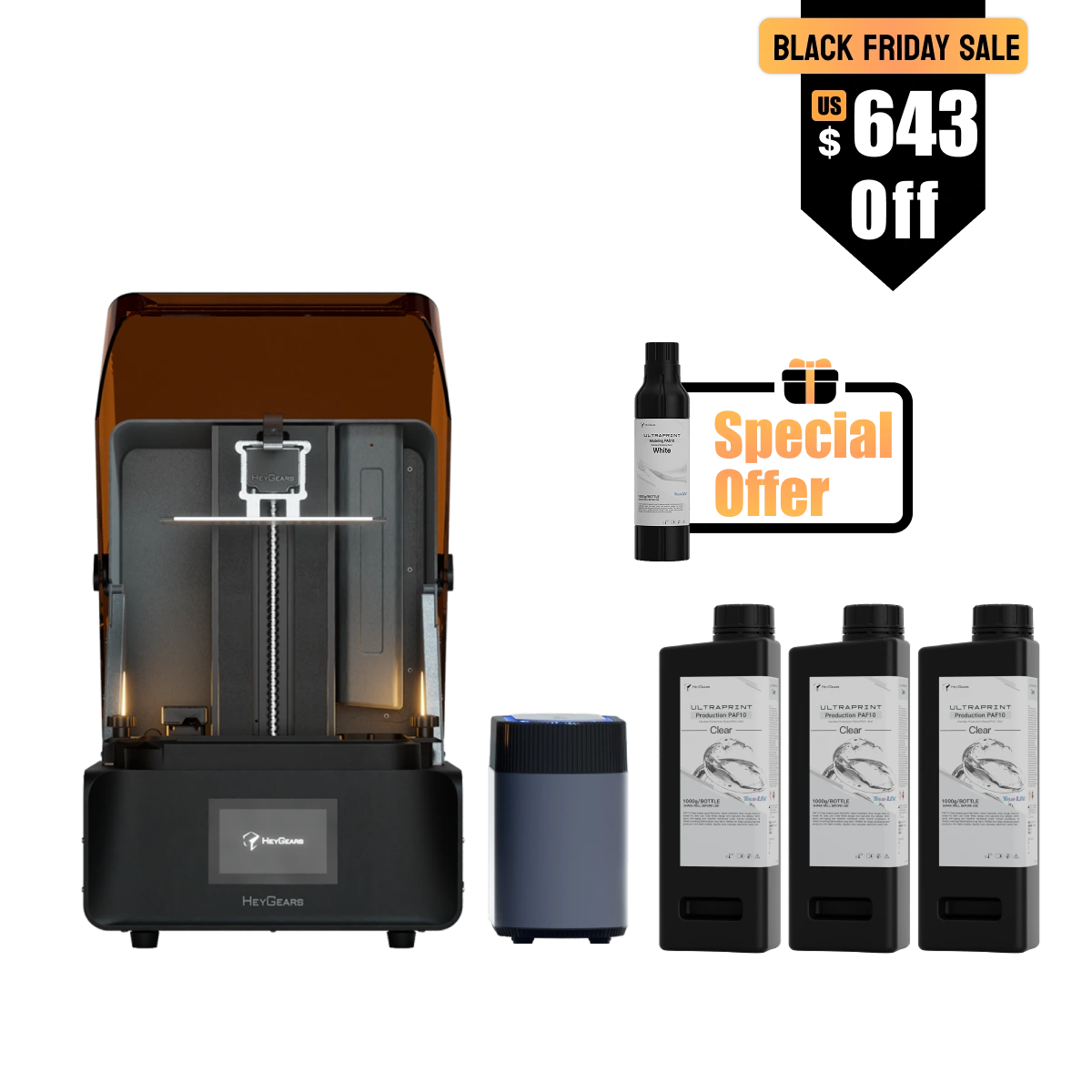
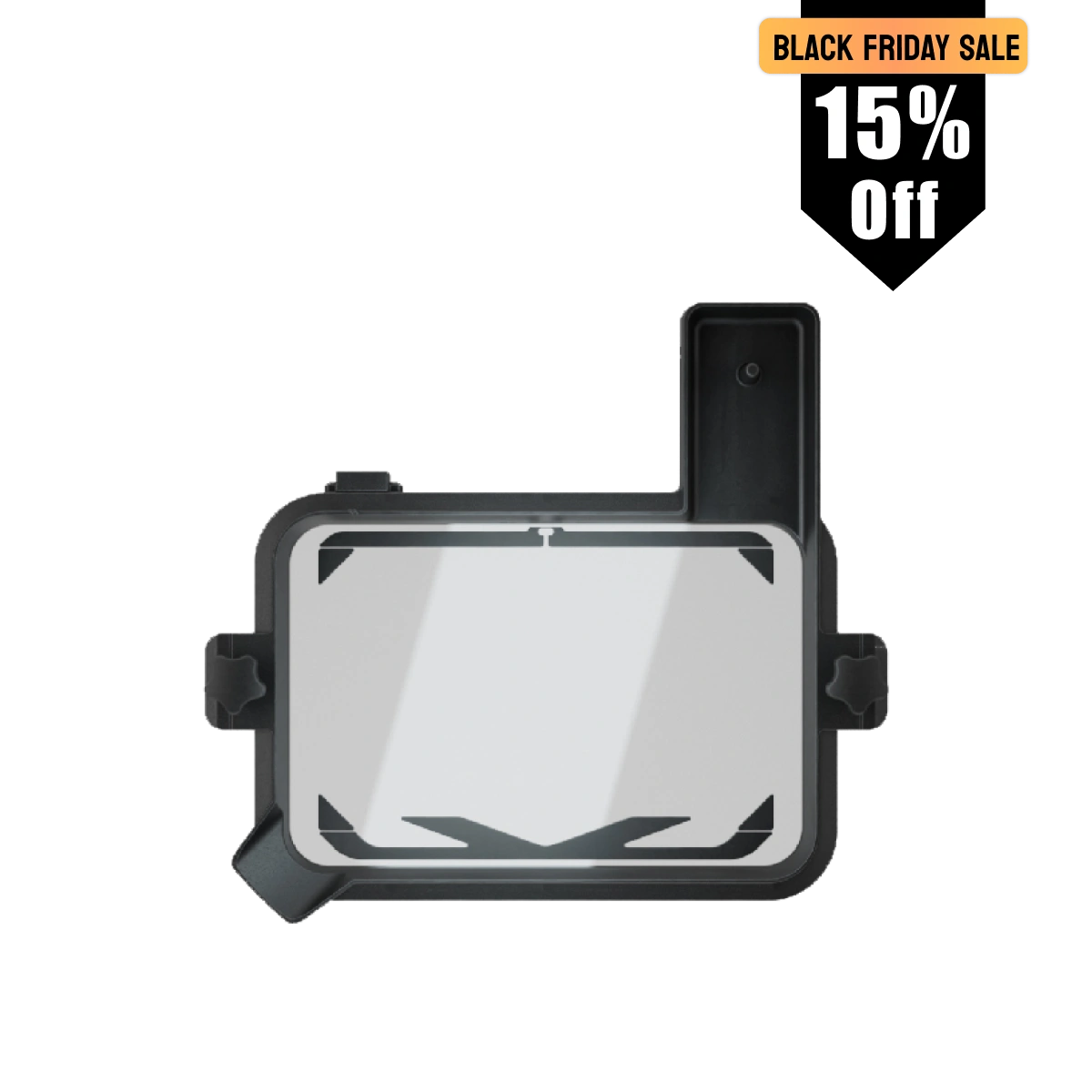
Reflex RS mit pulsierendem Freigabemodul :
UltraCraft Reflex RS 3D-Drucker x1
UltraCraft Pulsierendes Freigabemodul x1
UltraCraft Reflex RS beheizter und pulsierender Release Resin Tank x1
Passt gut zu
Reflex RS 3D-Drucker
Wir sind bestrebt, Ihnen den besten Service zu bieten. Bitte zögern Sie nicht, uns zu kontaktieren, wenn Sie Fragen haben.
-
Versandinformationen
Kostenloser Versand bei Bestellungen über 399 $Klicken Sie hierfür weitere Versanddetails.
-
Kundendienst
Brauchen Sie Hilfe? Wir sind für Sie da!
WhatsApp:
+1 949-283-2998 (USA)
Mo-Fr, 9:00-17:00 PSTE-Mail-Support:
contact@heygears.com
Technischer Support:
customersupport@heygears.com
-
Loslegen
Erste Schrittemit Ihrem HeyGears 3D-Drucker
-
FAQ’s
Bitte lesen Sie unsereFAQsSeite, um mehr zu erfahren.
Hear It From Our Users

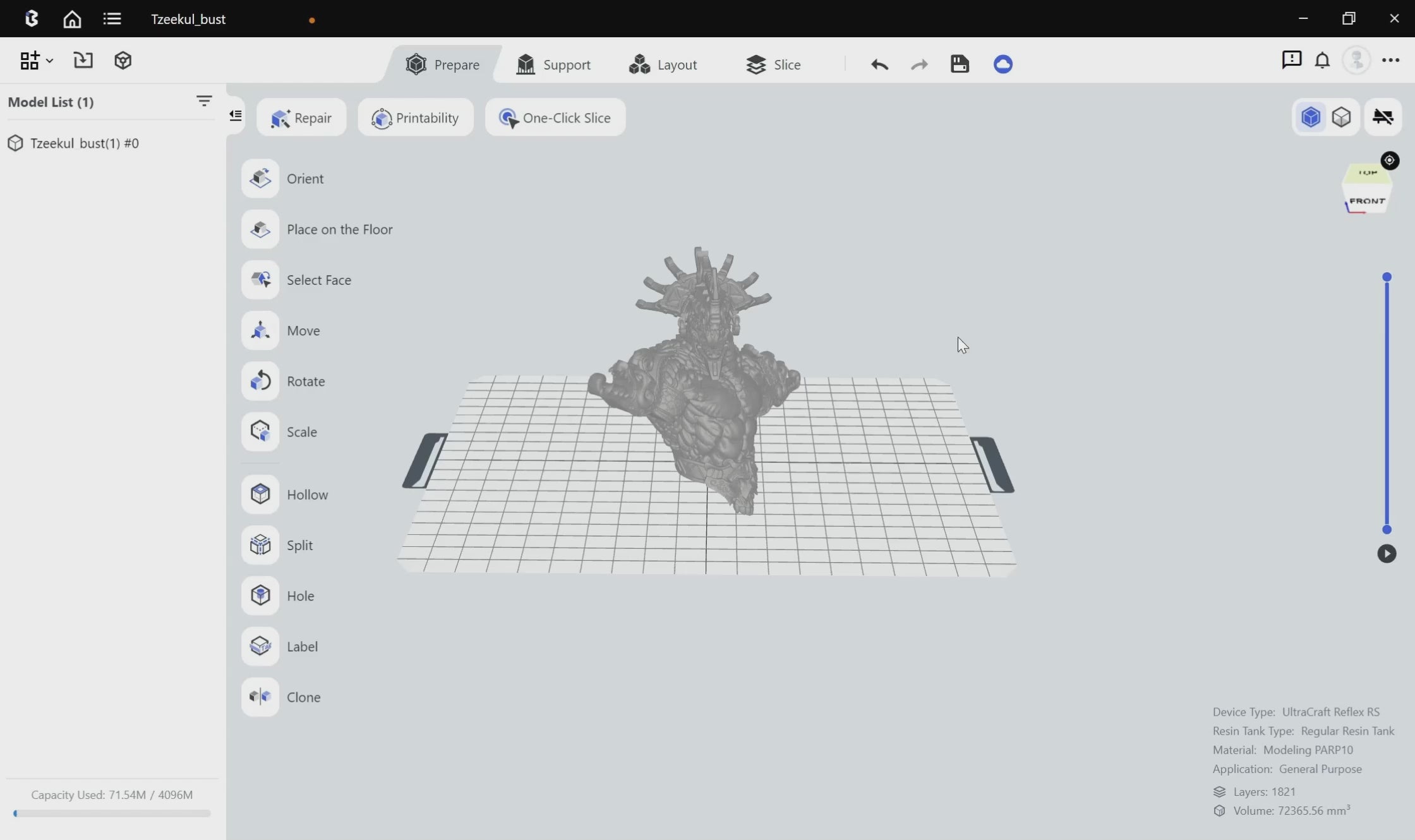
Automatische Vorverarbeitung
Komplette Vorverarbeitung in nur einer Minute
Ein-Klick-Schnitt ohne manuelle Anpassung.
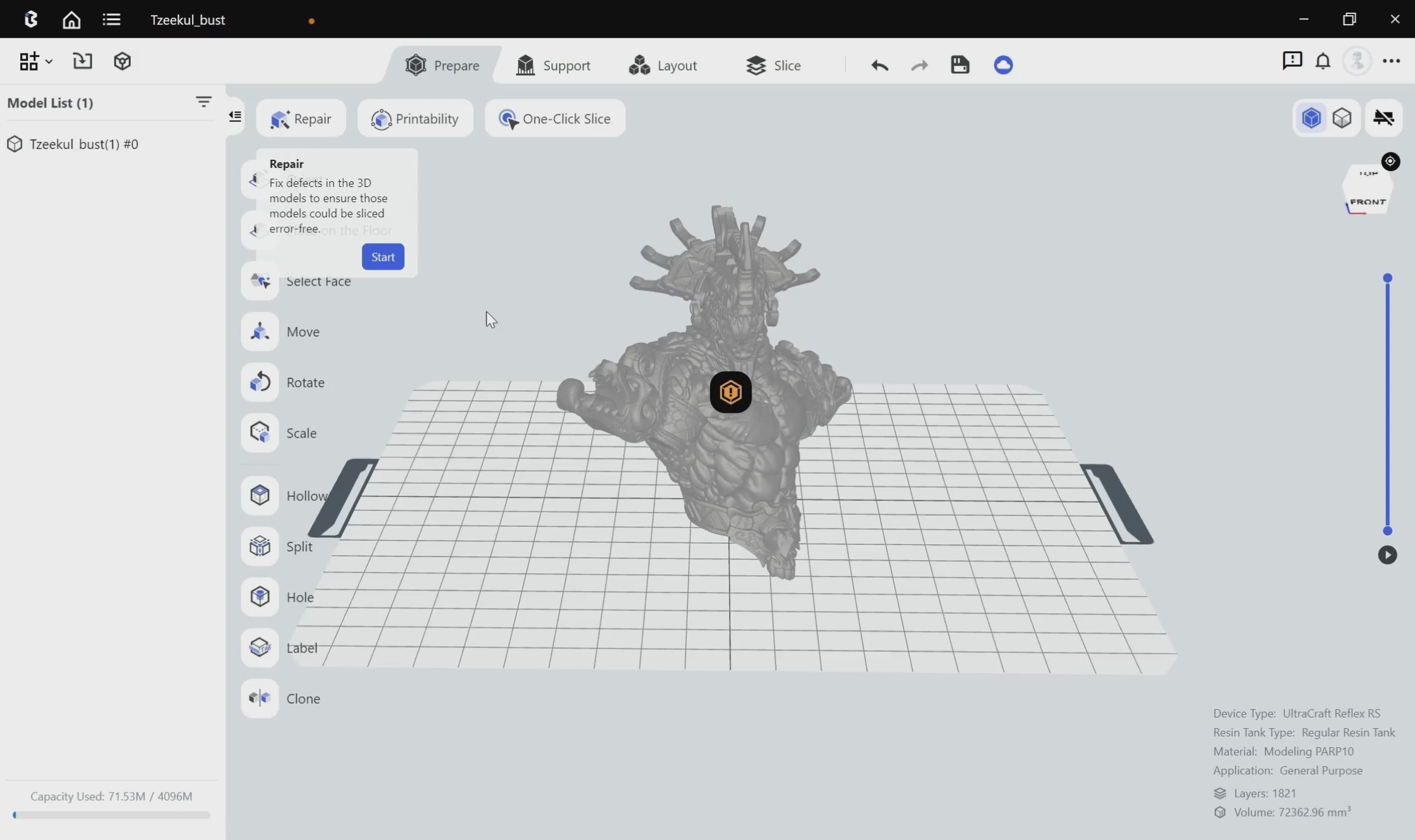
Automatische Vorverarbeitung
Automatische Reparatur verhindert Ausfälle
Automatisch erkennt und repariert Modellfehler wie umgekehrte Normalen, Löcher und sich überschneidende Schalen.
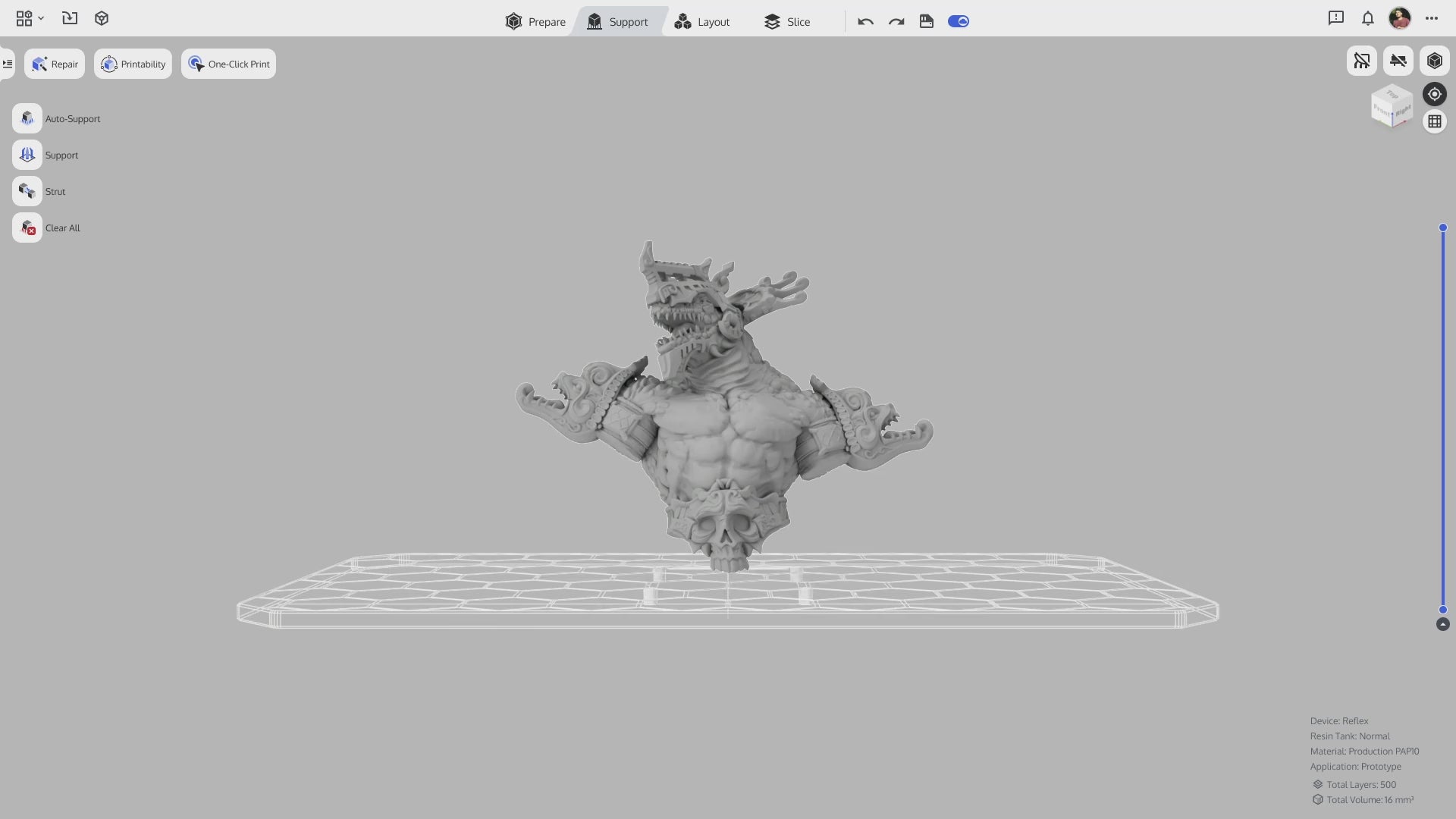
Intelligente Auto-Stützen
Automatische Vorverarbeitung
Intelligent konfigurierte Gerüststützen führen zu weniger Ablösungen und einer höheren Druckerfolgsrate.
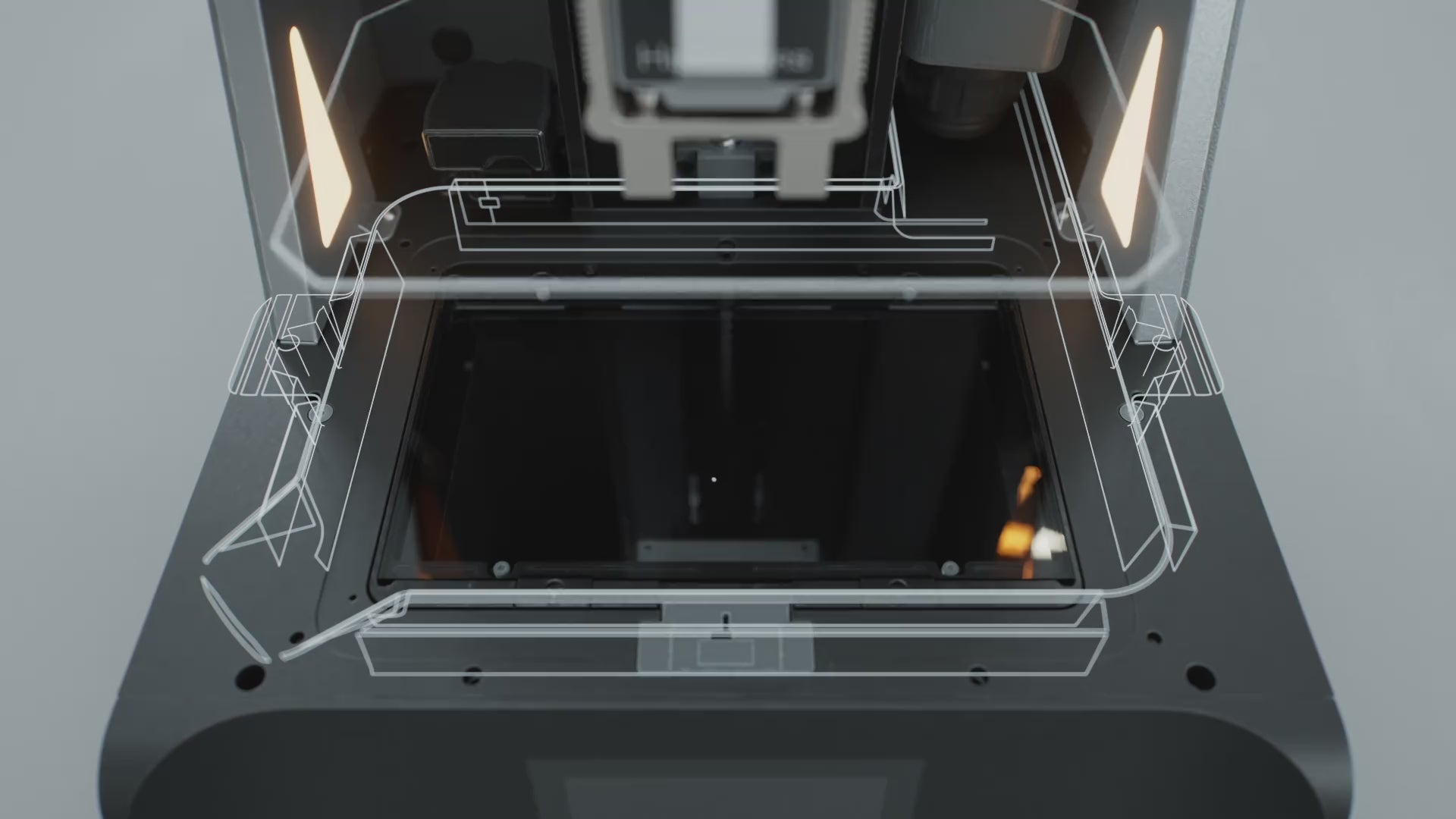
Kraftwert-Überwachungssystem
Rückstandserkennung
Kraftsensoren mit einer Empfindlichkeit von0.1 Nkann Harzrückstände so klein wie erkennen0,2 mmund kann bei Erkennung oder Druckfehler automatisch stoppen.

Kraftwert-Überwachungssystem
Druckanalyse
Nach jedem Druck wird ein Bericht erstellt, um Probleme genau zu identifizieren.
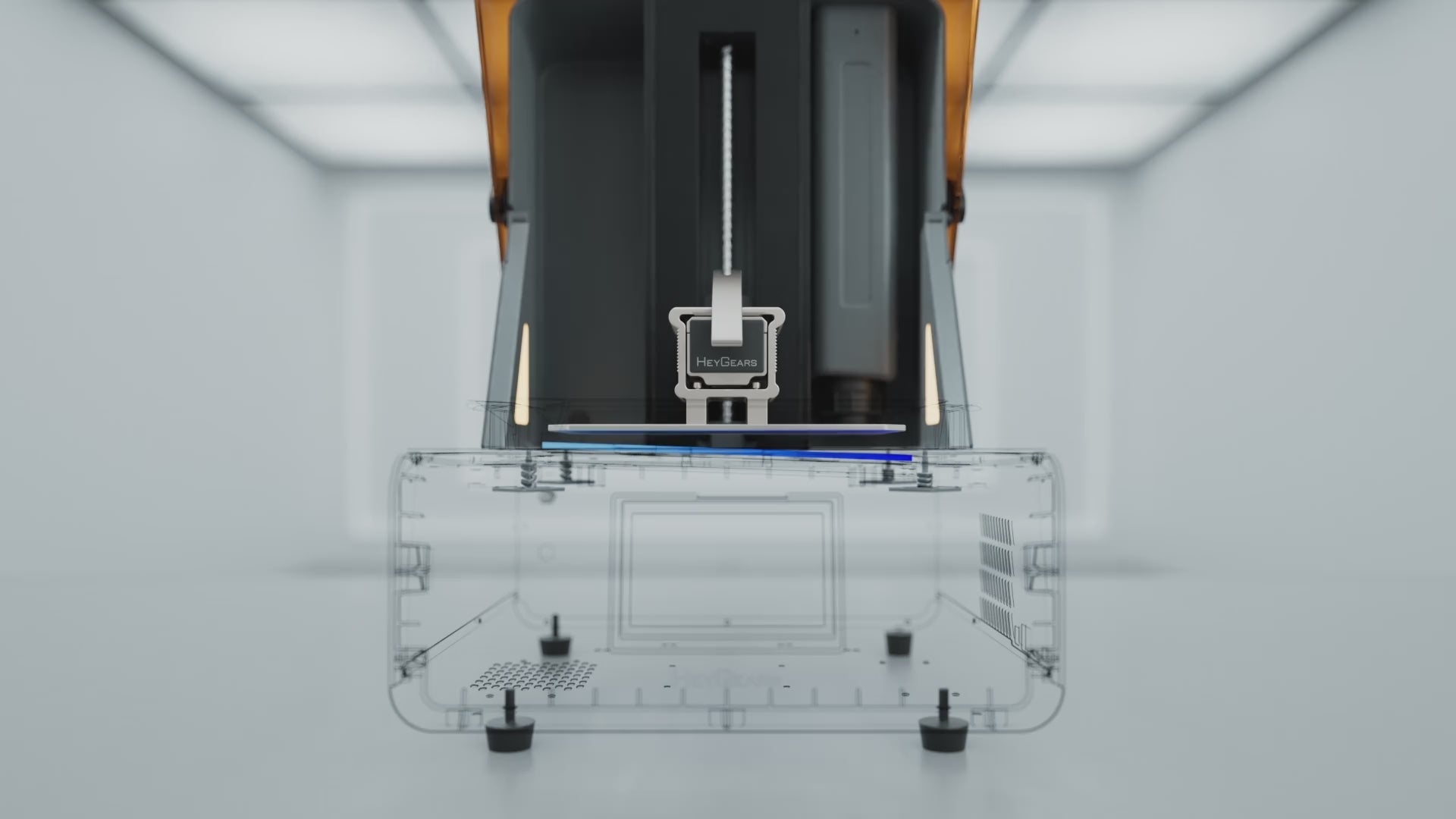
Automatisierte Druckhilfe
Schwebender Bildschirm mit automatischer Nivellierung
Ein schwimmendes Bildschirm-System mit einer Abweichung von 0,15° eliminiert Spalten von bis zu 240 µm* für die automatische Nivellierung.
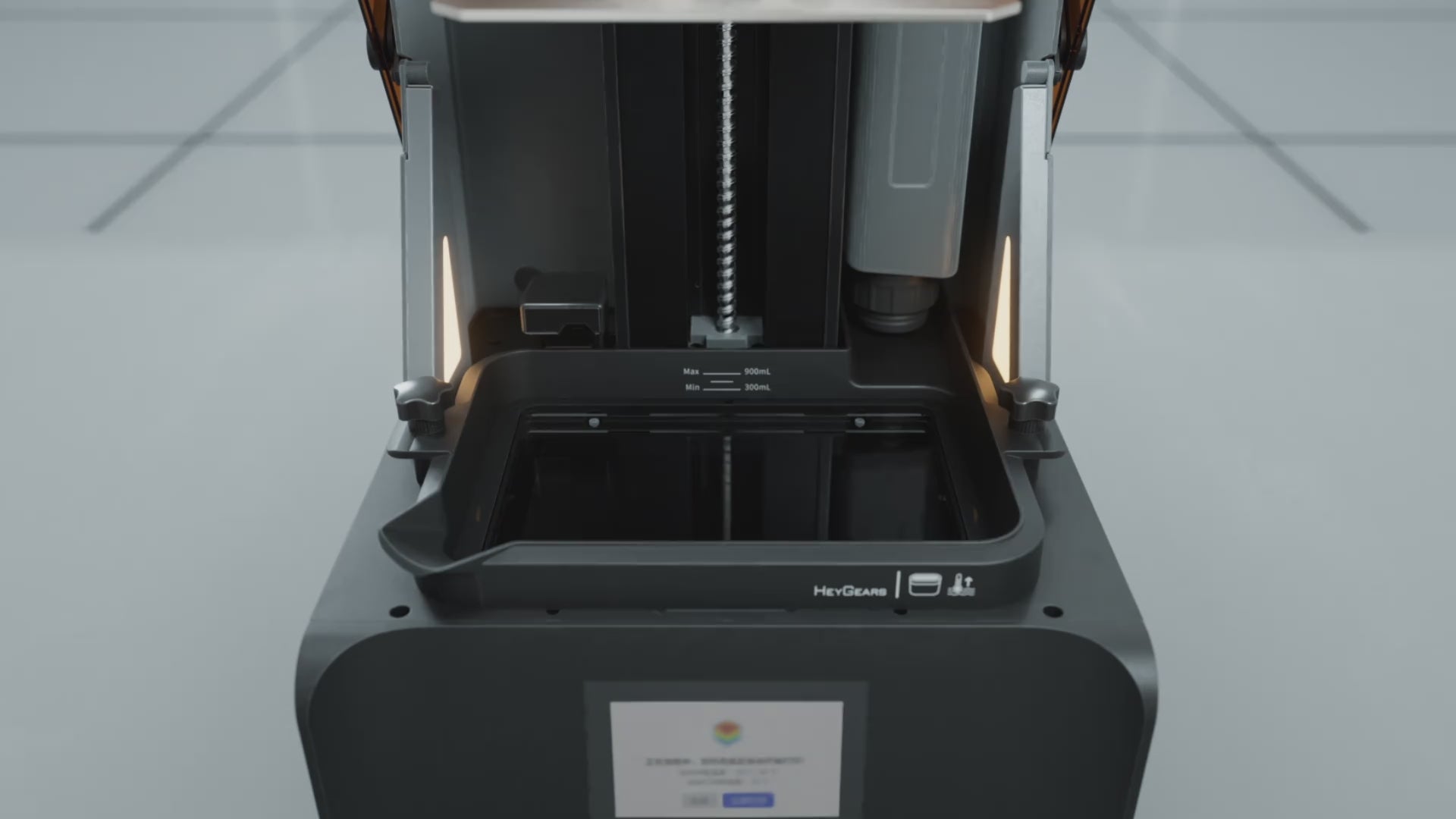
Automatisierte Druckhilfe
Automatische Harzheizung
Der optionale RS beheizte Harztank* verwendet einen integrierten Heizkörper für höhere Effizienz. Er kann die Harztemperatur innerhalb von 20 Minuten* von 10 °C (50 °F) auf optimale 22 °C (73 °F) erhöhen. Die automatische Heizung hält diese Temperatur während des gesamten Druckvorgangs für optimale Ergebnisse konstant.
*Erfordert einen separaten Kauf des RS beheizten und pulsierenden Release Resin Tanks*Daten stammen aus dem HeyGears Labor
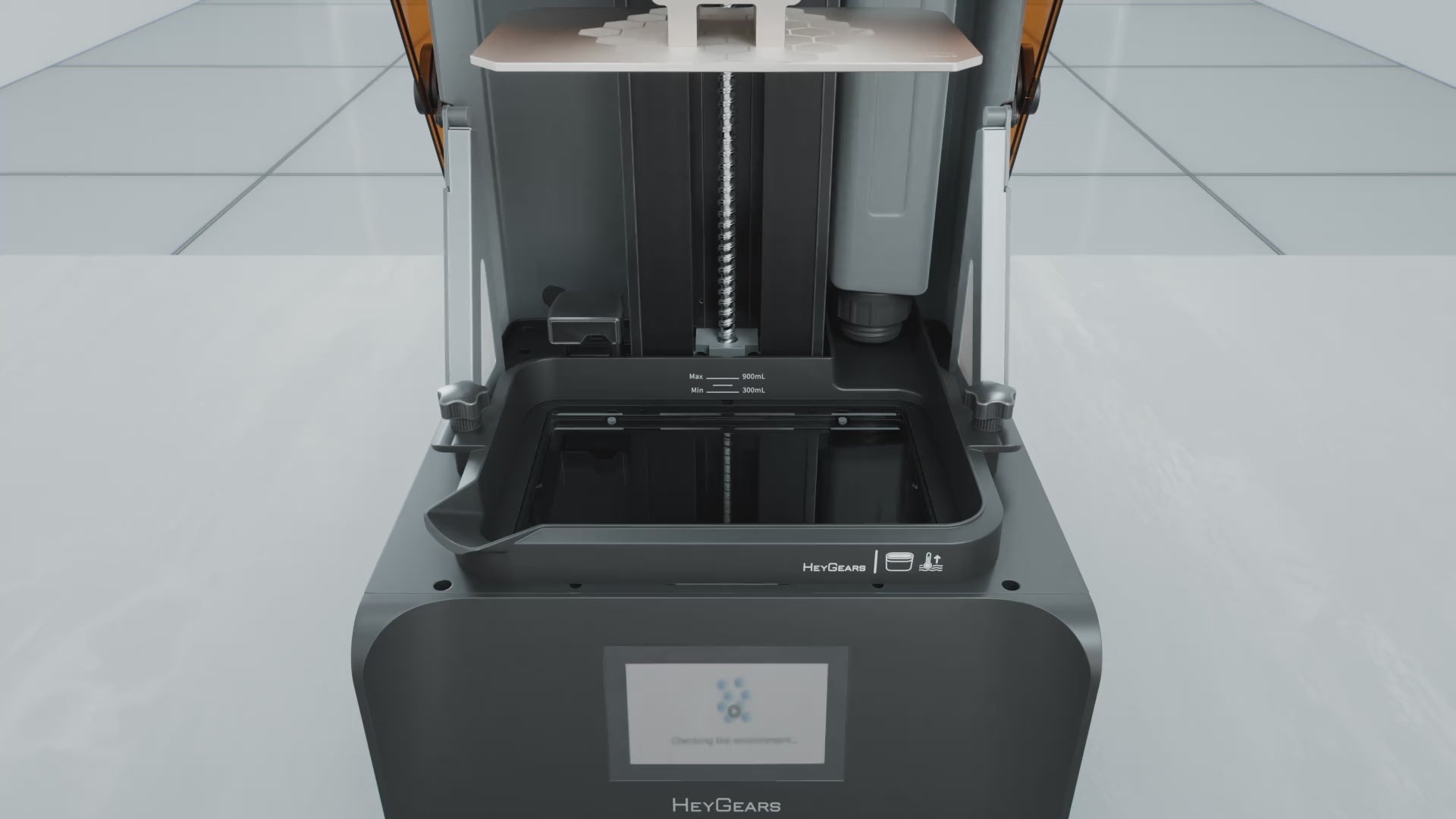
Automatisierte Druckhilfe
Automatische Harznachfüllung
Automatische Harznachfüllung vor und während des Druckens.
Zuverlässiges C5-Grad Z-Achsen-Modul
Hohe Wiederholgenauigkeit der Positionierung sorgt dafür, dass Schichtpositionierungsfehlernicht mehr als 2 μm*. Getestet mit einer Last von 50 kg über zehntausend Durchläufe.


Präzisionsbildschirm mit vollem Sichtfeld
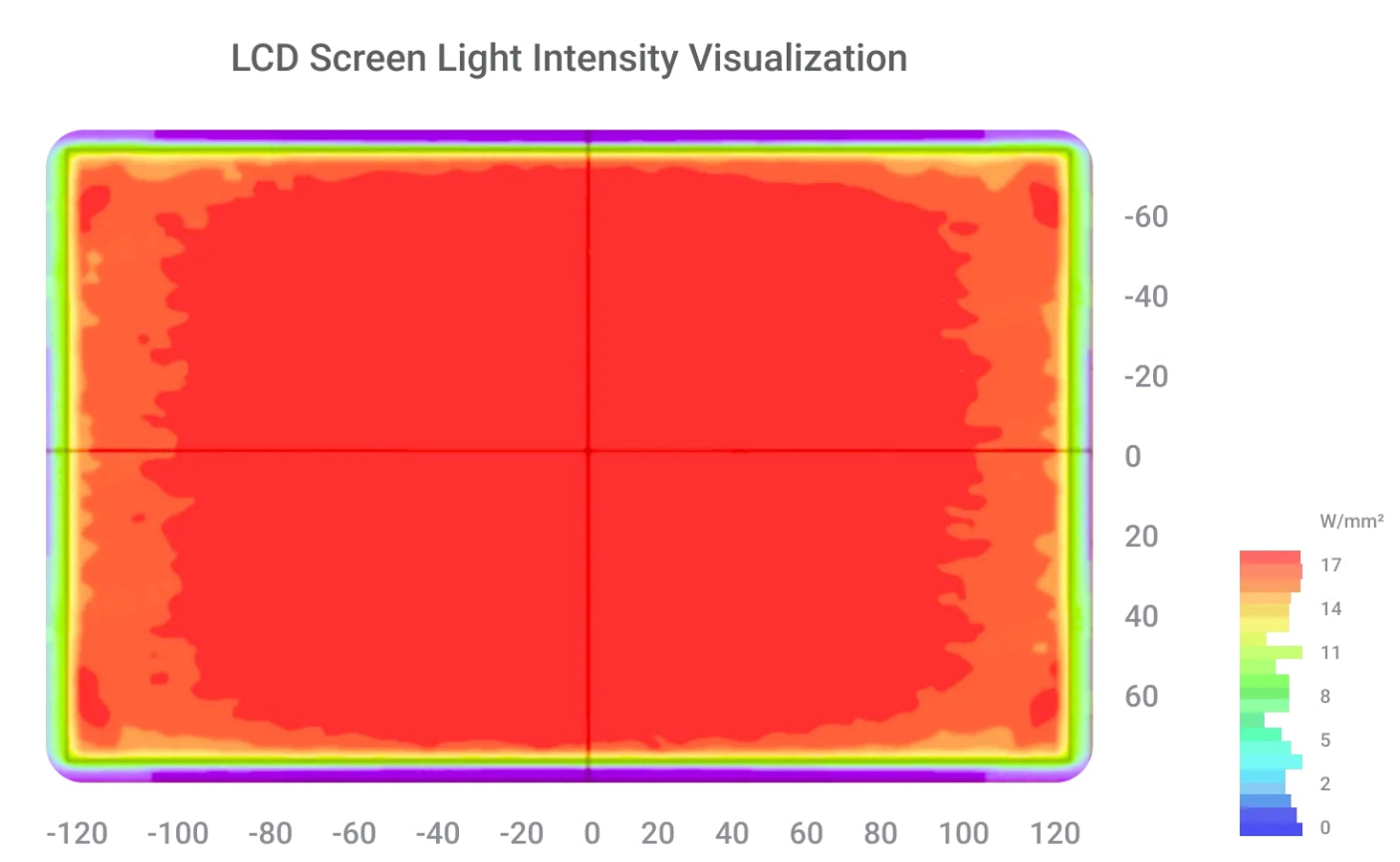
Visualisierung der Lichtintensität des LCD-Bildschirms
Um eine hohe Druckgenauigkeit und Zuverlässigkeit zu erreichen, unterteilen wir den Bildschirm in 60 Zonen und kalibrieren ihn mit einem Vollbild-Werkzeug, um sicherzustellen, dass die Lichtintensitätsvariation innerhalb von bleibt±3%* für eine Drucktoleranz von≤0,05 mm.

Gedruckte Ergebnisse Montagevergleich
Die RS kalibriert den Bildschirm automatisch mitNFCDaten, wobei die Unterschiede in der Lichtintensität innerhalb bleiben5%* und Reduzierung von Schwankungen in der Lichtintensität, um die Druckgenauigkeit nach dem Austausch des Bildschirms zu gewährleisten.
*Daten stammen aus dem HeyGears-Labor
Adaptive Z-Achsen-Kompensation
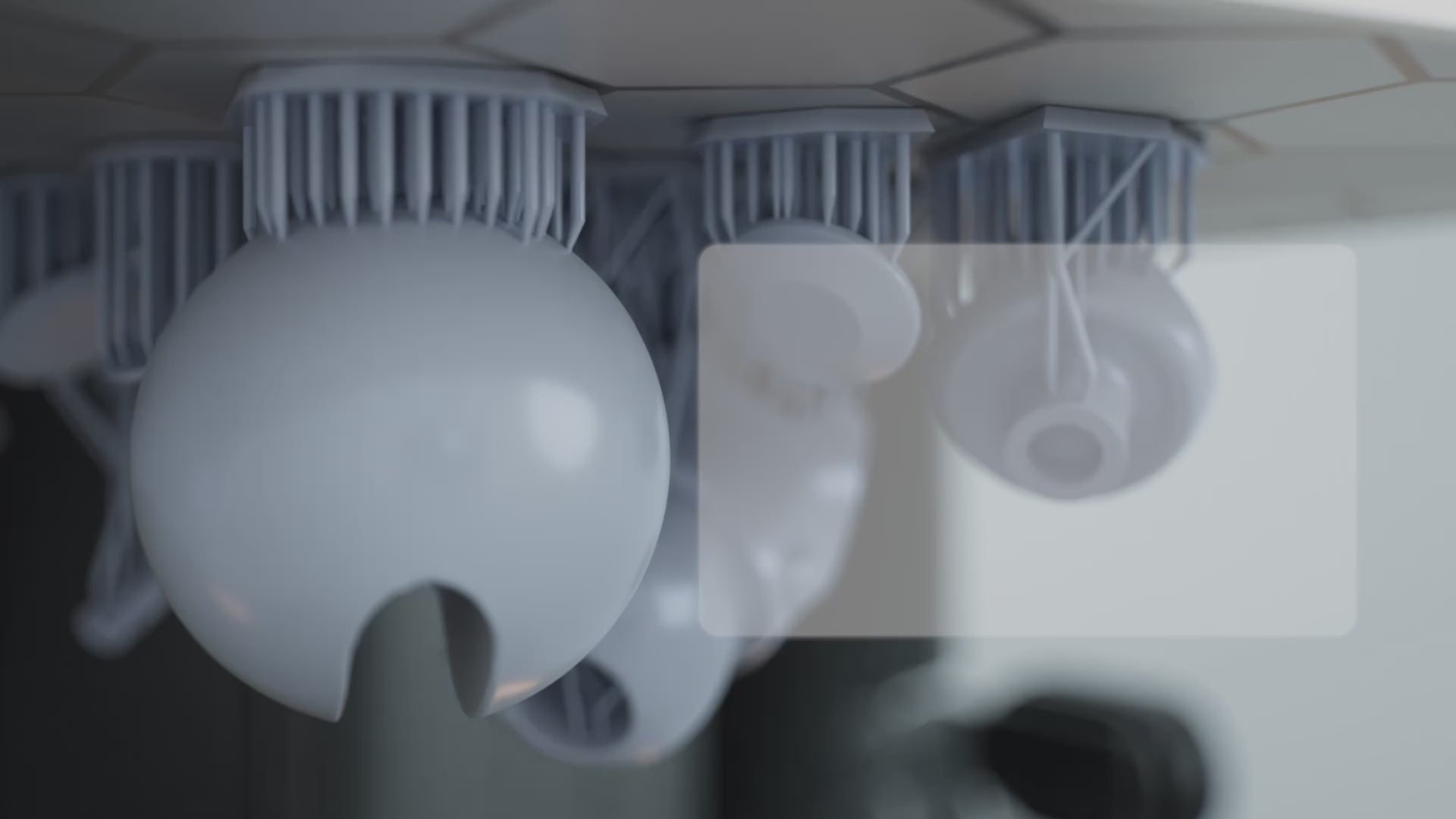
Adaptive Prozesspakete
Die Adaptive-Prozess-Pakete ermöglichen es dem RS-Drucker, die Z-Achsen-Kompensation für jedes Harz adaptiv anzupassen, um bis zu180 Kombinationenaus verschiedenen Winkeln, Lochgrößen und Kantentypen.
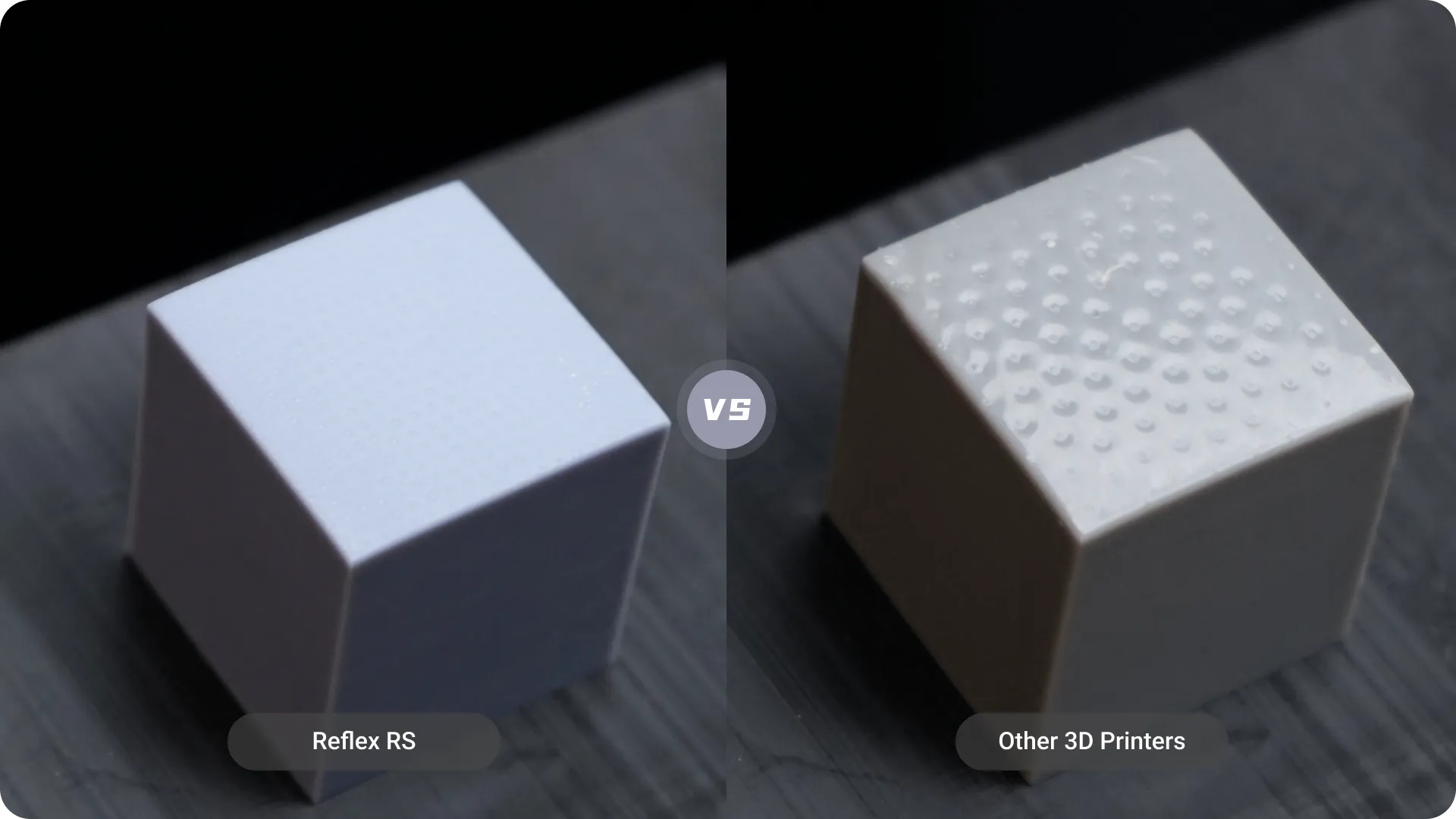
Z-Achsen-Kompensationsvergleich
Diese Methode minimiert Verformungen und Harzablagerungen auf den Stützflächen und reduziert die Nachbearbeitungszeit im Vergleich zur Verwendung nur eines einzelnen Z-Achsen-Kompensationsparameters.

Dynamischer Bewegungsalgorithmus 3.0, 33 % schnellere Druckgeschwindigkeit*
*Daten stammen aus dem HeyGears-Labor und basieren auf der Verwendung von PAWW10 wasserwaschbarem Harz im Vergleich zum herkömmlichen Motion-Control-3D-Druck. Die genaue Geschwindigkeitssteigerung kann je nach Modell variieren.
Umfassende dynamische Bewegungssteuerung
Dieser Algorithmus bewertet die Druckschwierigkeit für jede Schicht anhand von Faktoren wie Querschnitten, Bauteilabständen und Menge und wählt aus 18 optimierten Bewegungssteuerungsparametern aus, um Qualität zu gewährleisten und gleichzeitig die Geschwindigkeit zu erhöhen.
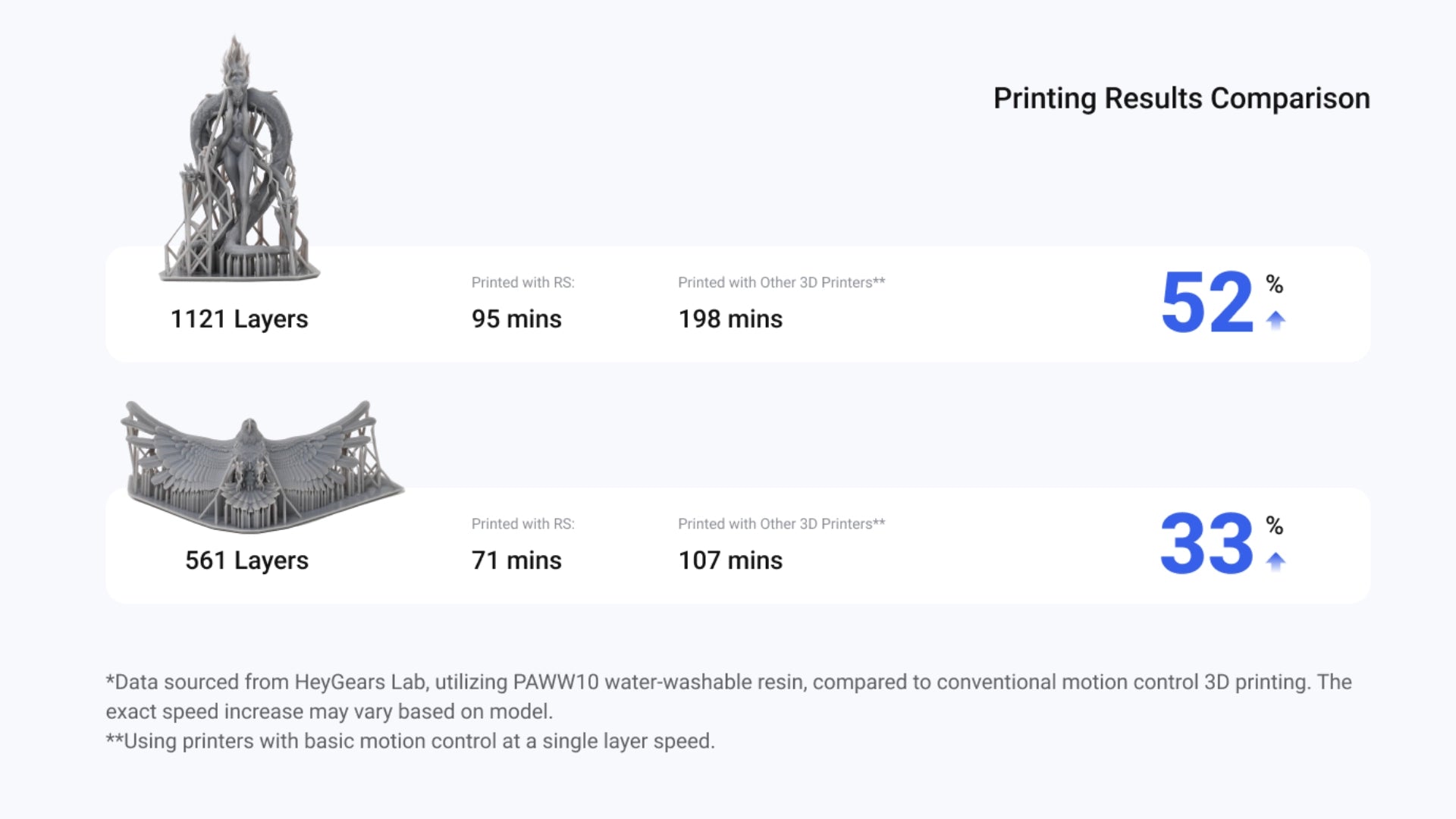
Druckergebnisse Vergleich
Ein komplettes Produktionssystem

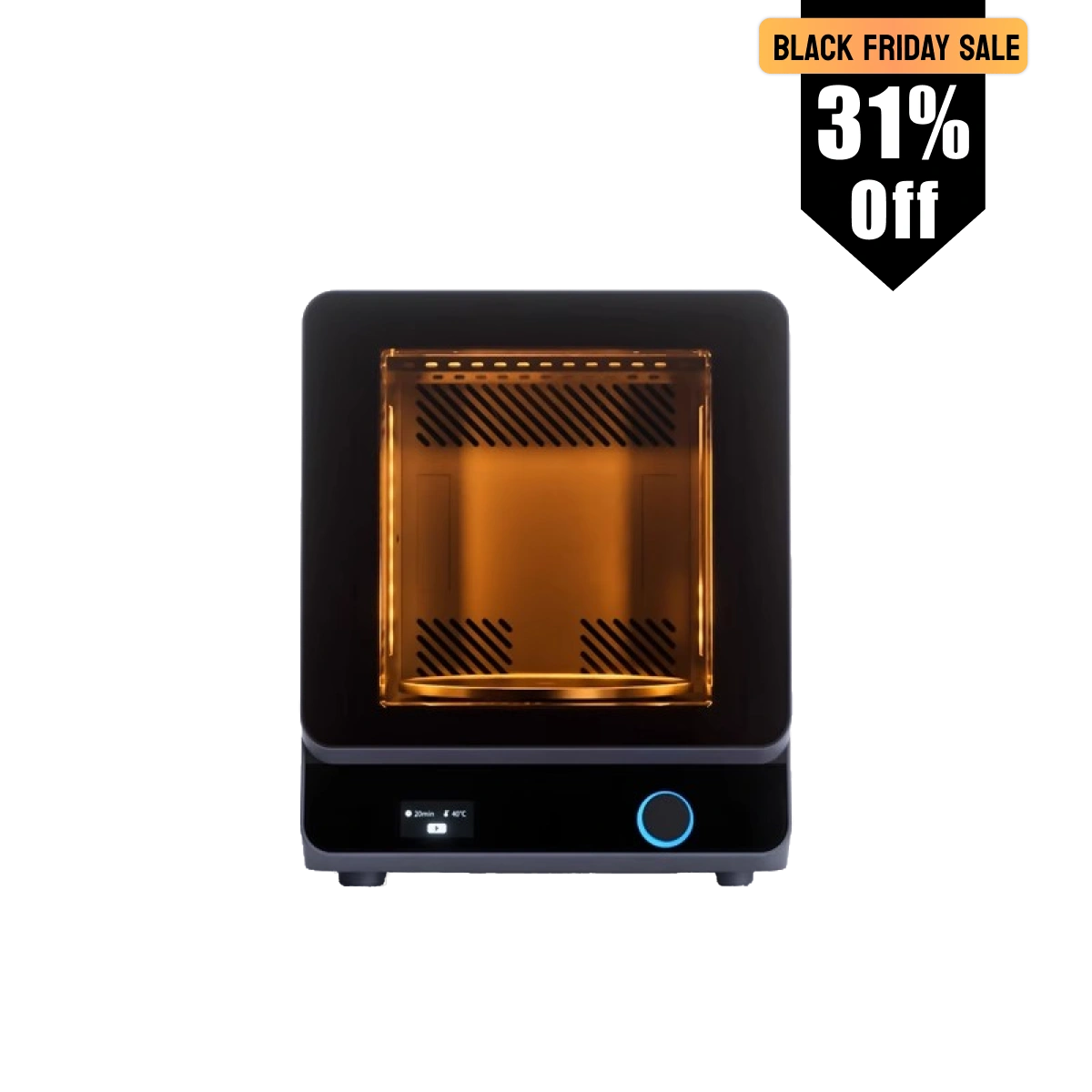
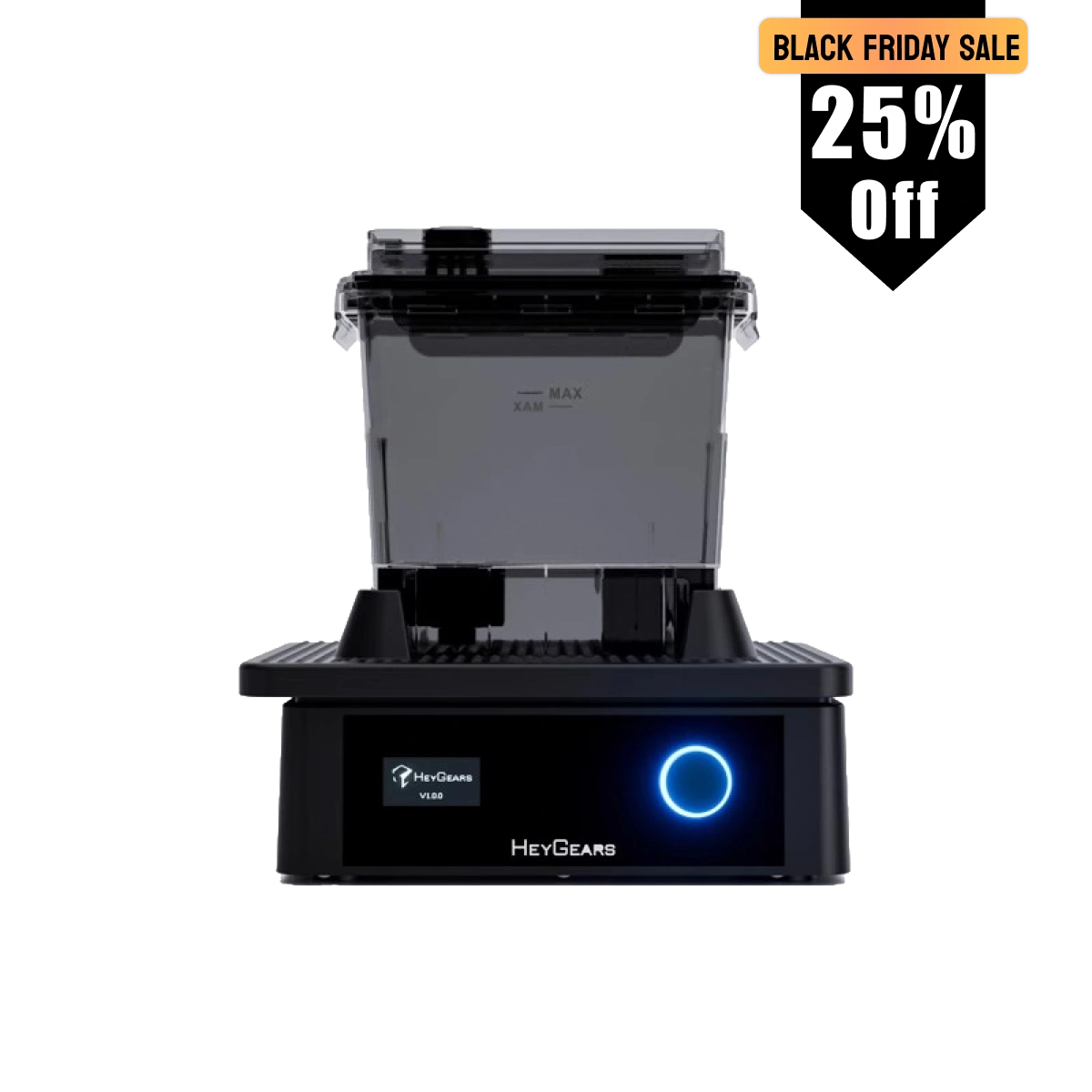
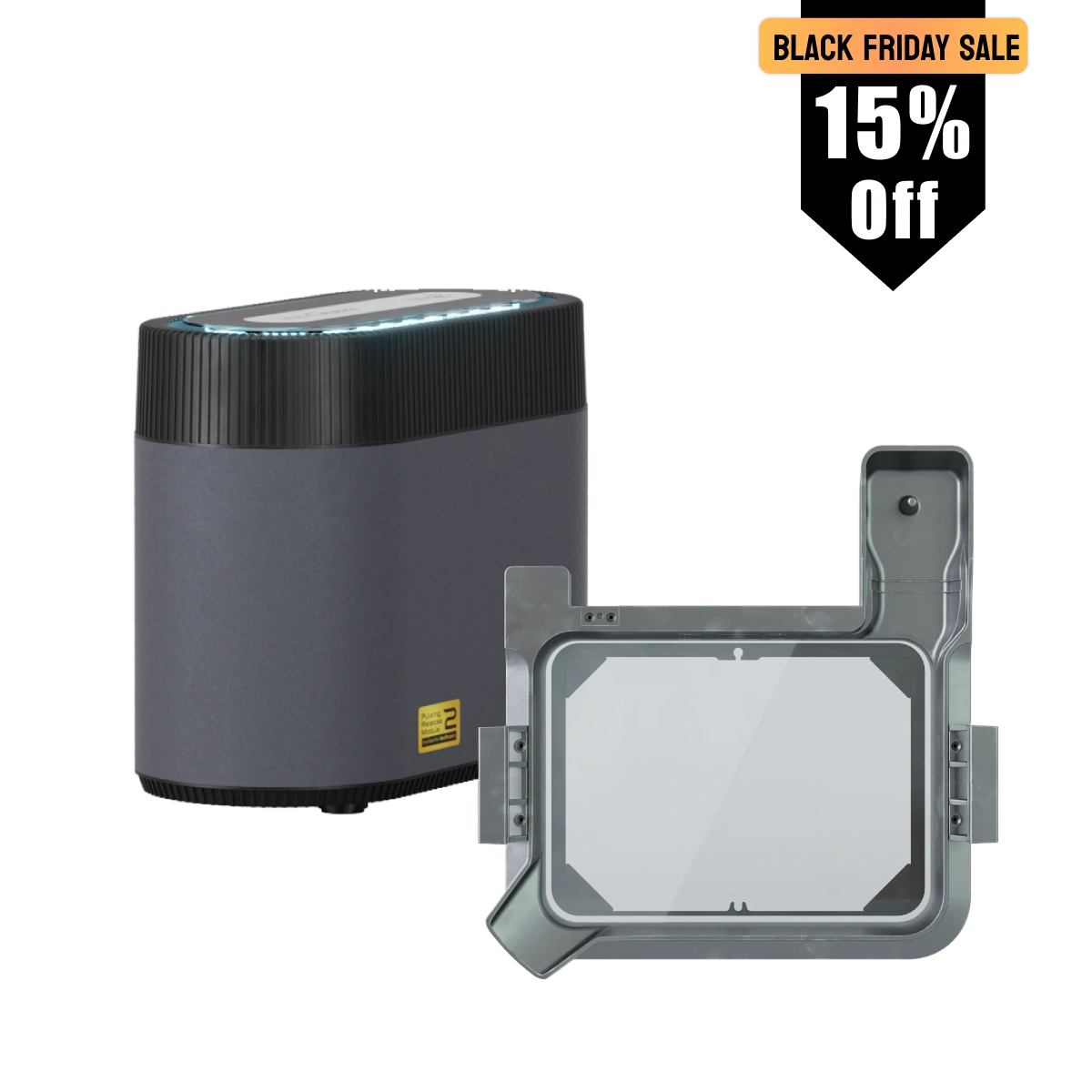

Spezifikationen
3D-Drucktechnologie:
– LCD (MSLA)
Bauvolumen:
– 222*122*228 mm
LCD-Bildschirm:
– 10,3 Zoll 8K Mono-Bildschirm
Z-Achsen-Modul:
– C5-Genauigkeit
Optische Wellenlänge:
– 405 nm
XY Native Pixel:
–29,7 μm
Genauigkeit:
– ±15 μm
Schichtdicke:
– 30-100 μm
Gewicht:
– 20 kg
Bewertete Leistung:
– 180 W
Spannung:
– 100-240 V~50/60 Hz
Größe:
– 380*360*584 mm
Konnektivität:
– USB/WLAN/LAN
Sprache:
– Englisch, Vereinfachtes Chinesisch, Japanisch
Kompatibles Harz
PARP10、PAS10、PAWW10、PAP10、PAWR10
Im Lieferumfang enthalten
Drucker
Netzkabel
Werkzeug zur Teileentfernung
Harzbehälter
Plattform erstellen

Innensechskantschlüssel
Schaber

I am a total rookie at 3D printing. Never done it before. The Reflex RS has been so incredibly easy to use. I am blown away. Within minutes of setting it up (which was a breeze) I was already printing. As a miniature Painter, this will change my life. I am so stoked to have this in my work area because now something that seemed so daunting, is easily handled in minutes.
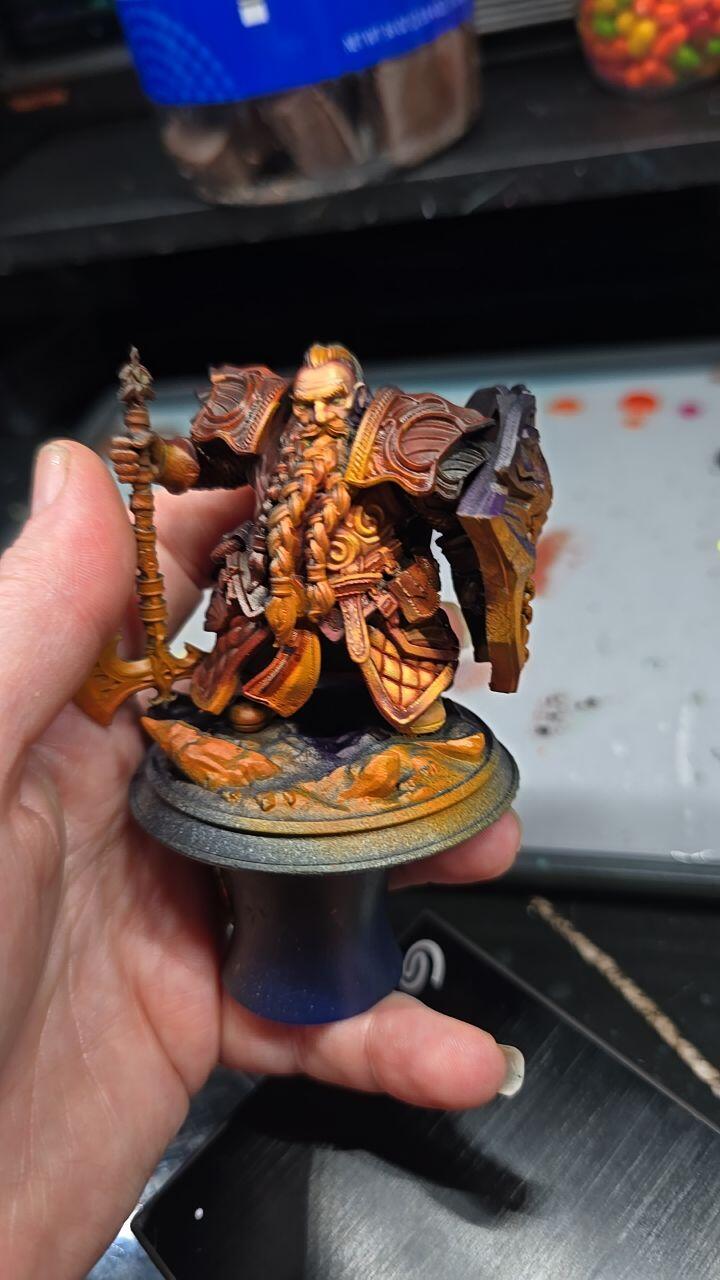
Overall the machine itself is fantastic. Mechanically sound, easy to clean, and prints exceptionally for my applications (molds and minis).
My only gripe is the blueprint software, it works great but has some UI quirks that take some getting used to. For example, the scale function has color coded XYZ dimensions, but the UI gizmo for the coordinate frame does not, so you have to know the mapping or guess and check.
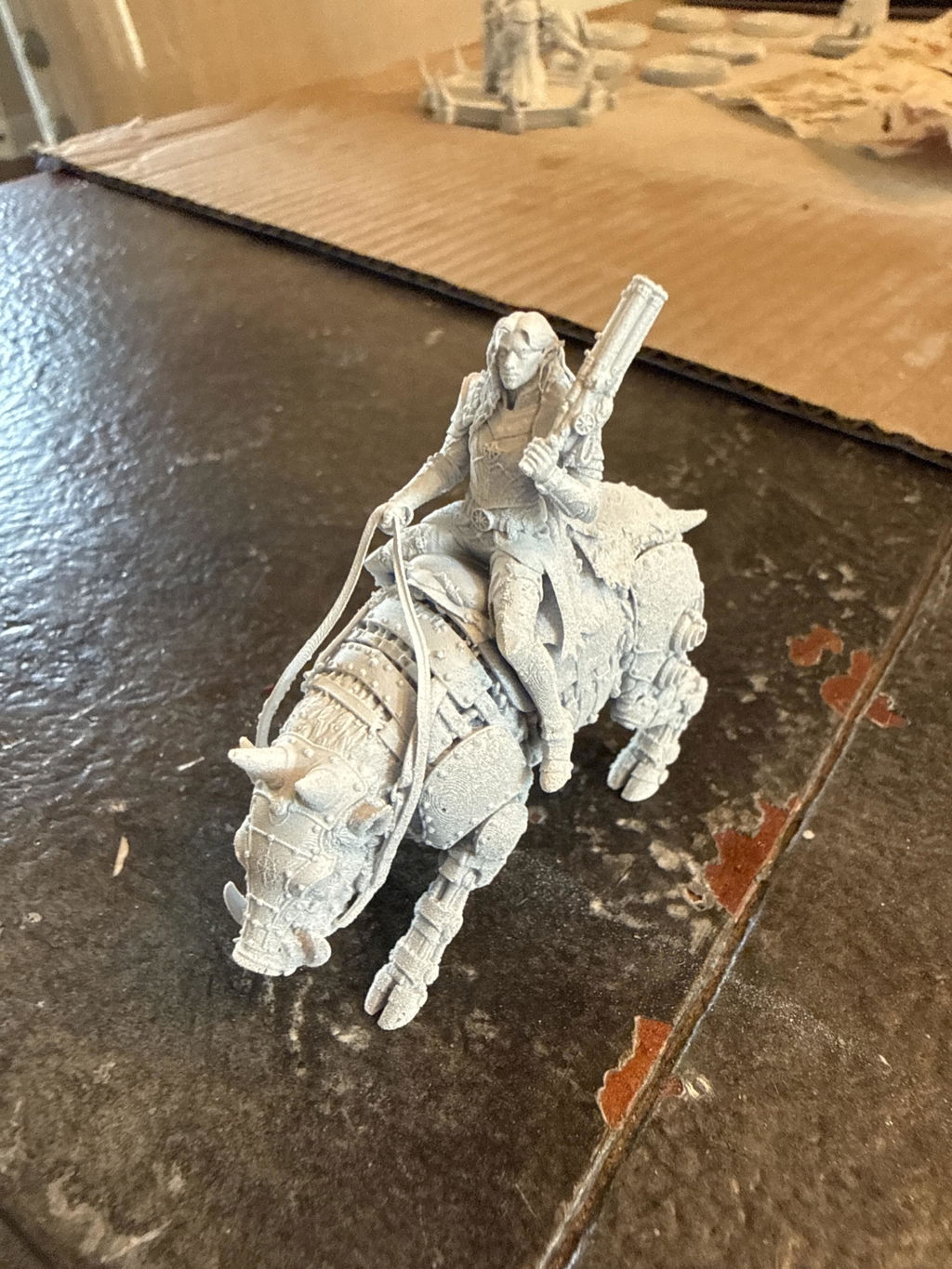
Awesome machine, far easier to work with as my previous Anycubic printer. I used to print at a 20 micron resolution on my Photon M5s, but even on a 50 micron resolution my Reflex RS blows those prints out of the water, without any visible layer lines

Been printing for a couple years but was tired of all the problems and issues that come with it taking away from my time at actually painting what I print... so figured it was time to upgrade and maybe even spend a little extra so I dont run into as many issues. Upon my research I found that's exactly what hey gears printers are! I've had it for a little over a week now and man did they not dissapoint! Plug and play!


This is my first printer but I've been following resin printing for several years before choosing which company to invest in. The Heygears Reflex RS has been incredible, absolutely no regrets!
This is my first resin printer. I’m deep into the learning curve, but have already printed 3 plates of miniatures. The plug and play ecosystem makes those first prints easy and exciting. The fact that HeyGears is opening that system up and responding to their users was what sold me on the system. I’m excited to be able to produce great results in such a short time, while knowing I can dive as deep into the hobby as I want. Now I just need to learn to paint faster.

Perfect prints every time
Really happy with the Reflex 2 Pro. It prints great, the large build volume is a huge plus, and it’s been reliable so far. Took a little dialing in at first, but now it runs consistently. Definitely worth it.
Yes, believe the hype! There is simply no better printer for the "prosumer" than this. Avoid the inkling to "cheap out" and buy the lower priced models. This is the one you want. My only gripe is the Blue Print studio app. Yes it does a fine job, but it is counter intuitive and hard to navigate. It should be completely revamped. Anyway, buy this printer and the resin to go with it, you will have the best prints you have ever seen!

Moved over from another brand that I had constant problems with. The RS Turbo has not only never failed but the quality of the prints is beyond my expectations. Able to get to painting which is why I’m doing the hobby and not constantly messing with settings or even doing loads of clean up.

Although I own many other resin printers, this one is on a completely different level. The engineering, precision, and overall performance are far more advanced than any of my previous machines. The print quality is noticeably superior — sharper details, smoother surfaces, and a level of consistency the others simply can’t match.

Awesome! 100% success rate so far!

Beautiful machine that makes beautiful prints. This is by far the easiest resin printing experience I've had. On the software side, dragging in a model and using either the one-click slice or the auto supports feature has worked great. Highly recommended!

The printer has been working smoothly so far! Only one failure and that was due to resin on the lcd screen, which the printer detected before starting.

The best printer hands down


I bit the bullet and decided to get the heygears product. I have a elgoo saturn3 ultra and a older anycubic. I could never be guaranteed of a successful print and really wanted something like bambu labs where I buy their filament and everything works first time. I have given up trying different resins and settings to get just ok to below average results. You waste a lot of time,gloves,mess and ipa doing this.
First print worked flawlessly as they all seems to. After I had a couple of fails due to bad supports but now I have a rough idea what I am doing it works every time.
The slicer took a bit of getting used to and is based around having folders and completed sliced objects in there own directories. But once you understand it, you then do it as a workflow.
Sending files to the printer is effortless and remote printing works a charm.
You need to print this "HeyGears Reflex RS Drip Caddy MD Remix" from bambu labs as sadly Heygears do not have a way to drain the build plate. There is a few different types. This one is a bit tight and I just filed it to make it a looser fit.
These are the resins I have tried. I doubt I will be using any other brand resins as these work. They deliver to me in about 4 days and I have no headaches. I cant be bothered printing another test object to attempt to get the best print and waste a day of my life on multiple prints.
PAS10 works well is cheap, when I print minis it has some flexibility but small bits still break if dropped.
PAF10 costs more and dropped minis survive. I have just ordered 3 more bottles.
PAP10 I have only printed one item (A control panel holder)and appears good
PAF10 and PAP10 drain really well. If you let them drain for awhile the items are fairly clean requiring a lot less IPA and the supports come of easily.
PAS10 does not drain as good and requires more IPA.
My other 2 printers I will get rid of now as this machine works very well. I cant imagine turning them on again.
I just bought the Cure device as well. Dam expensive but when you see what you get you understand why.
Now the best part "resolution of the screen".
On a computer higher resolution you see a difference. Somehow on the Heygears I get better quality minis by a massive difference compared to my Saturn ultra which has a resolution of 11500 I think.
I am now reprinting a lot of minis as the quality is amazing.
I am now wondering if I should purchase the wash station
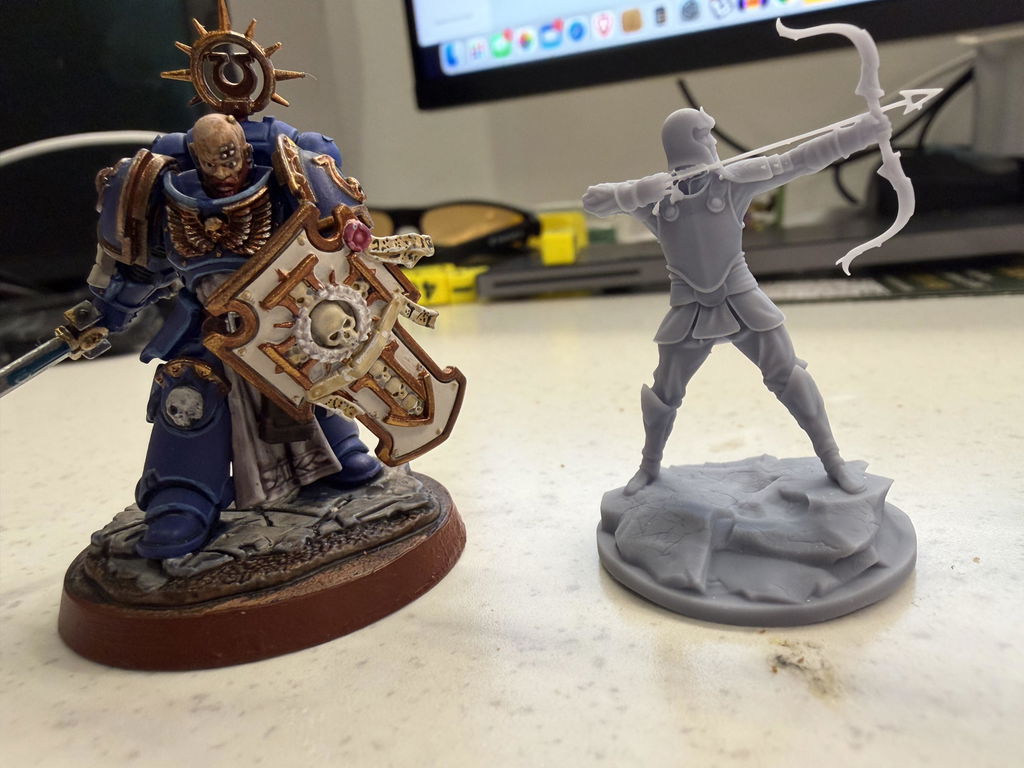
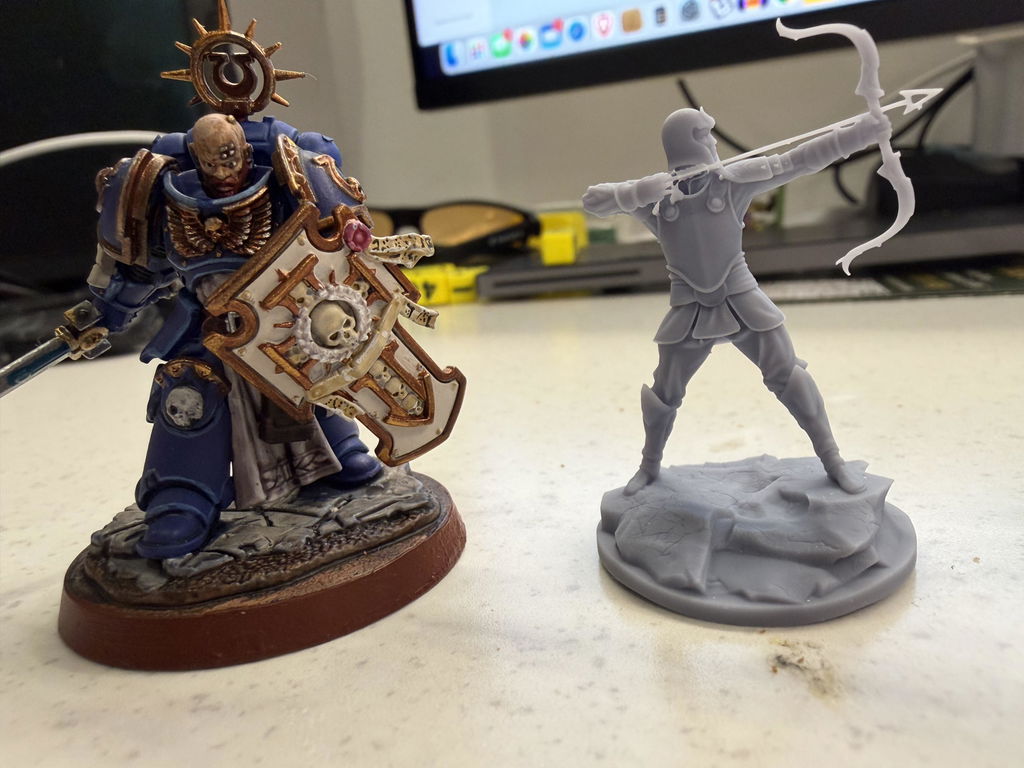
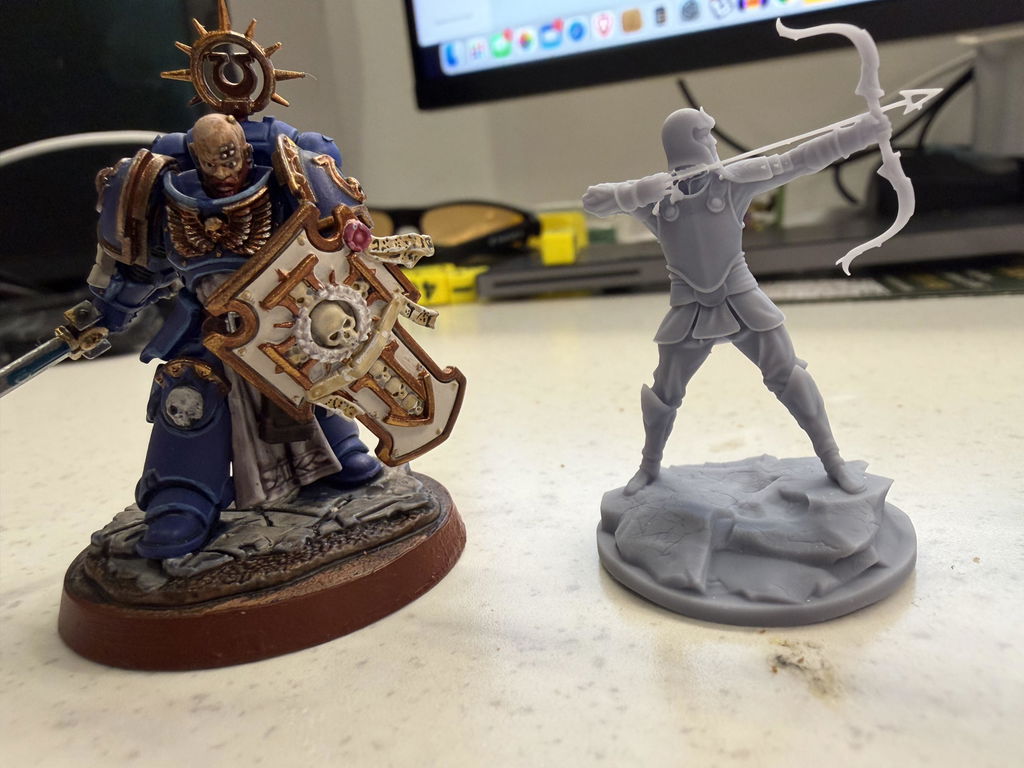
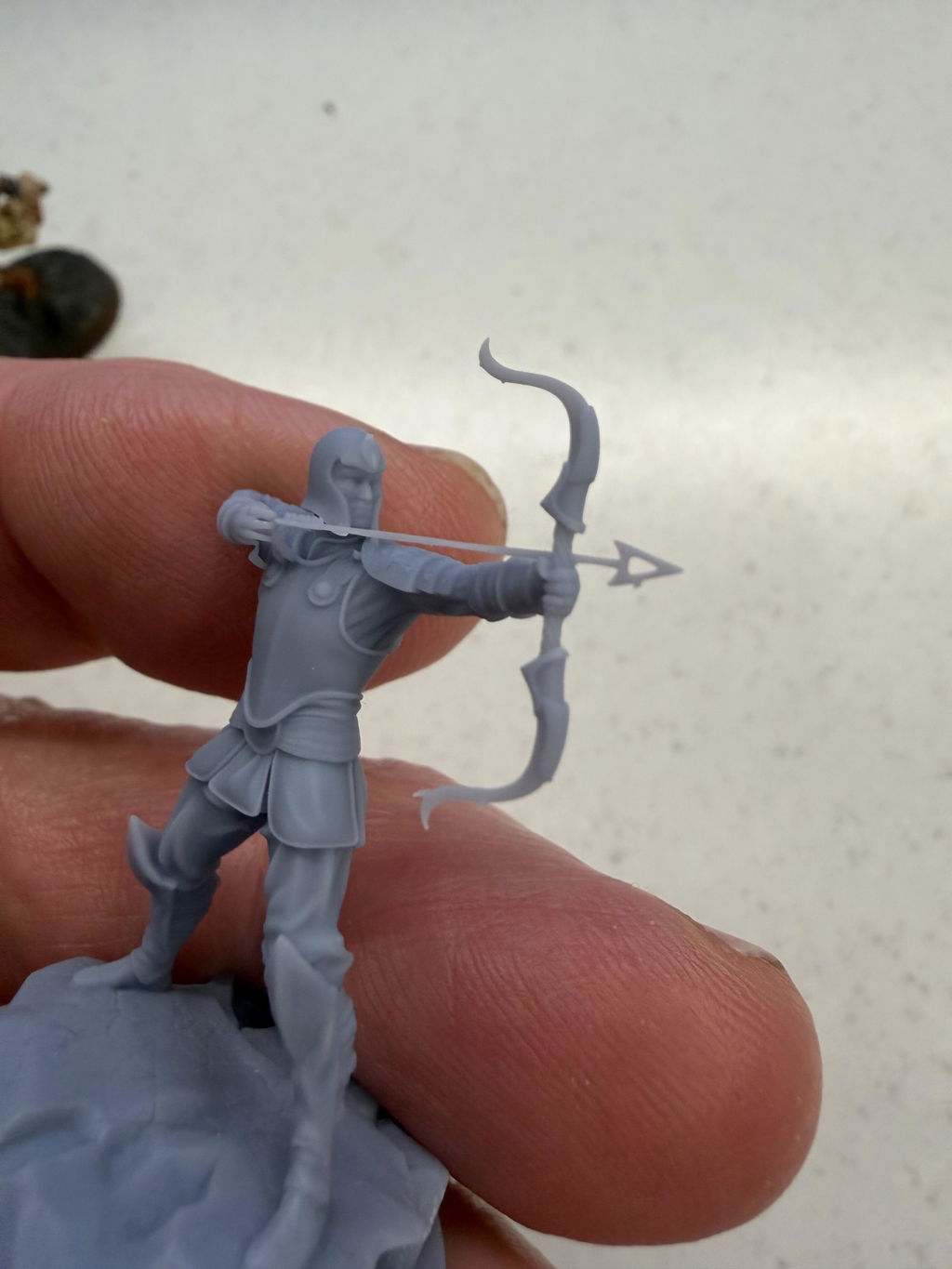
I put a pic of a warhammer model for size comparison. the archer is a model from stormlight note the arrow.
Gene
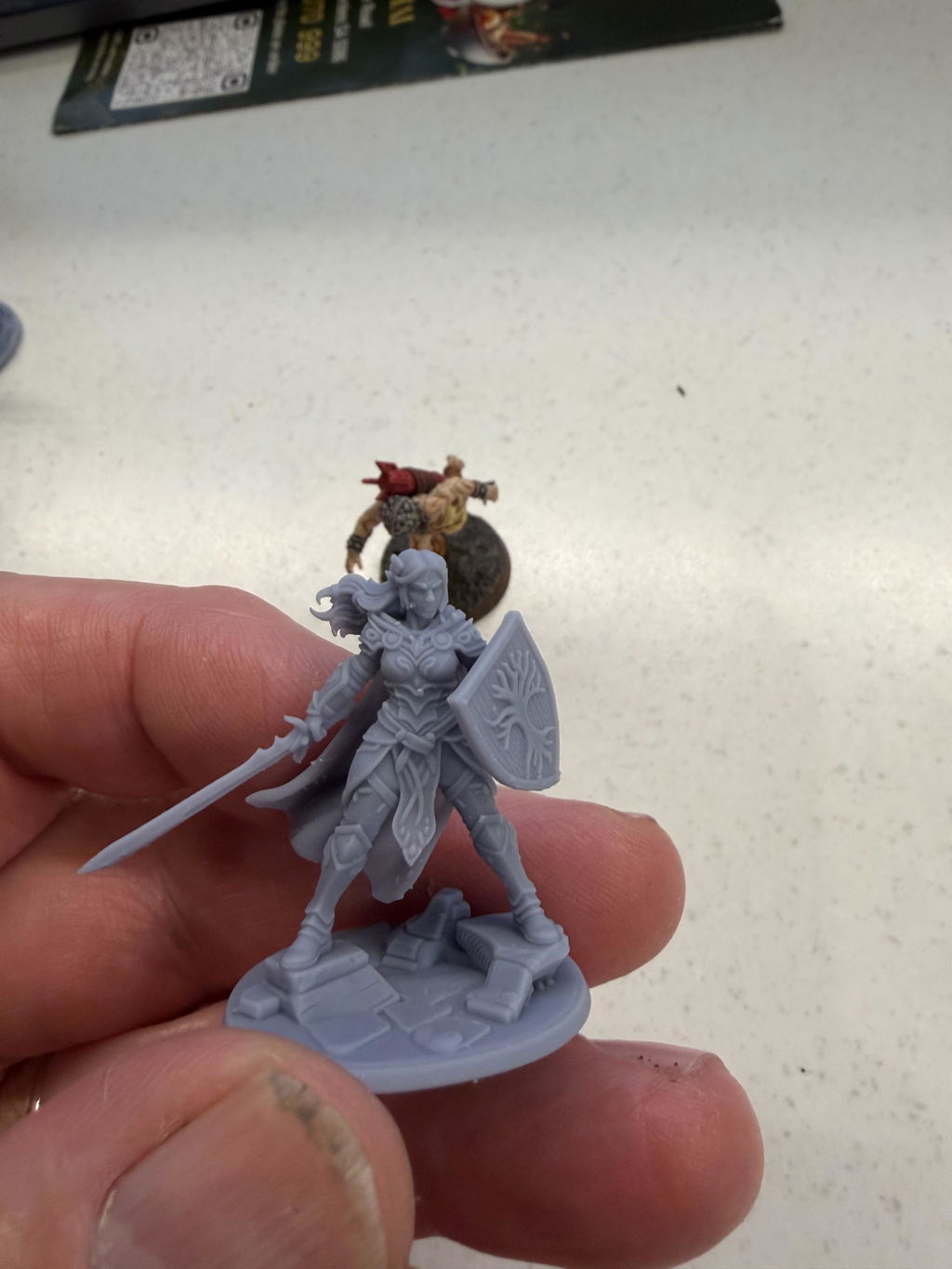
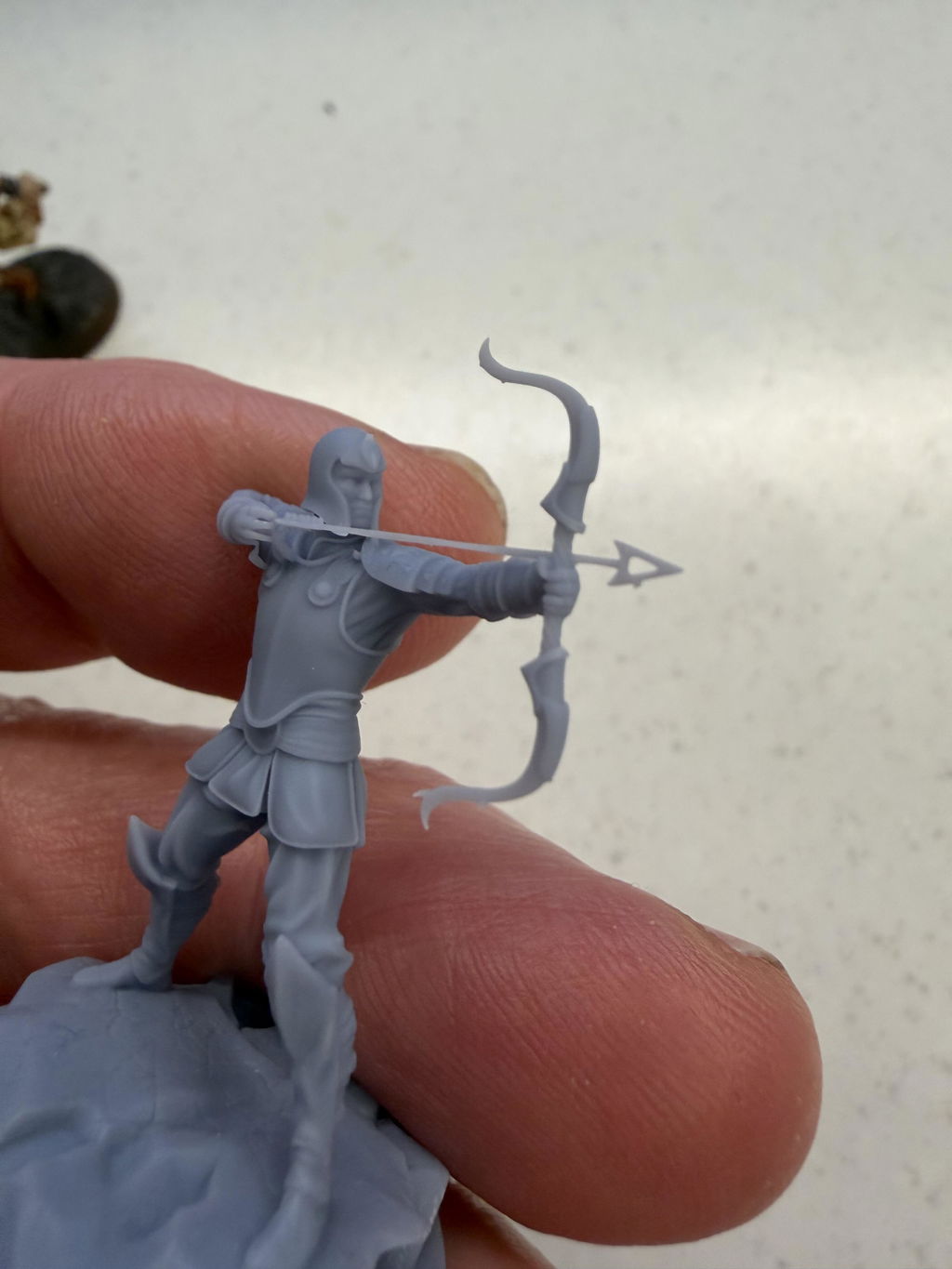
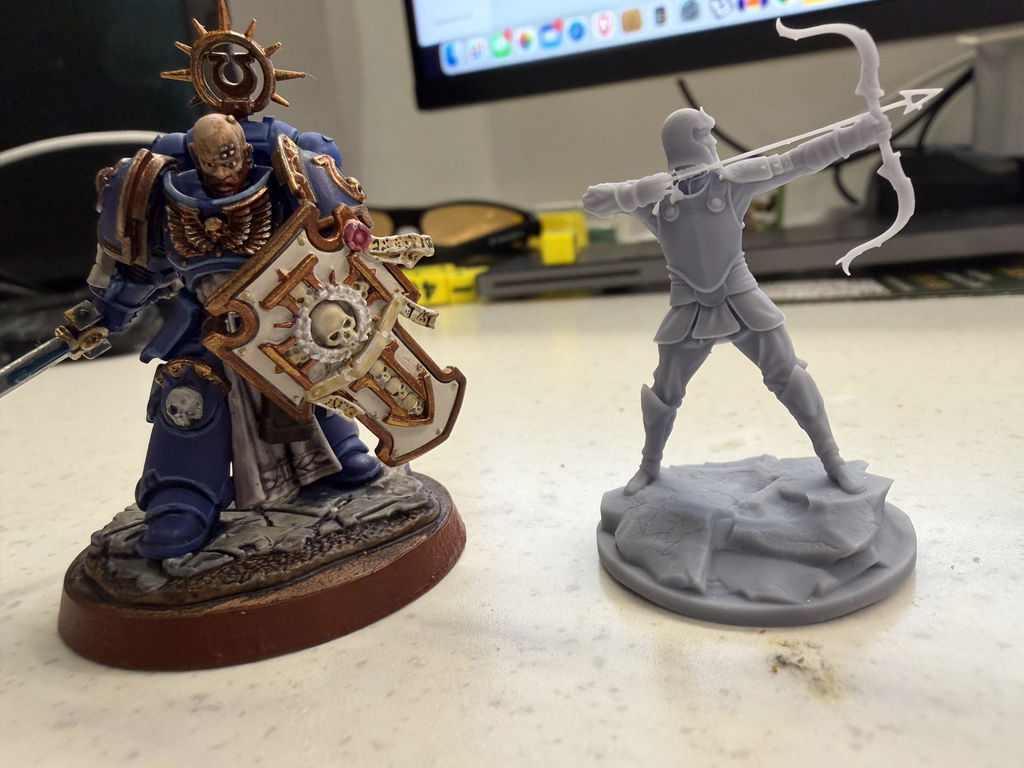
Exeptional resin printer with print failure down to 1/20 for my part, with so much accuracy that I had to modify every single 3D parts I made to remove most of the play I had to have with my previous printer.
The Blueprint is a must have, very clear and very easy to learn tho I had trouble finding how to send to the printer. After finding that, printing successfull part never been so easy.
A bit of down side to me is the resin level that can be a bit lost sometime so I simply disabled the little bridge that prevent the resin to flow and ignore the warning about low resin.


Fantastic results from the first print. I've never used a resin printer before so the learning curve is pretty steep, but I got decently printable miniatures from my first print.

FAQs
Bitte lesen Sie unsereFAQsSeite, um mehr zu erfahren.
Was ist die optimale Temperatur für den 3D-Druck?
Es wird empfohlen, die Harztemperatur während des Druckens bei 20-25°C zu halten. Dieser Temperaturbereich hilft dem Harz, eine gute Fließfähigkeit und Aushärtungseigenschaften beizubehalten, wodurch die Stabilität des Druckprozesses und die Qualität des Endprodukts gewährleistet werden.
Sind die Pulsmodule des Reflex RS dieselben wie die des Reflex? Können sie austauschbar verwendet werden?
Die Pulsmodule bestehen aus einer Puls-Haupteinheit und einem Puls-Harzbehälter. Die Puls-Haupteinheiten für den Reflex RS undReflexsind gleich, aber die Größen der Pulse-Harzbehälter sind unterschiedlich und daher nicht austauschbar.
Ist es notwendig, RS in einer belüfteten Umgebung zu verwenden?
Es wird empfohlen, es in einer gut belüfteten Umgebung zu verwenden, was zur Kühlung der Ausrüstung beiträgt und auch hilfreich ist, um den Geruch des Harzes zu zerstreuen.
Kann der Reflex RS Drittanbieter-Harze für den Druck verwenden?
Um die Qualität der Drucke und die Stabilität der Ausrüstung zu gewährleisten, wird empfohlen, Harze zu verwenden, die von der offiziellen Quelle bereitgestellt werden. Unsere Harze wurden strengen Tests unterzogen, um sicherzustellen, dass sie perfekt auf die Leistung des Druckers und die Softwareeinstellungen abgestimmt sind, was zu hochwertigen Drucken führt. Wenn Sie Harze anderer Marken verwenden, können nicht abgestimmte Parameter Risiken wie Ablösung des Drucks, fehlende Teile, Rückstände, schlechte Oberflächenqualität, geringe Präzision verursachen und sogar die Ausrüstung beschädigen. Schäden am Drucker, die durch Harze von Drittanbietern verursacht werden, sind nicht durch die Garantie abgedeckt.
Kann der Reflex RS Dateien von Drittanbieter-Slicing-Software zum Drucken verwenden?
Derzeit kann Reflex RS nur die von BPS bereitgestellten Slicing-Dateien verwenden. Dies dient der Sicherstellung der Druckqualität und der Kompatibilität mit dem Drucker. Die offizielle Slicing-Software ist professionell gestaltet und optimiert, um sich intelligent an verschiedene Modelle und Materialien anzupassen und einzustellen, sodass Benutzer problemlos hochwertige Drucke erstellen können. Die Verwendung nicht offizieller Slicing-Software kann zu Druckfehlern oder Qualitätsproblemen führen. Daher empfehlen wir die Nutzung der offiziellen Slicing-Software für das beste Druckerlebnis.