


製品の特長
- 完全に連携したプリント戦略
- スマートAI剥離力管理
- 33 μmの精度
- レジンレベル自動検出
- レジン自動補充
- 自動加熱トレイ
- レジンに触れずに洗浄
- 材料性能を向上させる最適化されたデュアル硬化
- UltraCraft Reflex 3Dプリンター x1
- UltraCraft Wash x1
- UltraCraft Cure x1
マテリアルモードを開く
より幅広いレジンに対応する調整可能な印刷設定により、経験豊富なユーザーはReflexおよびReflex Turboでの印刷をさらに細かく微調整・カスタマイズできるようになります。
詳細はこちらをクリック →
新しいPAF10クリアレジンをお試しください
PAF10 Clearは、フィギュア、家電製品、産業用プロトタイプ向けに高い透明性、優れた印刷性、安定した性能を提供します。
レジンの特徴
-
クリスタルのような透明度
光透過率82% -
繰り返し曲げ可能
破断伸び率30% -
精細なディテール、シャープなエッジ
最小造形サイズ0.08 mm - 長期使用・保管でも黄変しない
発送に関するお知らせ:
PAF10 Clearは、3月中旬(カナダ)および3月下旬(EU・英国)に出荷されます。
その他の地域:在庫あり、即時発送。
人気のアップグレード
相性が良い
ウルトラクラフト リフレックス コンボ
最高のサービスをご提供できるよう尽力しております。ご質問等ございましたら、お気軽にお問い合わせください。
-
配送情報
399ドル以上のご注文で送料無料。配送の詳細については、こちらをクリックしてください。
-
カスタマーサポート
サポートが必要ですか?お手伝いいたします!
WhatsApp:
+1 949-283-2998(米国)
月~金、午前9時~午後5時(太平洋標準時)メールサポート:
contact@heygears.com
テクニカルサポート:
customersupport@heygears.com
-
始める
HeyGears 3Dプリンターを使い始める
-
よくある質問
詳細については、 FAQページをご覧ください。
Hear It From Our Users


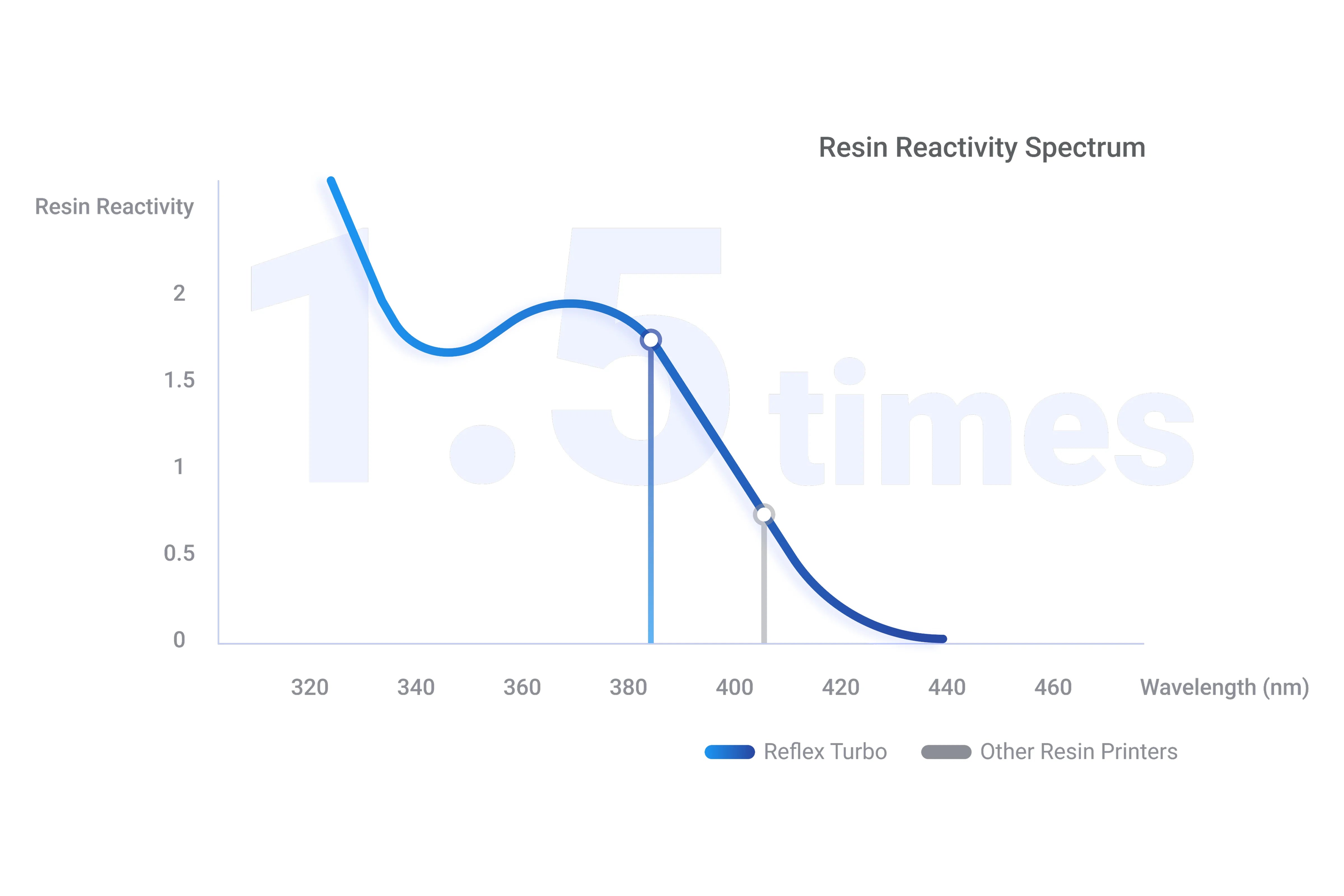
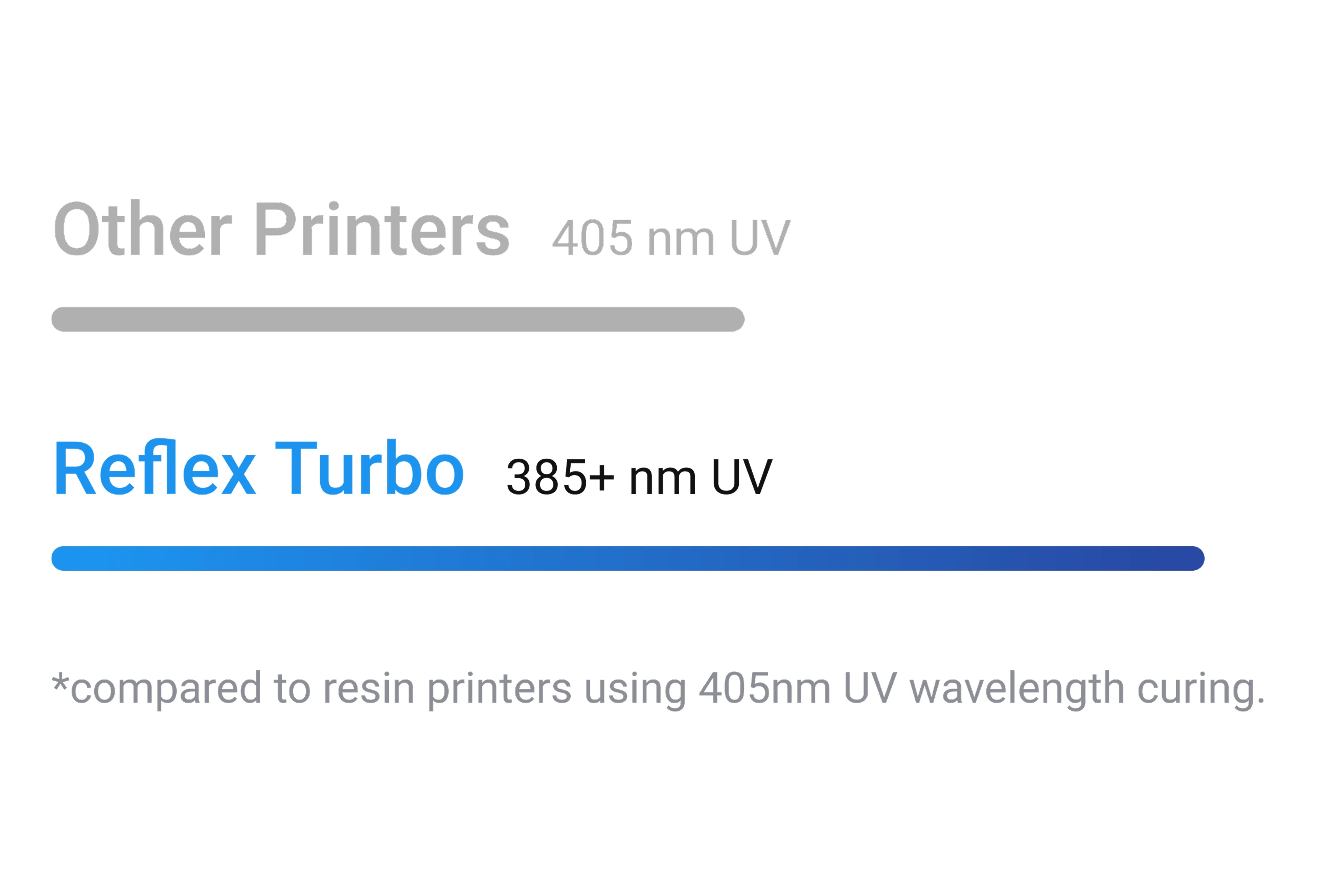
385 nm UV光源
他社3Dプリンターより1.5倍強力な樹脂硬化効果を体感できます*。
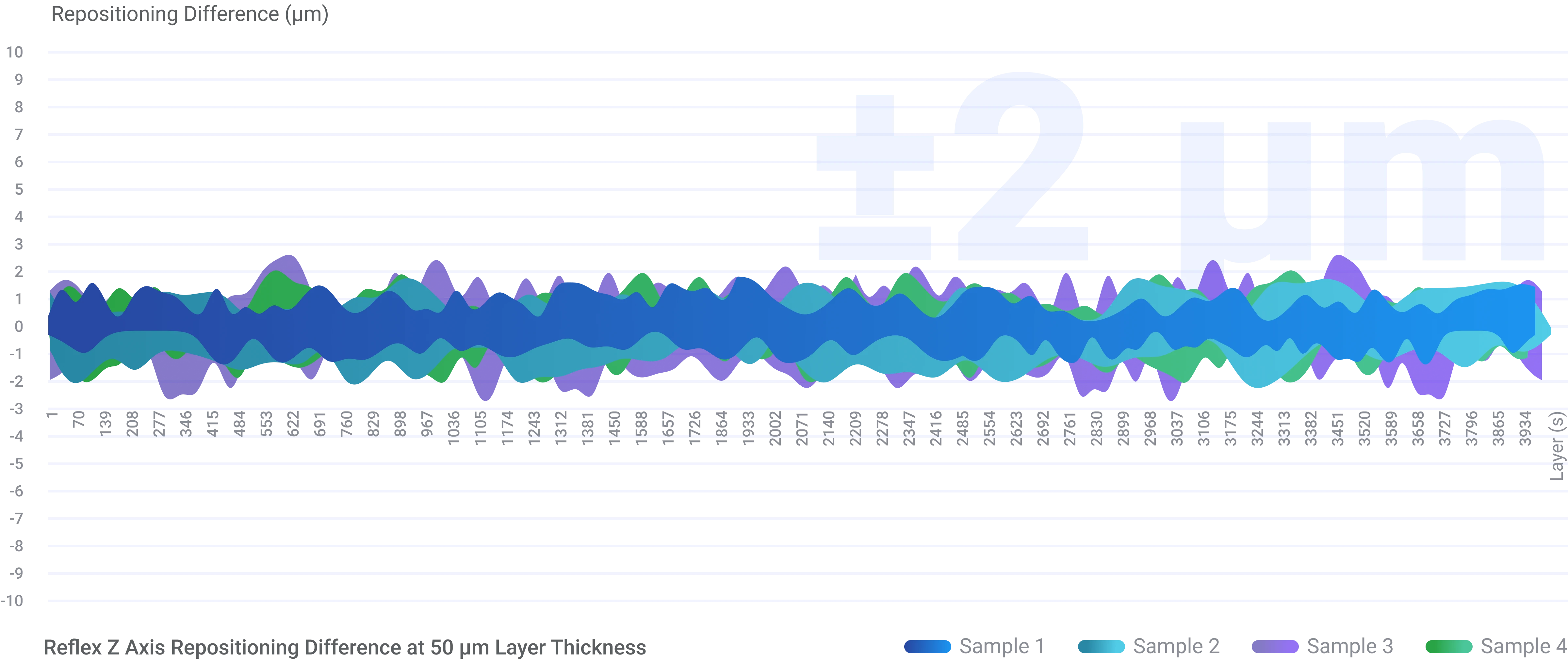
C5 Zグレードモジュール
Z 軸の再配置精度 ±2 µm で層のギャップを排除します。
高感度残留物検出
感度 0.1 N の力センサーは、0.2 mm という小さな樹脂残留物も検出でき、検出時または印刷失敗時に自動的に停止できます。
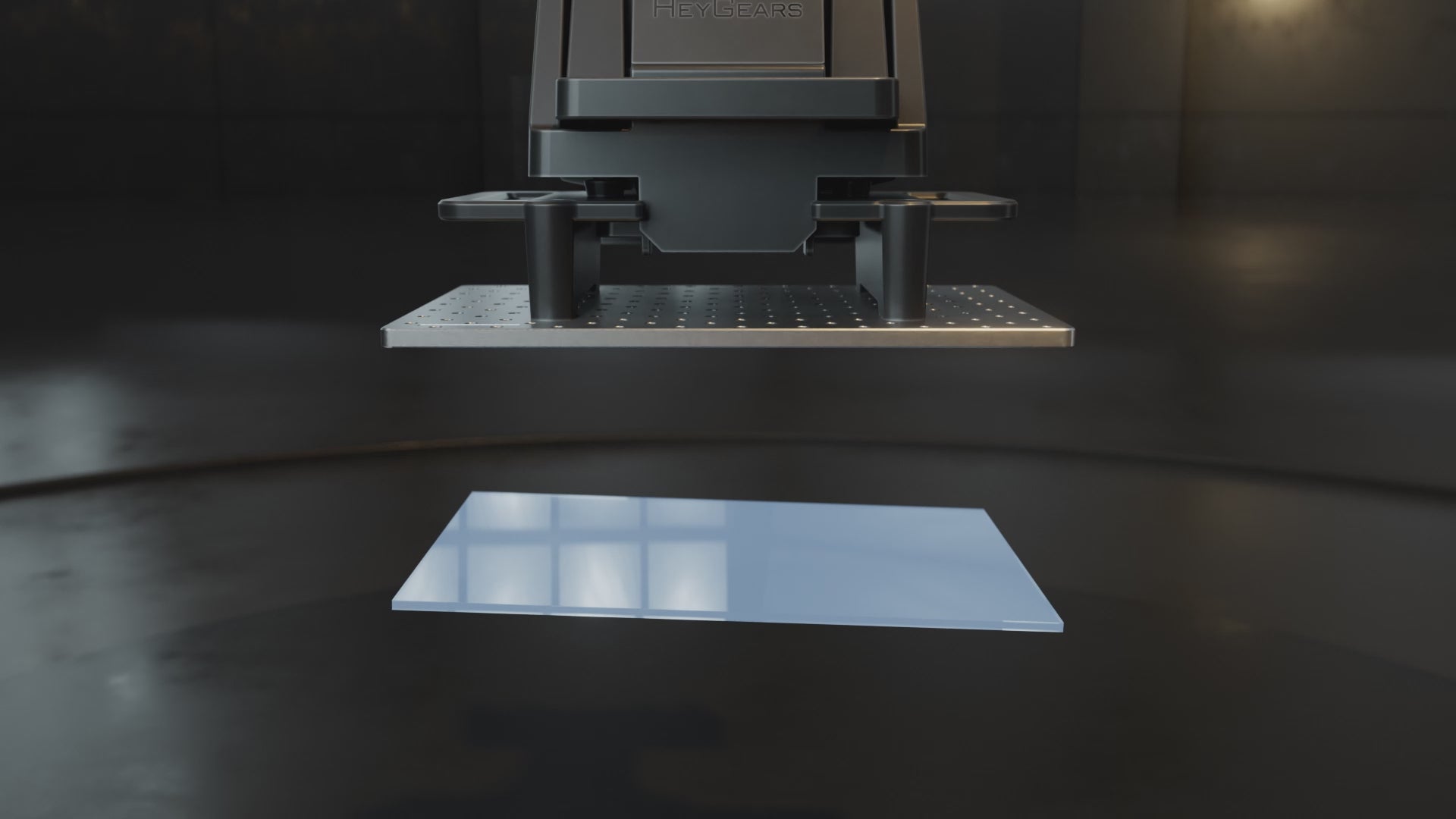
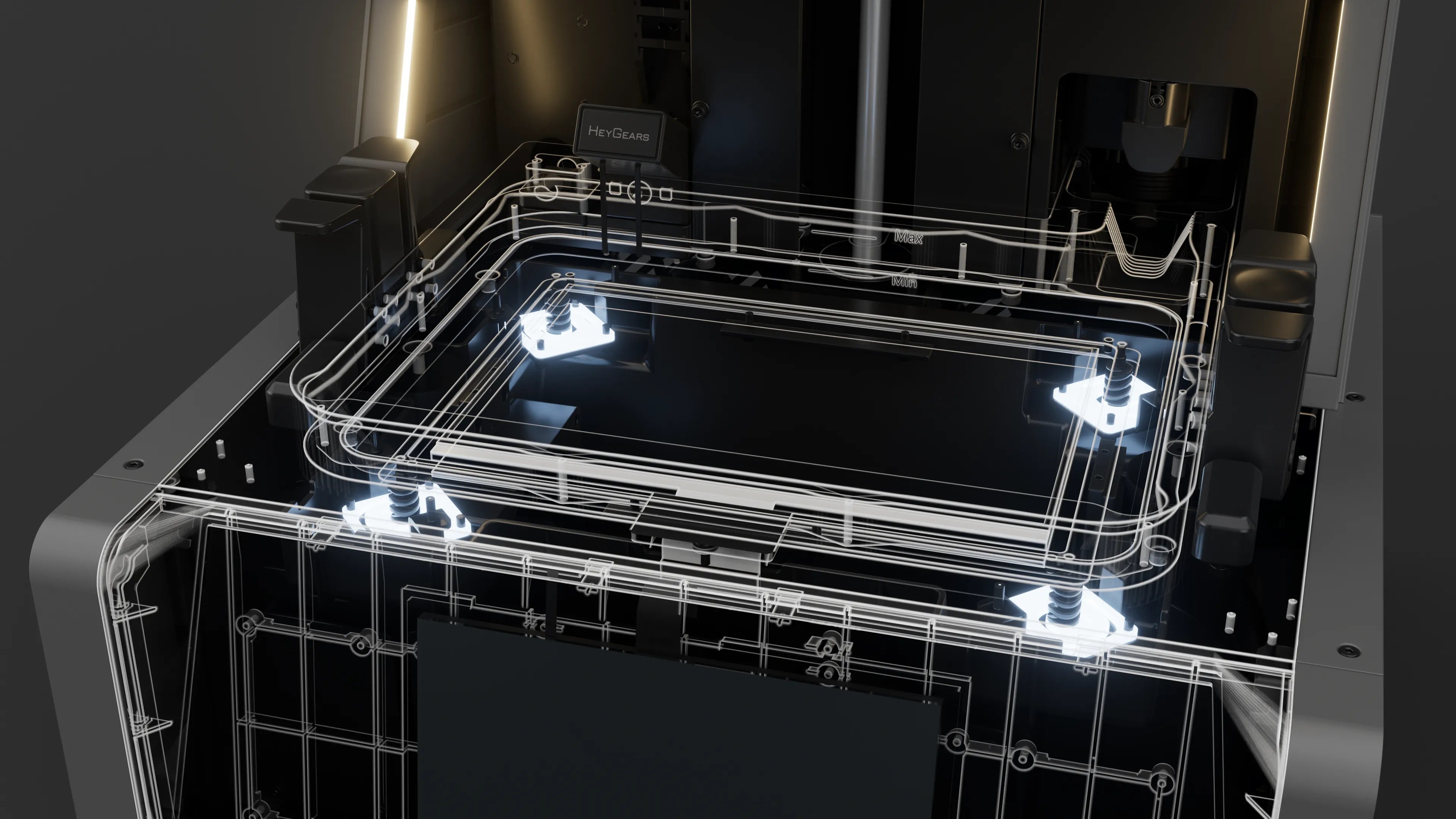
自動ビルドプレートレベリング
フローティングスクリーン構造により、Reflexはビルドプレートの傾斜を最大0.15°まで自動的に水平にし、プラットフォームとトレイ間の最大240μmの隙間をなくすことができます。自動樹脂
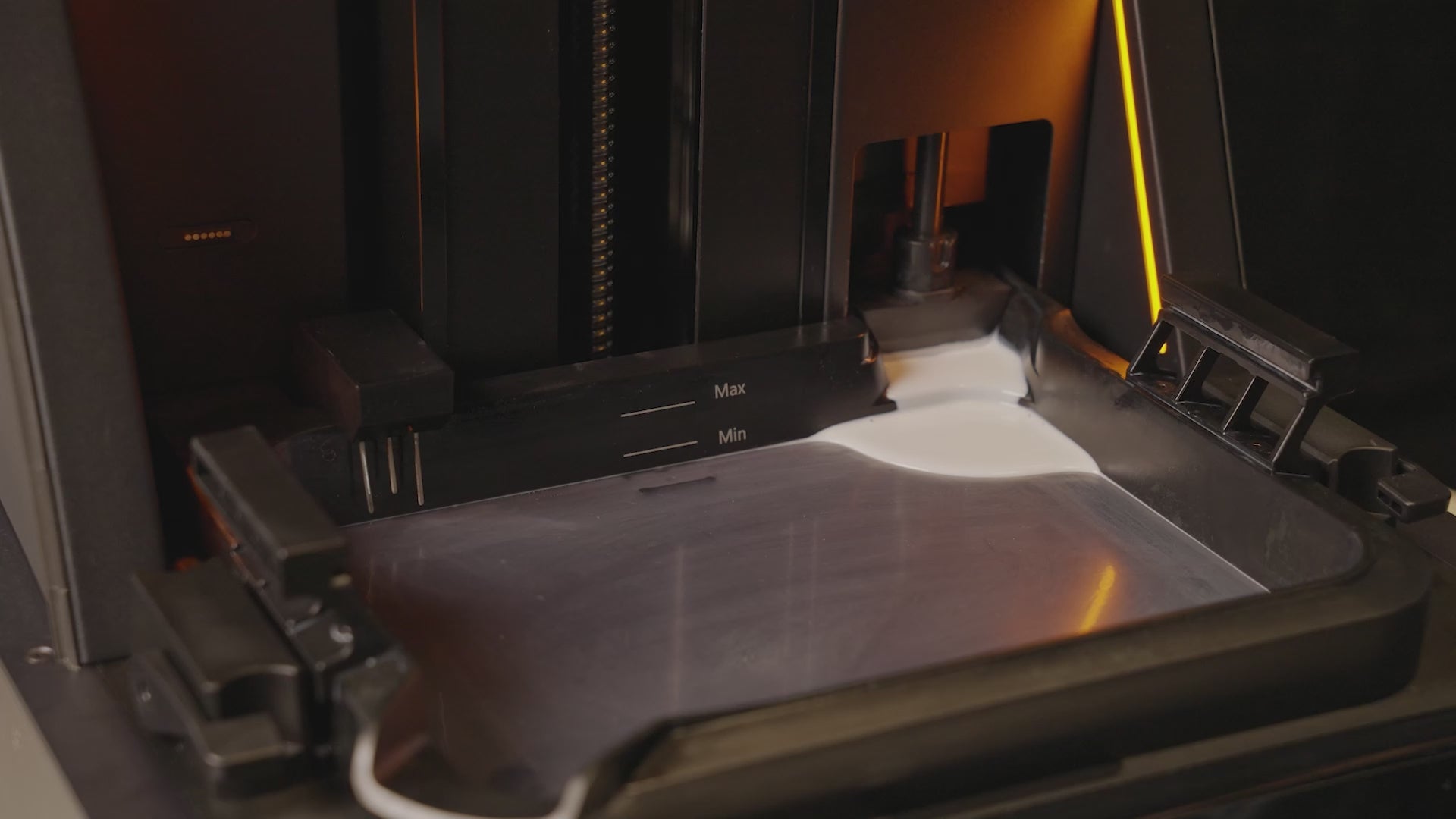
自動樹脂補充
樹脂量検知(精度±5g以内)と印刷前および印刷中の自動補充。
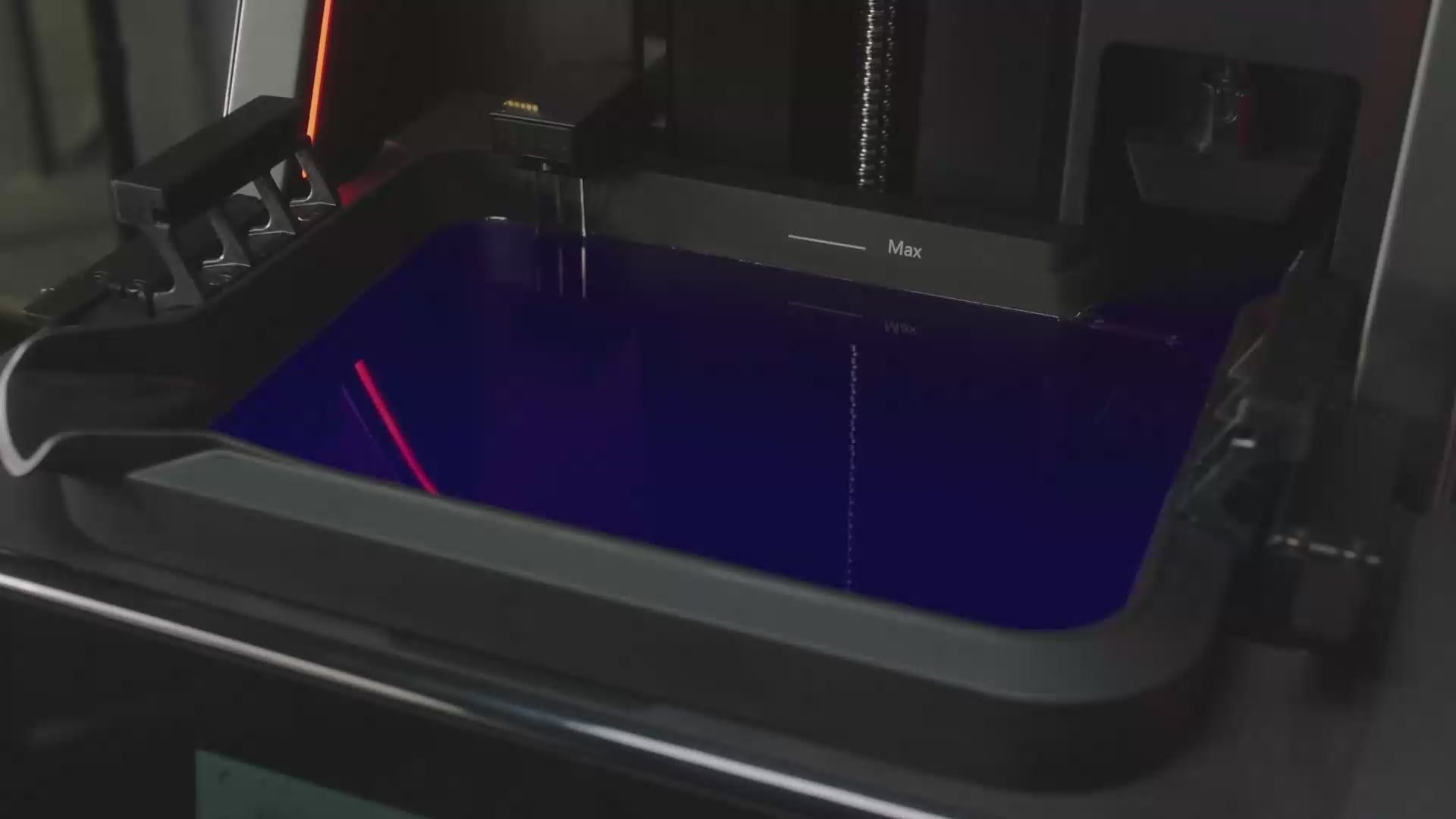
自動樹脂加熱
加熱された樹脂トレイは、樹脂の温度を 20 分で 50 °F (10 °C) から最適な 73 °F (22 °C) まで上げます。また、自動加熱により、印刷プロセス全体にわたってこの温度が維持され、最適な結果が得られます。


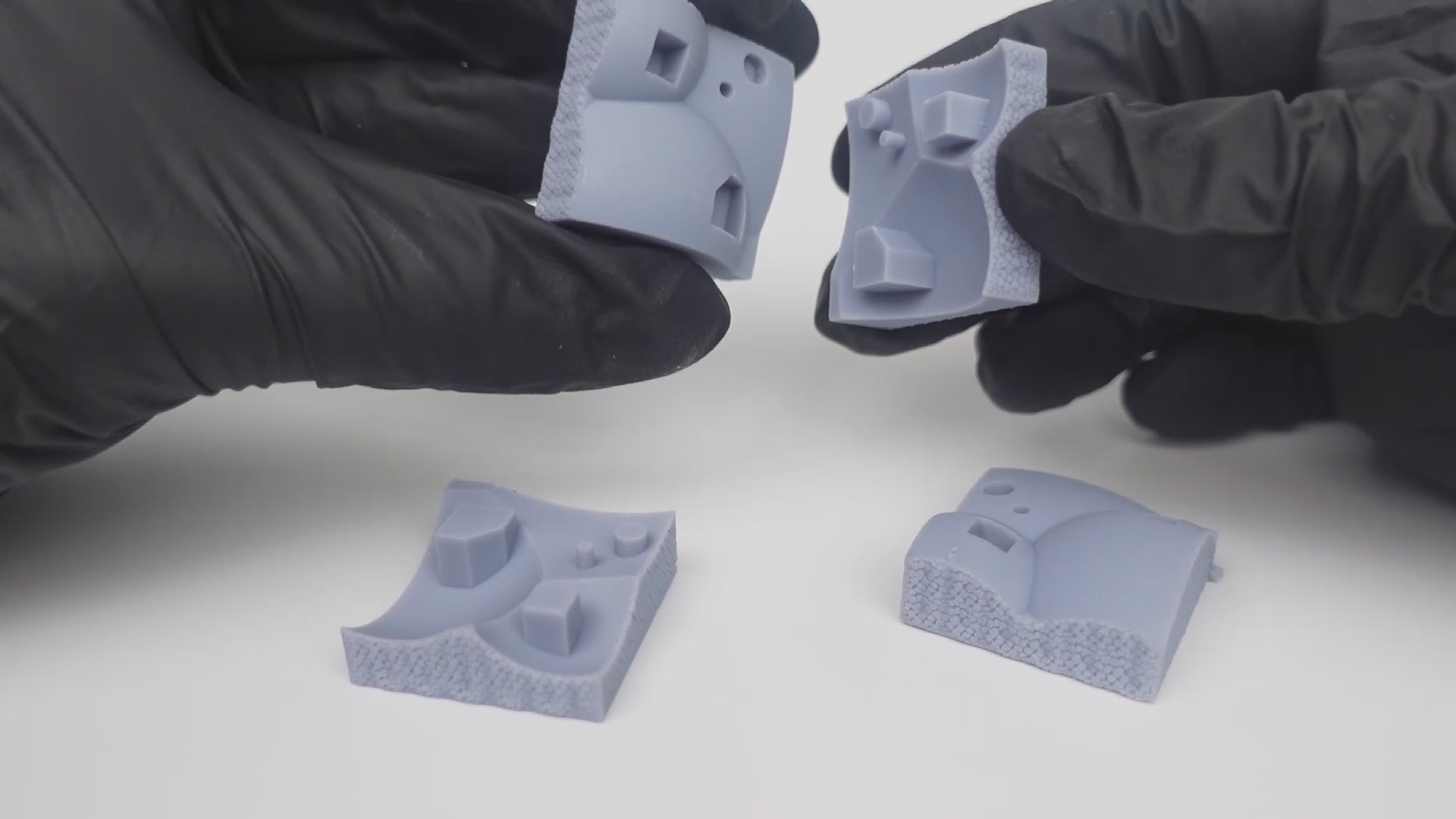
ゼロトレランスアセンブリの結果*
*データはHeyGears Labから提供され、PAS10標準モデリング樹脂でテストされました。

90.6%のディテール復元
3D プリント モデルとそのデジタル デザインを比較すると、3D プリント モデルの 90.6% の表面公差は 0.05 mm 以下です。
*データはHeyGears Laboratoryより提供
インテリジェントな地域露出
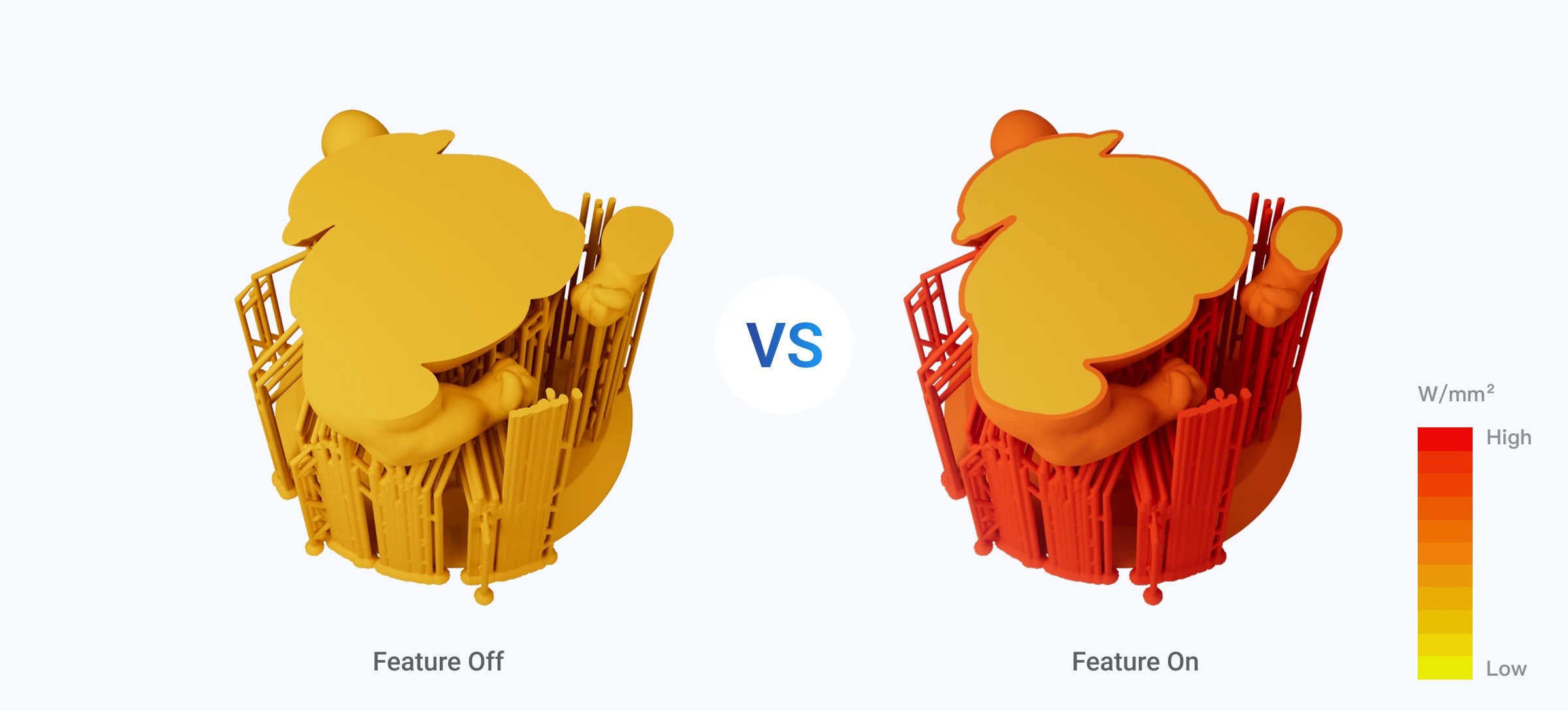
Reflex は、サポート構造や内部シェル、外部シェルなど、各層のさまざまな主要領域を識別し、それらを個別に硬化させることで、特に高引張弾性率材料*で印刷された印刷物の表面硬度とサポート強度を大幅に向上させます。
※ABS系樹脂、PVC系樹脂、ナイロン系樹脂、弾性樹脂など

AI支援による剥離力管理
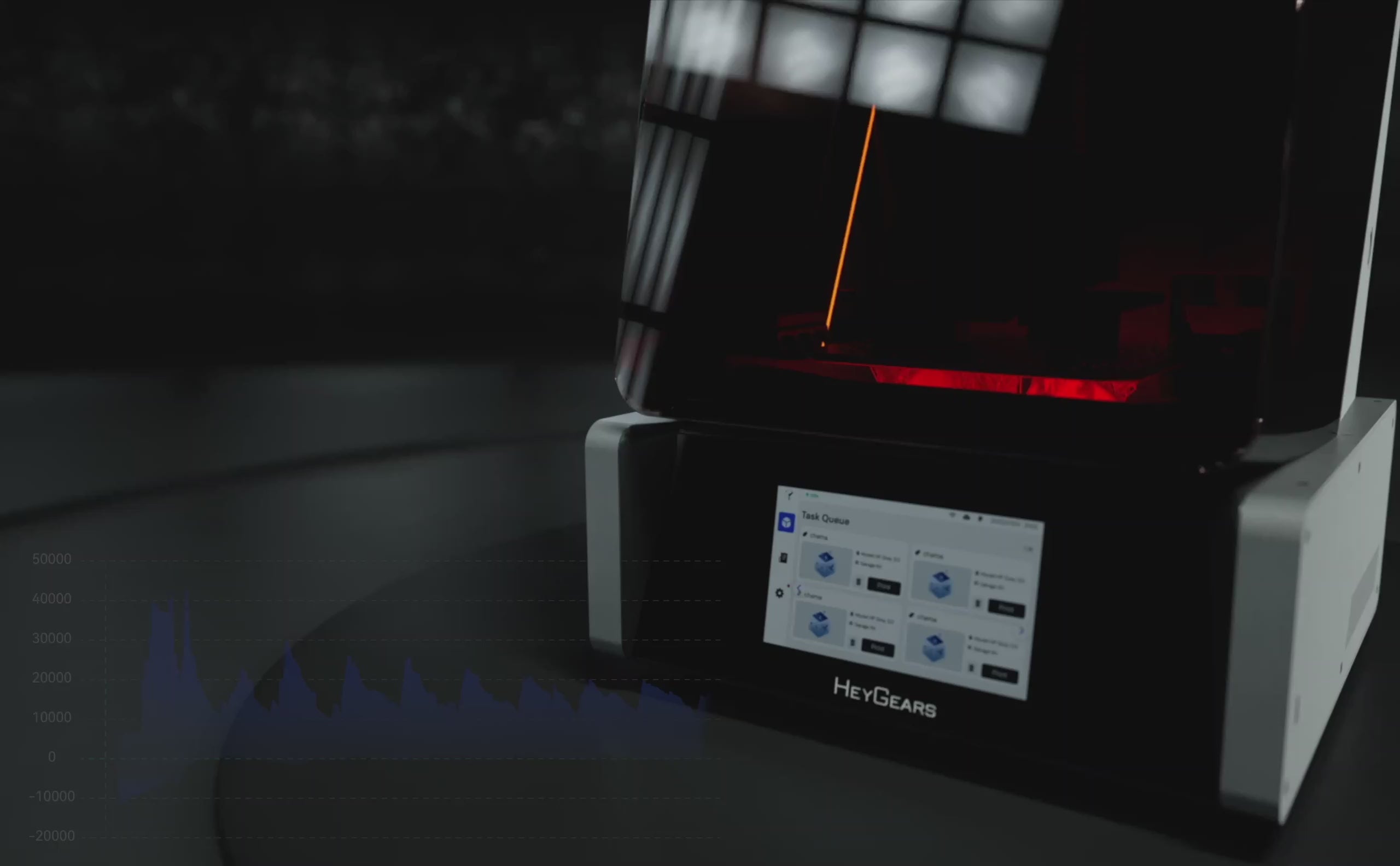
Reflex は、スライスされた層の特性を検出し、さまざまな剥離力を使用した結果を計算するため、各印刷層に最適な剥離パラメータを自動的に適用し、印刷効率と結果を改善します。


プリンタの寿命中における印刷の一貫性
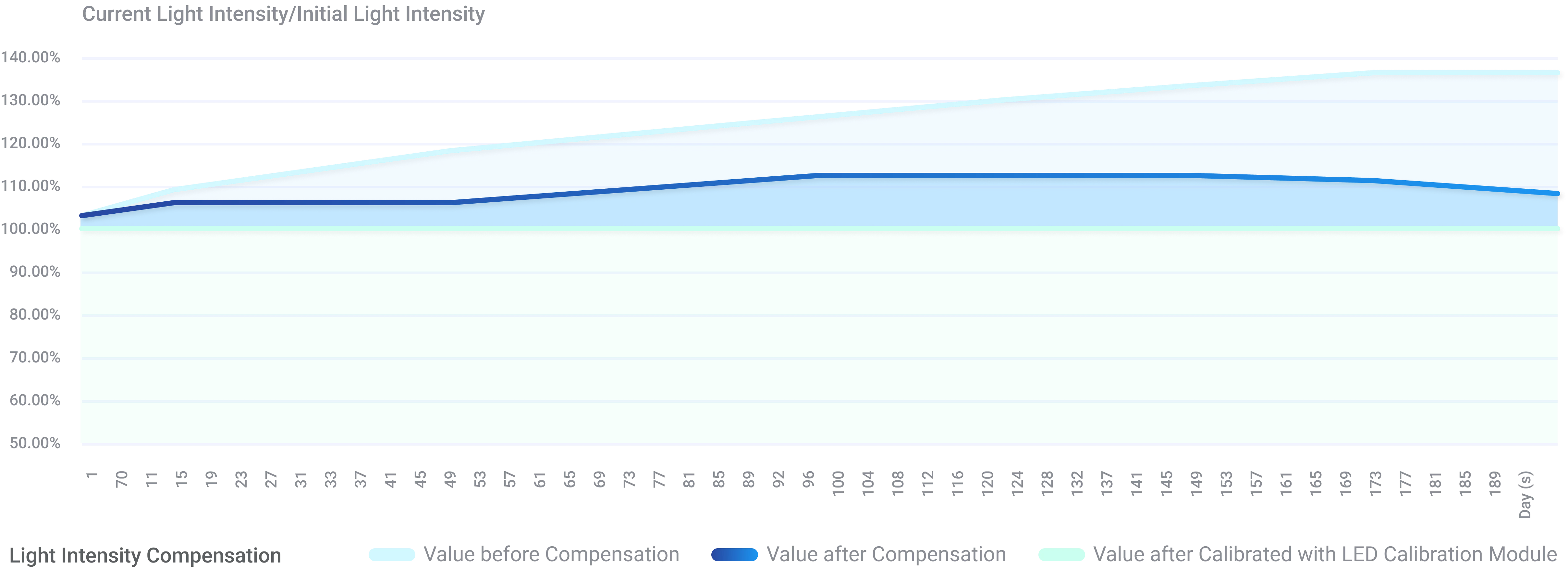
Reflex は、光源の経年劣化データをテストして記録することにより、自動光強度補正を提供し、ユーザーがプリンタのライフサイクル全体を通じて一貫した印刷結果を得られるようにしています。

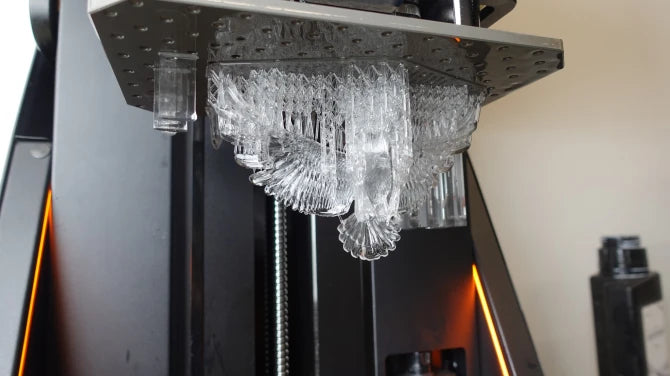
光透過率88%
ウルトラプリントPAT10透明樹脂
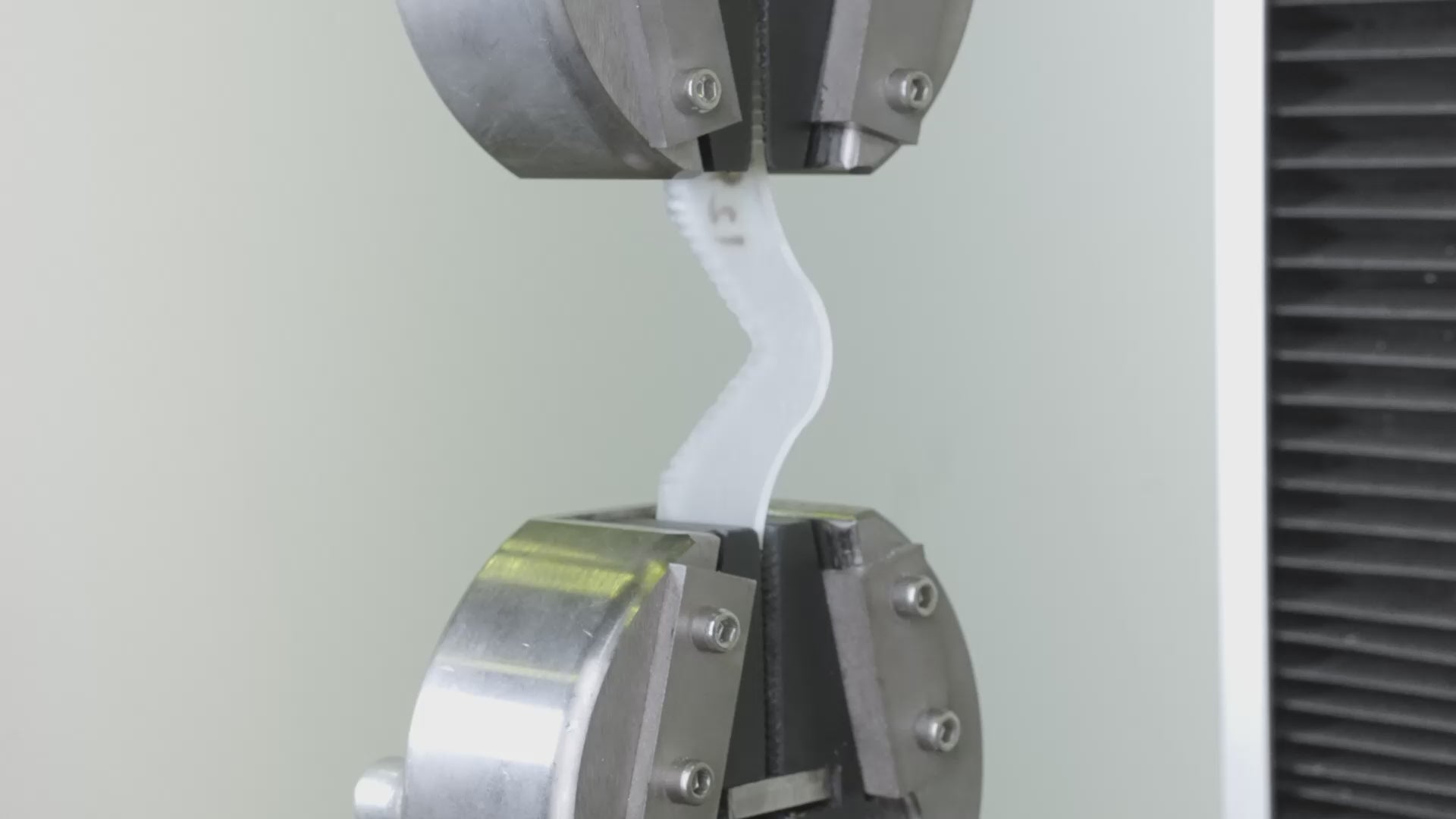
引裂強度 37 N/mm
弾性樹脂
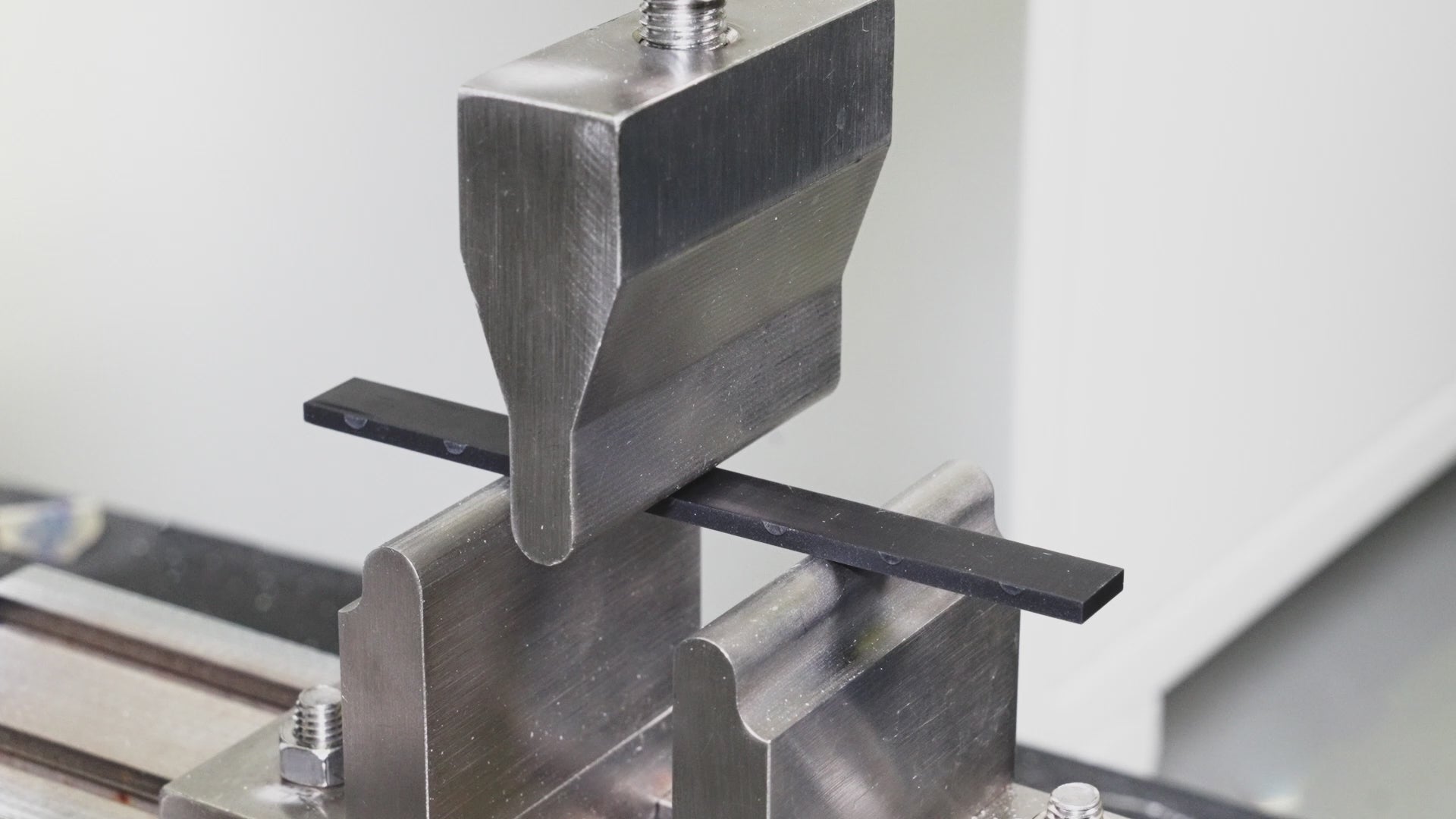
109 MPaの曲げ強度
高強度・高靭性樹脂
仕様
3Dプリント技術:
– LCD(MSLA)
ビルドボリューム:
– 191×121×220 mm
ビルドの高さ:
– 220ミリメートル
XYネイティブピクセル:
–33μm
正確さ:
– ±16μm
層の厚さ:
– 50μm
印刷速度:
– 27 mm/時
寸法:
– 400*420*573ミリメートル
接続性:
– USB/Wi-Fi/イーサネット
重さ:
– 25キロ
電圧:
– 100~240V 50/60Hz
定格電力:
– 350ワット
適合樹脂
– すべての樹脂
同梱物(概要)
プリンター X1
電源コード×1
レジンタンクX1
ビルドプラットフォームX1
LCDスクリーンテープX1
スペアリリースフィルムX1
剥離フィルム用予備ネジ×2
ゴム手袋×2
六角レンチX3
部品取り外しツールX1
スクレーパーX10
ペンチ×1
簡易クリーニングボックス×1
フィルターペーパーX5
残留物除去剤 X1
多機能ハンドルX1
箱の中身(不完全なリスト)

リフレックスプリンター
樹脂タンク

ビルドプラットフォーム

LCDスクリーンテープ

スペアリリースフィルム

樹脂タンクセンサー

力
その他にも!

I am a total rookie at 3D printing. Never done it before. The Reflex RS has been so incredibly easy to use. I am blown away. Within minutes of setting it up (which was a breeze) I was already printing. As a miniature Painter, this will change my life. I am so stoked to have this in my work area because now something that seemed so daunting, is easily handled in minutes.
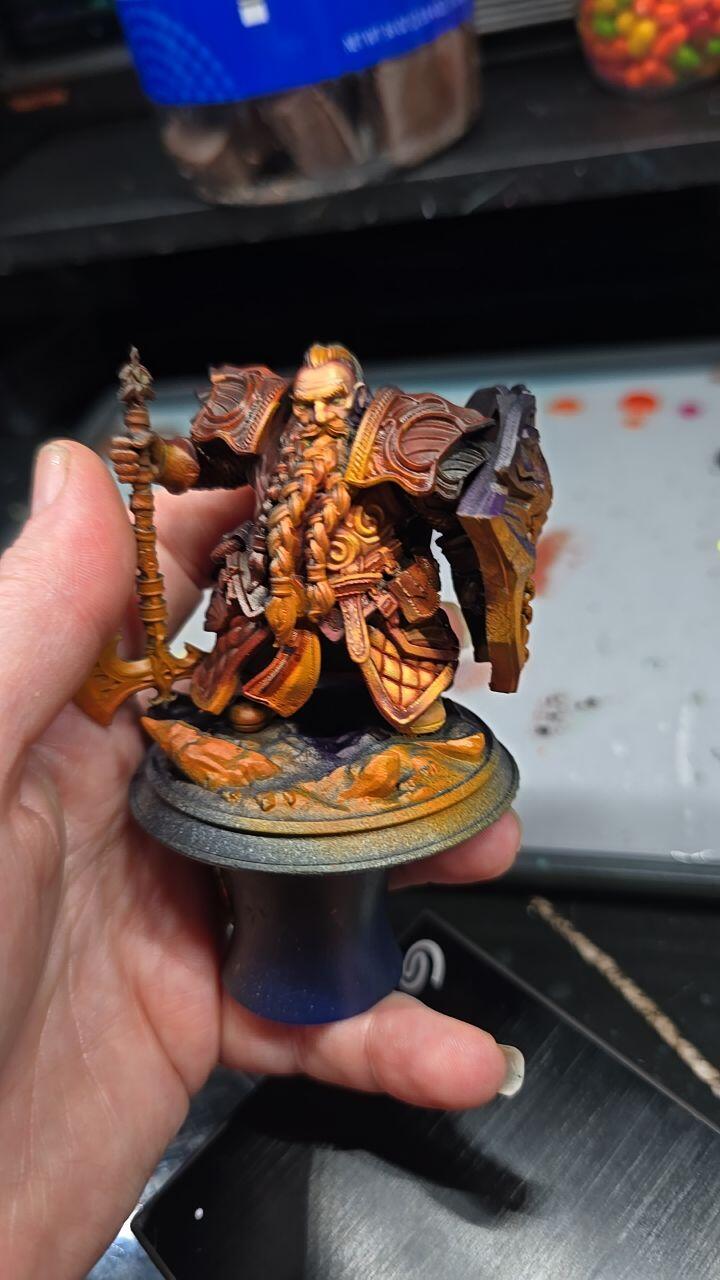
Overall the machine itself is fantastic. Mechanically sound, easy to clean, and prints exceptionally for my applications (molds and minis).
My only gripe is the blueprint software, it works great but has some UI quirks that take some getting used to. For example, the scale function has color coded XYZ dimensions, but the UI gizmo for the coordinate frame does not, so you have to know the mapping or guess and check.
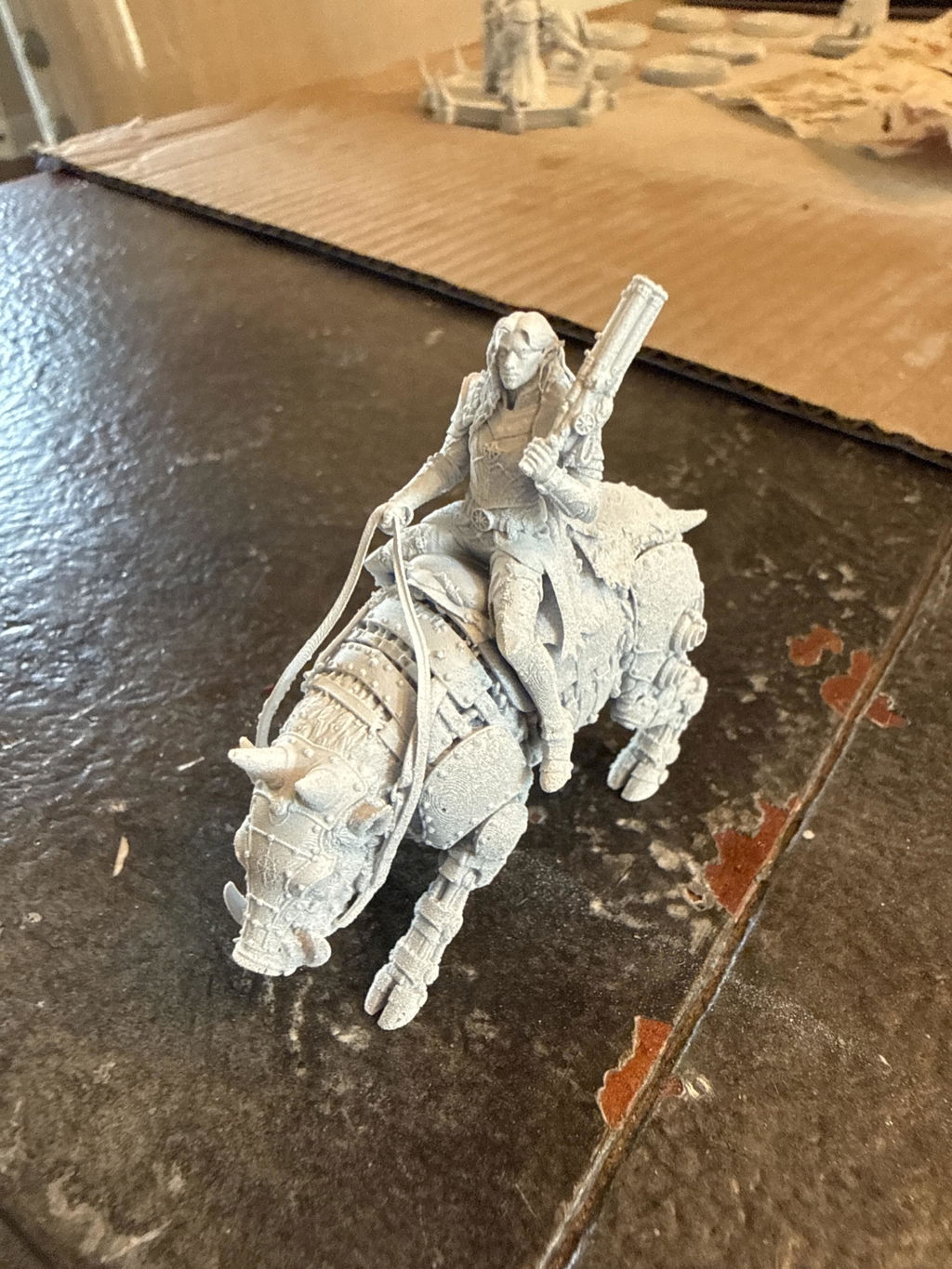
Awesome machine, far easier to work with as my previous Anycubic printer. I used to print at a 20 micron resolution on my Photon M5s, but even on a 50 micron resolution my Reflex RS blows those prints out of the water, without any visible layer lines

Been printing for a couple years but was tired of all the problems and issues that come with it taking away from my time at actually painting what I print... so figured it was time to upgrade and maybe even spend a little extra so I dont run into as many issues. Upon my research I found that's exactly what hey gears printers are! I've had it for a little over a week now and man did they not dissapoint! Plug and play!


This is my first printer but I've been following resin printing for several years before choosing which company to invest in. The Heygears Reflex RS has been incredible, absolutely no regrets!
This is my first resin printer. I’m deep into the learning curve, but have already printed 3 plates of miniatures. The plug and play ecosystem makes those first prints easy and exciting. The fact that HeyGears is opening that system up and responding to their users was what sold me on the system. I’m excited to be able to produce great results in such a short time, while knowing I can dive as deep into the hobby as I want. Now I just need to learn to paint faster.

Perfect prints every time
Really happy with the Reflex 2 Pro. It prints great, the large build volume is a huge plus, and it’s been reliable so far. Took a little dialing in at first, but now it runs consistently. Definitely worth it.
Yes, believe the hype! There is simply no better printer for the "prosumer" than this. Avoid the inkling to "cheap out" and buy the lower priced models. This is the one you want. My only gripe is the Blue Print studio app. Yes it does a fine job, but it is counter intuitive and hard to navigate. It should be completely revamped. Anyway, buy this printer and the resin to go with it, you will have the best prints you have ever seen!

Moved over from another brand that I had constant problems with. The RS Turbo has not only never failed but the quality of the prints is beyond my expectations. Able to get to painting which is why I’m doing the hobby and not constantly messing with settings or even doing loads of clean up.

Although I own many other resin printers, this one is on a completely different level. The engineering, precision, and overall performance are far more advanced than any of my previous machines. The print quality is noticeably superior — sharper details, smoother surfaces, and a level of consistency the others simply can’t match.

Awesome! 100% success rate so far!

Beautiful machine that makes beautiful prints. This is by far the easiest resin printing experience I've had. On the software side, dragging in a model and using either the one-click slice or the auto supports feature has worked great. Highly recommended!

The printer has been working smoothly so far! Only one failure and that was due to resin on the lcd screen, which the printer detected before starting.

The best printer hands down


I bit the bullet and decided to get the heygears product. I have a elgoo saturn3 ultra and a older anycubic. I could never be guaranteed of a successful print and really wanted something like bambu labs where I buy their filament and everything works first time. I have given up trying different resins and settings to get just ok to below average results. You waste a lot of time,gloves,mess and ipa doing this.
First print worked flawlessly as they all seems to. After I had a couple of fails due to bad supports but now I have a rough idea what I am doing it works every time.
The slicer took a bit of getting used to and is based around having folders and completed sliced objects in there own directories. But once you understand it, you then do it as a workflow.
Sending files to the printer is effortless and remote printing works a charm.
You need to print this "HeyGears Reflex RS Drip Caddy MD Remix" from bambu labs as sadly Heygears do not have a way to drain the build plate. There is a few different types. This one is a bit tight and I just filed it to make it a looser fit.
These are the resins I have tried. I doubt I will be using any other brand resins as these work. They deliver to me in about 4 days and I have no headaches. I cant be bothered printing another test object to attempt to get the best print and waste a day of my life on multiple prints.
PAS10 works well is cheap, when I print minis it has some flexibility but small bits still break if dropped.
PAF10 costs more and dropped minis survive. I have just ordered 3 more bottles.
PAP10 I have only printed one item (A control panel holder)and appears good
PAF10 and PAP10 drain really well. If you let them drain for awhile the items are fairly clean requiring a lot less IPA and the supports come of easily.
PAS10 does not drain as good and requires more IPA.
My other 2 printers I will get rid of now as this machine works very well. I cant imagine turning them on again.
I just bought the Cure device as well. Dam expensive but when you see what you get you understand why.
Now the best part "resolution of the screen".
On a computer higher resolution you see a difference. Somehow on the Heygears I get better quality minis by a massive difference compared to my Saturn ultra which has a resolution of 11500 I think.
I am now reprinting a lot of minis as the quality is amazing.
I am now wondering if I should purchase the wash station
I put a pic of a warhammer model for size comparison. the archer is a model from stormlight note the arrow.
Gene
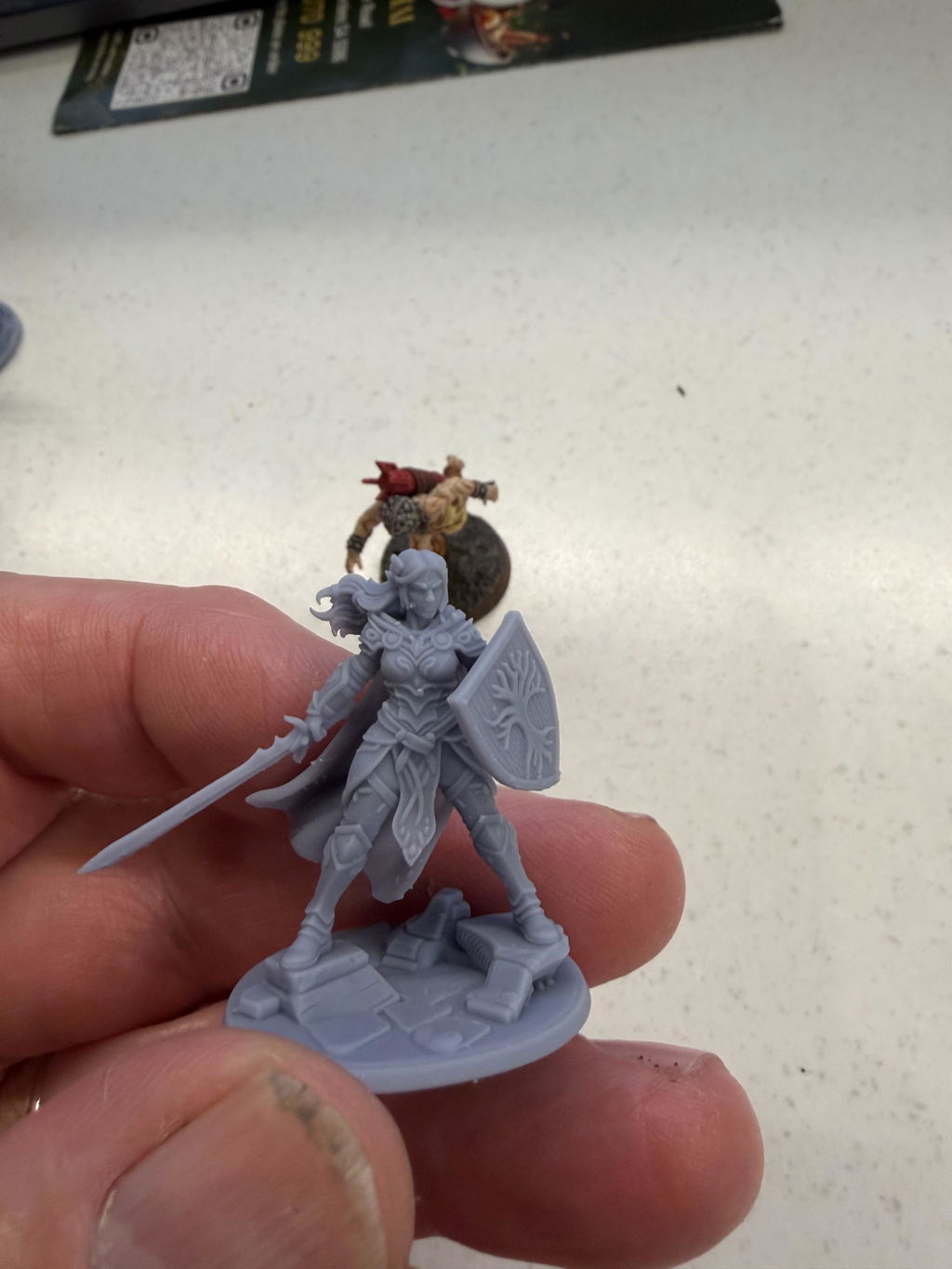
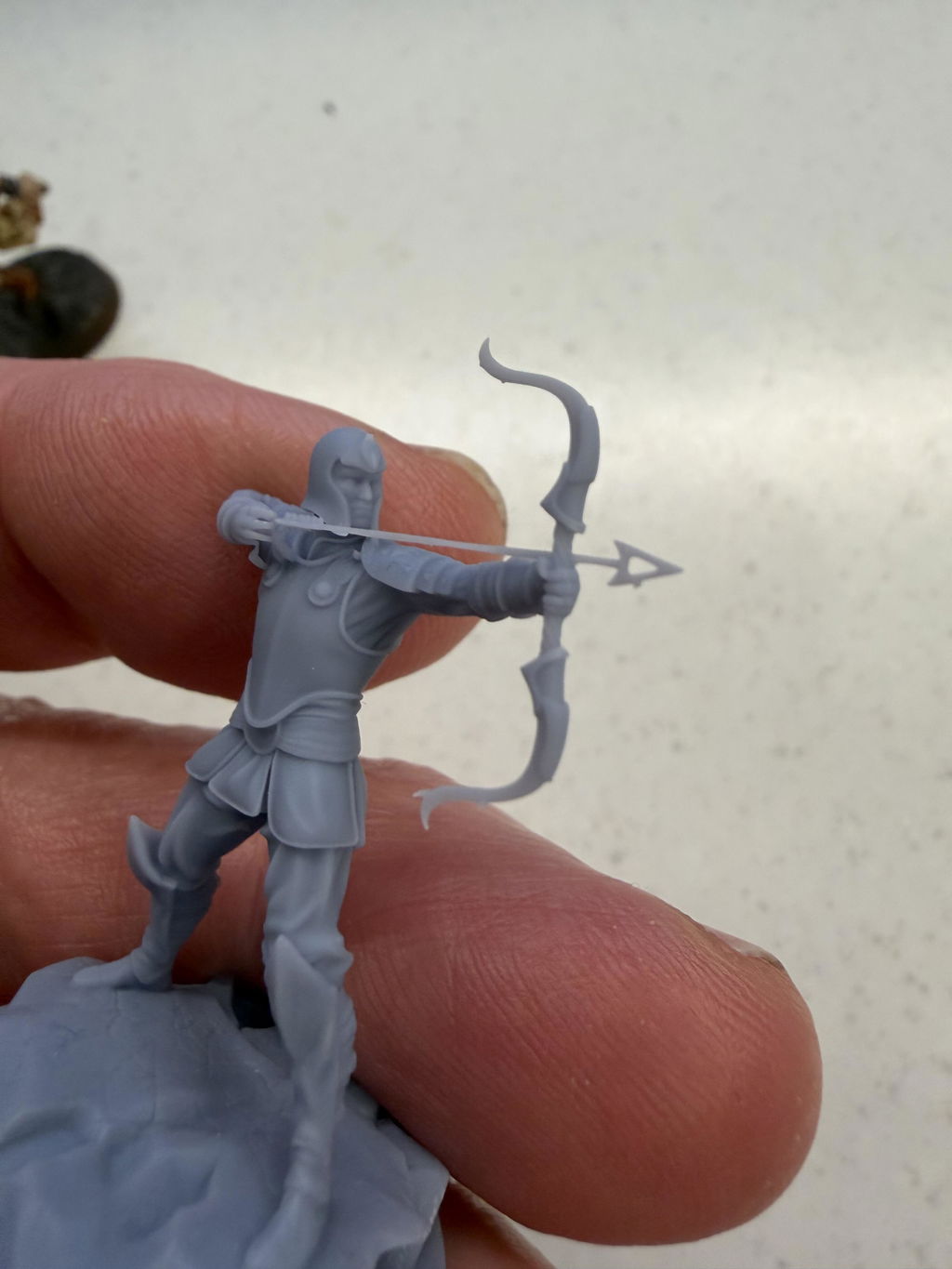
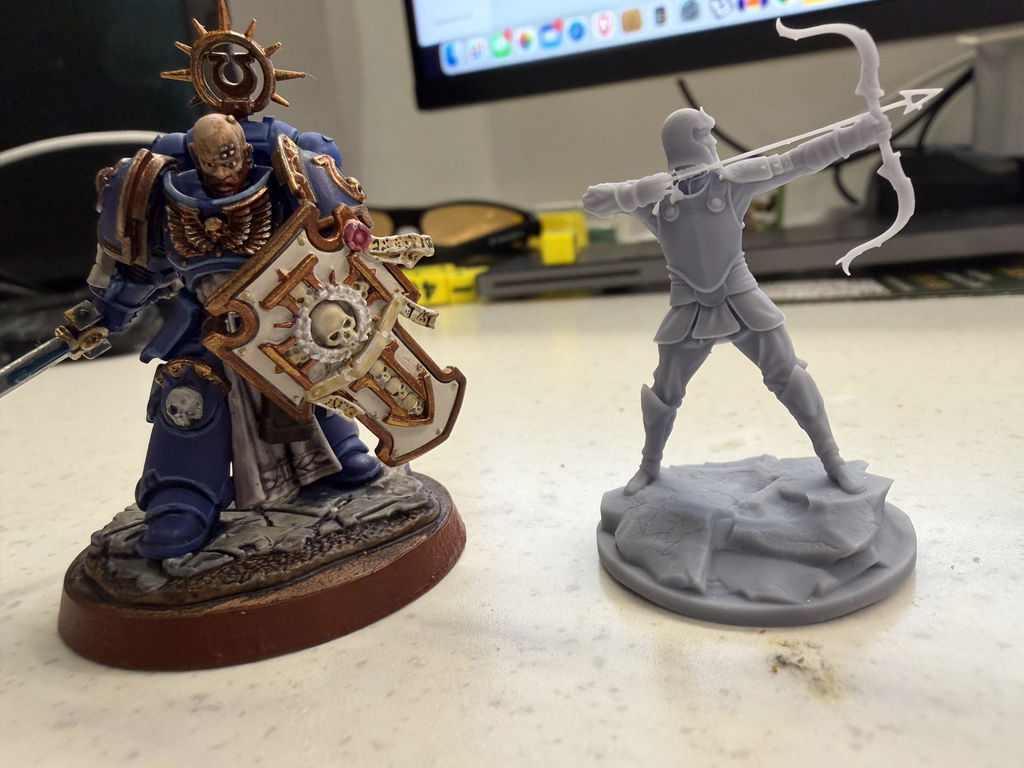
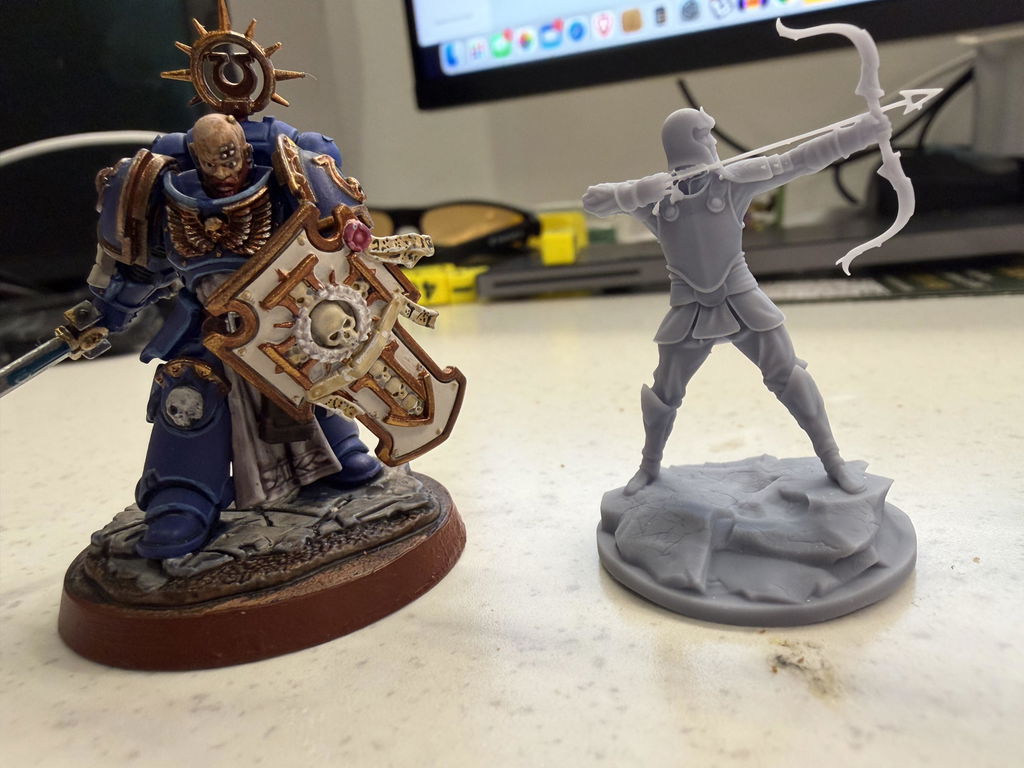
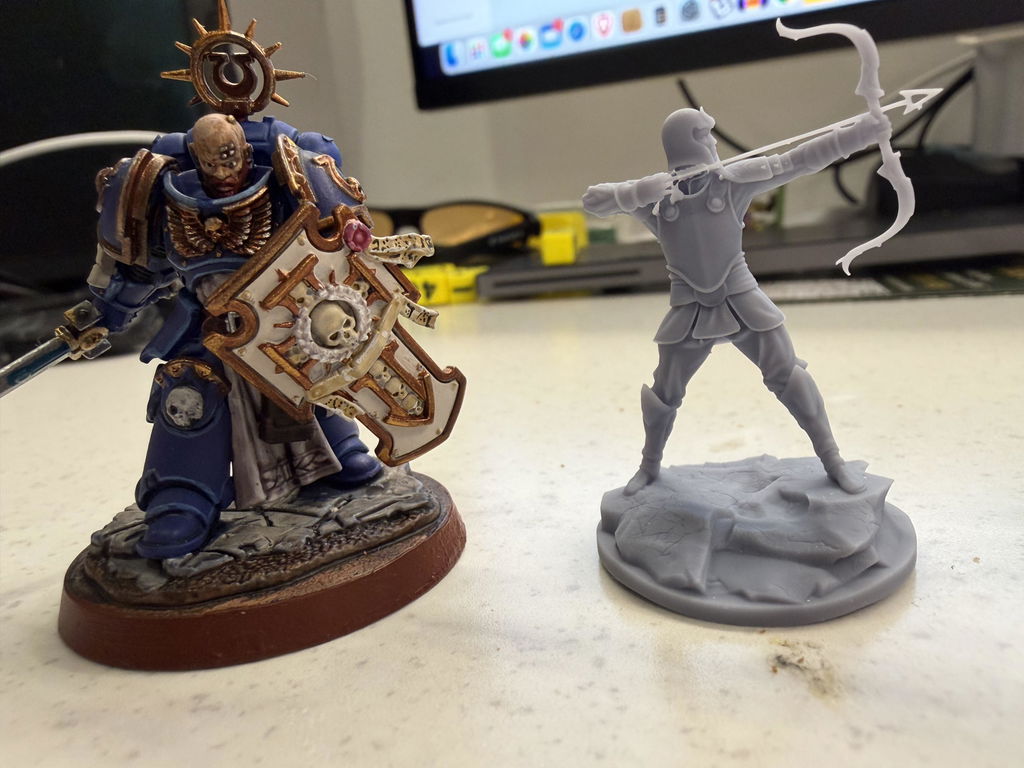
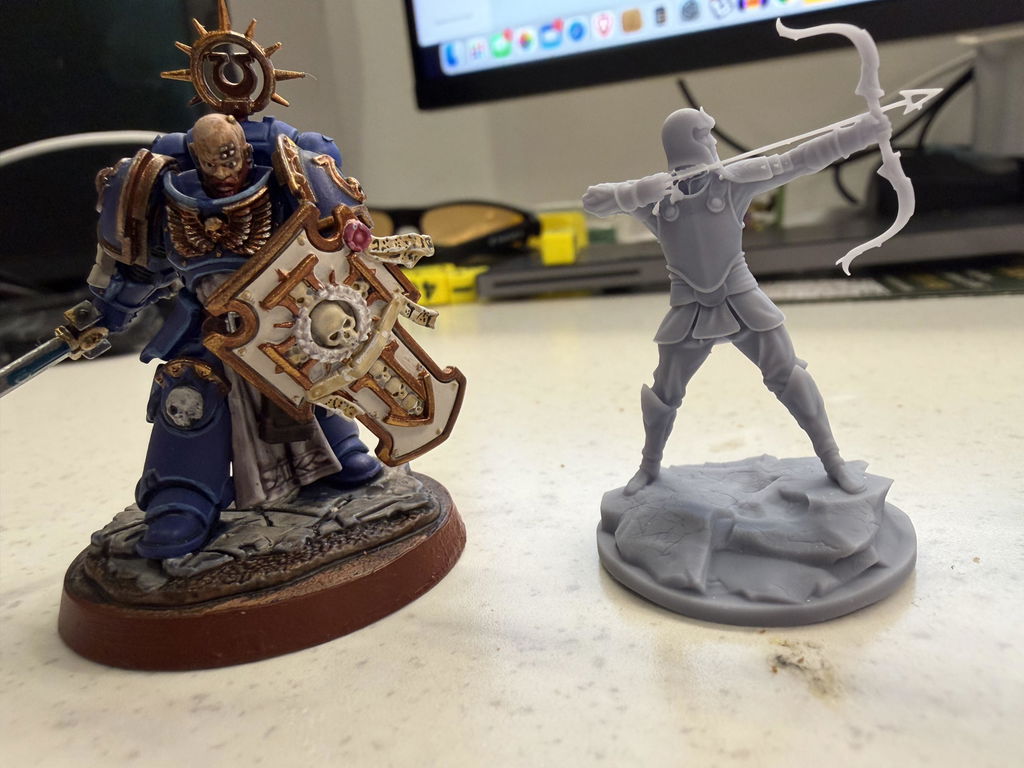
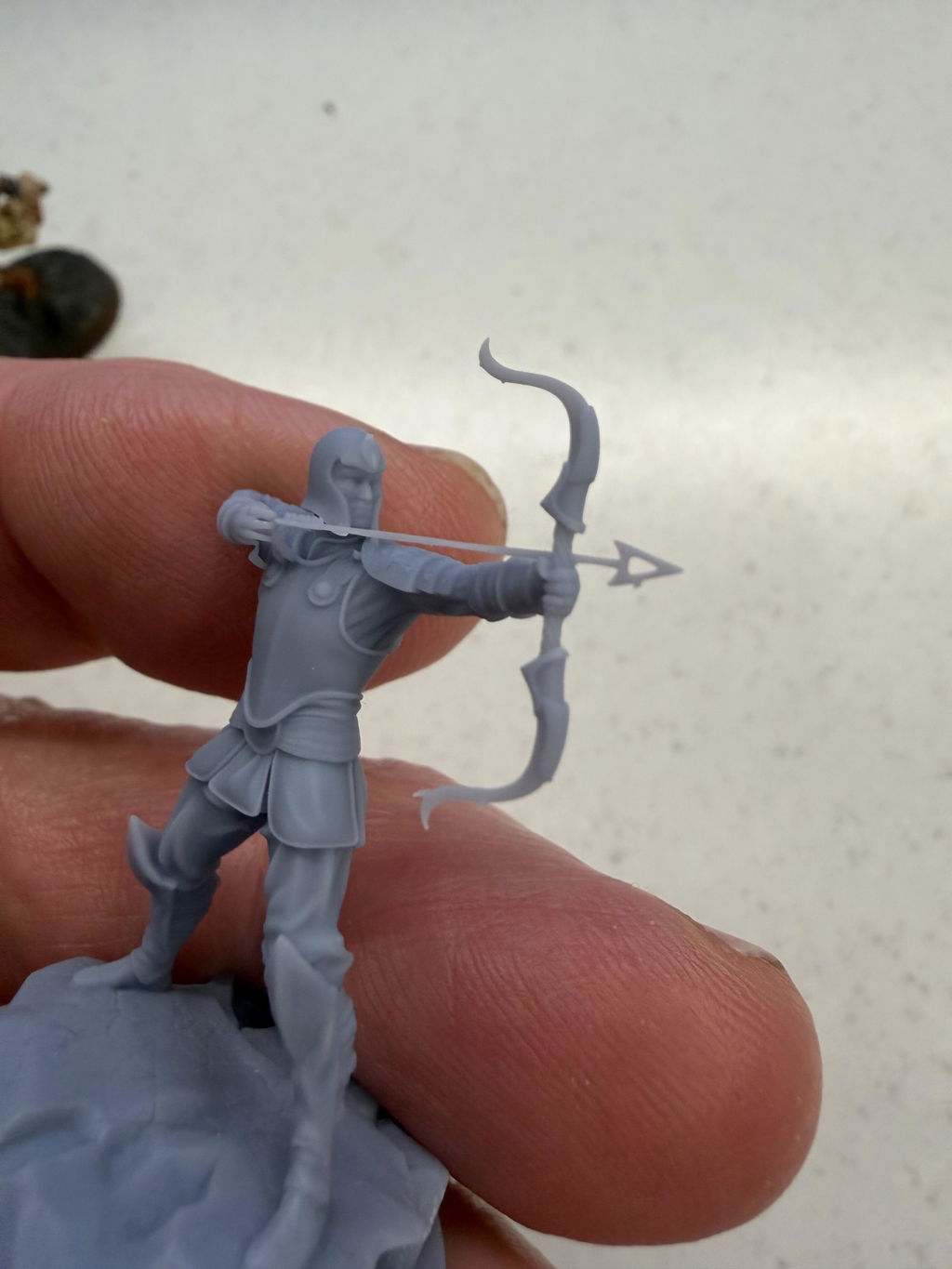
Exeptional resin printer with print failure down to 1/20 for my part, with so much accuracy that I had to modify every single 3D parts I made to remove most of the play I had to have with my previous printer.
The Blueprint is a must have, very clear and very easy to learn tho I had trouble finding how to send to the printer. After finding that, printing successfull part never been so easy.
A bit of down side to me is the resin level that can be a bit lost sometime so I simply disabled the little bridge that prevent the resin to flow and ignore the warning about low resin.


Fantastic results from the first print. I've never used a resin printer before so the learning curve is pretty steep, but I got decently printable miniatures from my first print.

よくある質問
詳細については、 FAQページをご覧ください。
レジン 3D プリンターとは何ですか? どのように機能しますか?
レジン3Dプリンターは、FDMプリンターに比べて、より高い解像度、より精細な造形、そしてより滑らかな表面仕上げを実現します。また、複雑な形状や精巧なデザインも作成可能です。
UltraCraft Reflex 3D プリンターと互換性のある樹脂の種類は何ですか?
UltraCraft Reflex 3Dプリンターは、多様な印刷ニーズに対応するため、幅広い互換性のある樹脂を提供しています。具体的には以下のとおりです。
- 汎用モデリング用PAS10標準モデリング樹脂
- 複雑なデザインのためのPAP10精密ディテール樹脂
- PAWW10 水洗い可能な樹脂で後処理が簡単
- 迅速なプロトタイピングのためのPARP10ラピッドプロトタイピング樹脂
- PAH10 耐熱部品用耐熱樹脂
- 耐久性のある用途向けの耐摩耗性樹脂PAWR10
- ABSのような特性を持つPAU10 ABSライク樹脂
- PAT10 透明樹脂(透明・半透明部品用)
- PAC10 ロストワックス鋳造用ワックス鋳造樹脂
- 特性のバランスを考慮したPAM10デザイン樹脂。
UltraCraft Reflex 3D プリンターではどのようなタイプの光源が使用されていますか?
HeyGearsは、自社開発の385nm+ COB光源とレンズ群を採用する業界唯一のブランドであり、優れた光均一性とコリメーションを実現します。より短波長の光源は、より高性能な材料硬化もサポートします。
最初の印刷を行う前にどの程度の調整が必要ですか?
最初のプリントの前に、使用する樹脂、プリントするパーツの種類、積層厚、そしてこれらの選択に基づいて自動的に設定されるその他のパラメータを選択する必要があります。その他の自動機能には、プリント準備を可能な限り効率化するための自動サポートが含まれます。これらの手順が完了すると、プリントを開始する準備が整います。ただし、プリントトレイの加熱が必要な低温作業環境や、プリント前に3Dモデルの修理や調整が必要な場合など、状況によっては準備時間が長くなる場合があります。
印刷の途中で印刷エラーを修正するにはどうすればよいでしょうか?
HeyGears Blueprint 印刷ソフトウェアは、印刷前にモデルを検出して分析し、印刷可能な構造かどうかをユーザーに知らせることができます。