


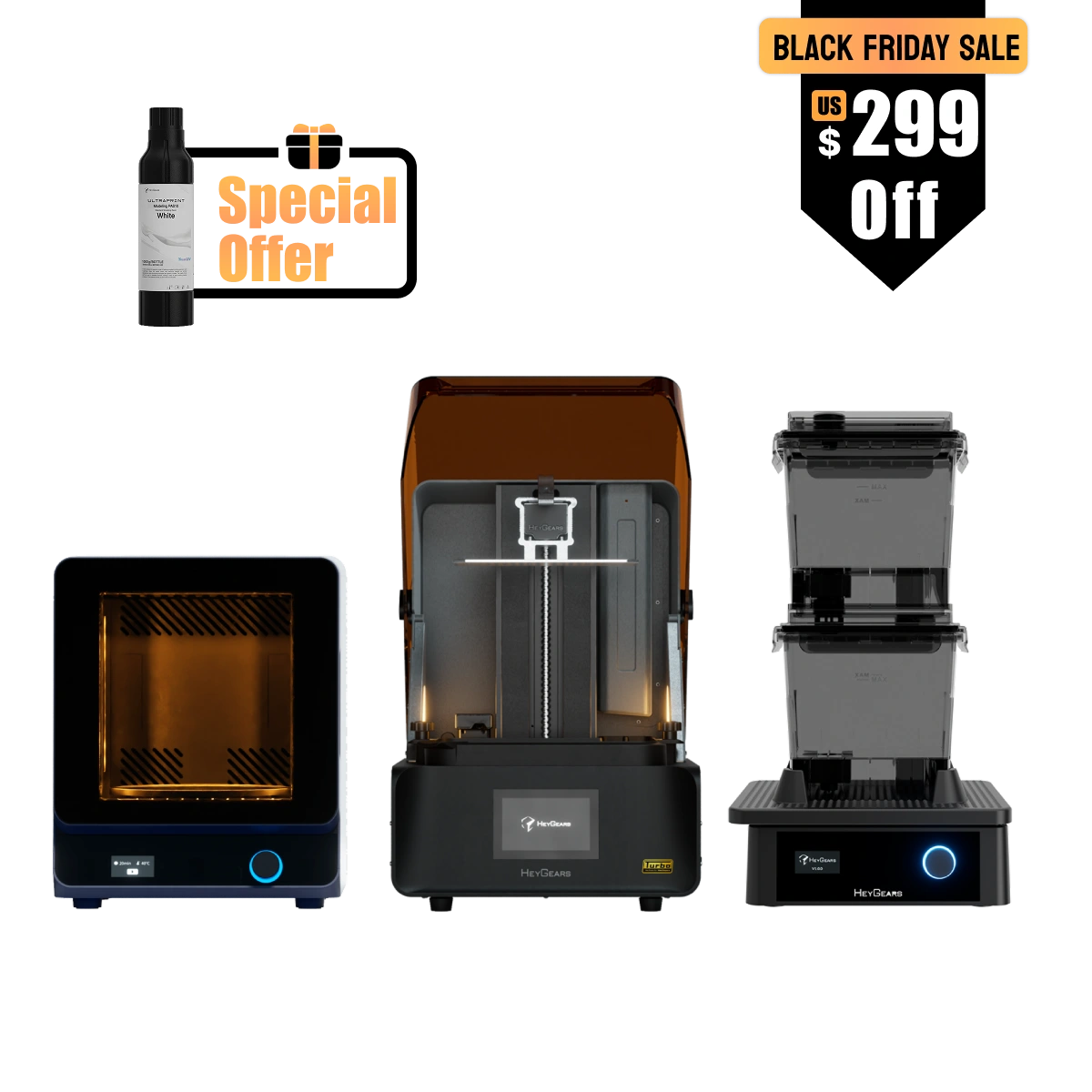


追加のパラメータ調整を行うことなく、印刷、洗浄、硬化まで完全に統合されたワークフローをご体験いただけます。

新しいPAF10クリアレジンをお試しください
PAF10 Clearは、フィギュア、家電製品、産業用プロトタイプ向けに高い透明性、優れた印刷性、安定した性能を提供します。
レジンの特長
-
クリスタルのような透明度
光透過率82% -
繰り返し曲げ可能
破断伸び率30% -
微細なディテールとシャープなエッジ
最小造形サイズ0.08 mm - 長期使用・保管でも黄変しない
RSターボ レジン互換性と推奨事項
RS Turbo対応レジン:
PAS10、PAF10、PAP10、PARP10、PAWR10、PAU11、PAWW10、PAWW20。
🛒 RS Turboプリンター用レジンをすべてご覧いただくには、こちらをクリックしてください。どのレジンを選べばよいかわからない場合は、RS Turboにおすすめのレジンを以下にご紹介します。
- PAS10(ブラック、ホワイト、パープル):日常使いに最適なコストパフォーマンス。外観プロトタイプ、ミニチュア、フィギュアに最適です。
- PAF10:細かいディテールをきれいに再現できるフレキシブルレジン。ゲーム用ミニチュア、フィギュアアクセサリー、フレキシブルプロトタイプに最適です。
- PAP10(グレー、ブラック):複雑な構造や細かいディテールを持つモデルに最適なプロ仕様レジン。精巧なテーブルトップミニチュアや、テクスチャのある表面を持つモデルに最適です。
- 🔍 ミニチュア愛好家の方は、さらに多くのレジン情報についてはこちらのページをご覧ください。
製品の特長
アップグレードされたアンバー画面搭載RS Turbo:
- 優れた鮮明さと向上した表面品質、そして高速印刷。
- 100万層を超える印刷能力。
- 安定した3Dプリント性能を実現するC5グレードZ軸モジュール
- 速度を最大33%向上させるダイナミックモーションアルゴリズム3.0*
完全に連携した印刷戦略。全工程を通してパラメータ調整不要。
速度を最大33%向上させるダイナミックモーションアルゴリズム3.0
自動アシスト印刷:
- フローティングスクリーン自動レベリング
- 自動レジン補充
- 自動レジン加熱**
UltraCraft Wash:レジンとの接触を最小限に。
UltraCraft Cure:材料性能を向上させる2波長UV硬化。追加加熱機能。
*データはHeyGears Labによるもので、PAWW10水洗いレジンを使用し、従来のモーション制御3Dプリンティングと比較。正確な速度向上率はモデルによって異なる場合があります。
** RSヒーター&パルスリリースレジンタンク(別売)使用時
内容物
Reflex RS Turbo コンボ:
UltraCraft Reflex RS Turbo 3Dプリンター x1
UltraCraft Wash x1
UltraCraft Cure x1
パルシングリリースモジュール付きReflex RS Turbo コンボ :
UltraCraft Reflex RS Turbo 3Dプリンター x1
UltraCraft Wash x1
UltraCraft Cure x1
UltraCraft パルシングリリースモジュール x1
UltraCraft Reflex RS Turbo 加熱&パルシングリリースレジンタンク x1
~とよく合います
ウルトラクラフト リフレックス RS コンボ
私たちは、最高のサービスを提供することに努めております。ご不明な点がございましたら、お気軽にご連絡ください。
Hear It From Our Users

最適化されたアンバー画面
圧倒的なディテールと高速性能
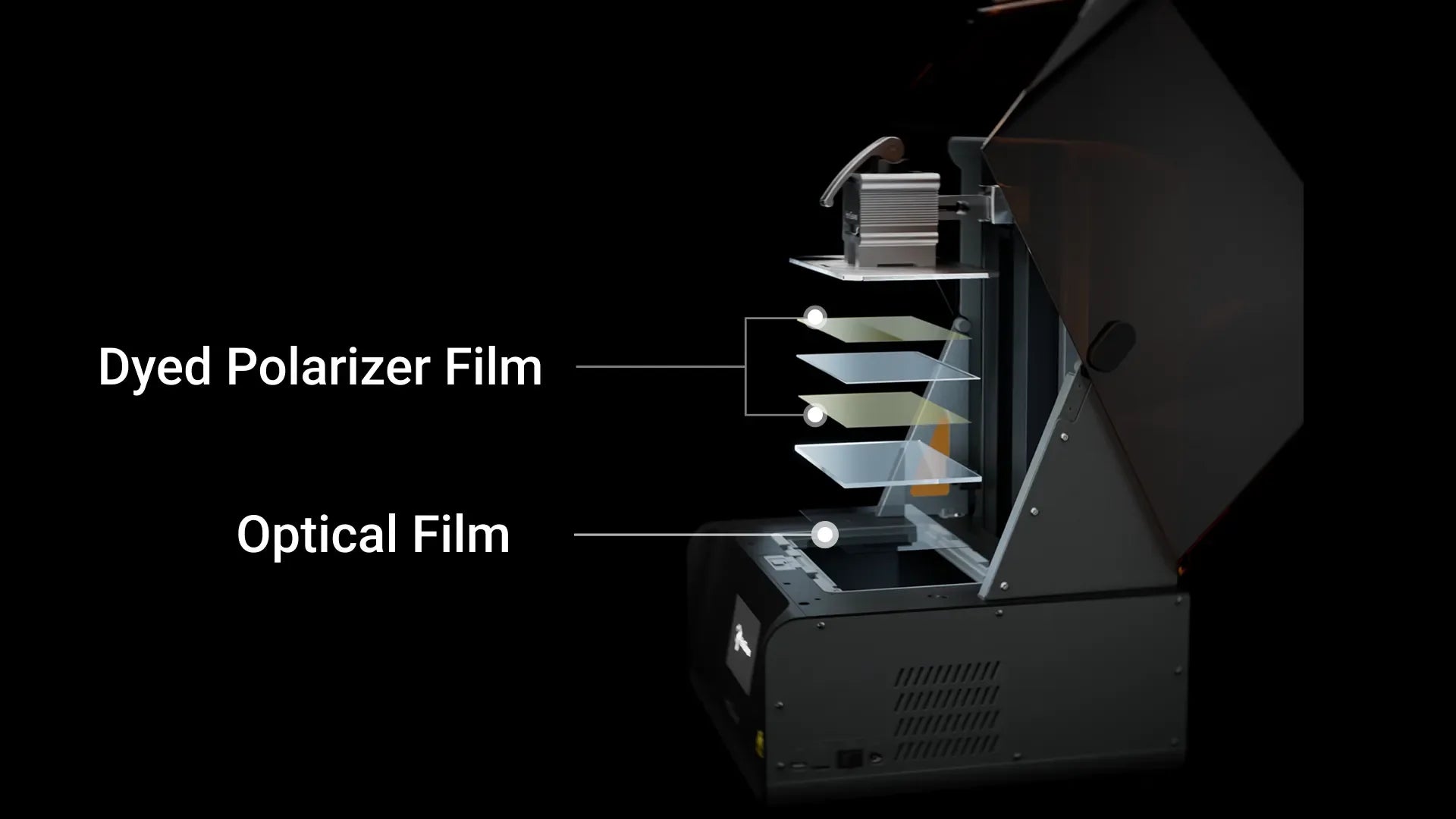
566:1の高コントラスト比
アンバースクリーンは、着色偏光板と光学フィルムを組み合わせた独自の複合設計を採用し、コントラスト比を566:1に向上。前世代比で約60%増となっています。
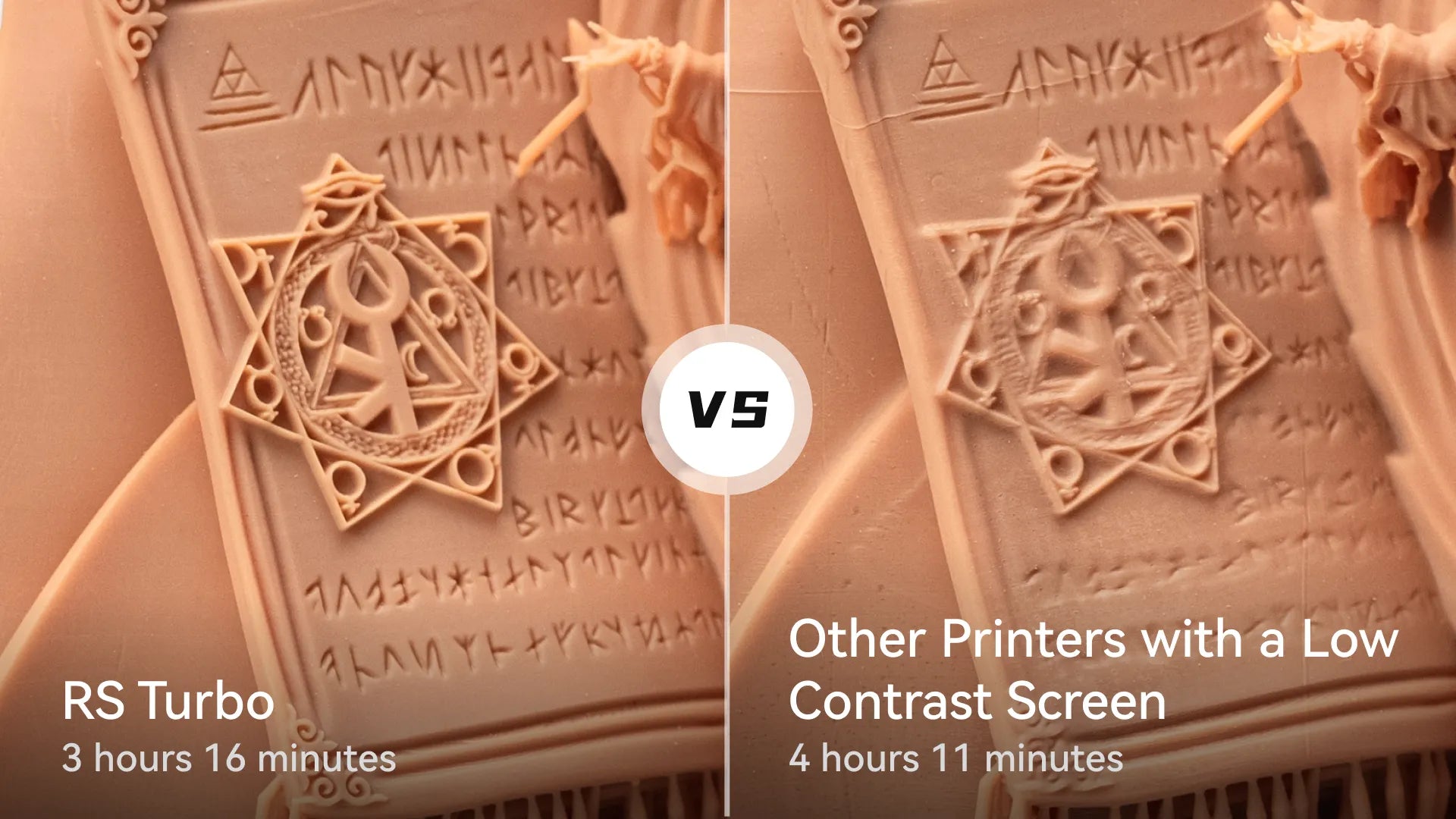
より鮮明なディテールを実現する高精度プリント
色素を添加した偏光板フィルム層には色素高分子が使用されており、光の透過率をより細かく制御できます。これにより、露出過多や露出不足を抑え、3Dプリントの鮮明なディテールを実現します。
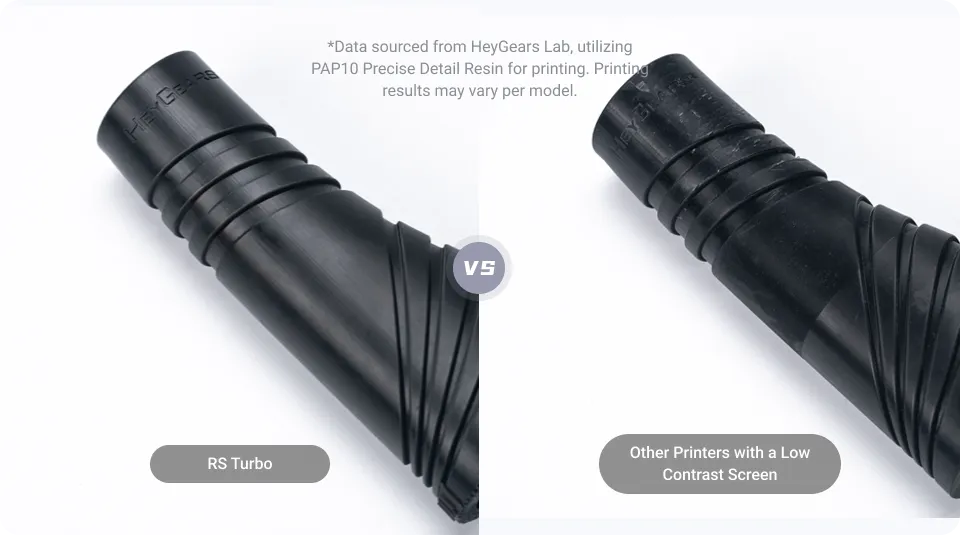
滑らかで欠陥のない表面
アンバースクリーンは、90°の最適角度で光を透過するように設計された光学フィルム層を備えており、硬化層に到達する迷光を低減し、残留物のない滑らかな表面を実現します。
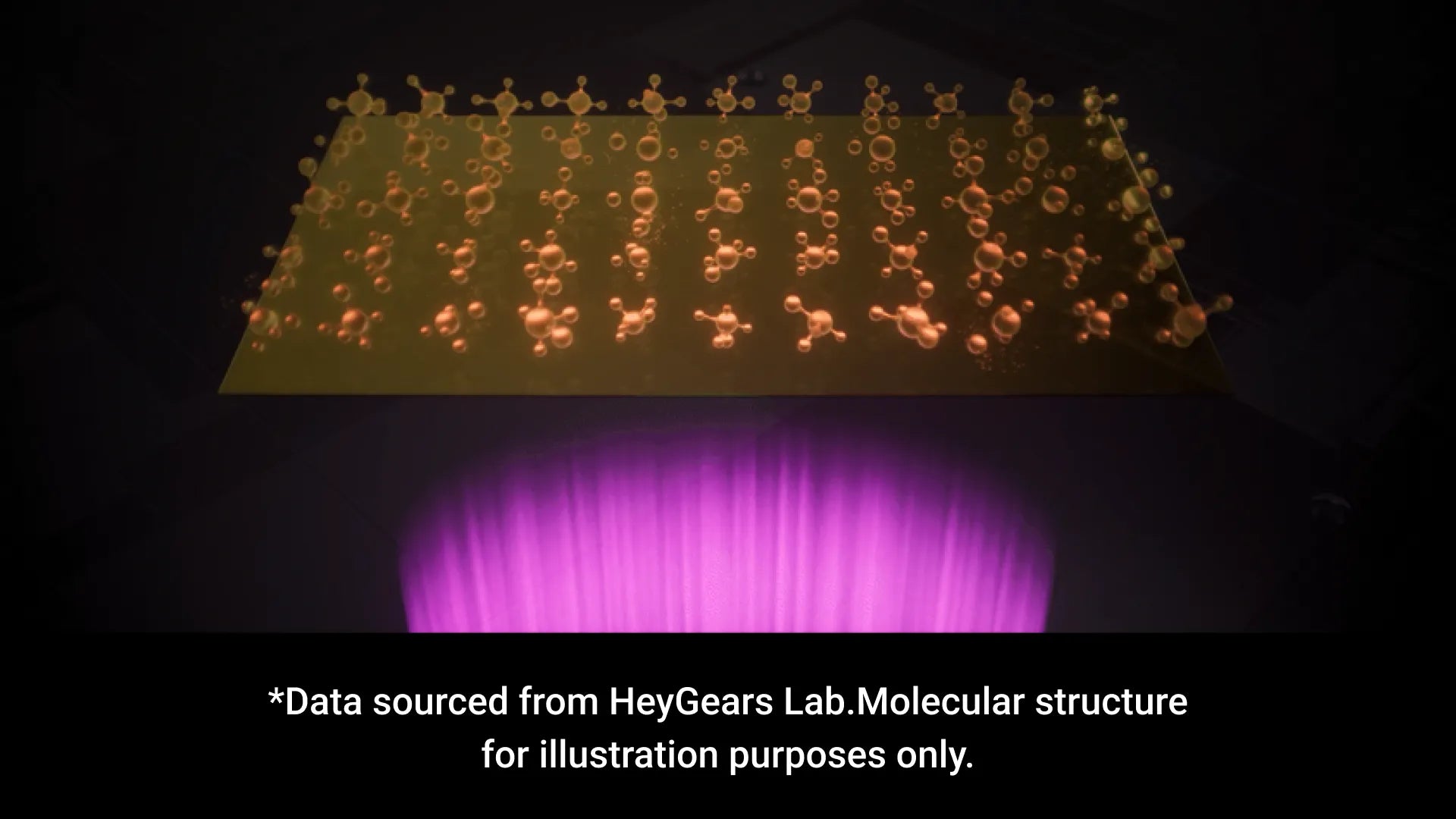
100万層を超える3Dプリント能力
着色偏光フィルムには、優れた耐UV性と熱安定性を備えた色素高分子を採用しています。これにより劣化を最小限に抑え、コントラストの低下を軽減して投影の信頼性を向上させ、最終的にスクリーンの寿命を延ばします。
※データはHeyGears Labより提供。分子構造はイメージです。
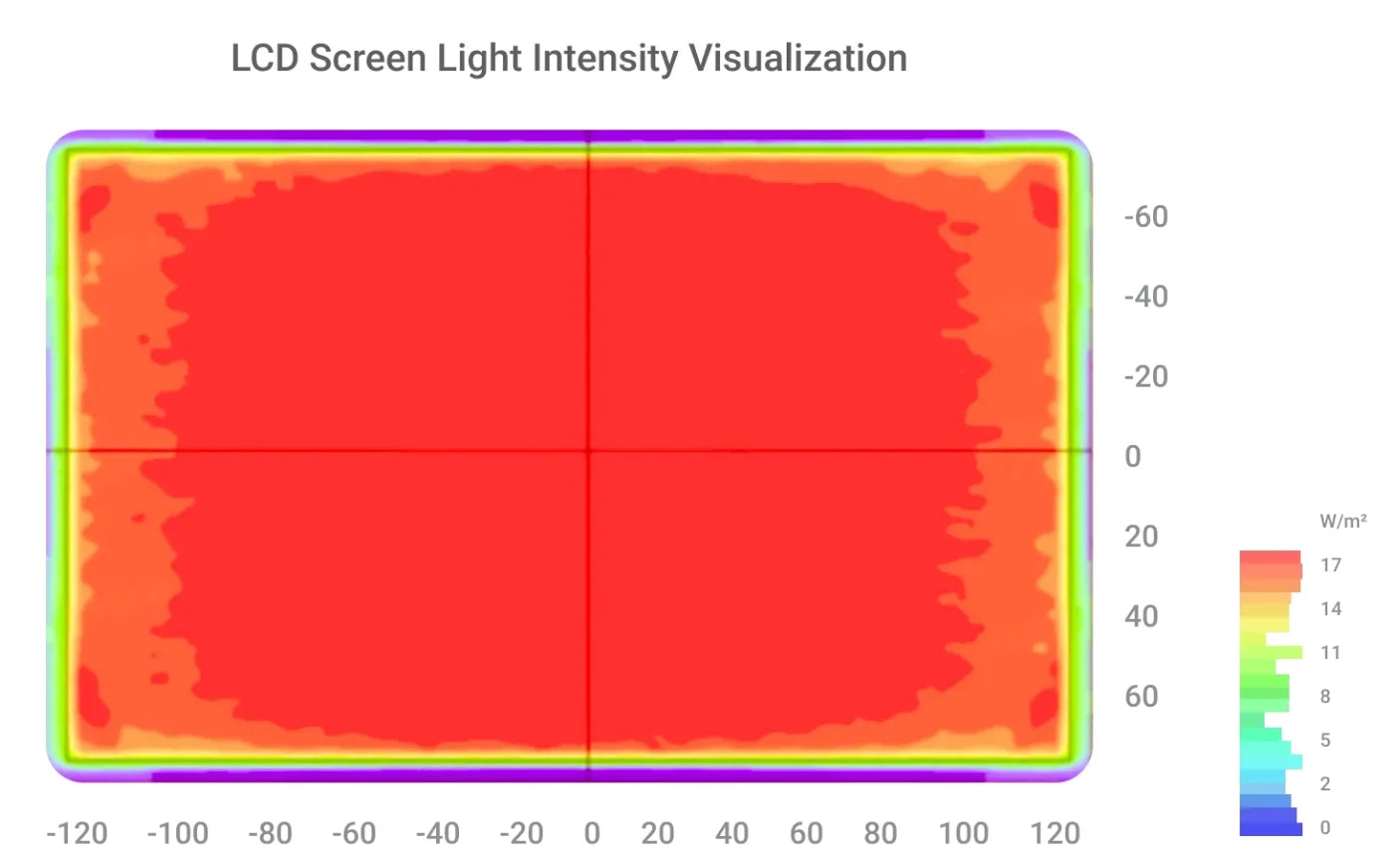
LCDスクリーン輝度可視化
印刷の高精度と信頼性を実現するため、画面を60のゾーンに分割し、フルスクリーンツールで校正することで、光強度のばらつきを±3%以内に抑え、印刷公差0.05 mm以下を確保しています。
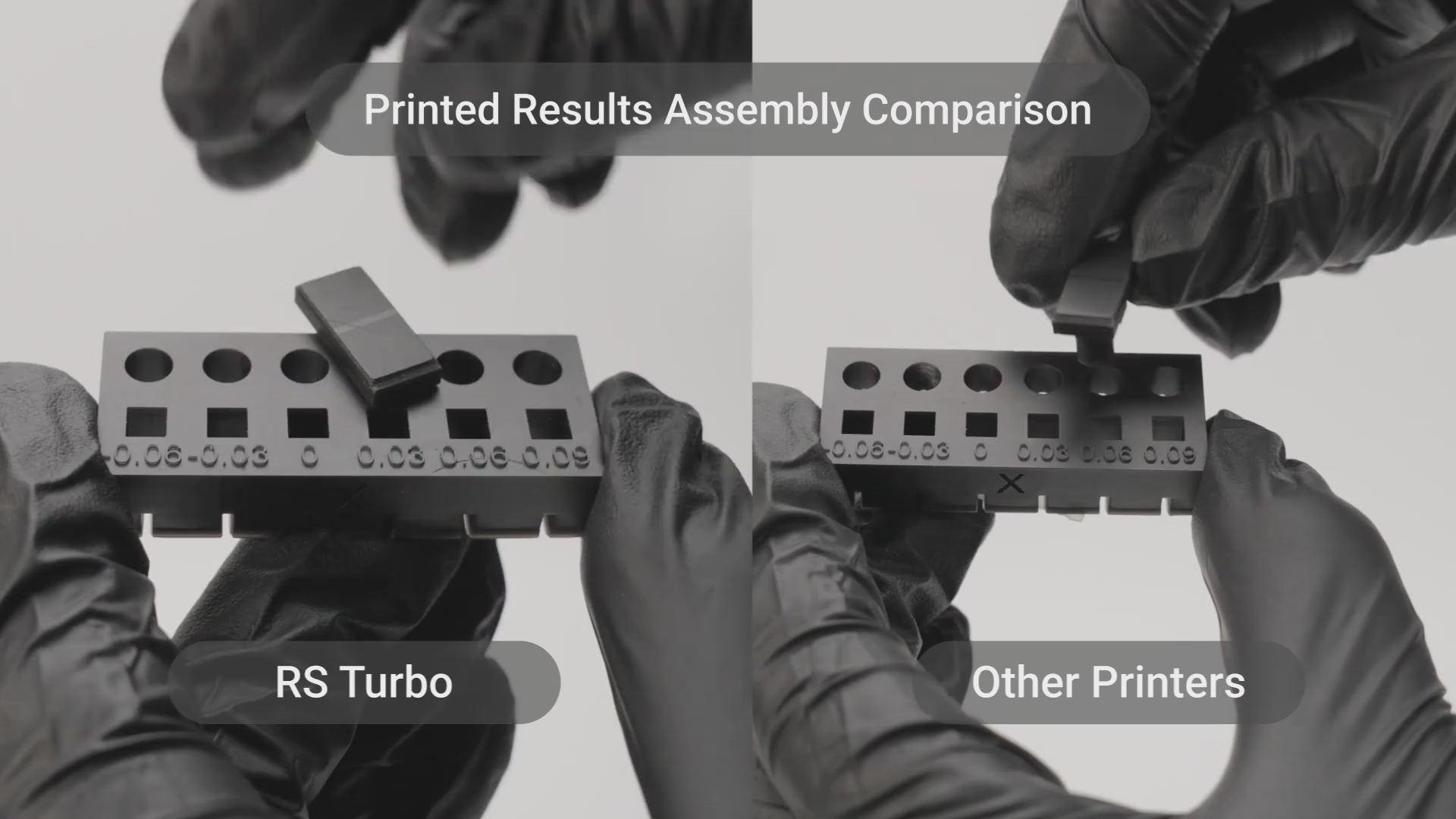
印刷結果のアセンブリ比較
RS TurboはNFCデータを使用して画面を自動的に校正し、輝度差を5%以内に抑え、画面交換後の印刷精度を確保するために輝度のばらつきを低減します。
*データはHeyGears Labより提供
信頼性の高いC5グレードZ軸モジュール
高い繰り返し位置決め精度により、層の位置決め誤差は2μm以下となります*。50kgの荷重で1万回の動作試験を実施済みです。


適応型Z軸補正
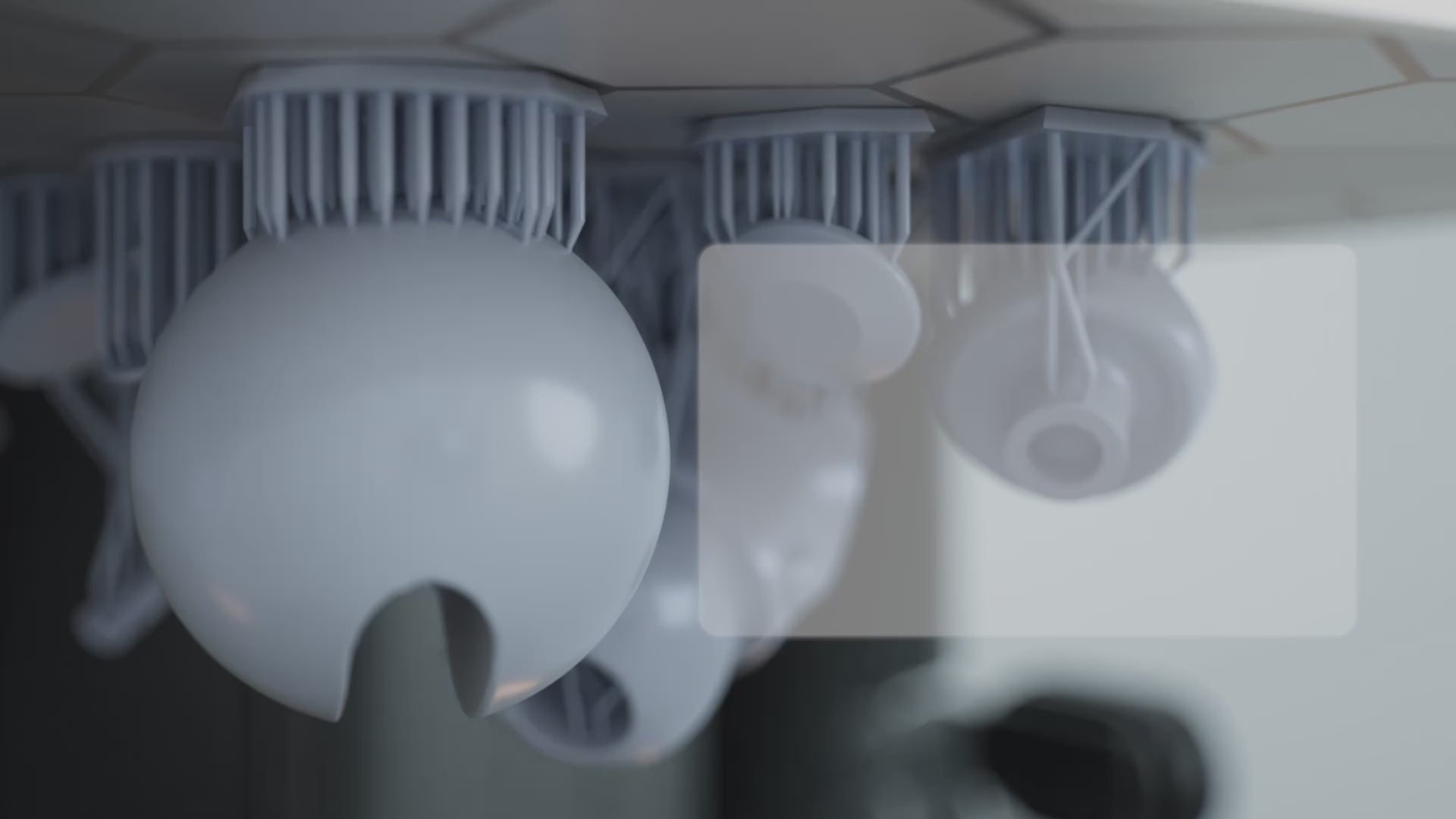
アダプティブ・プロセス・パッケージ
アダプティブプロセスパッケージにより、RS TurboプリンターはレジンごとにZ軸補正を適応的に調整し、異なる角度、穴のサイズ、エッジタイプの最大180通りの組み合わせに対応します。
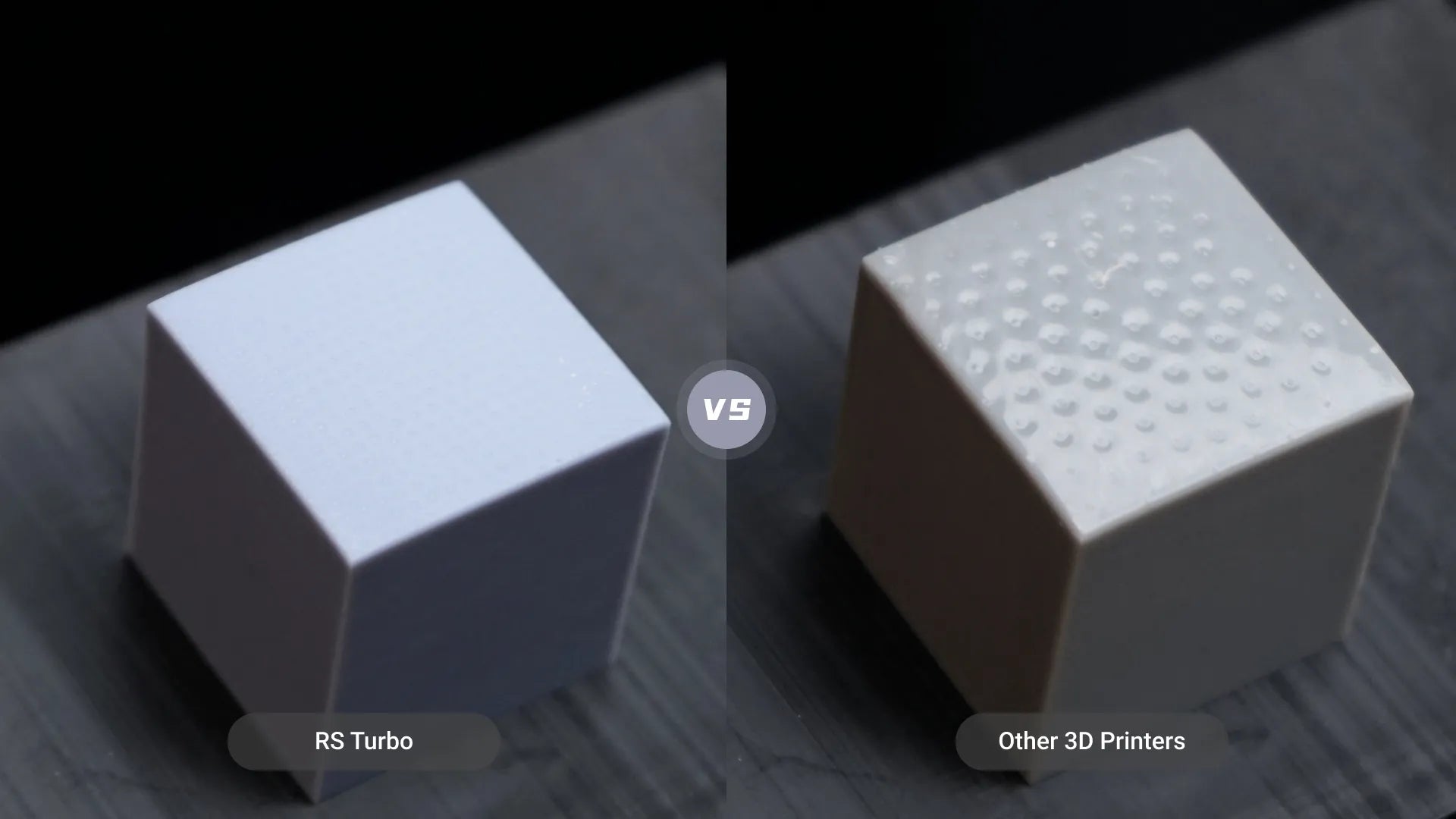
Z軸補正の比較
この手法は、サポート面での変形と樹脂の付着を最小限に抑え、Z軸補正パラメータのみを使用する場合と比較して後処理時間を短縮します。

高速印刷に最適化 4.5秒/層、平均印刷速度*
*データはHeyGears Labより提供。高速水洗い可能な樹脂PAWW20を使用し、ラティスモデルの平均造形速度は4.5秒/層に達します。
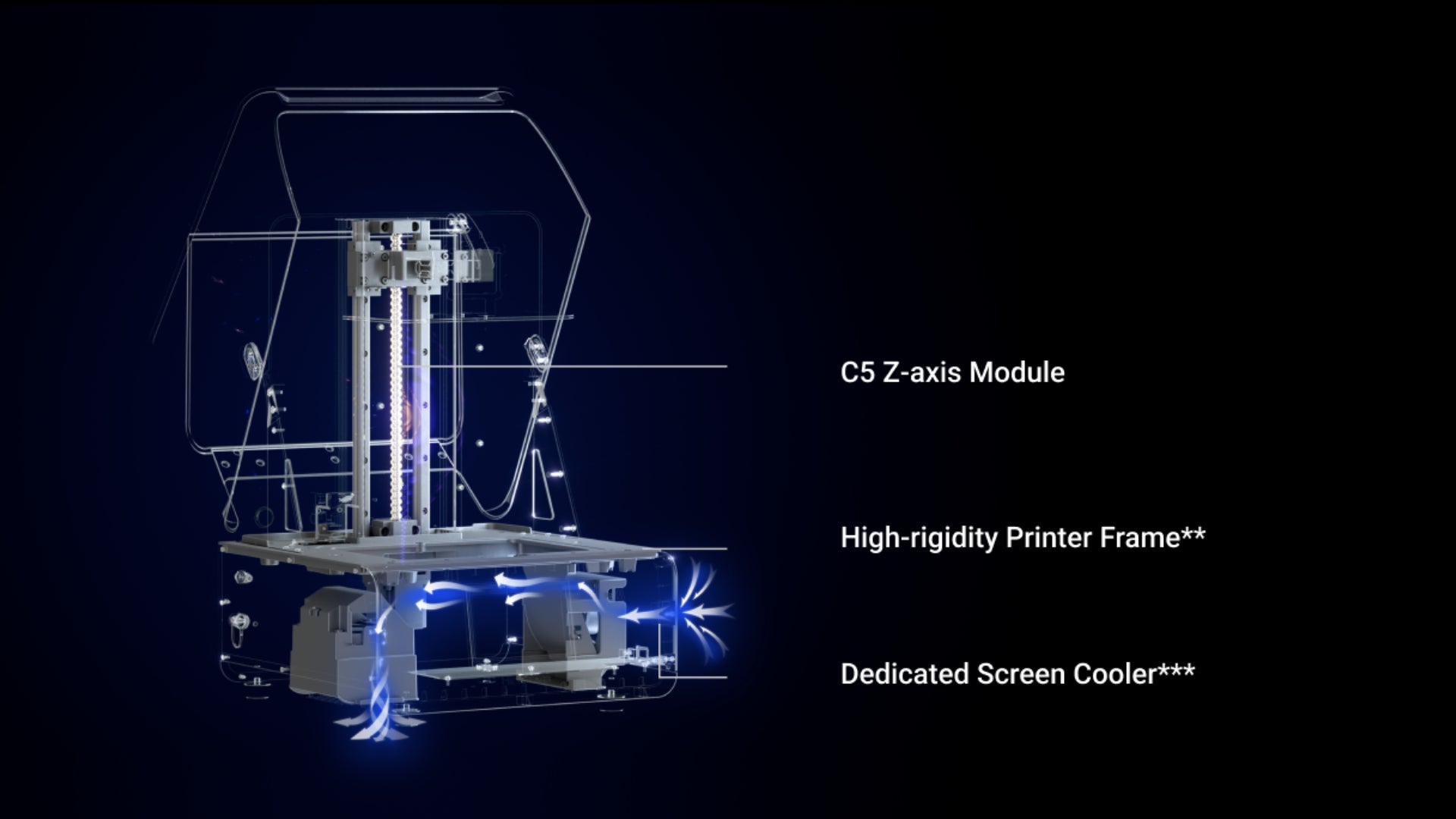
**プリンターフレームのたわみは±2μm以内。
***造形中にスクリーン温度を最大10℃冷却します。
ダイナミックモーションアルゴリズム3.0、 印刷速度33%向上*
*データはHeyGears Labによるもので、PAWW10水洗いレジンを使用し、従来のモーションコントロール3Dプリンティングと比較しています。実際の速度向上はモデルによって異なる場合があります。
ダイナミックモーションコントロール
このアルゴリズムは、断面形状、パーツ間隔、数量などの要素を用いて各層の造形難易度を評価し、18種類の最適化されたモーション制御パラメータから選択することで、品質を確保しながらスピードを向上させます。
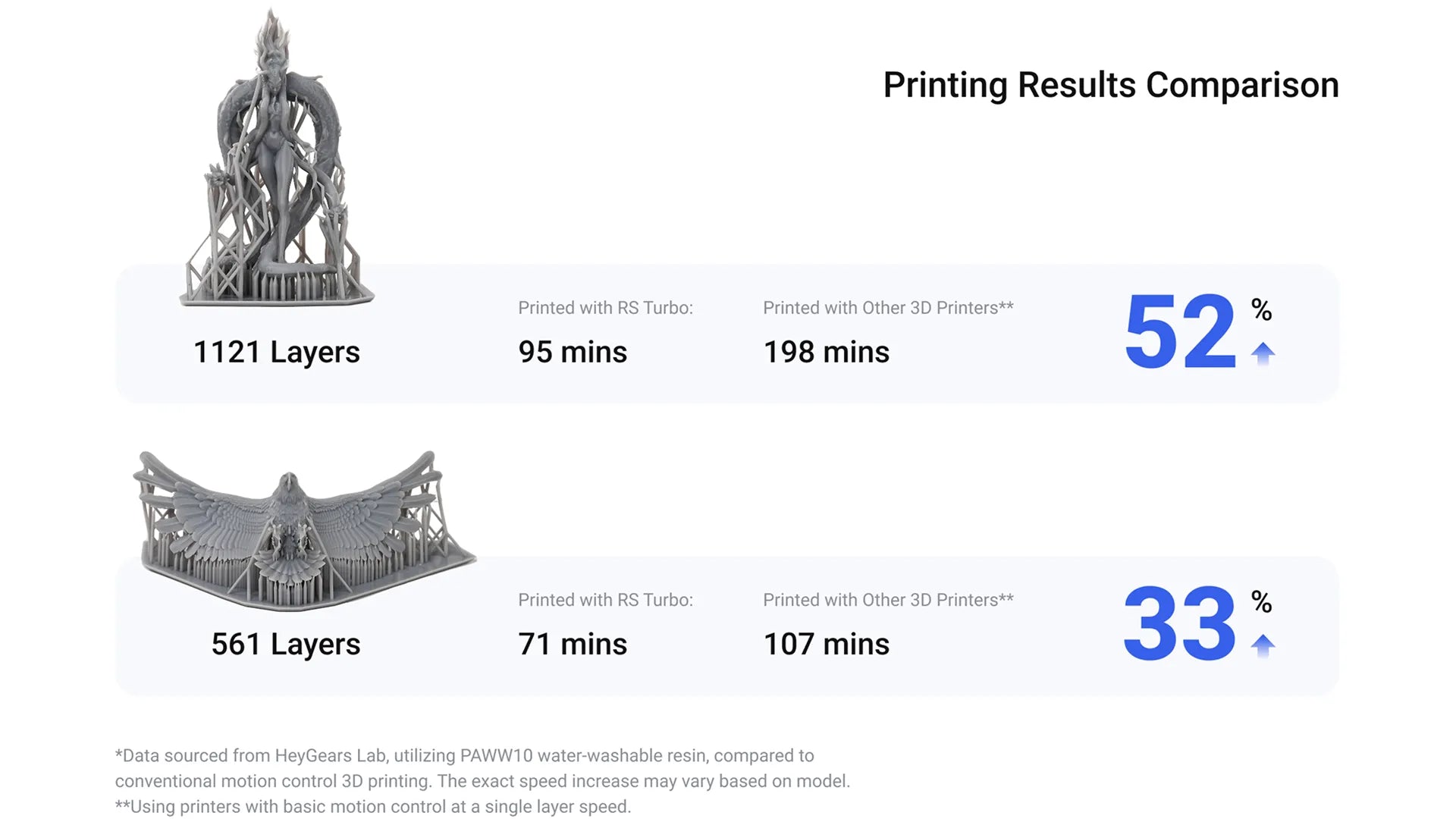
印刷結果の比較

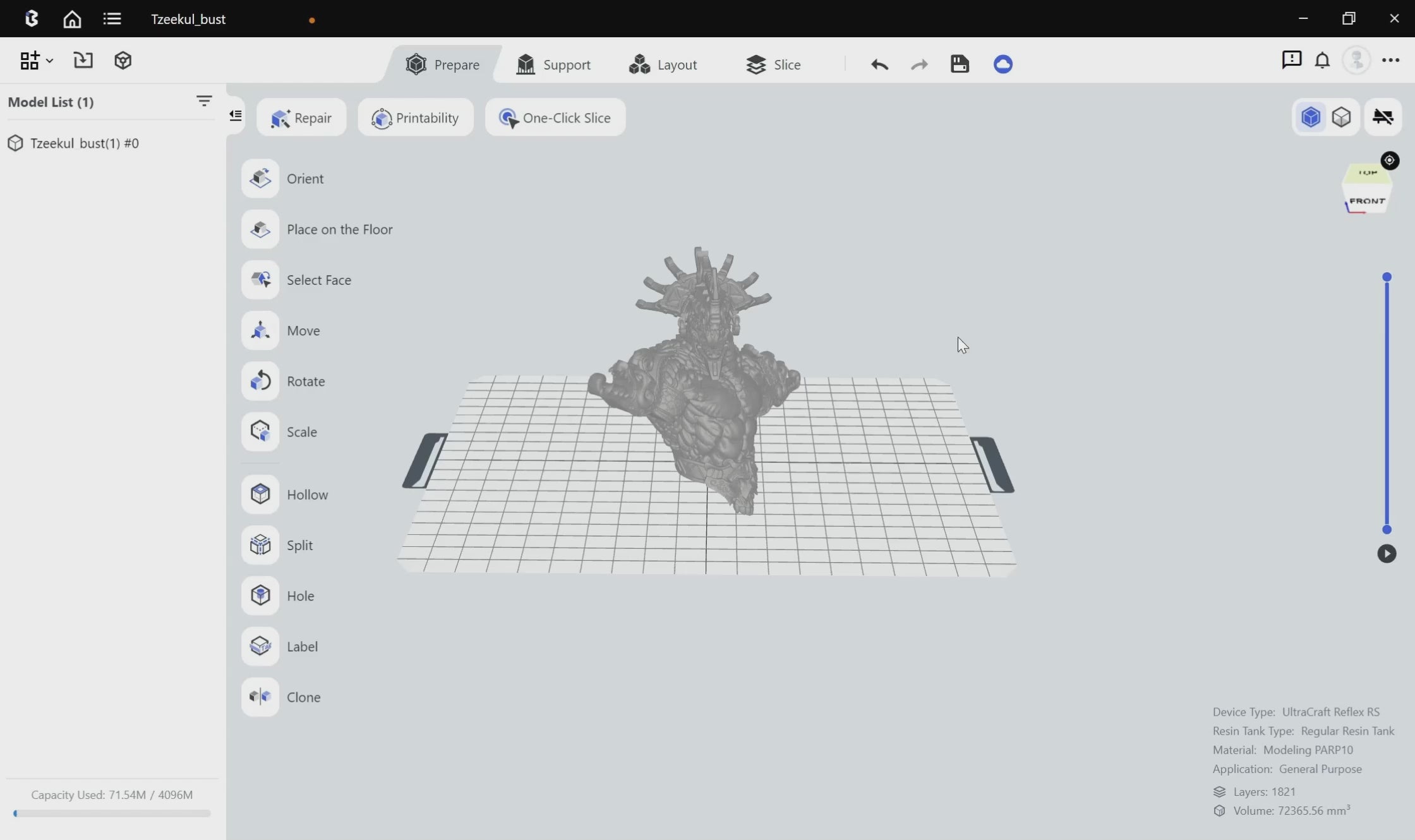
自動前処理
わずか1分で前処理を完了
手動調整不要のワンクリックスライス。
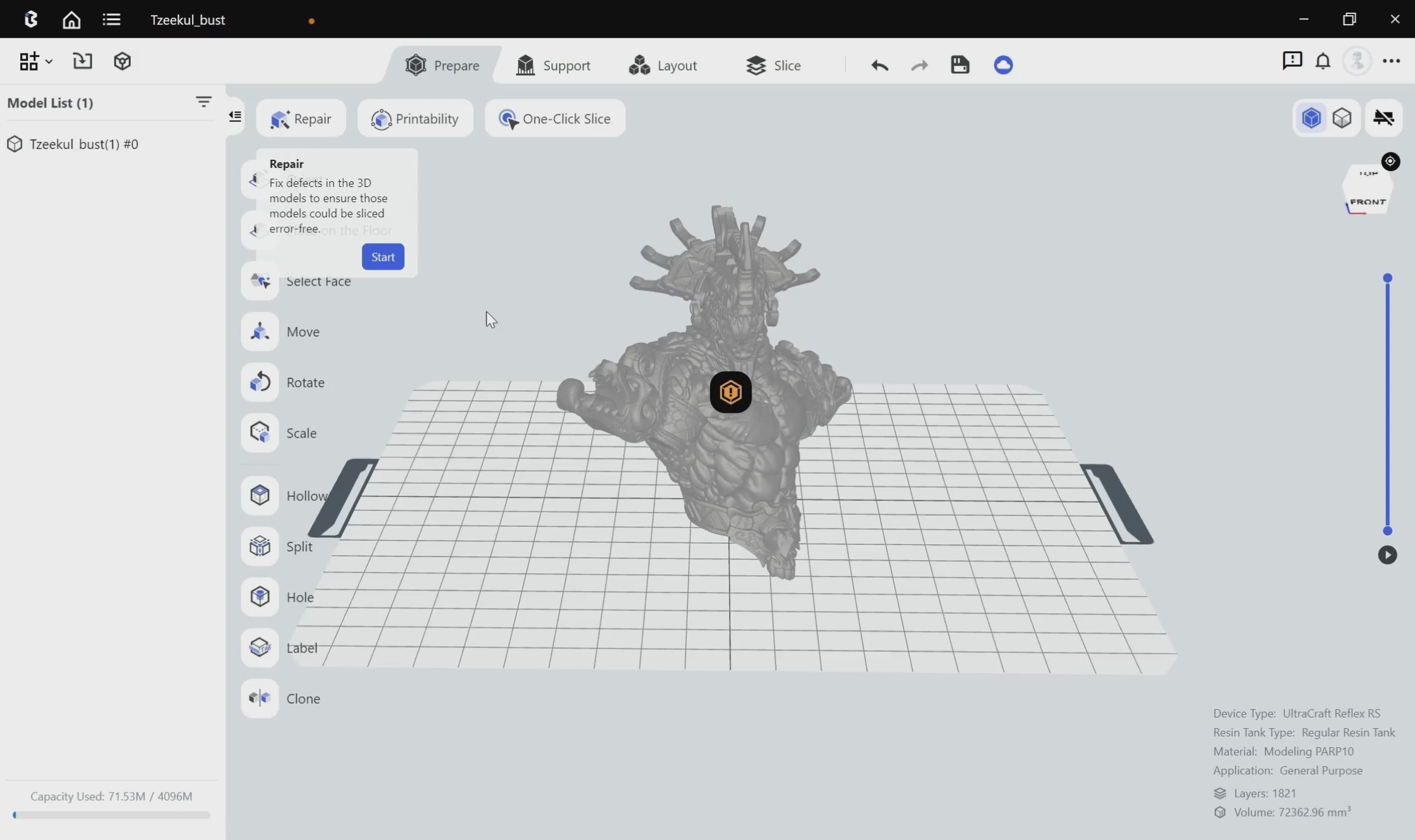
自動前処理
自動修復が障害を防止
法線の反転、穴、シェル同士の交差などのモデルの不備を自動的に検出して修復します。
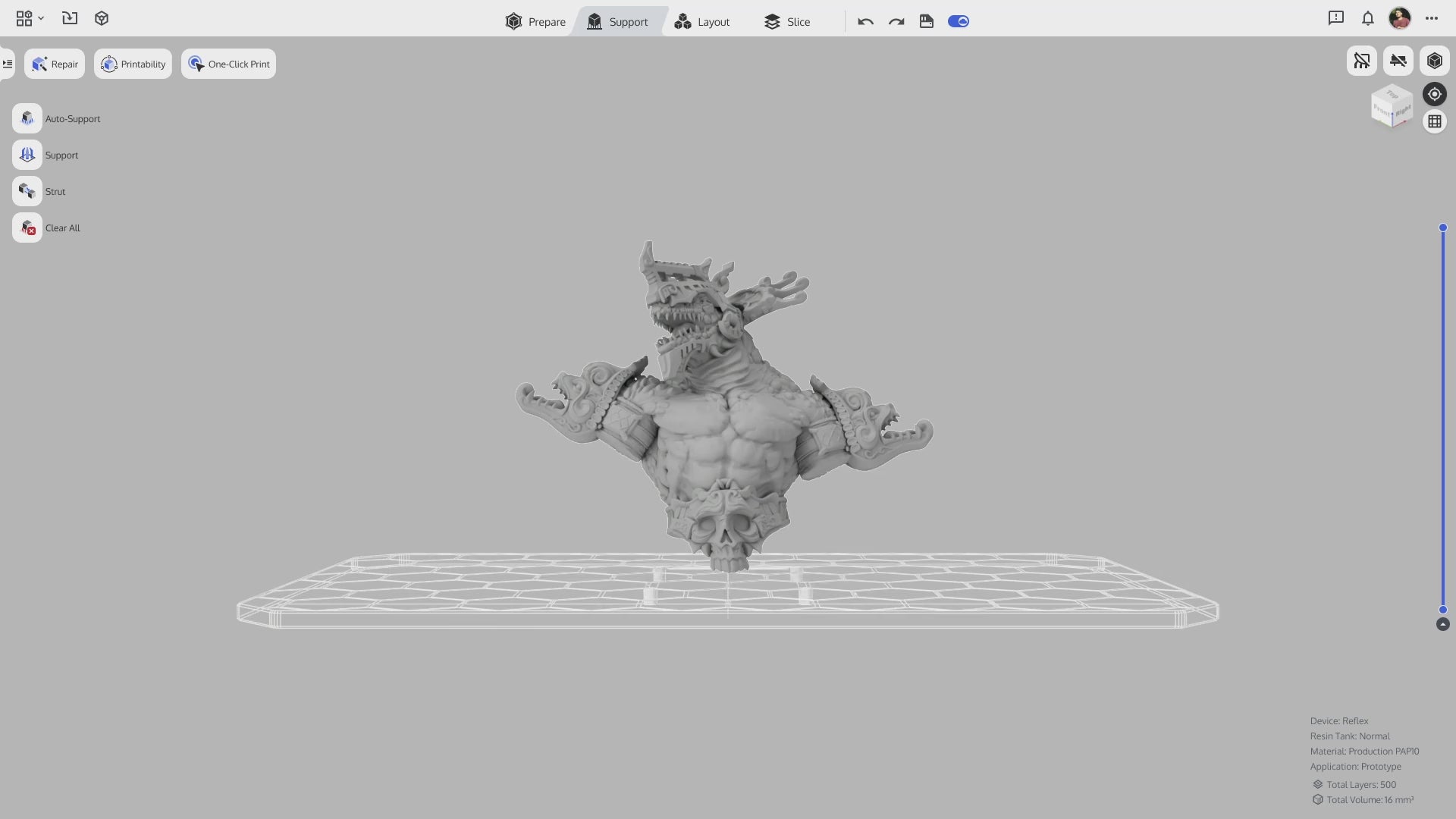
インテリジェント自動サポート
自動前処理
インテリジェントに構成されたスキャフォールドサポートにより、剥離が低減し、印刷成功率が向上します。
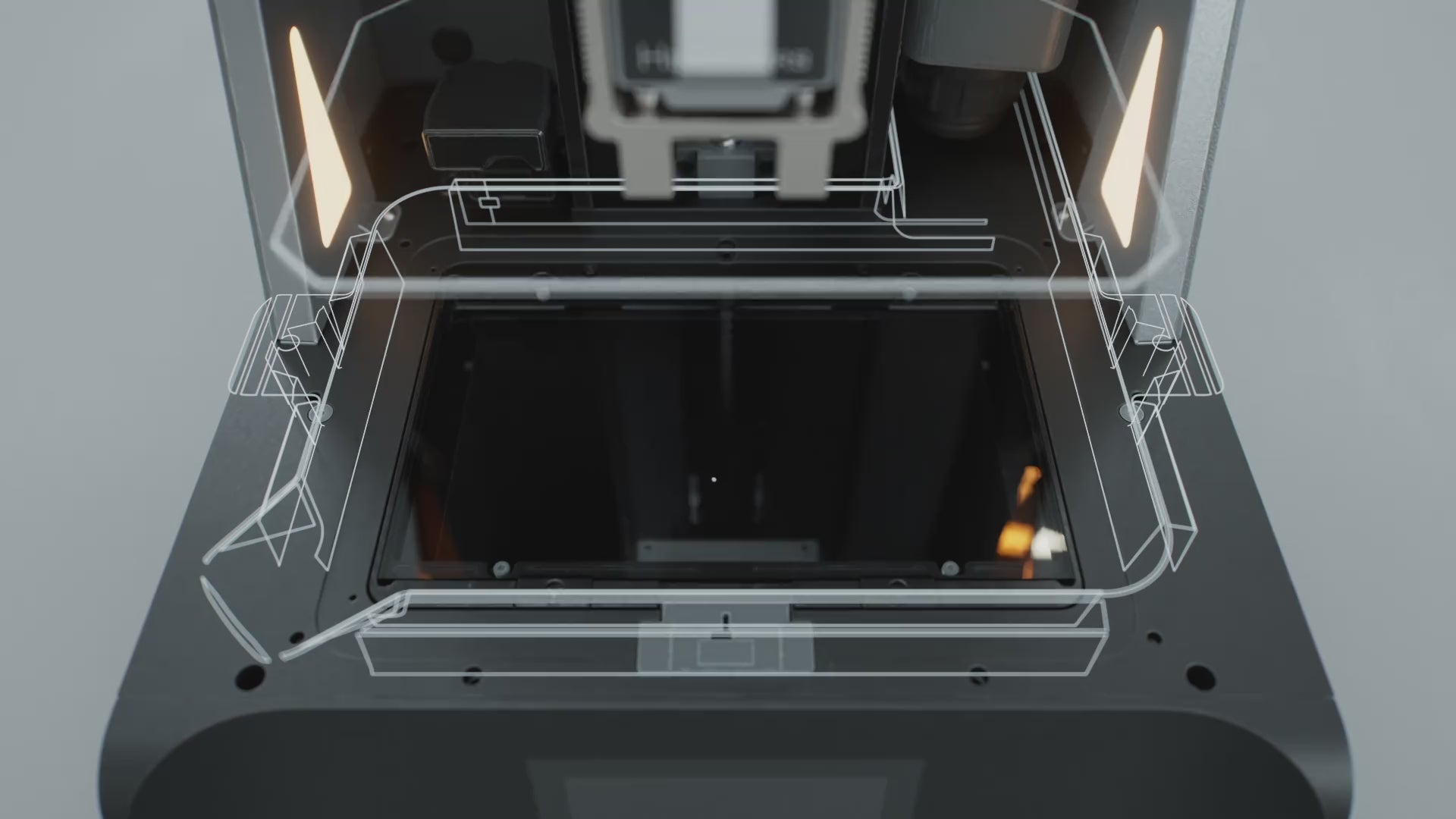
荷重監視システム
残留物検出
感度0.1 Nの力覚センサーにより、0.2 mmという微細な樹脂の付着を検知でき、検知時やプリント失敗時に自動停止します。
印刷自動化アシスタント
フローティングスクリーン 自動調整
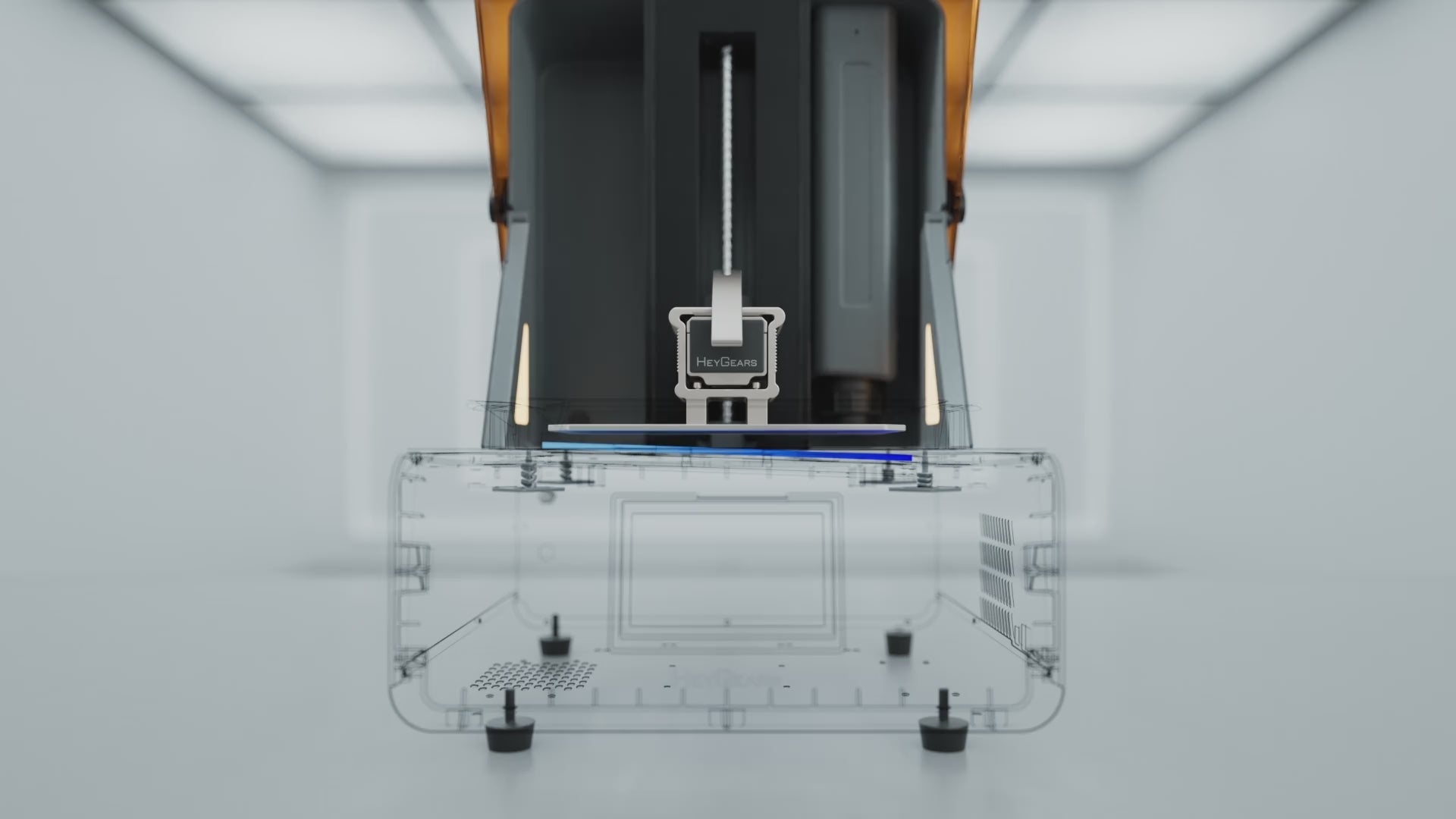
0.15°の傾斜角を持つフローティングスクリーンシステムにより、自動レベリング時に最大240 µm*の隙間を解消します。
印刷自動化アシスタント
樹脂の自動加熱
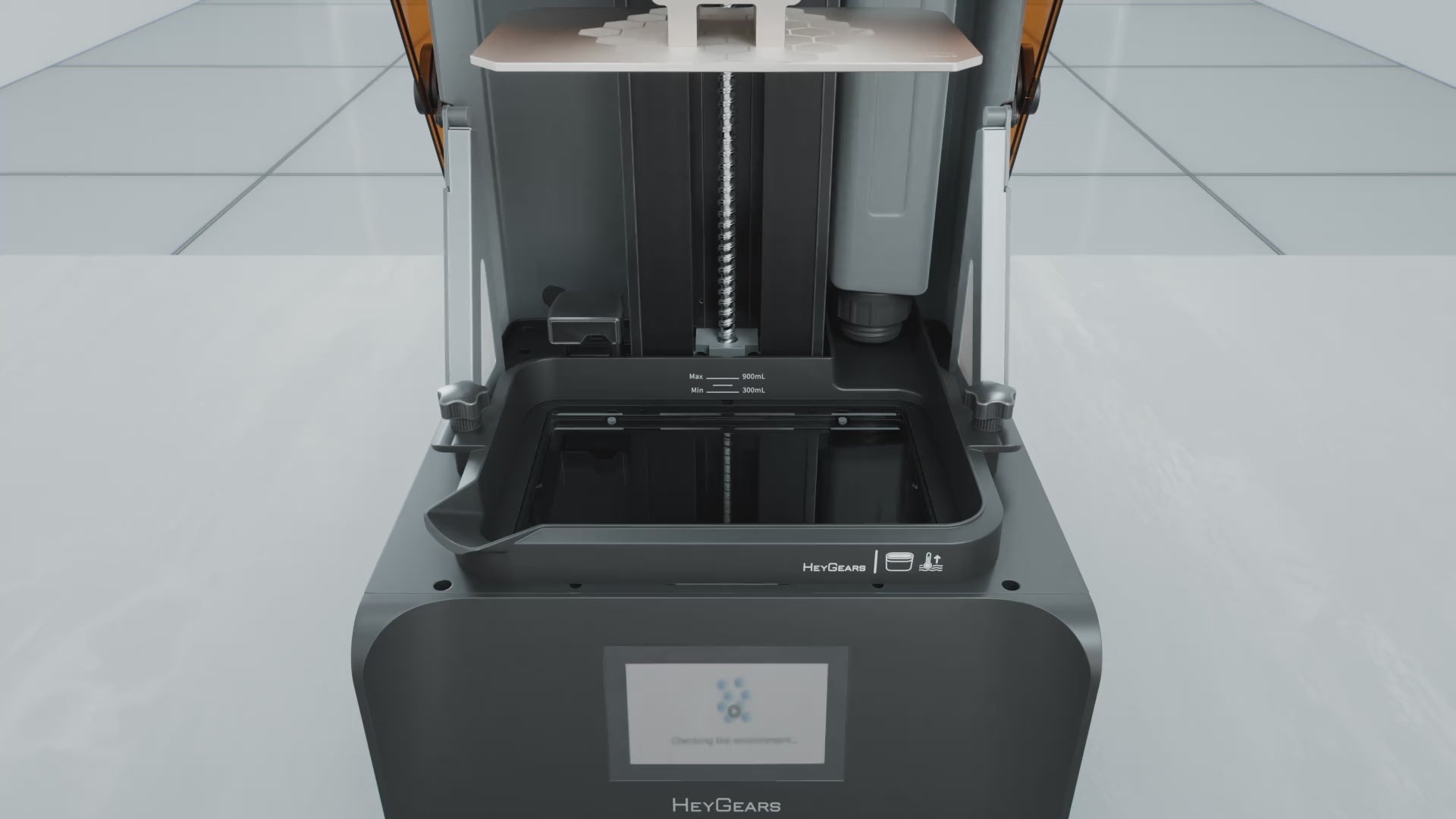
オプションのRS Turboヒーター付きレジンタンク*は、内蔵ヒーターにより効率を高めています。レジン温度を50°F(10°C)から最適な73°F(22°C)まで20分*で上昇させ、自動加熱機能が印刷プロセス全体を通してこの温度を維持し、最適な結果を実現します。
*RSヒーター&パルス式リリースレジンタンクを別途購入する必要があります*データはHeyGears Labより提供
印刷自動化アシスタント
Automated Resin Refill
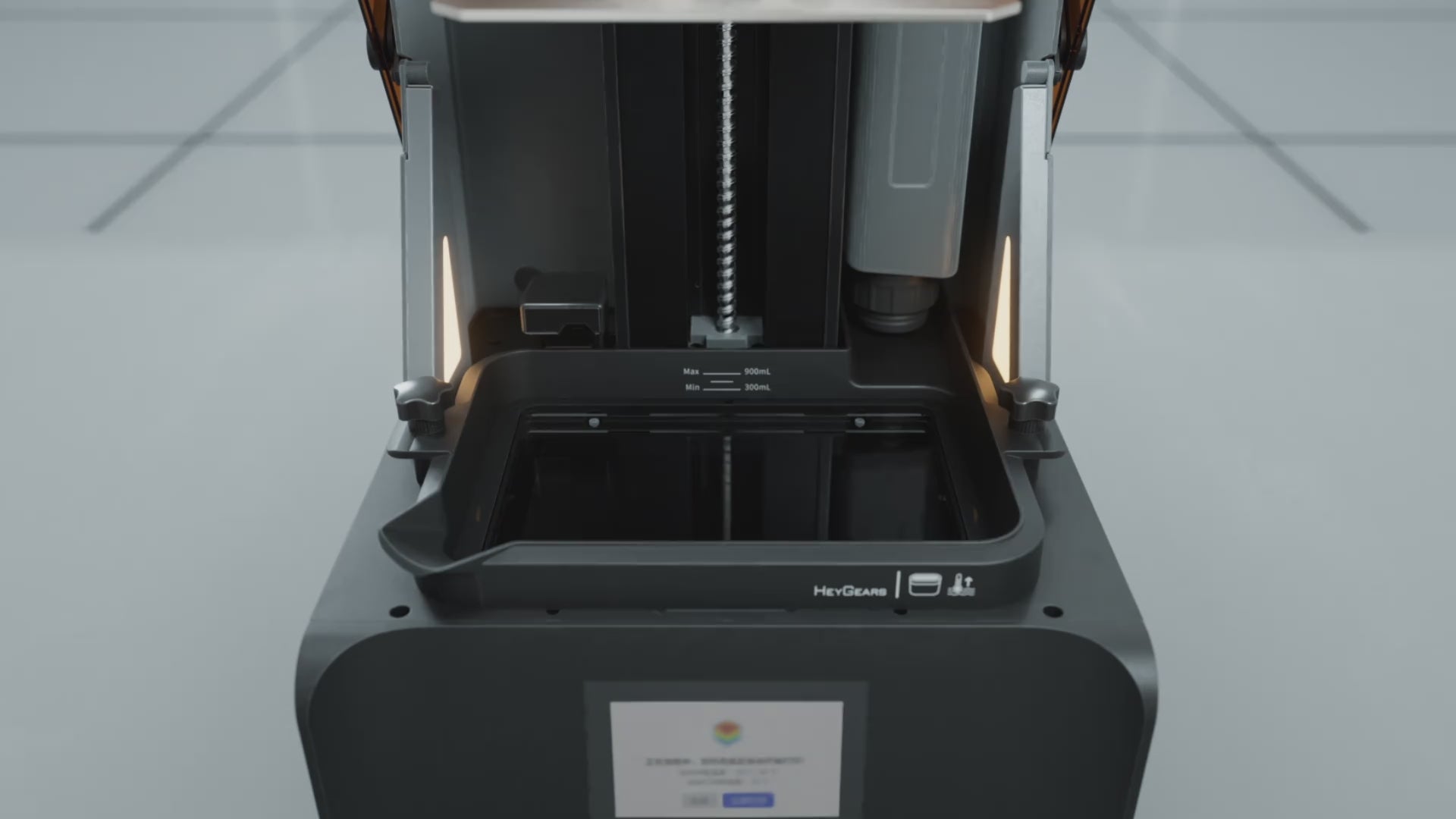
印刷前および印刷中の自動レジン補充。
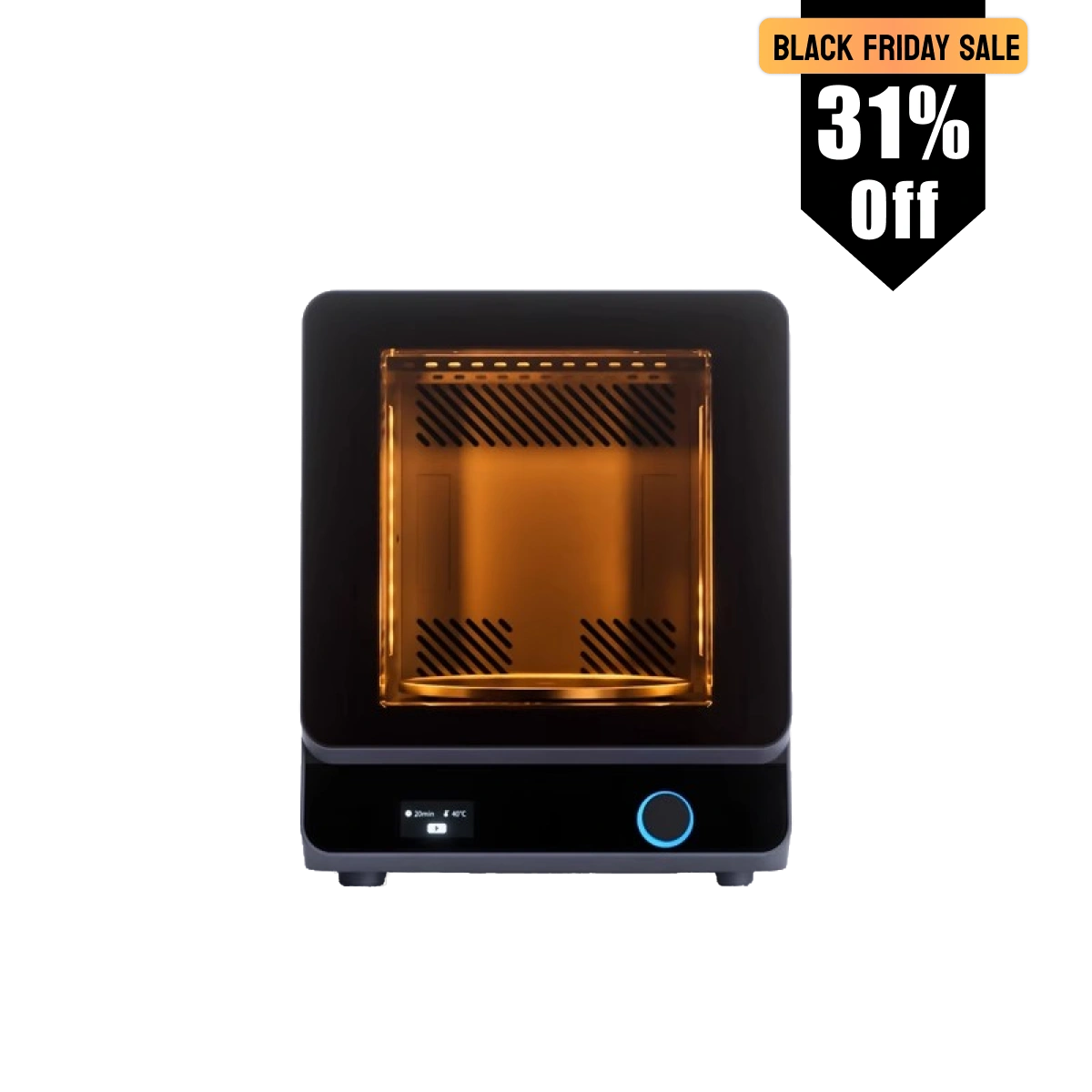
完全な生産システム

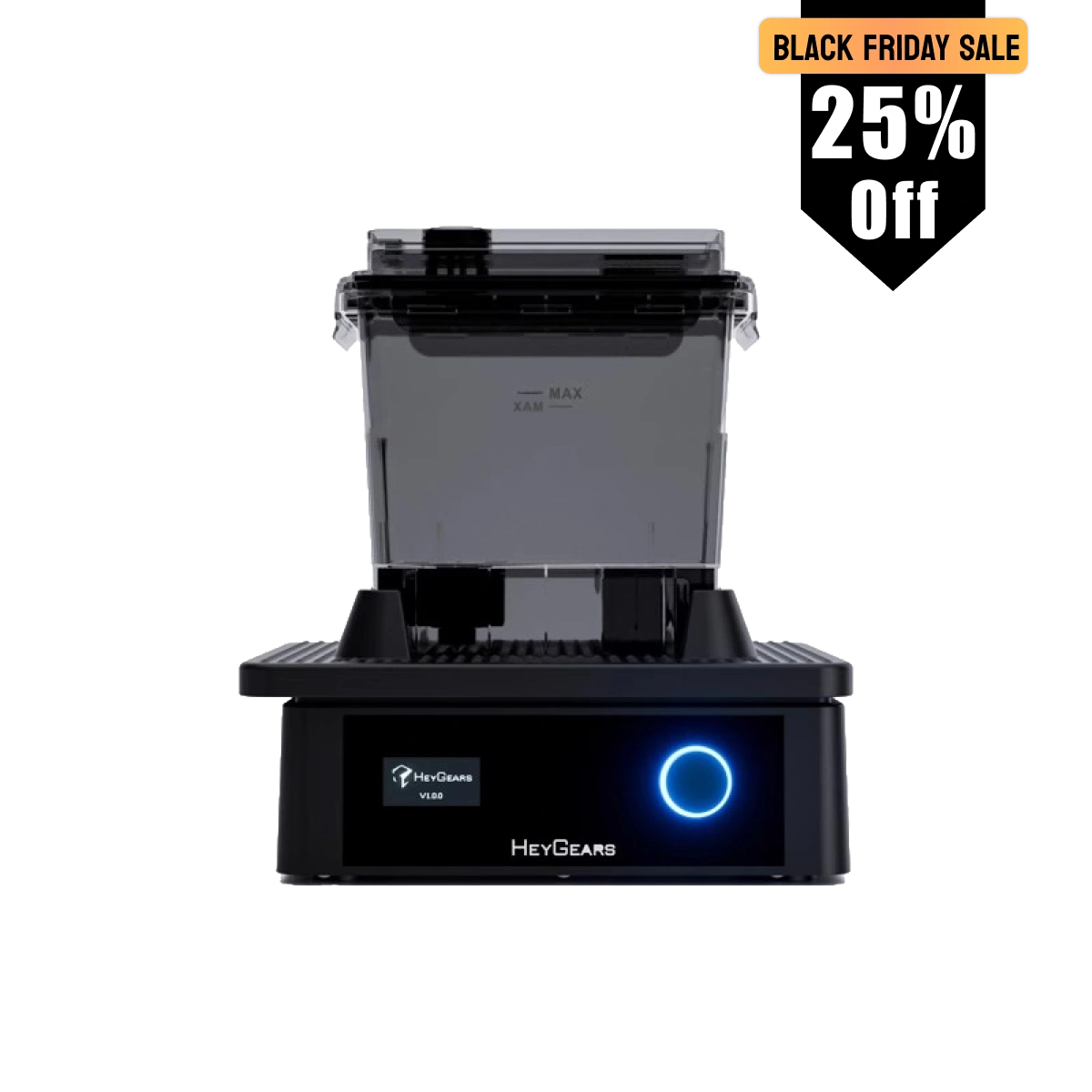
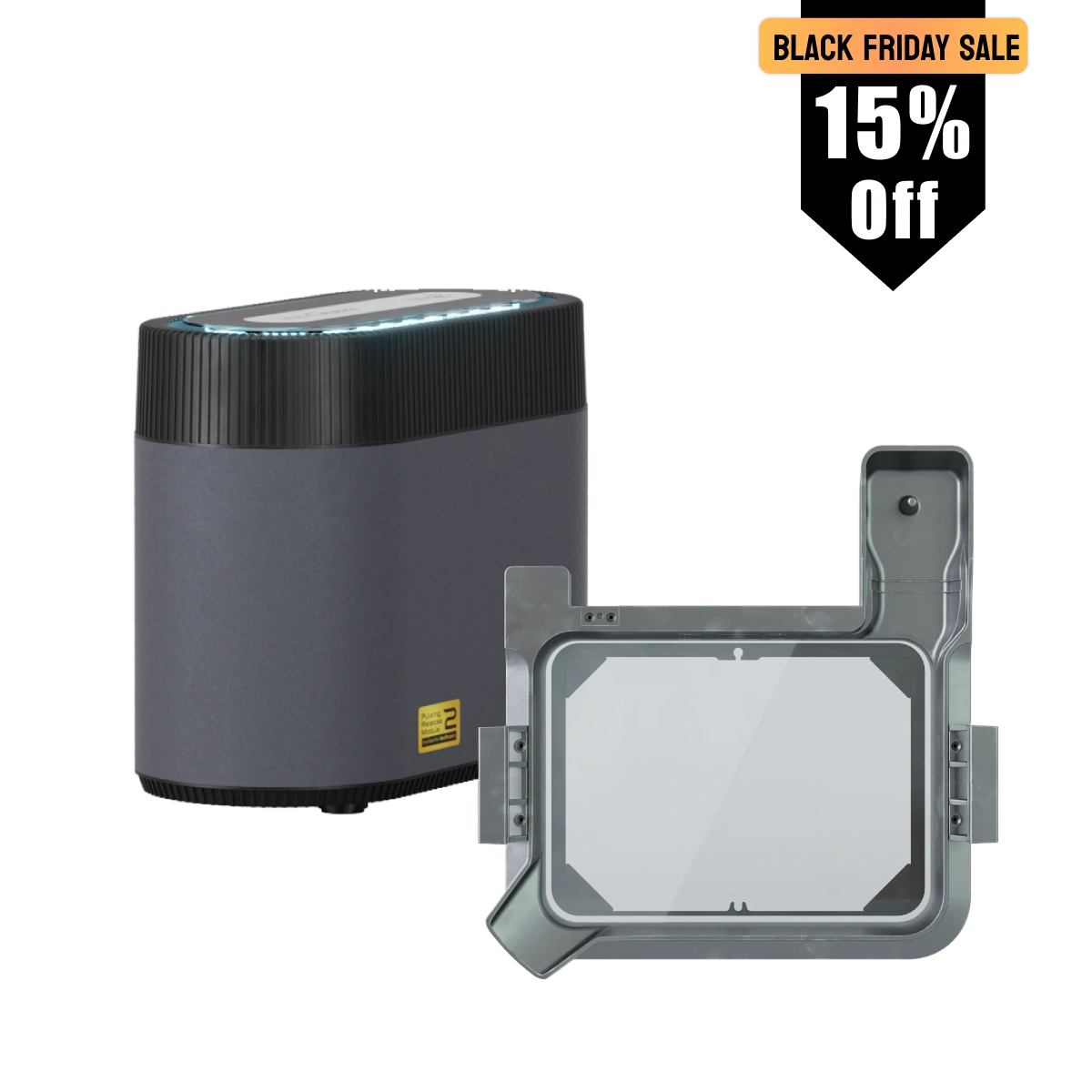
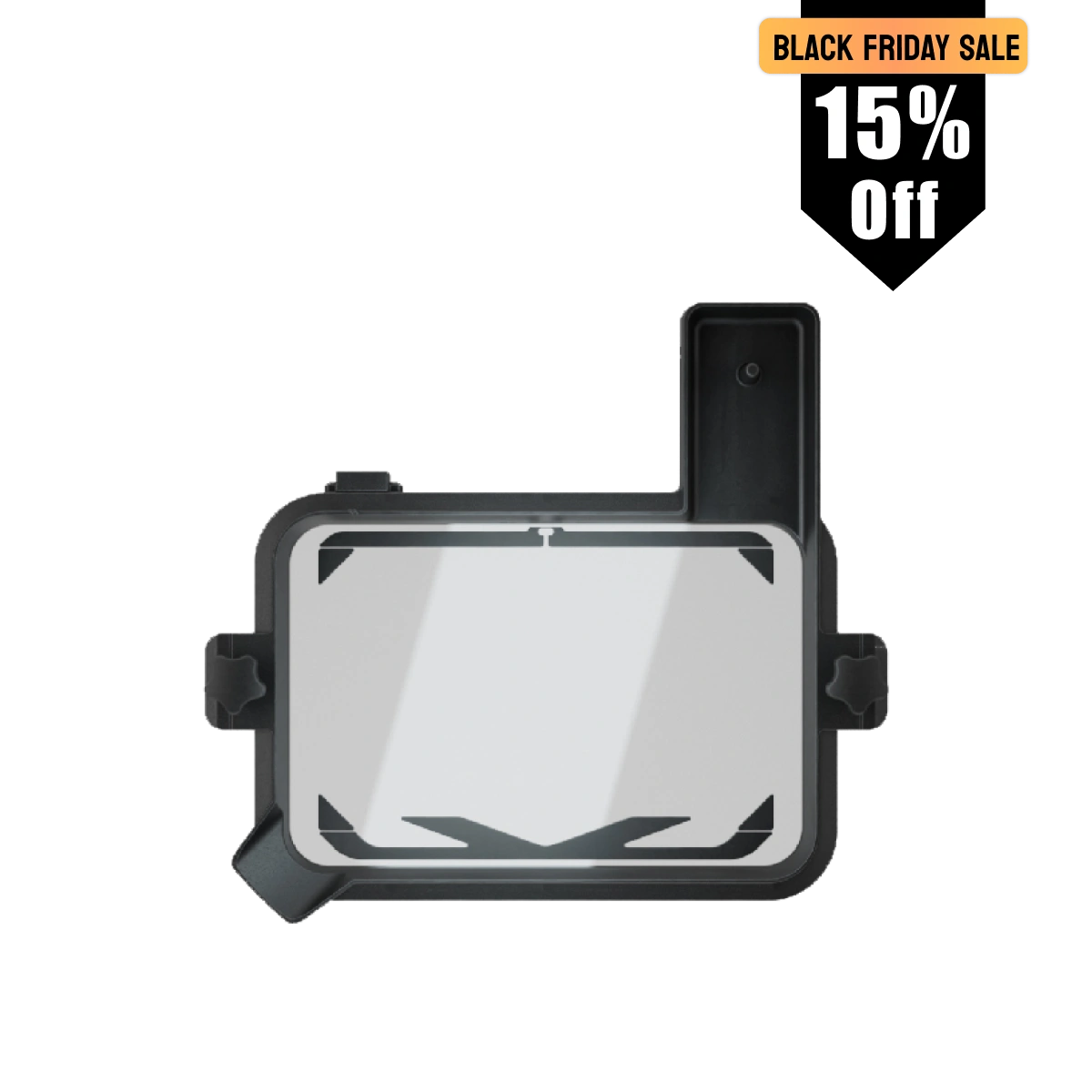
仕様
3Dプリント技術:
LCD (MSLA)
スクリーン:
10.3インチ 8K アンバースクリーン
光波長:
405 nm
Z軸モジュール:
C5精度
造形サイズ:
222*122*228 mm
XYネイティブピクセル:
29.7 μm
精度:
±15 μm
積層ピッチ:
30-100 μm
重量:
20 kg
定格出力:
180 W
電圧:
100-240 V~50/60 Hz
サイズ:
380*360*584 mm
接続:
USB/WIFI
言語:
英語、簡体字中国語、日本語
適合レジン
PARP10、PAS10、PAWW10、PAP10、PAWR10、PAF10、PAWW20
同梱物

プリンター
電源コード
部品取り外し工具
樹脂タンク
ビルドプラットフォーム

六角棒レンチ
スクレイパー

I am a total rookie at 3D printing. Never done it before. The Reflex RS has been so incredibly easy to use. I am blown away. Within minutes of setting it up (which was a breeze) I was already printing. As a miniature Painter, this will change my life. I am so stoked to have this in my work area because now something that seemed so daunting, is easily handled in minutes.
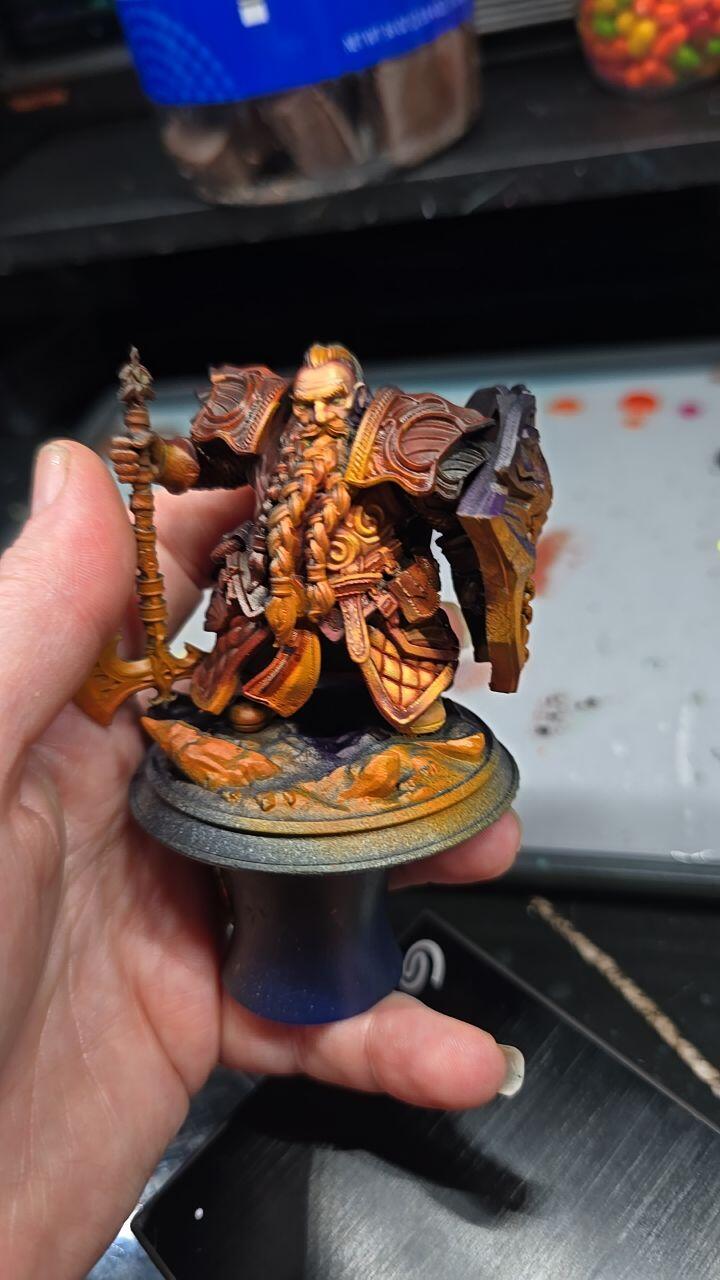
Been printing for a couple years but was tired of all the problems and issues that come with it taking away from my time at actually painting what I print... so figured it was time to upgrade and maybe even spend a little extra so I dont run into as many issues. Upon my research I found that's exactly what hey gears printers are! I've had it for a little over a week now and man did they not dissapoint! Plug and play!


This is my first printer but I've been following resin printing for several years before choosing which company to invest in. The Heygears Reflex RS has been incredible, absolutely no regrets!
This is my first resin printer. I’m deep into the learning curve, but have already printed 3 plates of miniatures. The plug and play ecosystem makes those first prints easy and exciting. The fact that HeyGears is opening that system up and responding to their users was what sold me on the system. I’m excited to be able to produce great results in such a short time, while knowing I can dive as deep into the hobby as I want. Now I just need to learn to paint faster.

Moved over from another brand that I had constant problems with. The RS Turbo has not only never failed but the quality of the prints is beyond my expectations. Able to get to painting which is why I’m doing the hobby and not constantly messing with settings or even doing loads of clean up.

Although I own many other resin printers, this one is on a completely different level. The engineering, precision, and overall performance are far more advanced than any of my previous machines. The print quality is noticeably superior — sharper details, smoother surfaces, and a level of consistency the others simply can’t match.

I bit the bullet and decided to get the heygears product. I have a elgoo saturn3 ultra and a older anycubic. I could never be guaranteed of a successful print and really wanted something like bambu labs where I buy their filament and everything works first time. I have given up trying different resins and settings to get just ok to below average results. You waste a lot of time,gloves,mess and ipa doing this.
First print worked flawlessly as they all seems to. After I had a couple of fails due to bad supports but now I have a rough idea what I am doing it works every time.
The slicer took a bit of getting used to and is based around having folders and completed sliced objects in there own directories. But once you understand it, you then do it as a workflow.
Sending files to the printer is effortless and remote printing works a charm.
You need to print this "HeyGears Reflex RS Drip Caddy MD Remix" from bambu labs as sadly Heygears do not have a way to drain the build plate. There is a few different types. This one is a bit tight and I just filed it to make it a looser fit.
These are the resins I have tried. I doubt I will be using any other brand resins as these work. They deliver to me in about 4 days and I have no headaches. I cant be bothered printing another test object to attempt to get the best print and waste a day of my life on multiple prints.
PAS10 works well is cheap, when I print minis it has some flexibility but small bits still break if dropped.
PAF10 costs more and dropped minis survive. I have just ordered 3 more bottles.
PAP10 I have only printed one item (A control panel holder)and appears good
PAF10 and PAP10 drain really well. If you let them drain for awhile the items are fairly clean requiring a lot less IPA and the supports come of easily.
PAS10 does not drain as good and requires more IPA.
My other 2 printers I will get rid of now as this machine works very well. I cant imagine turning them on again.
I just bought the Cure device as well. Dam expensive but when you see what you get you understand why.
Now the best part "resolution of the screen".
On a computer higher resolution you see a difference. Somehow on the Heygears I get better quality minis by a massive difference compared to my Saturn ultra which has a resolution of 11500 I think.
I am now reprinting a lot of minis as the quality is amazing.
I am now wondering if I should purchase the wash station
I put a pic of a warhammer model for size comparison. the archer is a model from stormlight note the arrow.
Gene
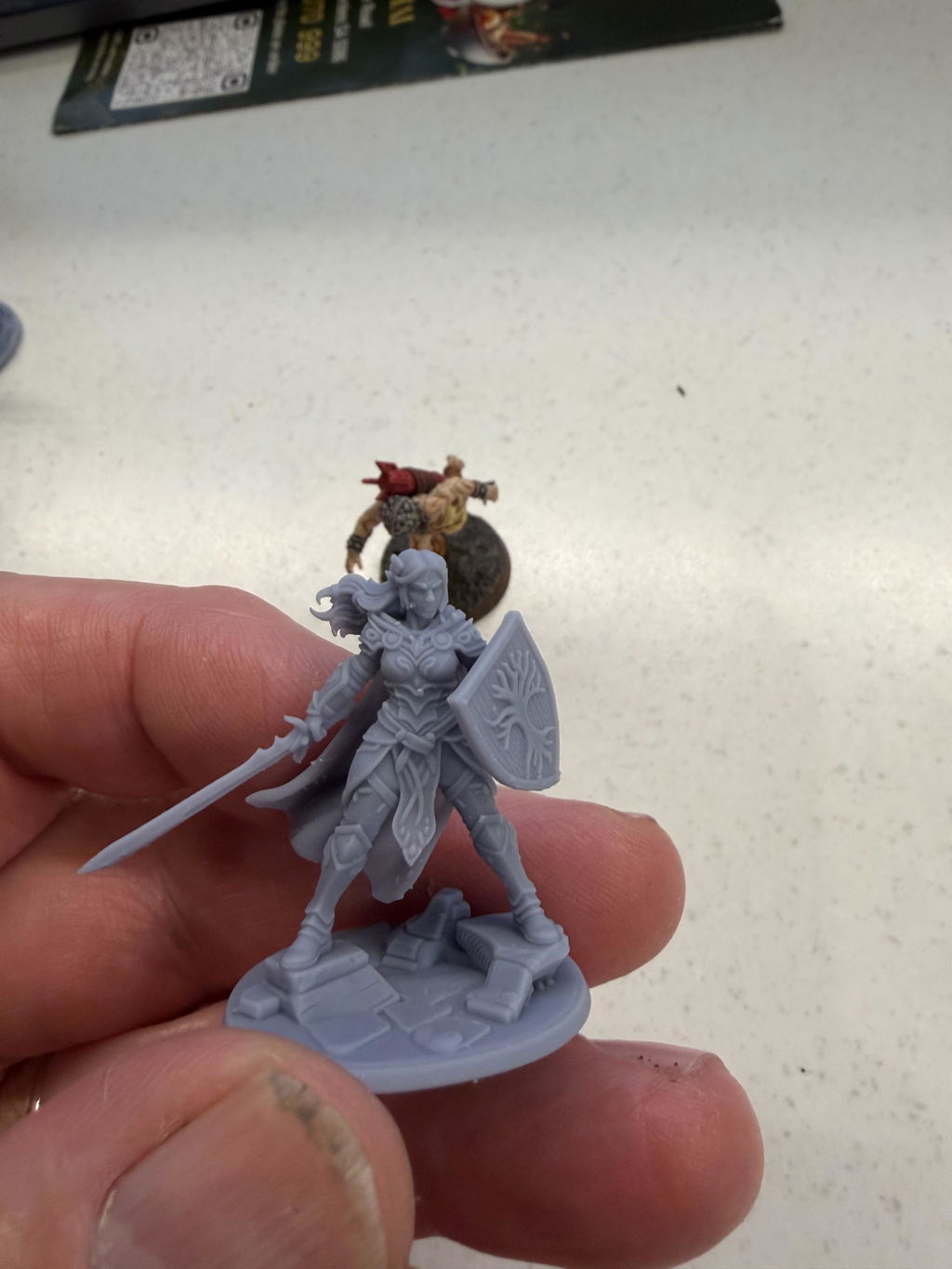
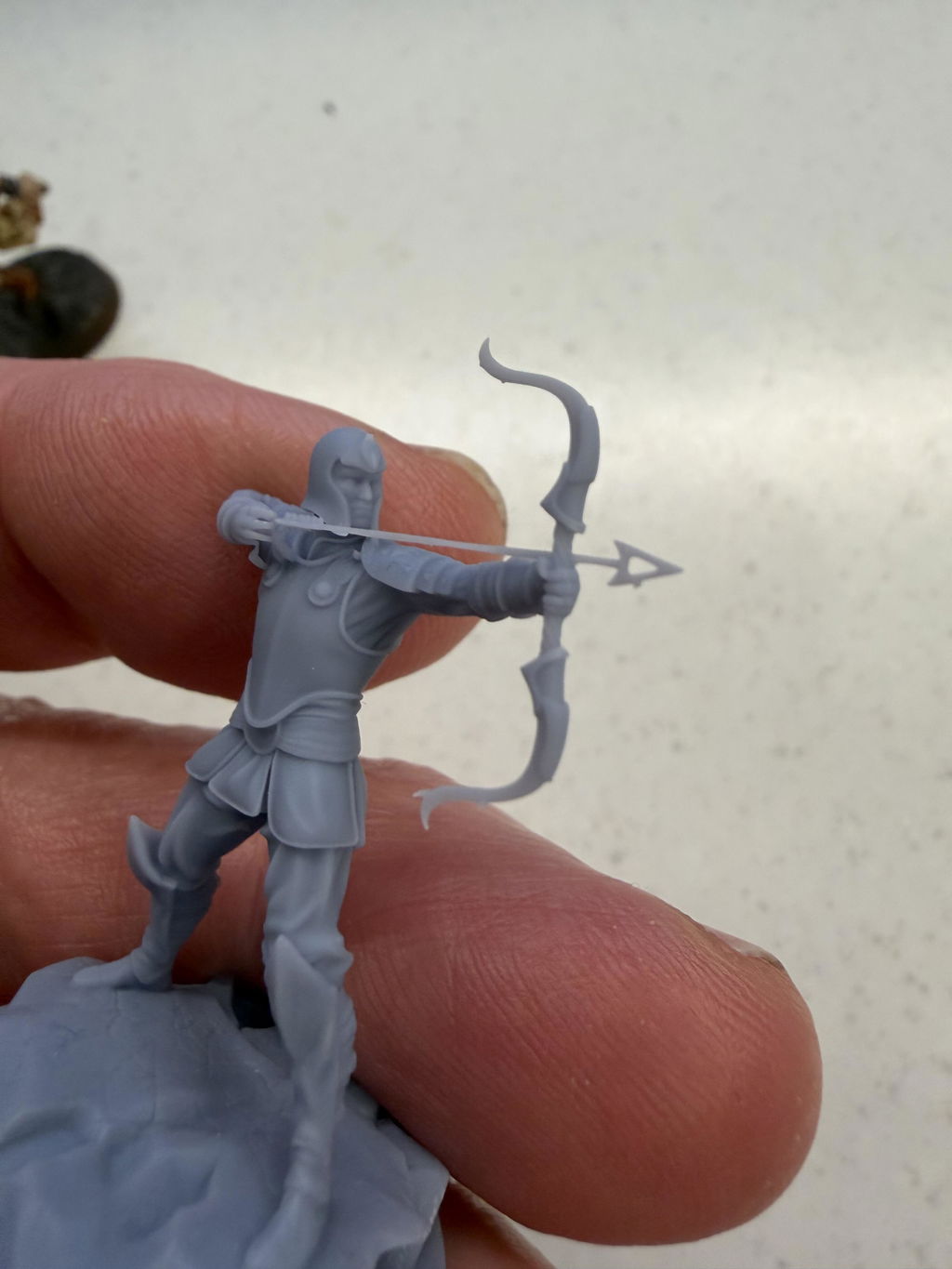
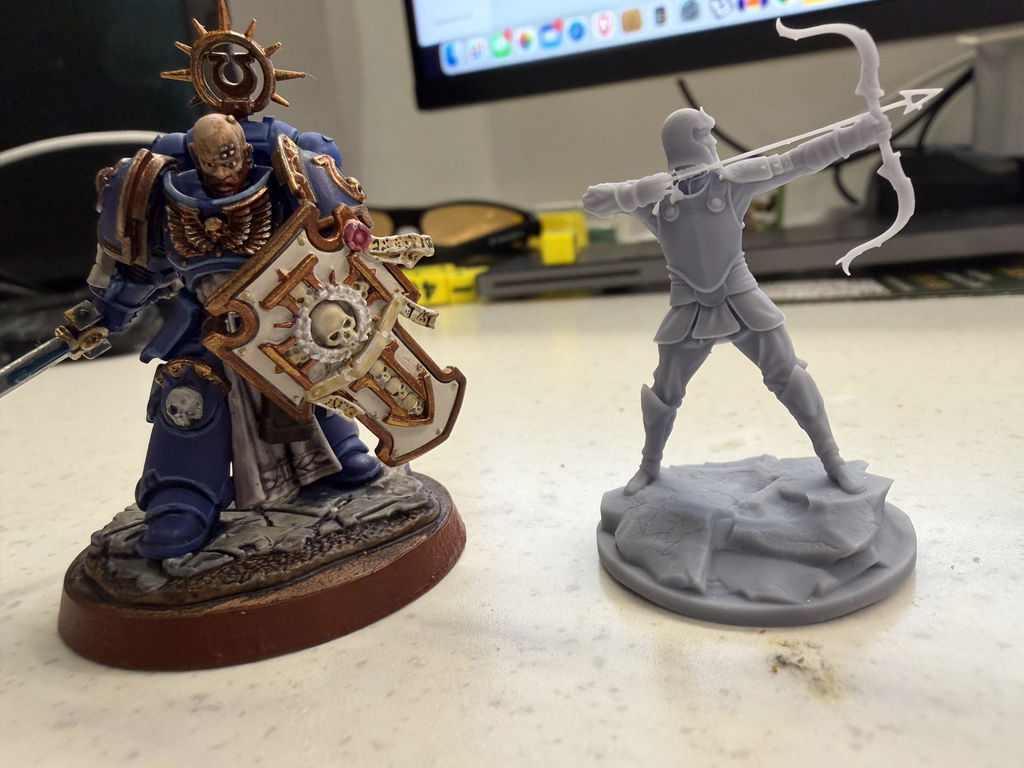
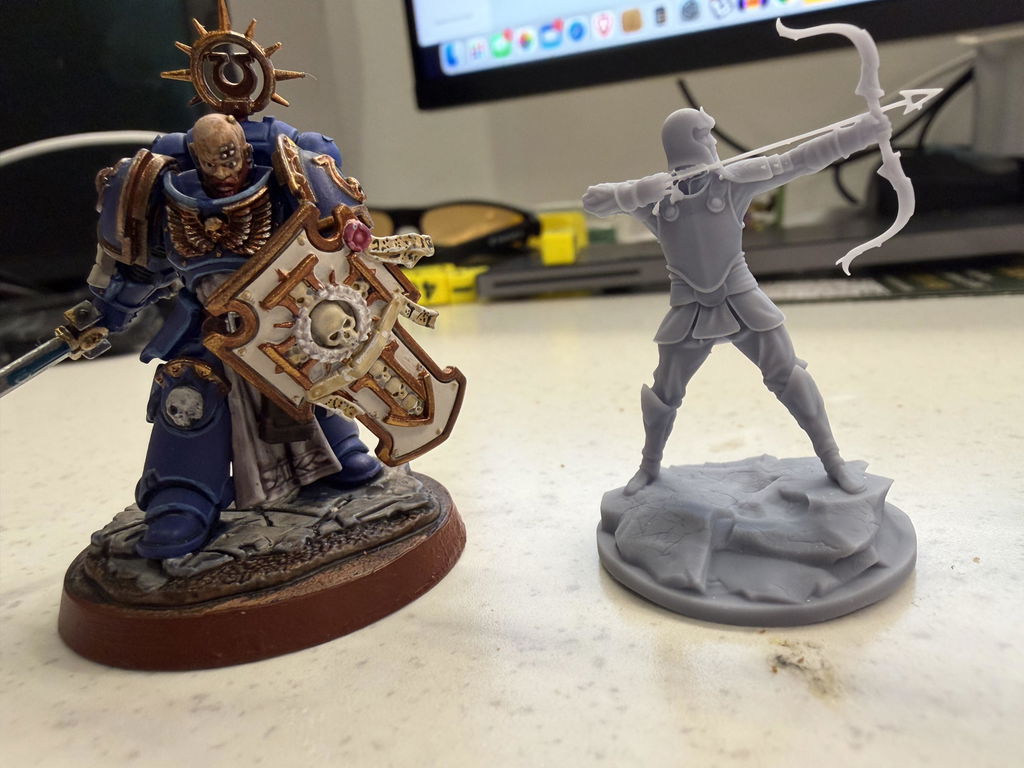
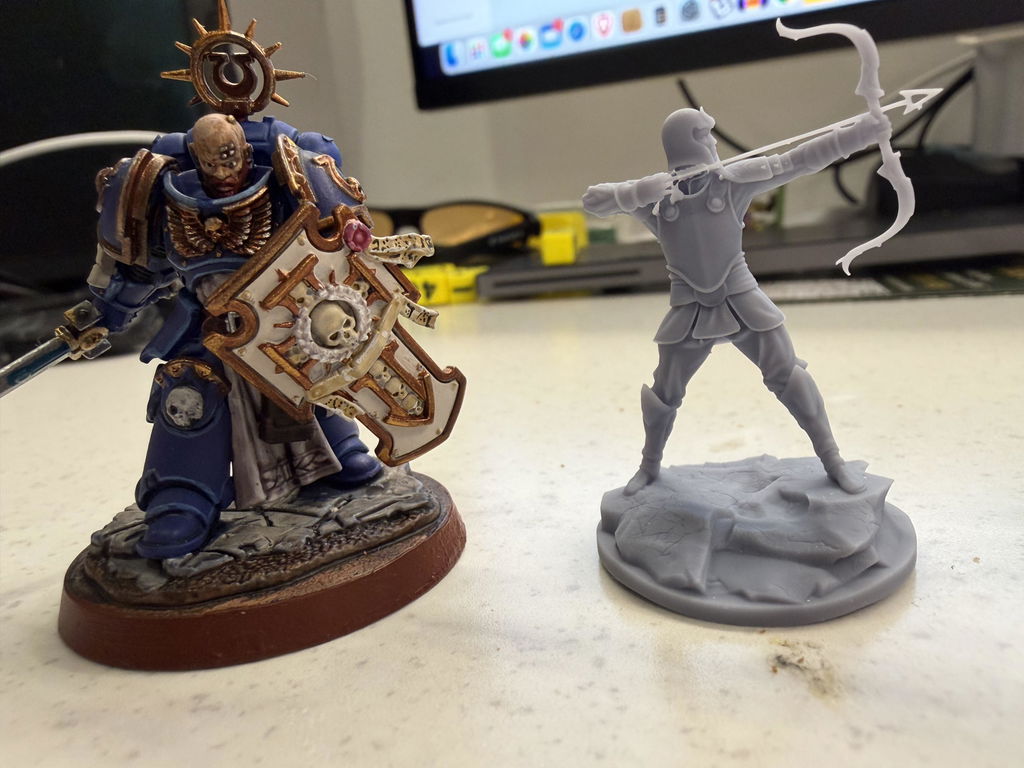
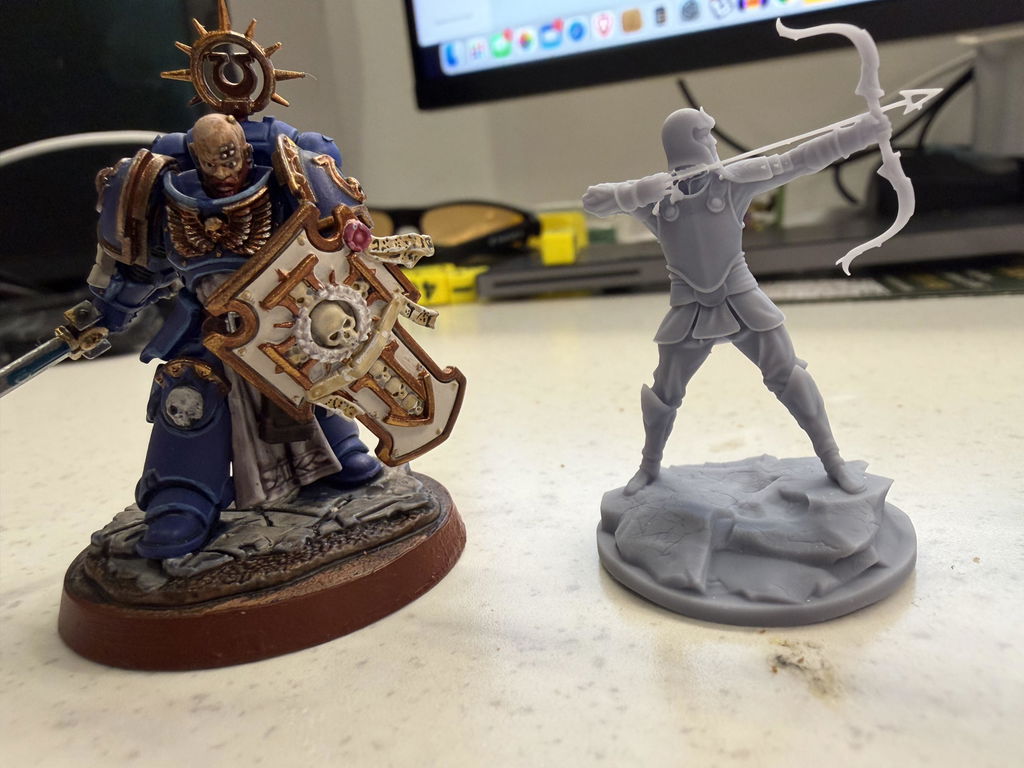
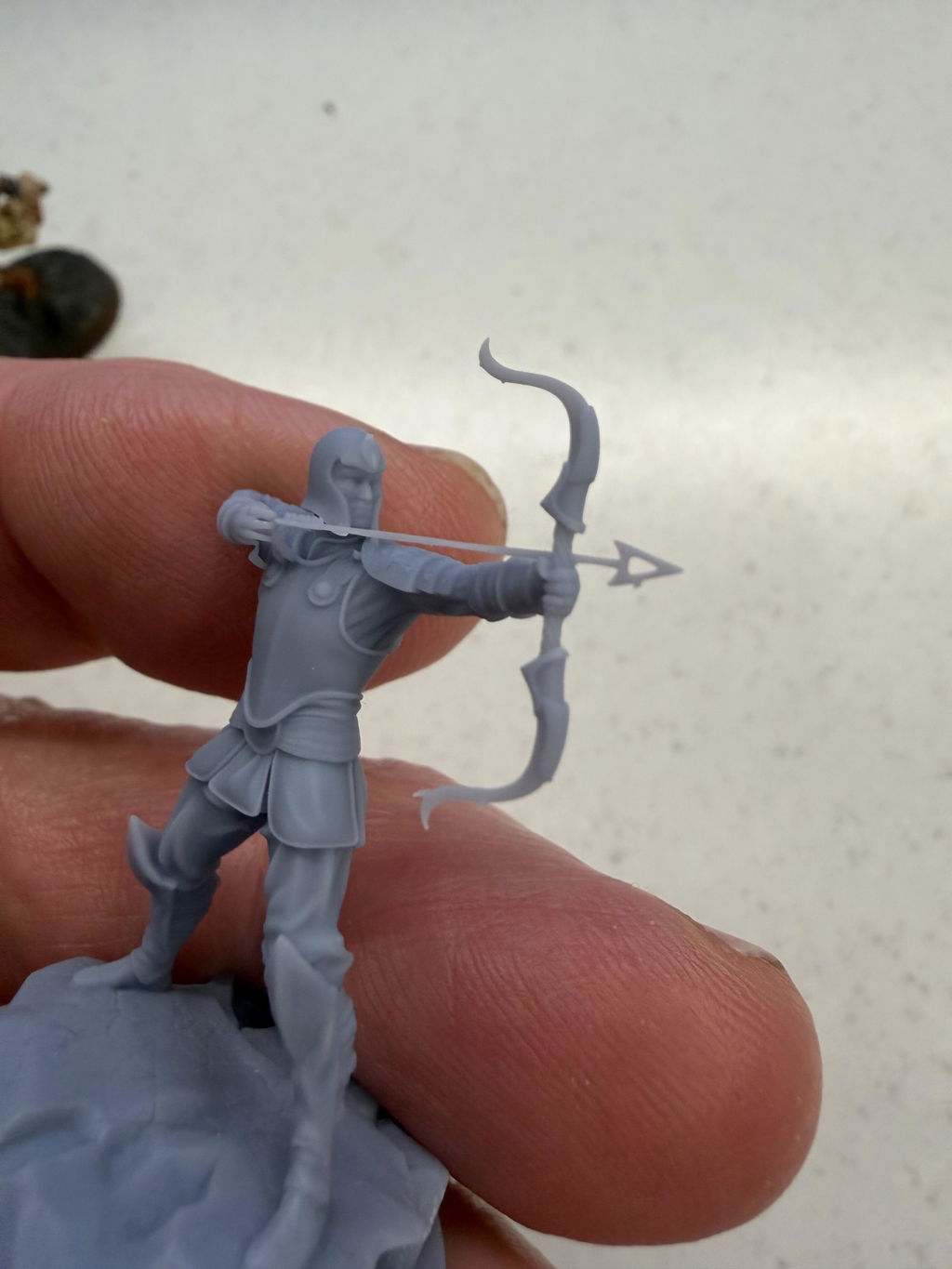
Fantastic results from the first print. I've never used a resin printer before so the learning curve is pretty steep, but I got decently printable miniatures from my first print.

I now own 6 RS Turbos. They are excellent machines and suit my small 3d printforge perfectly. I look forward to Heyygears releasing a large format version with anticipation. If they can match these in large format they'll be the only printers we use in our small business. The software, workflow and simplicity mean virtually zero downtime and they've been running 24/7 wiith a 99.99% success rate.
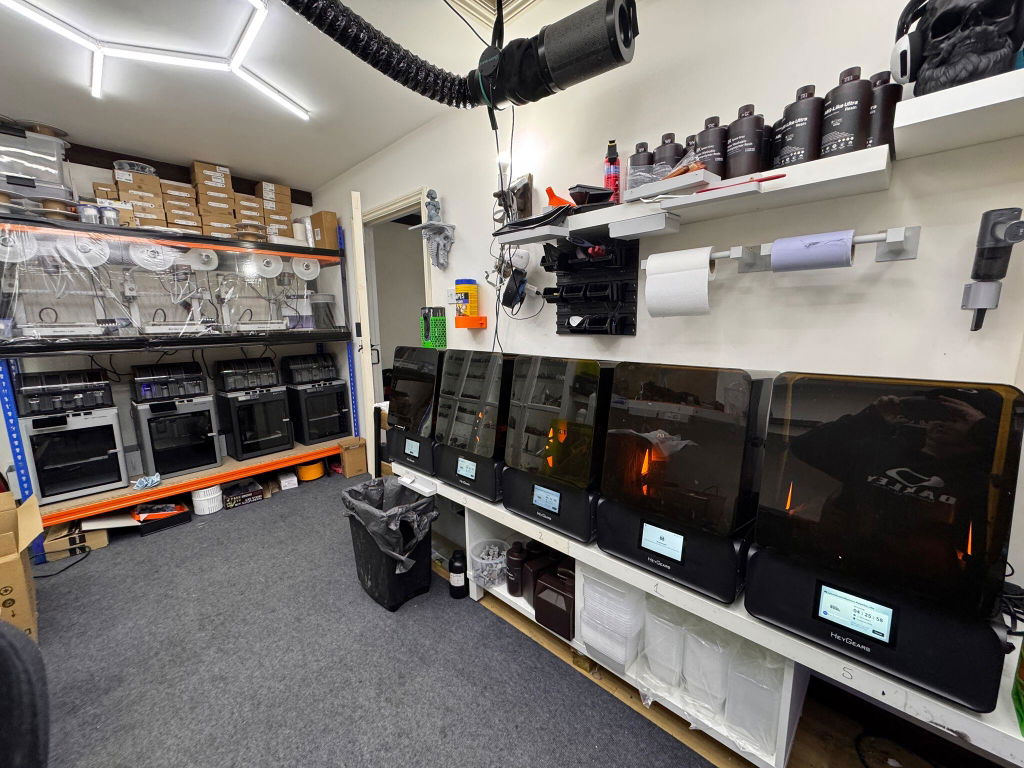
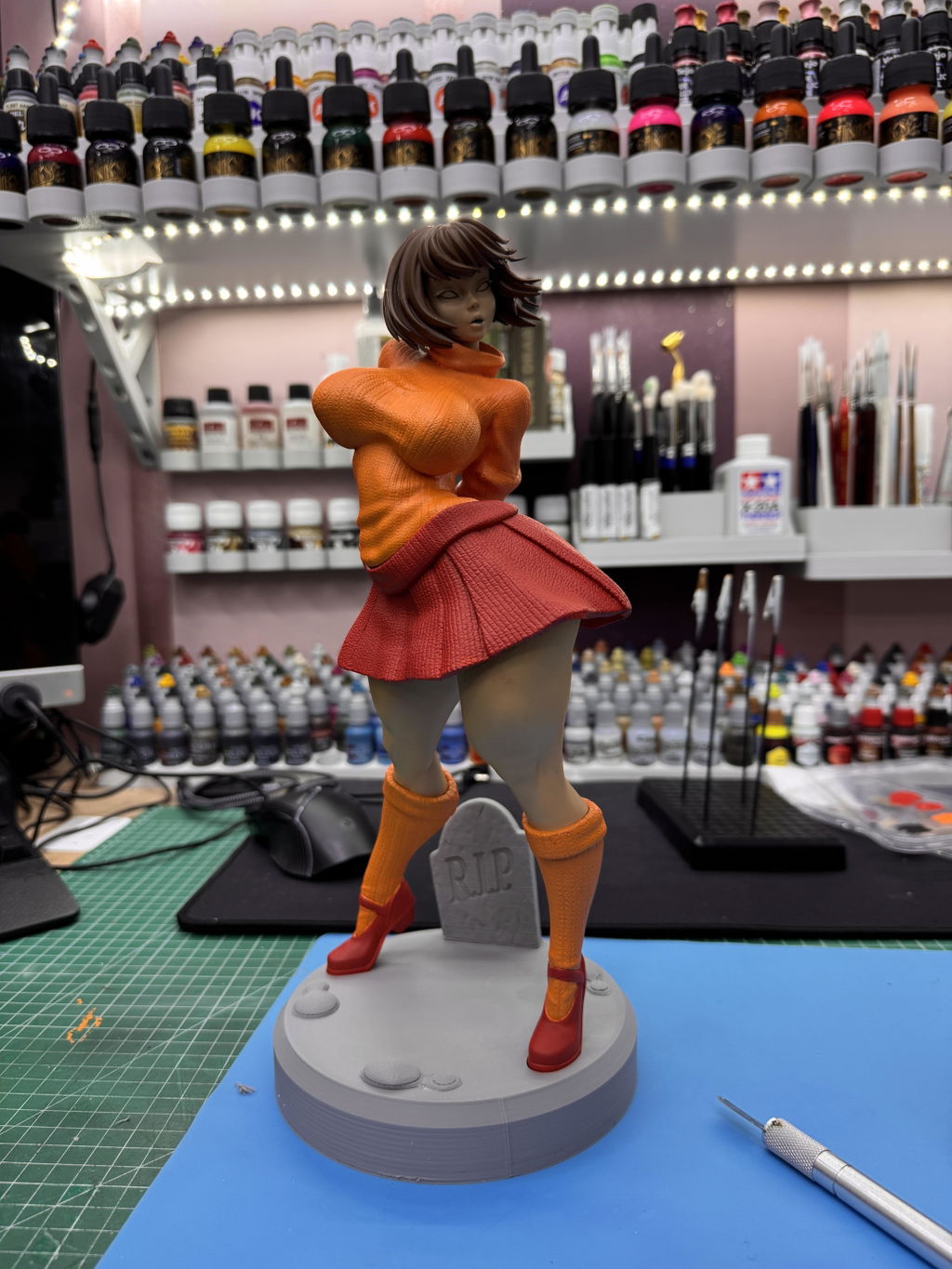
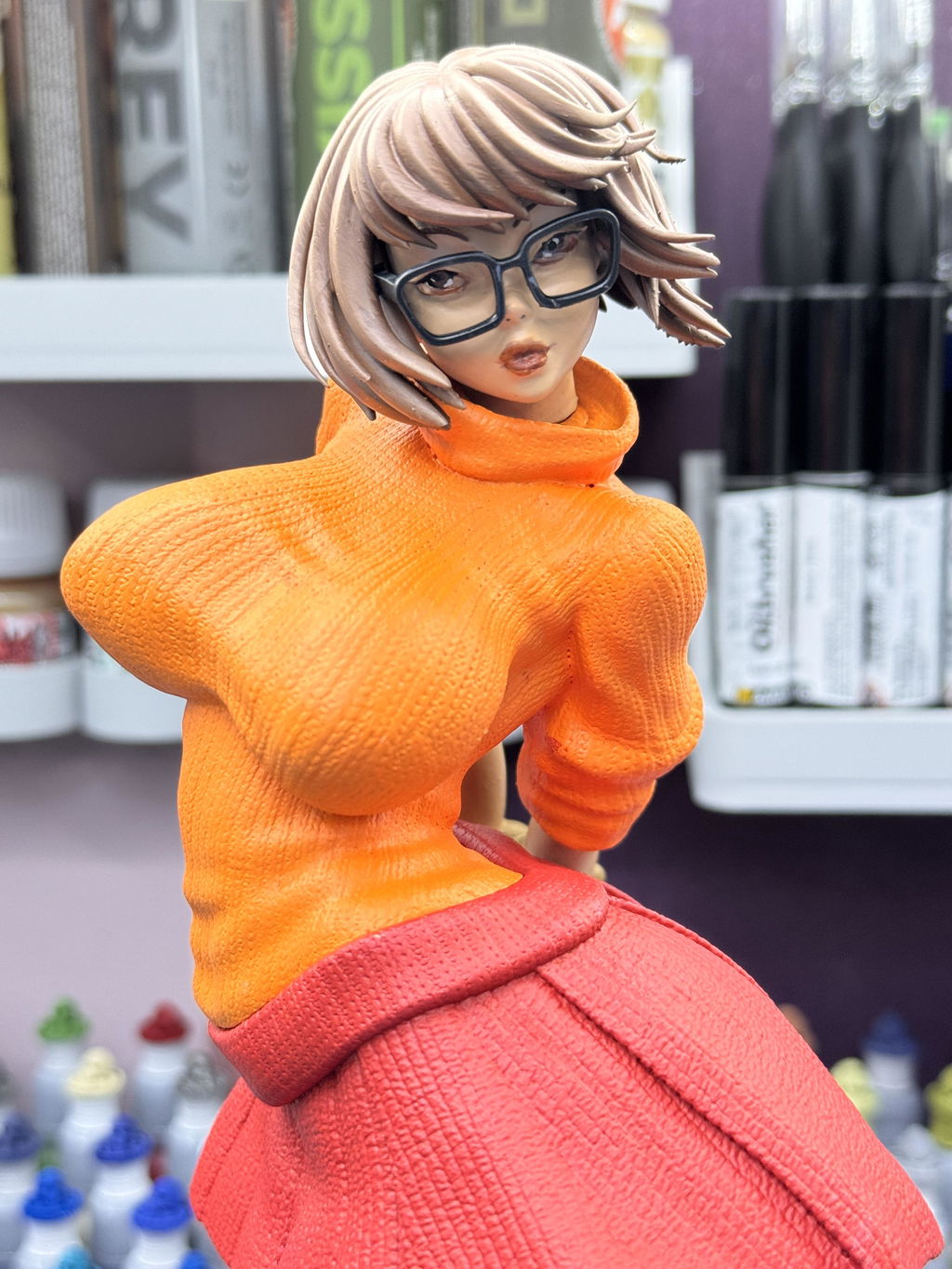
Recently, purchased the RS Turbo Reflex with the heated vat and pulse module. And I have to say I am not disappointed. The ease of use and quality of the prints are amazing. Additionally, I purchased the curing station to help strengthen the prints. I would recommend this to anyone. Beginner and experienced.
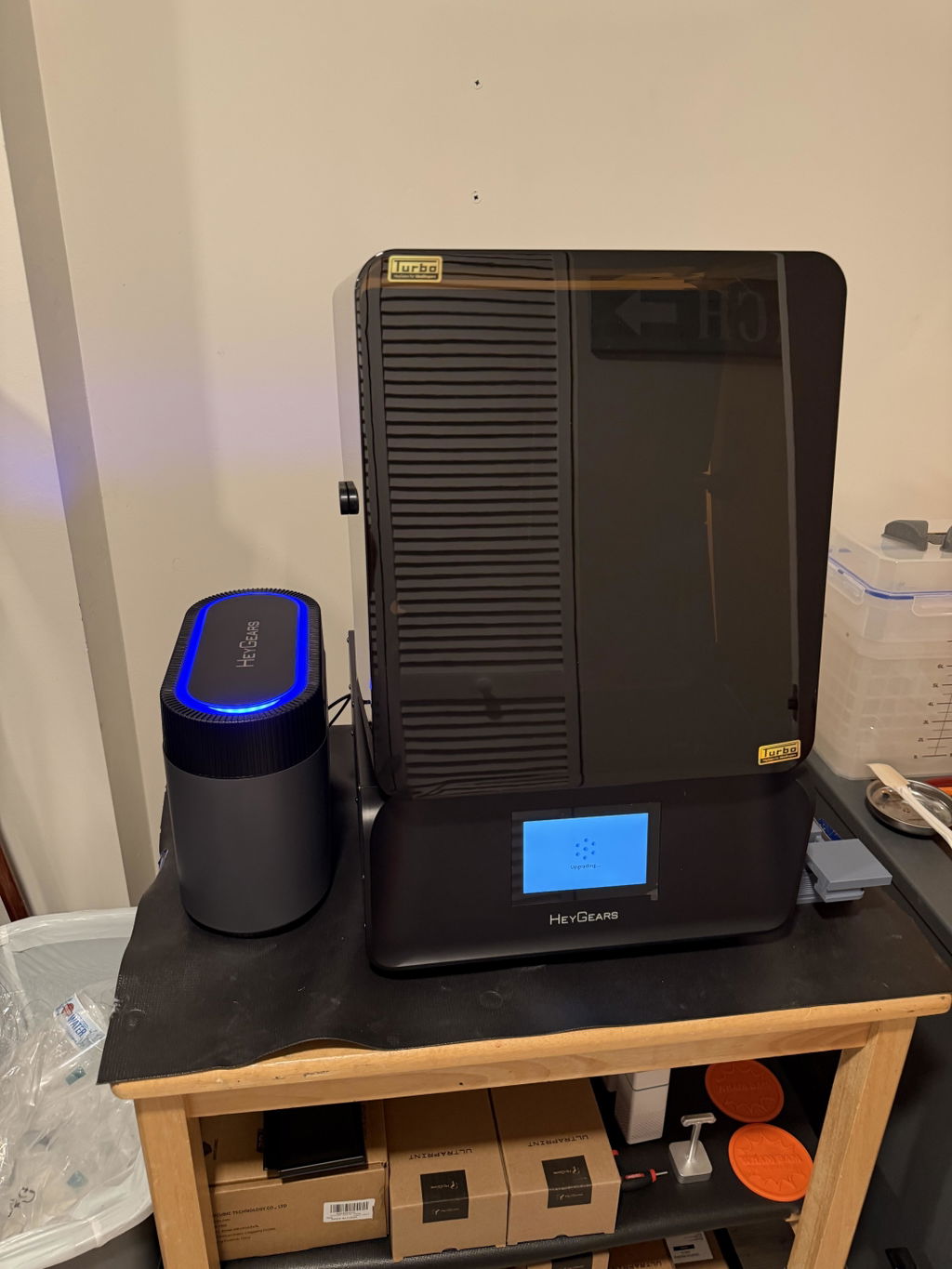
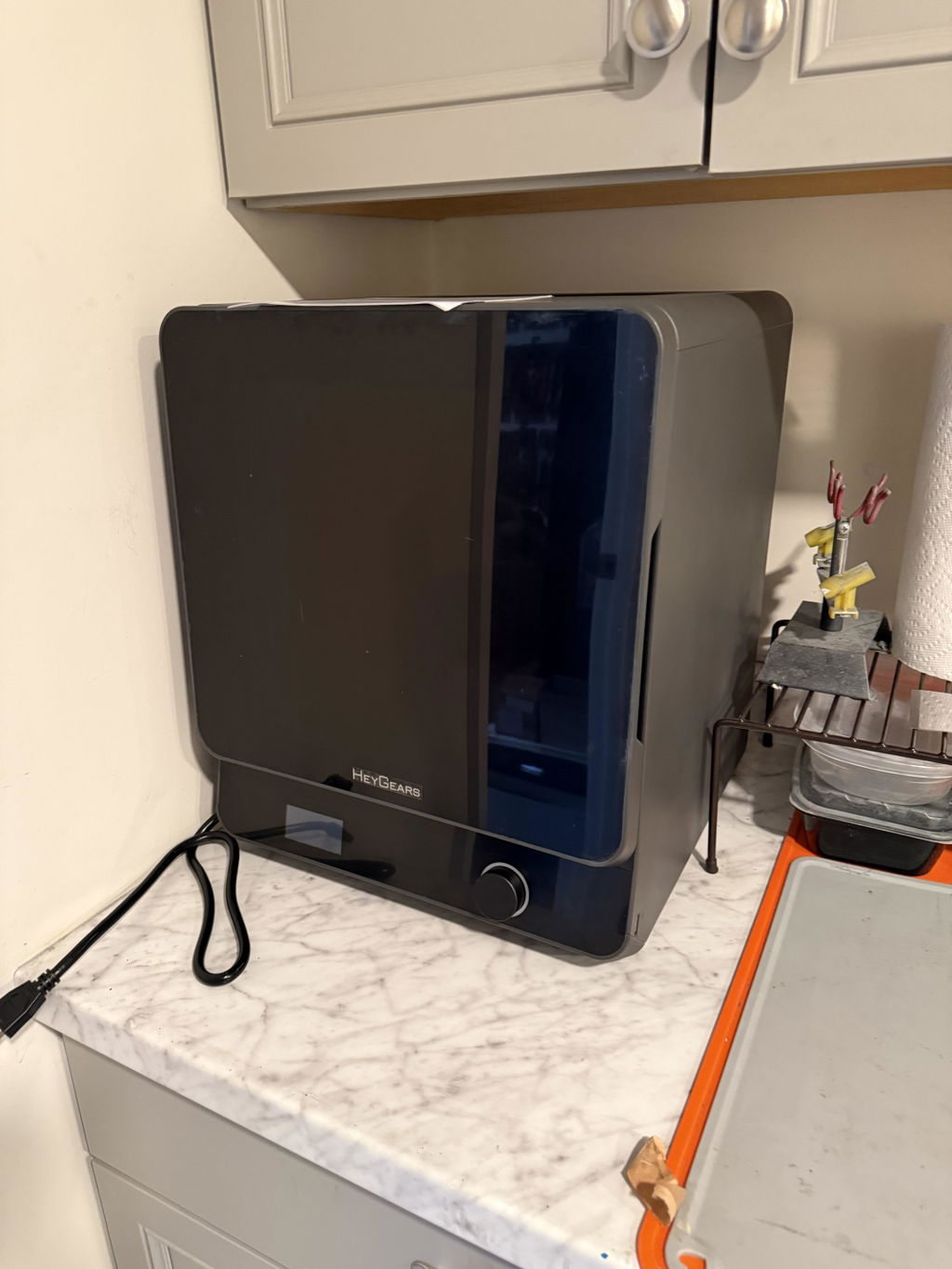
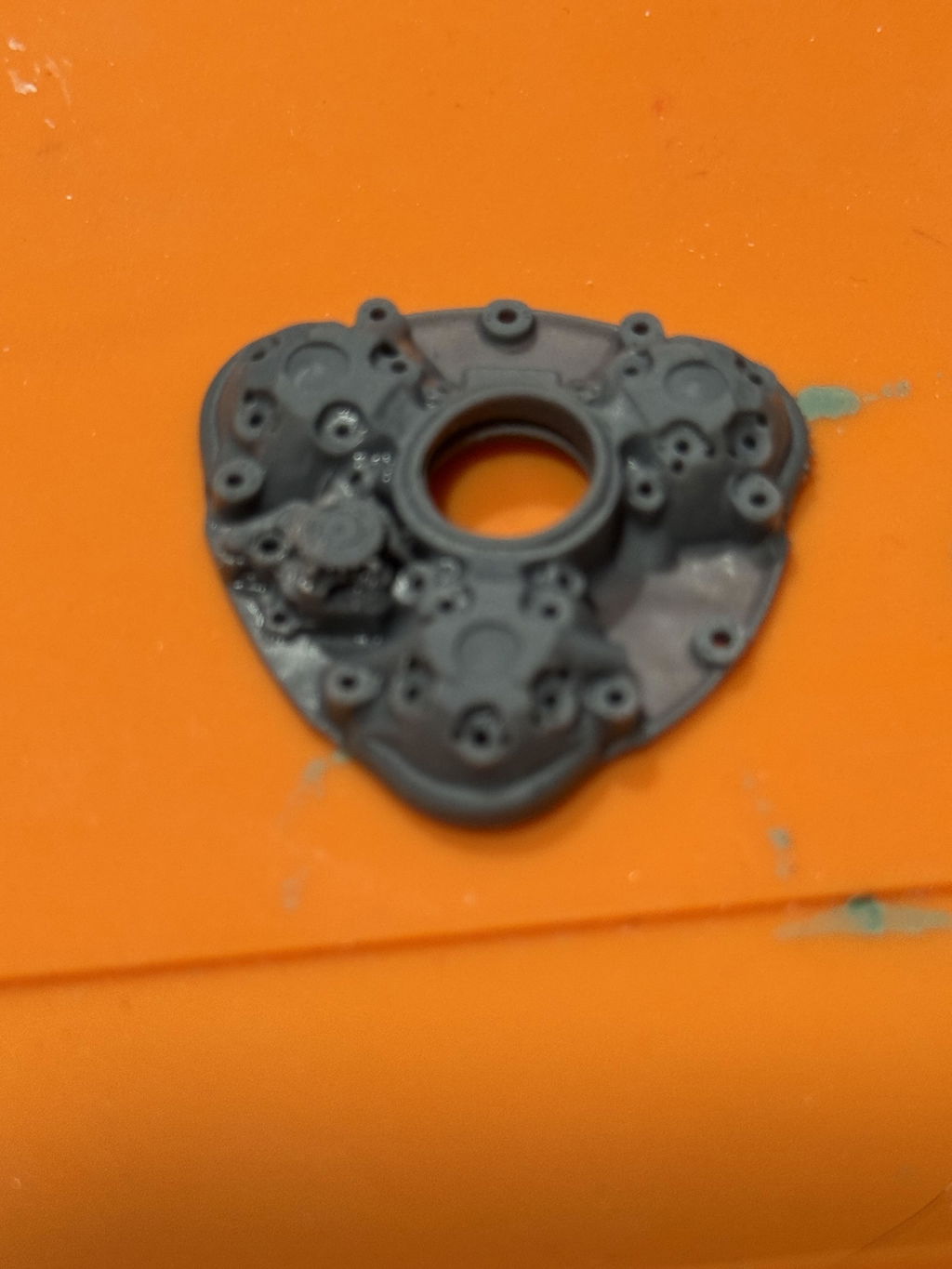
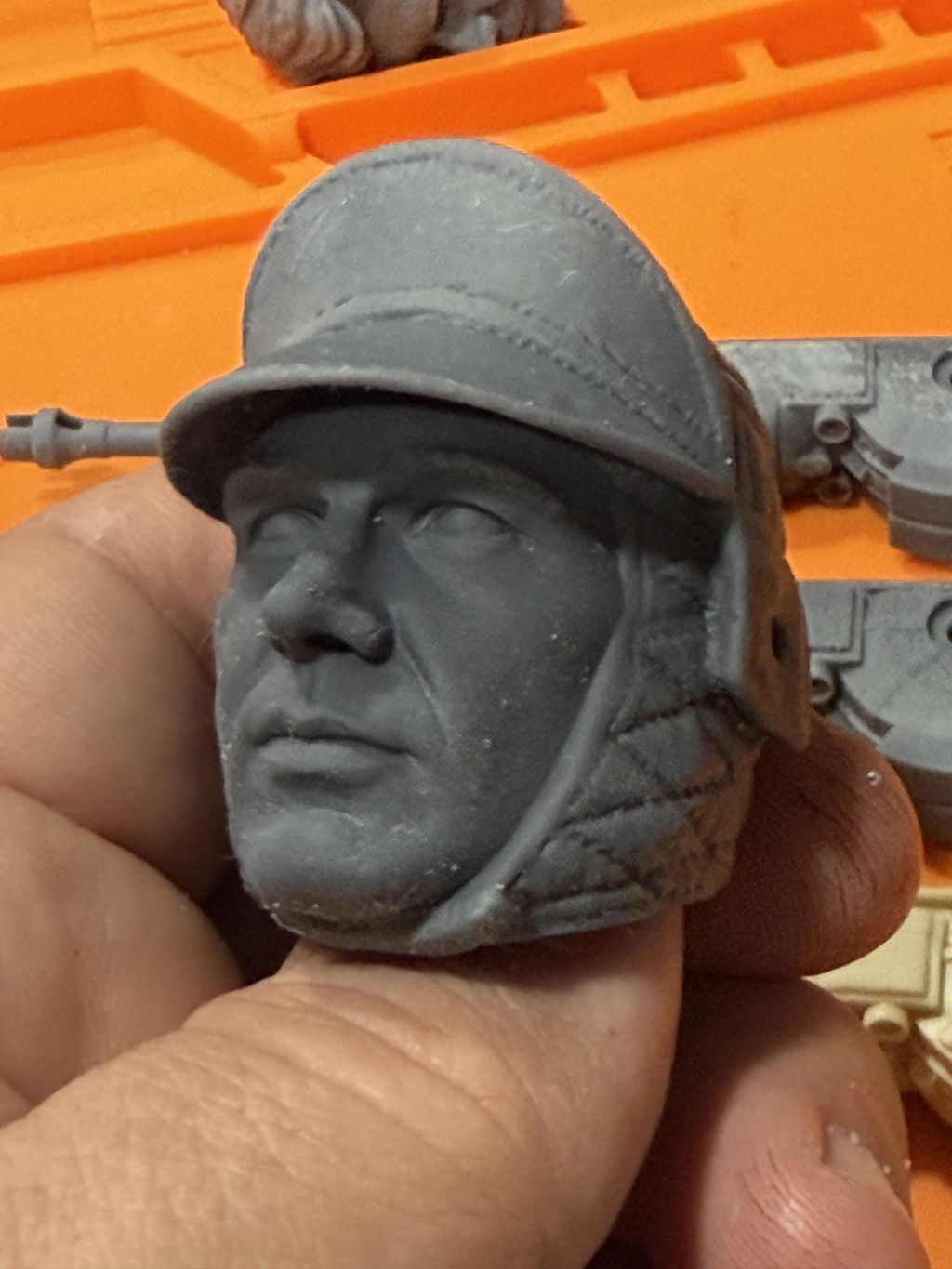
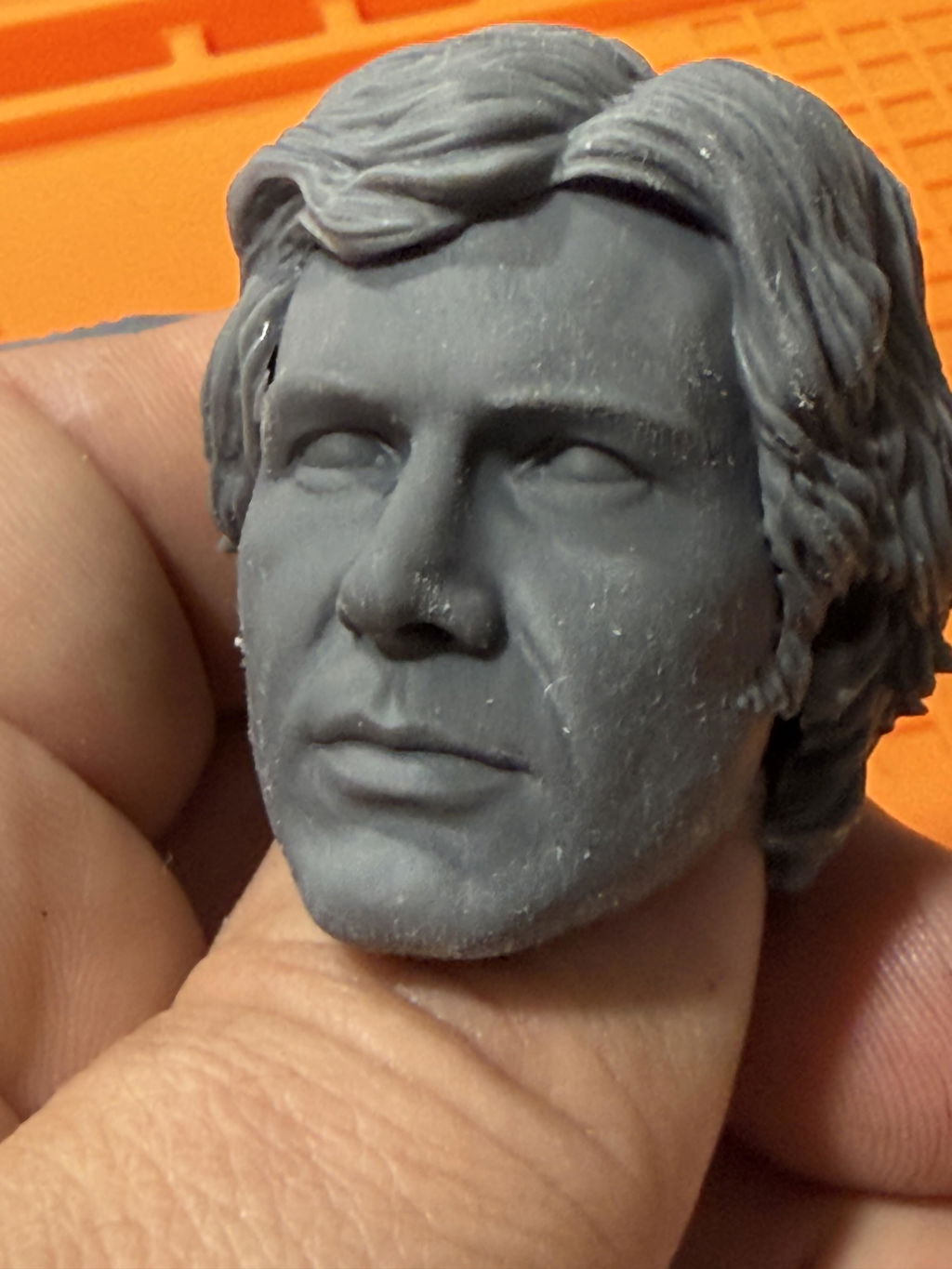
This is my first time buying a resin 3D printer and I was anxious about the complexity and learning curve. I decided to go with the Reflex RS Turbo given the streamlined workflow, speed, and high contrast amber screen. And it was literally "set it and forget it" for all my 32mm scale miniatures!
I have both the Heygears RS and the RS Turbo. Well built printers. Almost everything that I print comes out perfect. I like to spend my time finishing my statues and not spend the time messing with settings. I find that it is a very easy printer to use and the results are excellent. You can't beat the price for this machine that is on sale for $699!
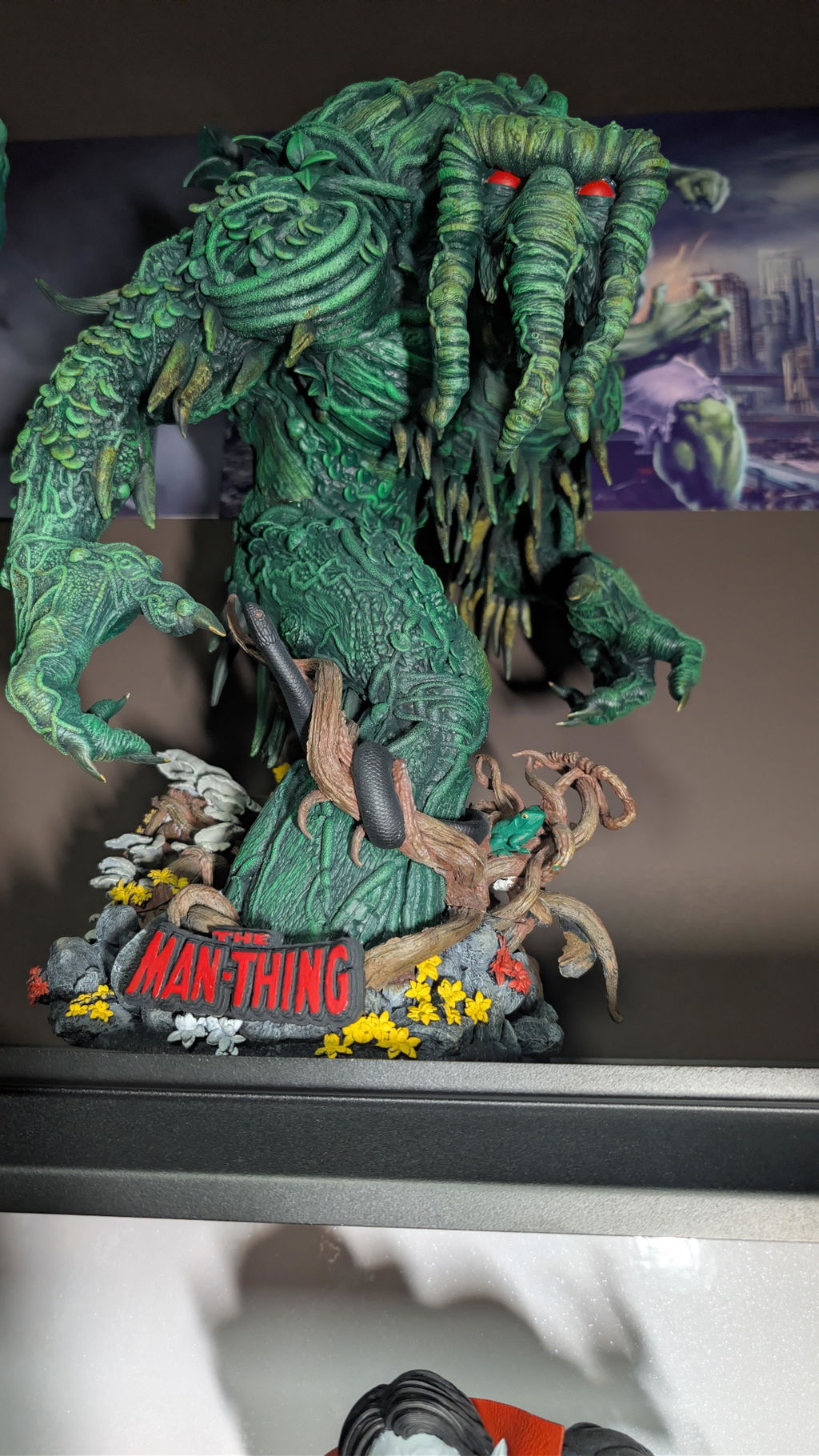
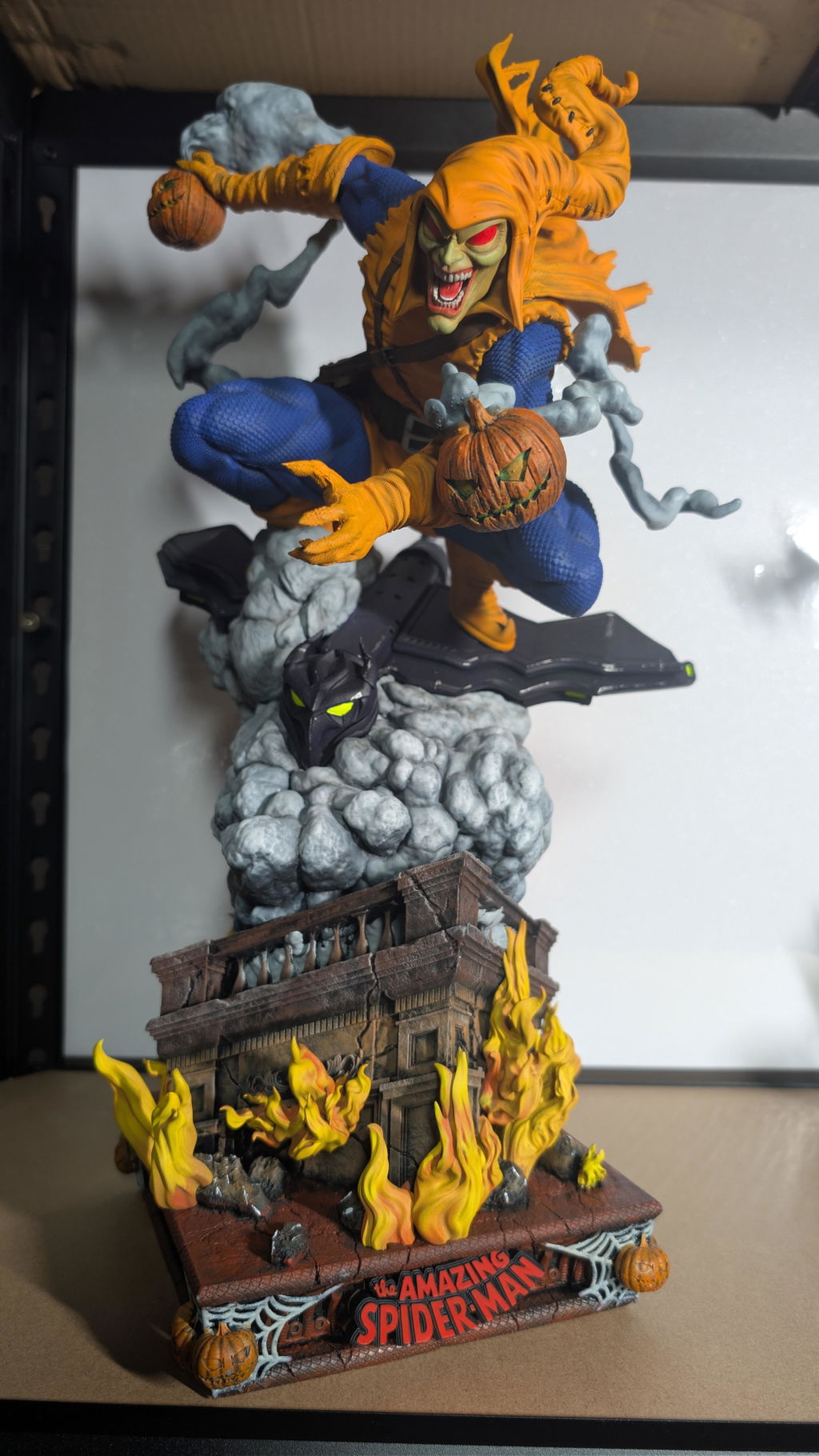
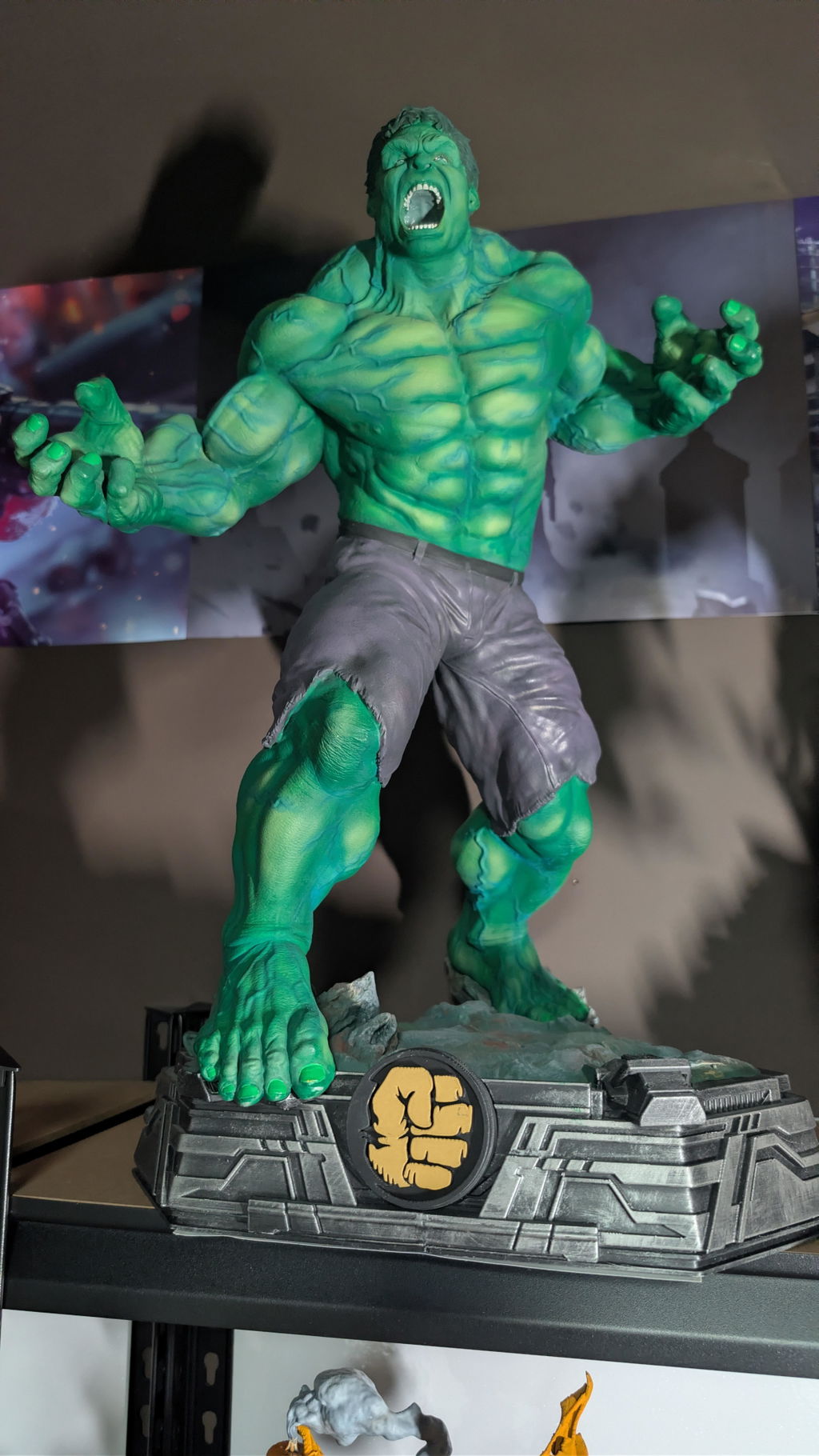
Incredible printer. Beautiful perfect prints every time. The quality is mind blowing.
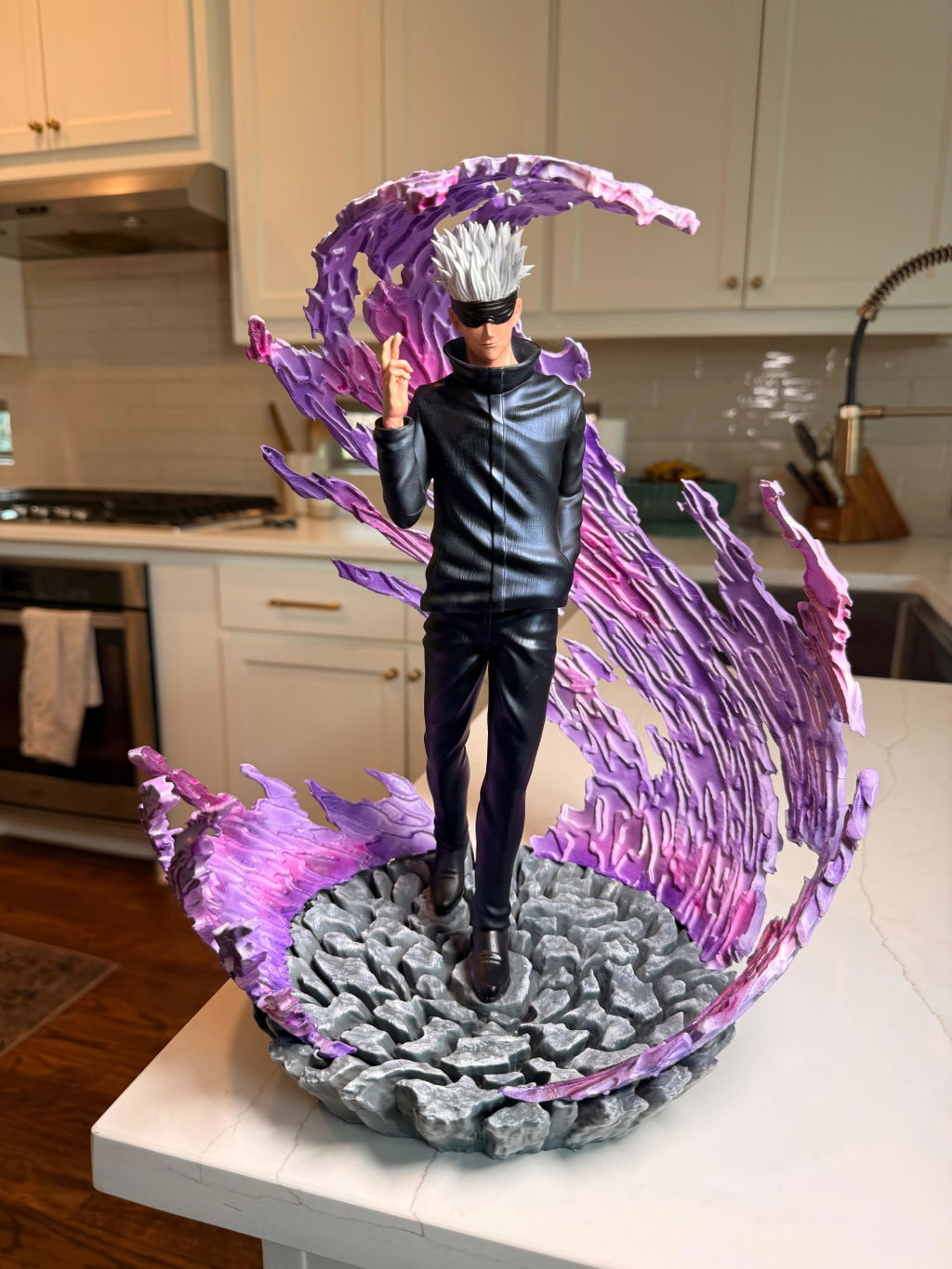
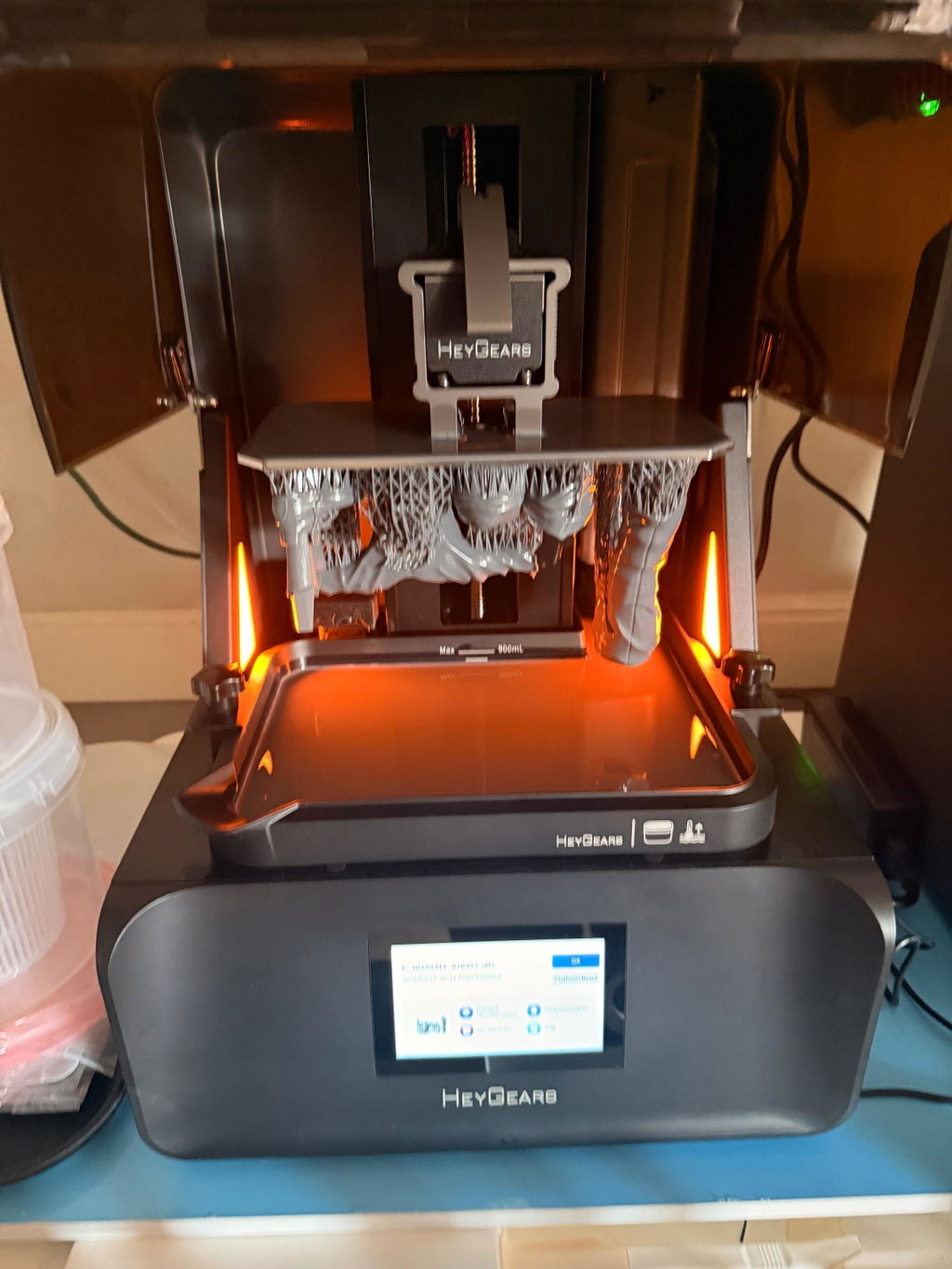
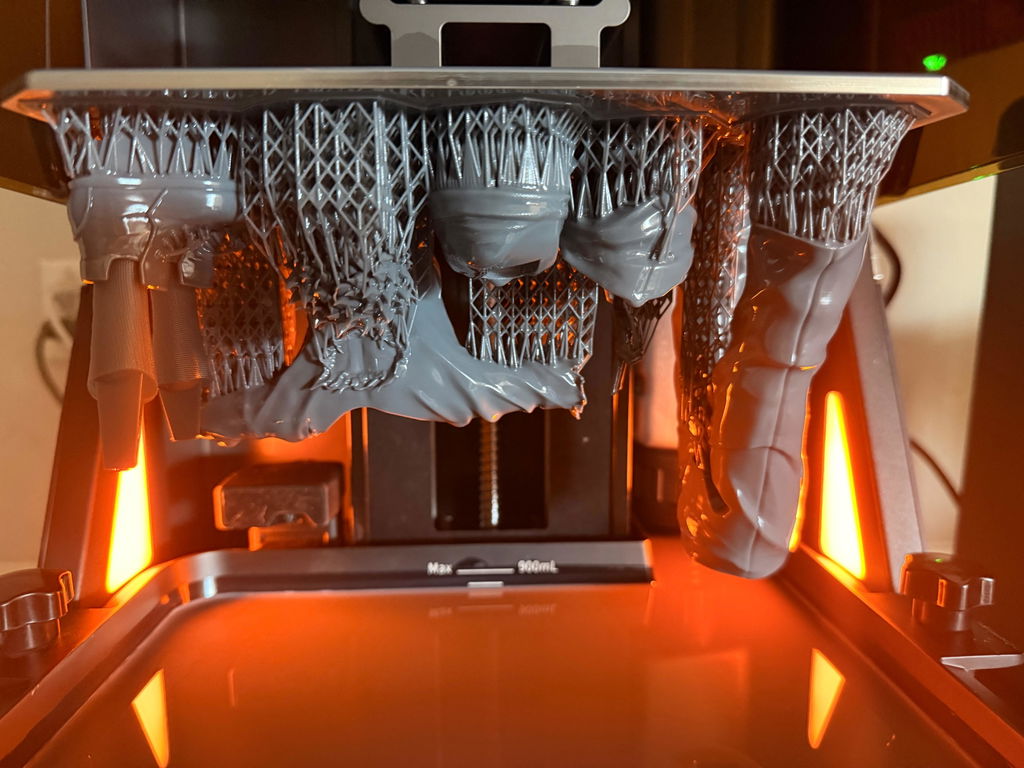
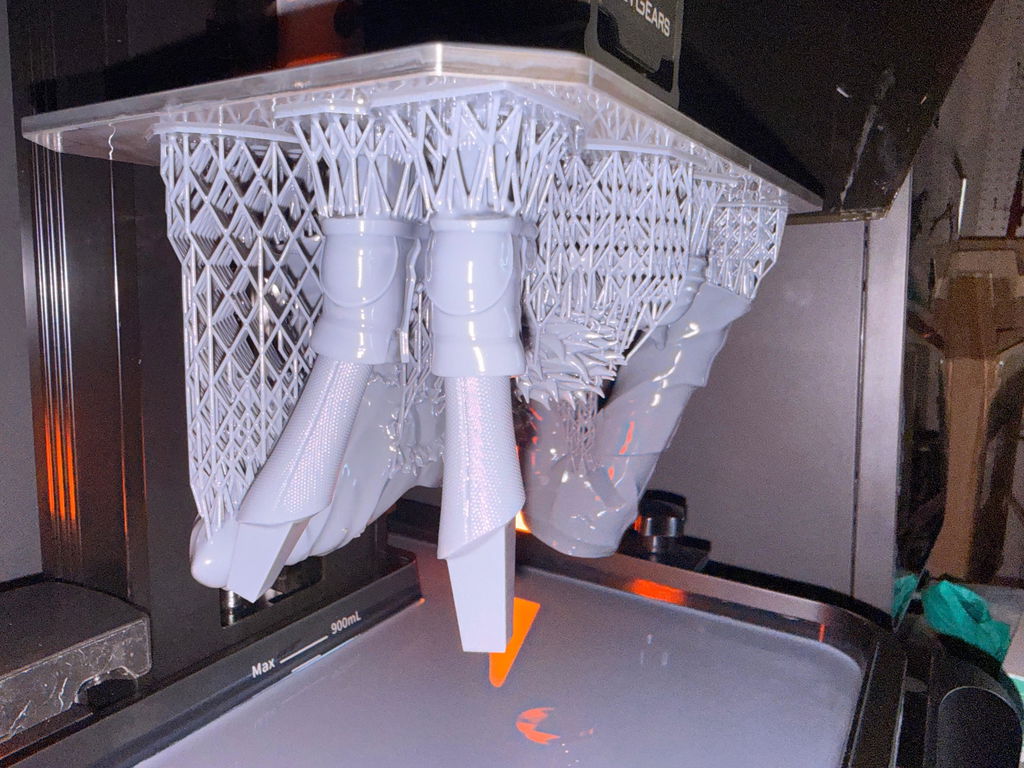
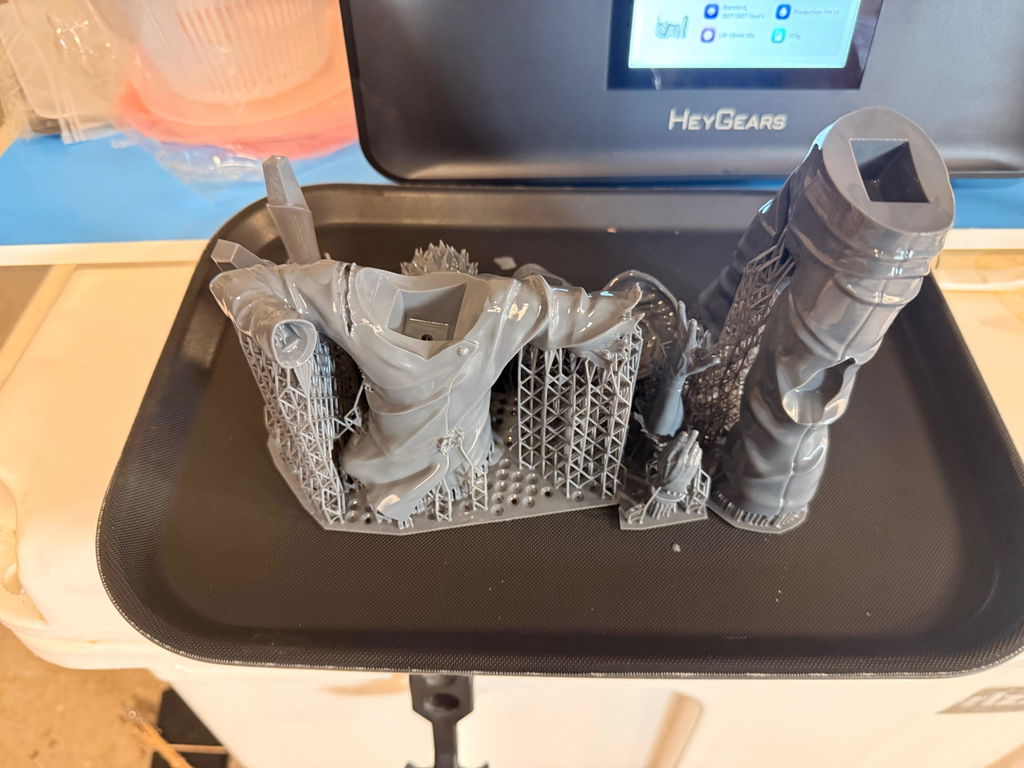
The printer is one of the best printers I have ever used. Speed is fantastic, The Turbo screen really makes the prints faster and I mean considerably faster
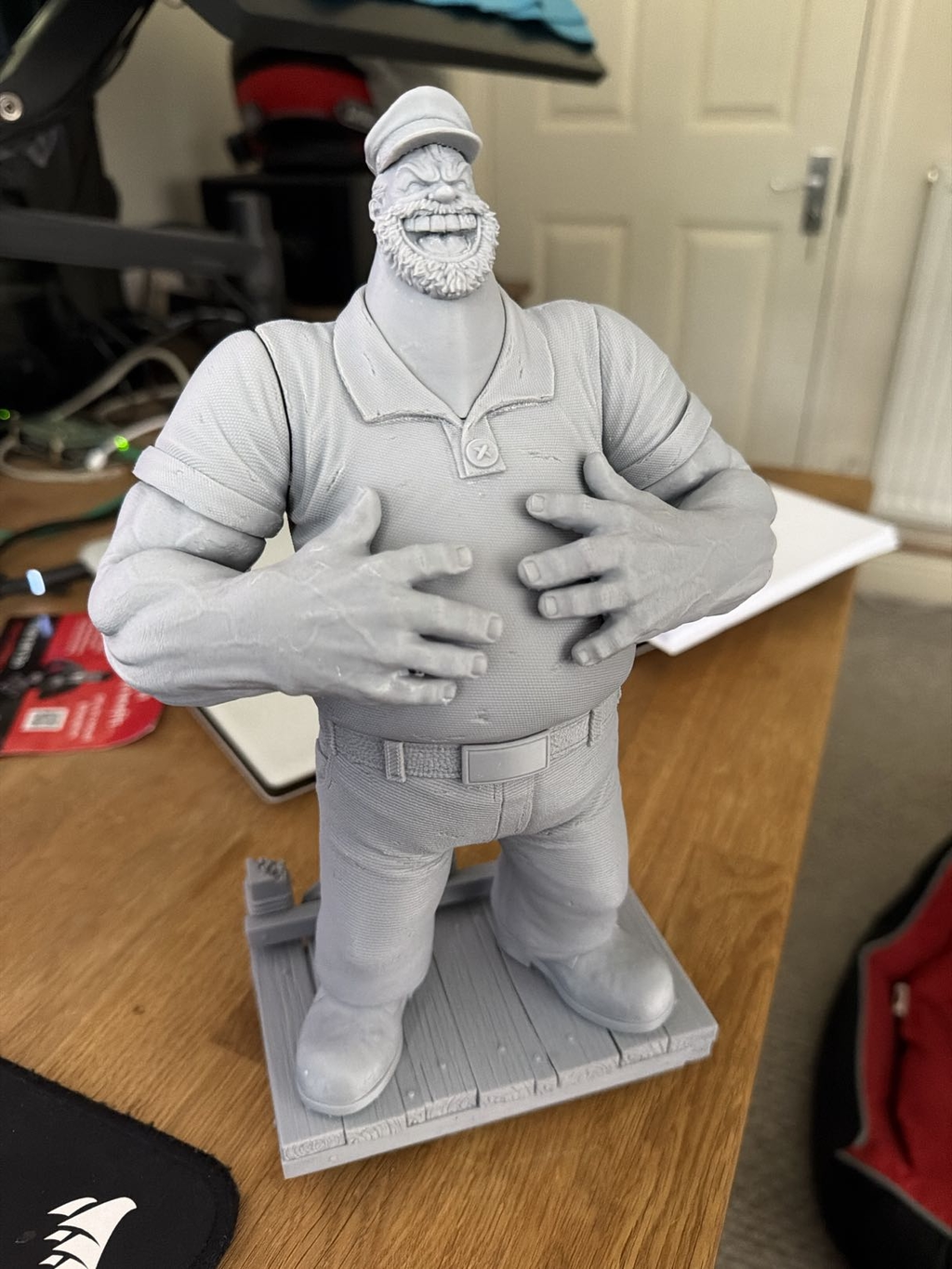
#HeyGearsRSTurbo
Printer is amazing had it for about 2 months and so far no failed prints and very high detail. I highly recommend the rs turbo
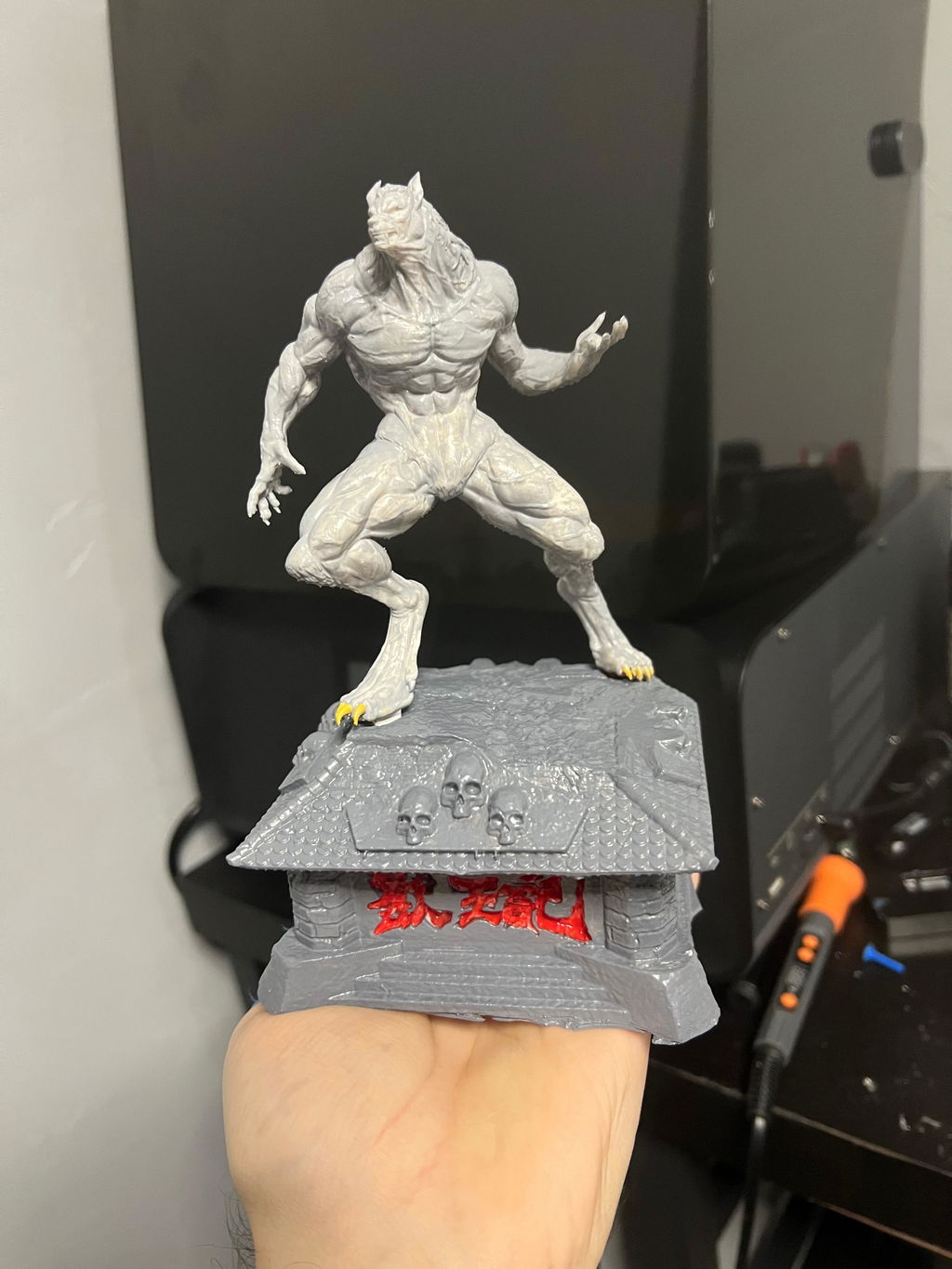
After pfaffing around with other printer brands and constantly having failures I decided to splurge on this printer. It was the absolute best decision I made in this hobby. Every print is flawless and I’ve literally had no fails since I got it in June 2025. This is the best printer right now hands down. #HeyGearsRSTurbo
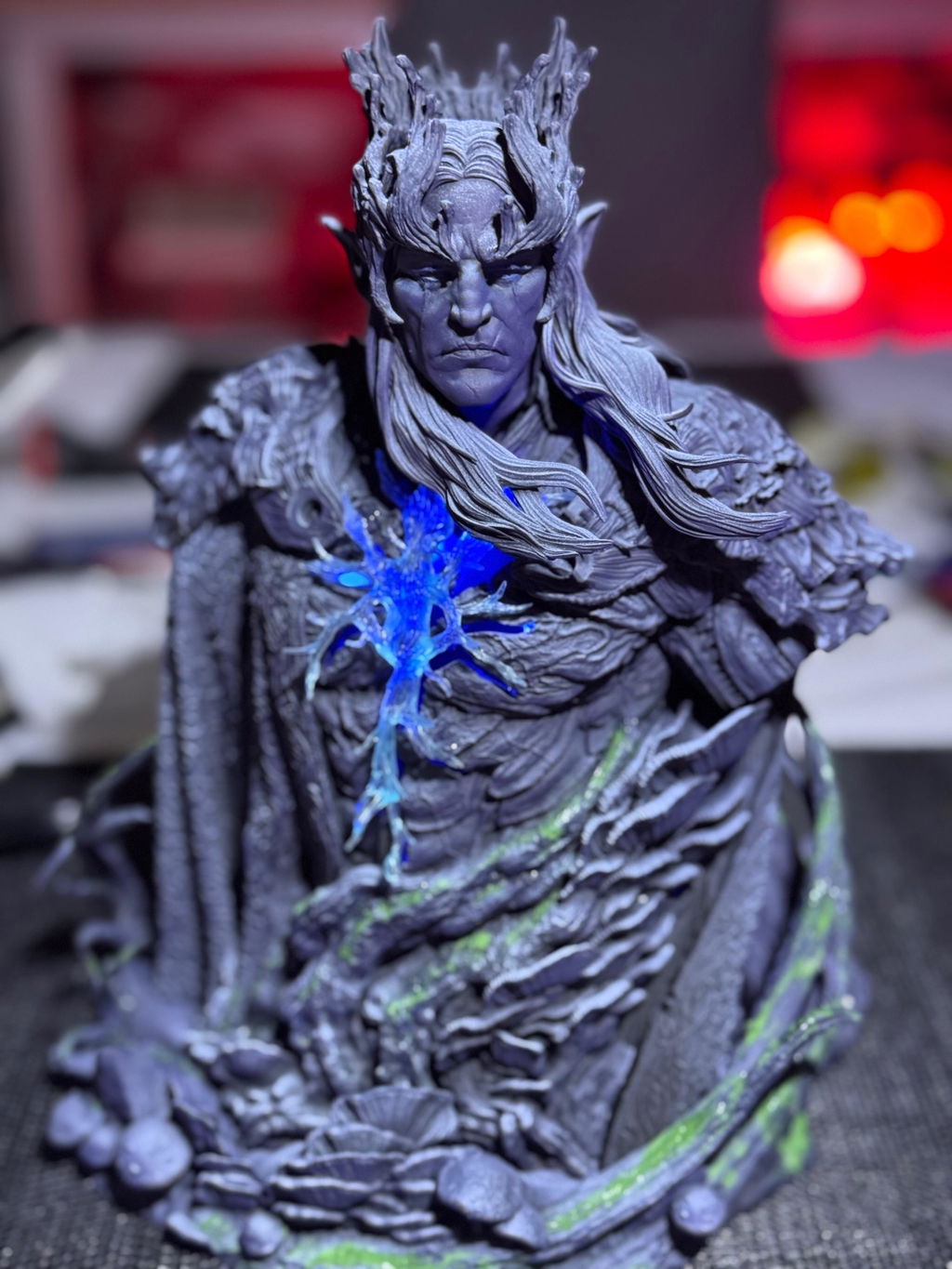
よくある質問
詳細については、FAQページをご覧ください。
3Dプリンターの最適な印刷速度は何ですか?
最適な印刷速度は、モデルの複雑さ、レジンの種類、プリンターの仕様によって異なります。Dynamic Motion Algorithm 3.0を搭載したHeyGears Reflex RS Turboは、印刷速度を最大33%向上させ、ディテールを損なうことなく、高速かつ信頼性の高い印刷を実現します。
レジン3Dプリンターに何も表示されないのはなぜですか?
レジンプリンターに何も表示されない場合、画面の不具合、ケーブル接続の緩み、スライサー設定の誤りが考えられます。Reflex RS Turboでは、強化アンバー画面と安定したZ軸システムにより、こうしたトラブルを軽減できますが、画面の状態や接続は引き続き定期的に確認することをおすすめします。
レジン3Dプリントはどのくらい保存できますか?
適切に後硬化・保管されたレジンプリントは、数年間使用できます。長持ちさせるために、直射日光を避け、高温多湿な場所を避けて、涼しく乾燥した場所に保管してください。Reflex RS Turboの高精度な硬化プロセスにより、プリントの経年劣化による変形を抑えます。
3Dプリント物の樹脂が徐々に剥がれてくる場合は、どうすればよいですか?
レジンの剥がれは、通常、硬化不足や密着不良によって発生します。UVライトによる適切な後硬化を行い、スライサーでは常に推奨される露出設定を使用してください。RS Turboの高コントラスト566:1スクリーンは露出不足を最小限に抑え、造形物の完全性を向上させます。
HeyGears Reflex RS Turboの樹脂3Dプリントはどのように機能しますか?
Reflex RS Turboは、LCDベースのレジン印刷技術を採用しています。高コントラストのアンバーマスクを透過したUV光が、レジンを一層ずつ硬化させます。C5グレードのZ軸モジュールと強化されたモーションコントロールにより、滑らかで高精度なプリントを安定して実現します。
レジン3Dプリントに色をつけるにはどうすればよいですか?
レジンプリントに色をつける方法はいくつかあります:洗浄・硬化後にアクリル絵の具で塗装する。プリント前にレジンに顔料を混ぜる。プリンターに対応した着色済みレジンを使用する。塗装やコーティングを施す前に、表面が清潔で乾燥していることを確認してください。