

An expensive 3d printer is worth it when its extra capabilities solve a problem you actually have: inconsistent results, too much troubleshooting, insufficient detail, or missed deadlines. Paying more makes less sense when an affordable machine already produces the parts you need.
The useful question is not simply “Which printer has better specifications?” It is “What am I buying with the premium, and will I use it often enough?” This guide connects the hardware, workflow, and ongoing costs to that decision.
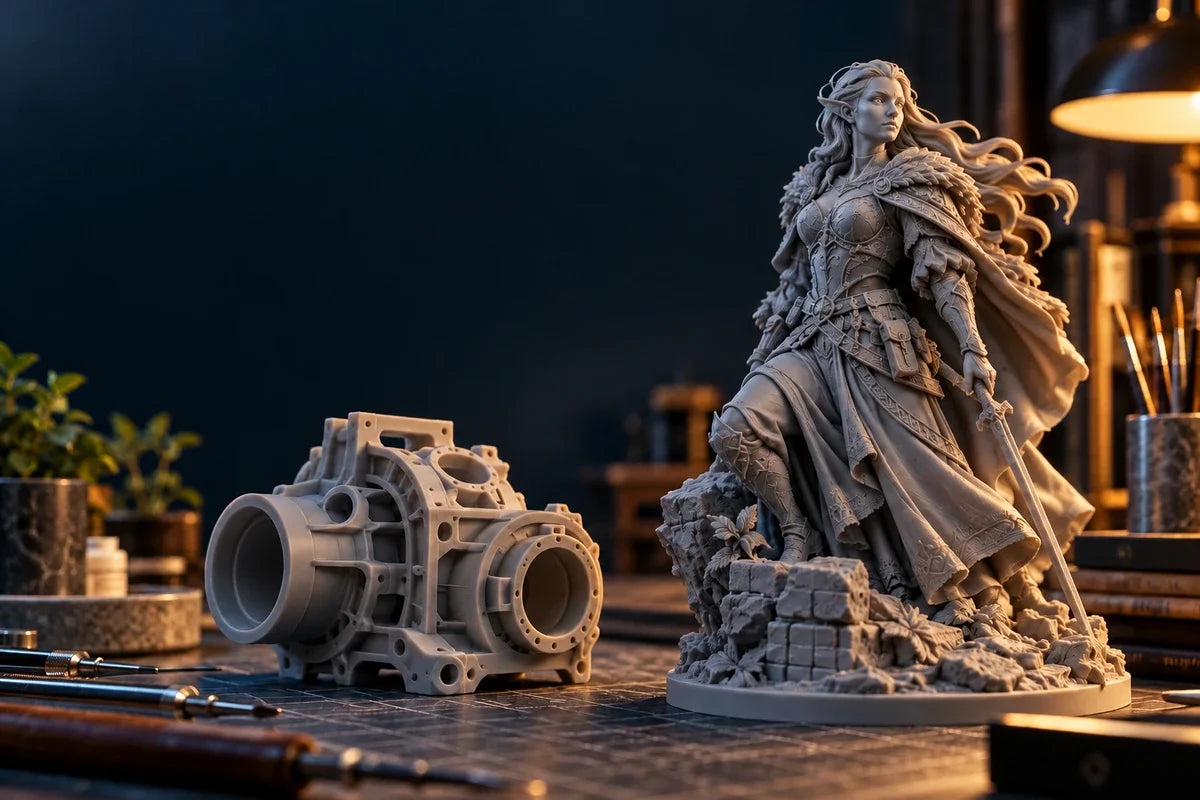
 Conceptual AI-generated illustration; the objects shown are not measured print samples or RS Turbo test results.
What makes a 3D printer more expensive?
A higher price can reflect better components, more process control, more capable software, or more extensive support. It can also reflect a larger build area or features that add little value to your particular jobs. A professional 3d printer should earn that description through repeatable output and a manageable workflow, rather than its price alone.
- Optics and exposure control: on a resin system, controlling where light cures the material matters alongside pixel size. Fine edges, shallow textures, and small gaps can be affected by exposure and resin behavior.
- Mechanical consistency: stable motion, alignment, and controlled layer separation help a process repeat. More rigid hardware is useful only when the resulting consistency matters to your parts.
- Automation: assisted leveling, resin management, and checks can reduce repetitive work. Ask which tasks they remove and which still require an operator.
- Software and material development: validated profiles can shorten setup. Adjustable settings offer flexibility but transfer more qualification work to you.
- Service and maintainability: clear documentation, obtainable replacement parts, and responsive support can matter more than another headline specification.
 Use these three questions to connect a higher purchase price to practical value. This is a decision framework, not a product benchmark.
Cheap vs expensive 3D printer: compare the same job
A fair cheap vs expensive 3d printer comparison starts with a shared target: the same type of model, material requirements, acceptance criteria, and finished condition. Comparing a budget filament machine with a premium resin machine mainly tells you about different processes, not the value of the price premium.
| Your work | When a lower-cost option makes sense | When the premium may help |
|---|---|---|
| Occasional practical parts | An affordable filament printer may already meet the brief. | More capability matters if you need a specific material, repeatable fit, or less setup time. |
| Fine miniatures and display models | A budget resin printer can produce excellent detail with good preparation. | Exposure control and consistent motion matter when subtle features and repeated batches count. |
| Frequent prototypes or studio batches | Low purchase cost can be attractive if operator time is available. | Repeatability and a simpler process become more valuable as troubleshooting interrupts paid work. |
| Materials experimentation | An adjustable, well-supported system may be a strong fit. | Pay more only if the material options and controls match your actual qualification needs. |
Print quality: look beyond the resolution number
Print quality includes visible detail, surface finish, dimensional fit, and consistency. A smaller pixel or thinner layer is not a guarantee that your finished part will be more accurate. Orientation, supports, resin choice, exposure, washing, and curing all influence the result.
For a miniature, inspect faces, fabric textures, thin accessories, and support contact areas after finishing. For a prototype, measure the mating features that determine whether the assembly works. A beautiful surface does not automatically mean a correct fit, and a strong material does not automatically mean a dimensionally accurate part.
Ask for representative samples rather than relying on a perfect showcase model. If your current machine already meets your acceptance criteria, improving preparation may be a better next step than upgrading hardware.
Printer reliability: consistency is what you can use
Printer reliability is the ability to repeat an acceptable result under a defined process. It is not established by one successful print or a manufacturer’s best-case photograph. Record your own failure causes: preparation errors, support issues, temperature variation, consumable wear, or interruptions.
Then ask whether the proposed upgrade addresses those causes. Automatic leveling will not fix an unsupported island in a model. A better motion system will not replace a damaged release film. Conversely, a repeatable setup and useful pre-print checks can be valuable if those are where your present workflow breaks down.
For frequent printing, compare accepted parts per week and hands-on minutes per batch. Maximum advertised speed is less useful when cleaning, failed jobs, or finishing set the actual pace.
Total cost of ownership: calculate the cost of usable parts
The total cost of ownership includes the printer, required accessories, materials, consumables, maintenance, post-processing, and the time needed to produce acceptable parts. Use the same ownership period and production target for both options. Include taxes and delivery consistently, and account for resale value only if you have a reasonable estimate.
(Equipment cost allocated to the period + materials + consumables + maintenance + post-processing + valued operator time) ÷ accepted parts produced in that period
A simple hypothetical example: suppose the higher-cost setup requires $600 more upfront and saves one hour of hands-on work per month. If you value that time at $25 per hour, the time saving equals the premium after 24 months ($600 ÷ $25). These are illustrative assumptions, not measured savings for any printer. If your time has no cash value to you, or ongoing costs are higher, the conclusion changes.
Count material and cleaning supplies spent on failed attempts in your actual usage totals. If you already include their full cost there, do not add a second generic “failure allowance.” Count lost machine capacity separately only when it prevents useful work; do not treat every unattended printing hour as paid labor.
A resin 3d printer also needs a suitable handling and post-processing setup. Budget for washing, curing, protective equipment, ventilation appropriate to the material instructions, cleaning supplies, and replacement consumables. A low printer price can still lead to a sizeable complete setup cost.
When paying more is worth it—and when it is not
- Pay more when: you print frequently, need consistent fine features, lose valuable time to repeatable setup problems, or must deliver acceptable batches on schedule.
- Stay with a lower-cost option when: you print occasionally, enjoy tuning, have flexible deadlines, and already achieve the required finish and fit.
- Choose the process first: an affordable FDM machine can be a sensible choice for many practical parts and larger objects. Resin is often attractive for fine-detail models, but its handling and finishing requirements remain part of the decision. Strength depends on material, geometry, orientation, and processing.
Before upgrading, choose one representative job and define what success means. Compare the finished result, active operator time, ongoing costs, and repeatability. If the premium does not improve a criterion that matters to you, it has not yet earned its place in your budget.
Why the HeyGears Reflex RS Turbo deserves a look
 Official HeyGears product image. View the RS Turbo and available configurations.
Part of the RS Turbo's value is in the physical construction itself. Its substantial build and single-piece die-cast base reflect manufacturing choices that are easy to overlook in an online listing. Producing an integrated casting involves dedicated tooling and controlled manufacturing; bringing the platform and motion components together also requires careful machining, assembly, and inspection. These are real engineering and production costs behind the finished machine.
The build platform also has a specified dimensional tolerance requirement of 0.1 mm. This is a manufacturing requirement for the platform itself, separate from platform flatness, layer height, and the dimensional accuracy of a printed part. Meeting defined component tolerances requires controlled machining and inspection, adding to the production work behind the finished printer.
That construction matters because a resin printer repeatedly lifts and releases its build platform throughout every job. A rigid base and carefully manufactured platform provide a foundation for stable alignment and repeatable motion through those cycles. For frequent use, the quality of that foundation deserves attention alongside the screen and software. It supports a controlled process, while correct setup, materials, and maintenance remain essential.
A product thumbnail and specification table cannot communicate every difference in construction. When comparing the RS Turbo with lower-priced machines in person, examine the base, structural rigidity, platform finish, and assembly quality. Similar-looking listings can conceal substantial differences in how a printer is made. For buyers who value solid construction and sustained use, that is a meaningful part of what the premium buys.
For creators printing detailed miniatures, collectibles, and prototypes regularly, that physical foundation is complemented by these features:
- Detail control: a 10.3-inch 8K Amber Screen with a stated 566:1 contrast ratio, designed to control unwanted exposure.
- Consistent motion: a C5-grade Z-axis supports stable layer positioning. Motion precision should not be read as guaranteed finished-part accuracy.
- Assisted operation: floating-screen auto leveling, residue detection, and automatic resin refill address common setup and monitoring tasks.
- Adaptable workflow: Open Material Mode provides adjustable settings for compatible third-party resins; users still need to qualify their settings. Automatic heating requires the separately purchased RS Heated & Pulsing Release Resin Tank.
Together, the construction and assisted features make the strongest case when detail consistency, regular use, and operator time matter to your work. Compare the complete configuration and material costs with your needs. Screen, motion, and automation specifications are listed on the official RS Turbo product page; they do not establish a universal success rate or payback period.
Choose the upgrade that earns its keep
If repeatable detail and a more guided resin workflow are your priorities, explore the RS Turbo’s features, materials, and available bundles.
Explore the HeyGears Reflex RS Turbo →
Share:
Resin vs FDM for Miniatures: Which 3D Printer Is Better for Tabletop Models?
8K Resin 3D Printer Explained: Is Higher Resolution Really Better?